Stacker Alternatives: 7 Better Tools to Build Internal Apps
Explore top Stacker alternatives for building internal apps. Discover 7 powerful tools like Stackby, Appsmith, Retool, and more.
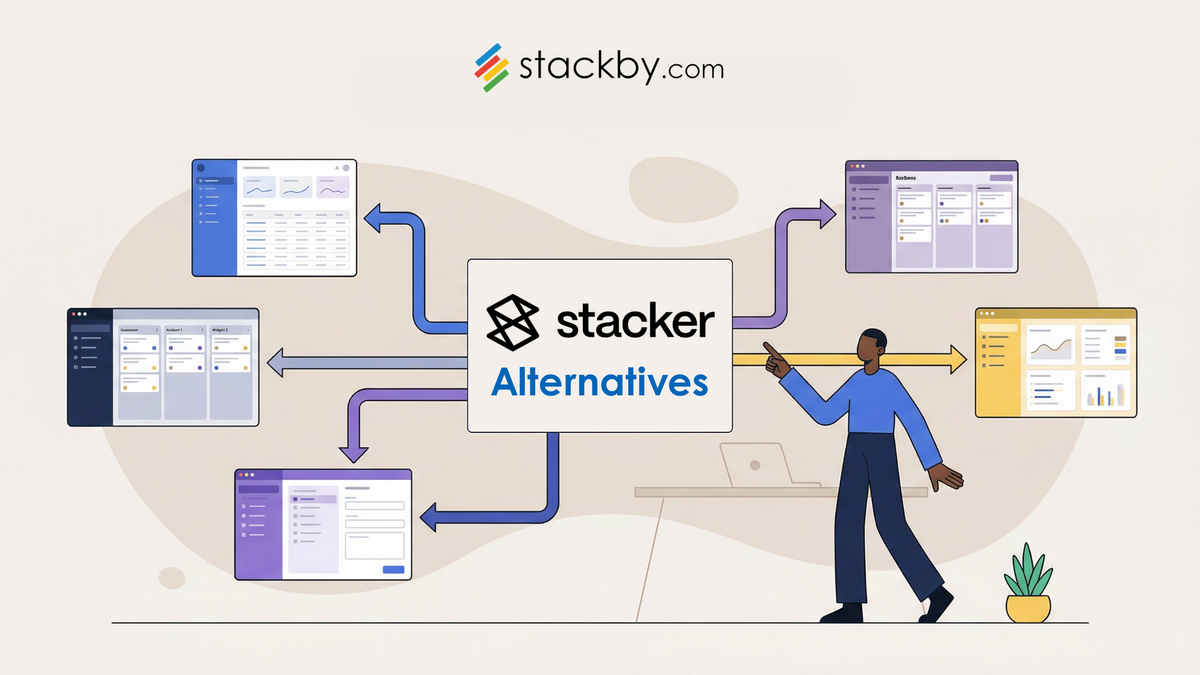
Do you need tools to build internal applications? Are you looking at Stacker but feeling that it might not be the right tool for you? No worries. Sometimes a platform can be perfect for one thing but not for what you require. Other times something just may not be in your budget. Either way, there are many great options out there so let’s look at some alternatives to Stacker.
Whether you need more flexibility, alternative distribution methods, or just something that's a better fit for your team and budget, we've assembled a set of tools to help you build the internal applications you need.
Key Takeaways
- Stacker is primarily used for building internal business applications as well as web portals and can pull data from sources such as Airtable and Google Sheets.
- Often, people are looking for Stackers Alternatives because they want to build “outward-facing” applications to serve their clients, which is not something Stacker is set up to handle.
- This is a problem – currently Stacker apps cannot be published through the Apple App Store or Google Play Store.
- When evaluating Stacker alternatives, consider whether you will want to publish your applications to the app store, your budget, and whether you are looking to build internal or external applications.
- Also consider tools like Stackby for more powerful databases and app building capabilities.
What is Stacker and Why Look for Alternatives?

Key Features of Stacker
Stacker is a tool that allows you to build internal web applications for your business. You can use Stacker to build dashboards, client login portals, project management tools and anything else you might need to manage internally without coding. Once you’re on Stackerhq, you can instantly connect toyour existing data sources, like spreadsheets or databases, and build a meaningful interface on top of that data to organize, track and manage the information. Its perfect for creating apps that help your team function better internally.
Limitations of Stacker
Even though Stacker is awesome for internal tools, but it is not really suited for publishing web apps publicly. You cannot easily package a Stacker web app into a .ipa to publish to the Apple App Store or a .apk to Google Play. If you wanted to distribute an app to a large audience through an app store, Stacker is not a good fit.
However, those looking to create both internal and external applications, or require additional customisation, may find Stacker doesn’t offer the flexibility they need. Many individuals look for alternatives to Stacker due to these very restrictions.
Pricing can also be a factor which isn't always explicitly mentioned upfront, and some competitors offer more robust features at a lower cost. So it’s worth looking at the features provided by the competitors and whether you get more bang for your buck.
Why Look for Stacker Alternatives?
Many customers start out building a Stacker and soon realize their needs are more. Maybe you want to build an app for your customers to use or maybe you want to publish an app to the app stores. Whatever the reason, we know Stacker has limitations that will drive you to look for other options. When searching for Stacker alternatives, customers are often looking for the following features in a product:
- Greater Flexibility: The ability to build a wider range of applications, not just internal tools.
- Wider Distribution: Options to publish on app stores or create more versatile web applications.
- Better Value: More features or power for the price, making it a more cost-effective solution.
- Advanced Features: Capabilities like AI integration, more complex automations, or deeper data manipulation.
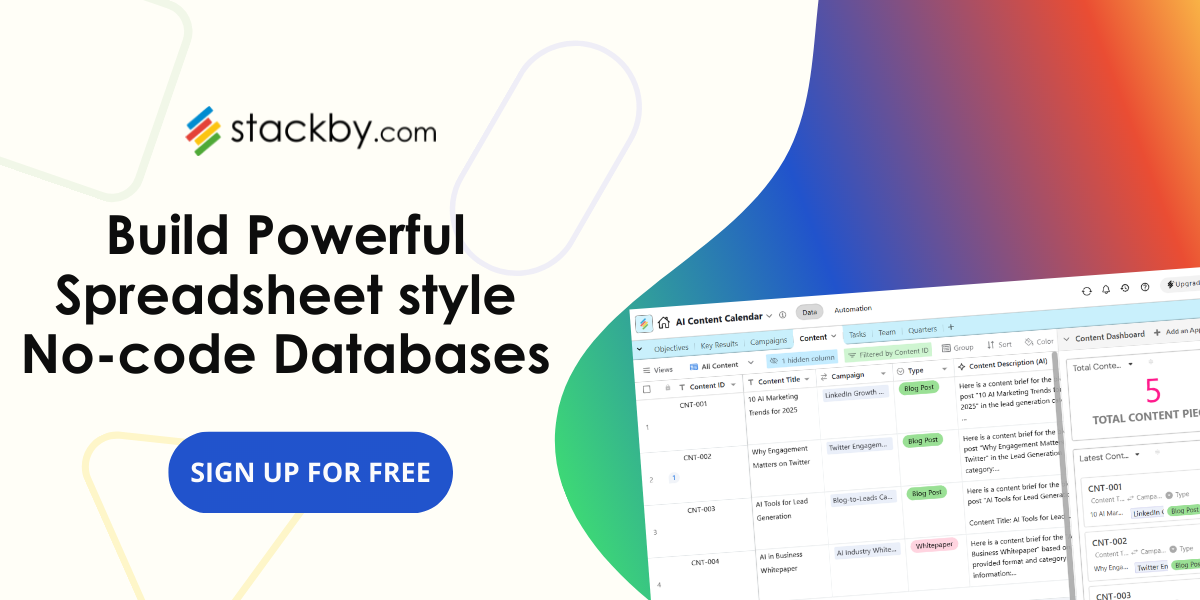
You need a tool that meets specific needs without busting your budget. While many competitors to Stacker are database-first, more powerful options, some provide a proper middle ground for building custom internal applications and more. Stackby, for instance, is one of the best competitors to “Stacker hq” as it is a completely flexible no-code, integrated spreadsheet style database platform. It is incredibly easy to import data to Stackby while enabling you to build custom apps and manage your data however you like. For many users, Stackby is a more powerful and affordable option for building custom internal applications and beyond.
Top 7 Stacker Alternatives for Building Internal Apps
The following platforms are some of the best for building internal apps and provide a shift in functionality, capabilities, and even budget. These no-code app builder alternatives and internal applications software offer numerous features to make application development as smooth and seamless as possible.
1. Stackby
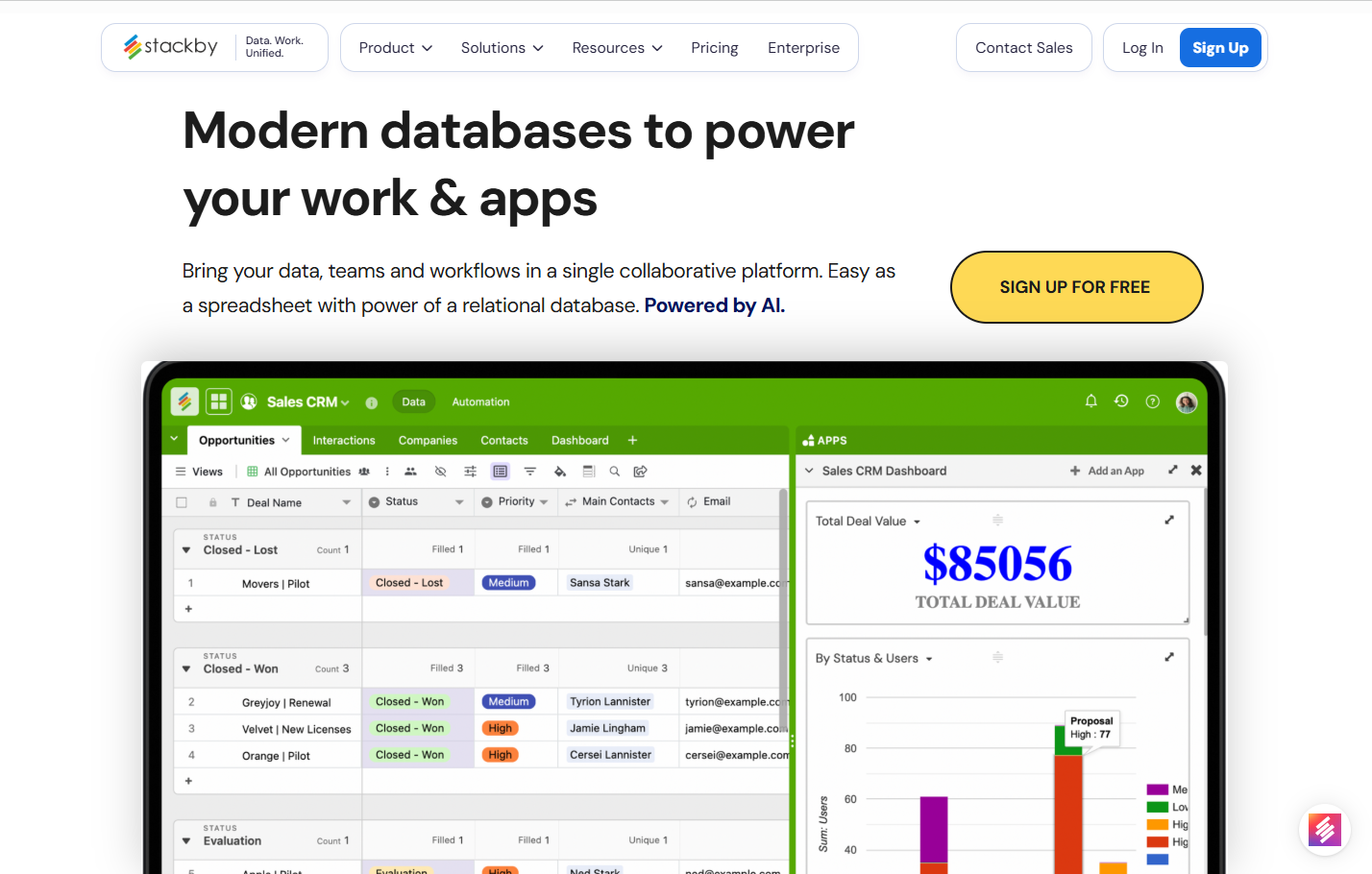
Stackby is a powerful operations platform that combines databases, spreadsheets, and automation to build custom internal applications and workflows. It offers a robust no-code environment with extensive integration capabilities and AI features.
- Pros: Highly flexible database structure, strong automation capabilities, extensive API integrations, visual dashboards, built-in AI features for data analysis and content generation, and interactive forms. The support team are proactive and responsive.
- Cons: Limited community resources, interface might feel dense for absolute beginners.
Pricing: Offers a free tier for basic use. Paid plans start around $10/user/month (billed annually) for the 'Economy' plan, with 'Business and 'Pro' tiers offering more features and support.
Stackby offers a robust no-code and AI work operating system, integrating tasks, data, and workflows. It's a strong choice for teams wanting to build tailored solutions efficiently.
2. Appsmith
Appsmith is an open-source framework that allows developers to build internal, custom apps and dashboards efficiently. The low-code framework comes with lots of UI components and has plugins for all major databases and APIs.
- Pros: Open-source and self-hostable, highly customizable with JavaScript, large community support, good for complex internal applications.
- Cons: It is mainly targeted at developers which means some features will require coding, The interface isn’t as user-friendly as some other similar tools for those who are not developers.
Pricing: Free for self-hosted deployments. Cloud-hosted plans start at $0/user/month for the 'Community' tier (limited features), with Business plan starting from $15/user/month and Enterprise plans offering more advanced features and support.
3. Retool
Retool is a popular low-code platform for operating teams to build internal tools in a fraction of the time it takes to write custom code. It provides a drag-and-drop interface with a vast library of pre-built components and robust data source connections.
- Pros: Rapid development with pre-built components, extensive integrations with databases and APIs, powerful for complex internal applications, good for teams with developers.
- Cons: Can become expensive for larger teams, less flexible for highly custom UIs compared to coding from scratch, primarily focused on internal tools.
Pricing: Offers a free tier for small teams. Paid plans start at $10/month/builder + $5/month/internal user (billed annually) for the 'Team' plan, with 'Business' and 'Enterprise' tiers available.
4. Budibase
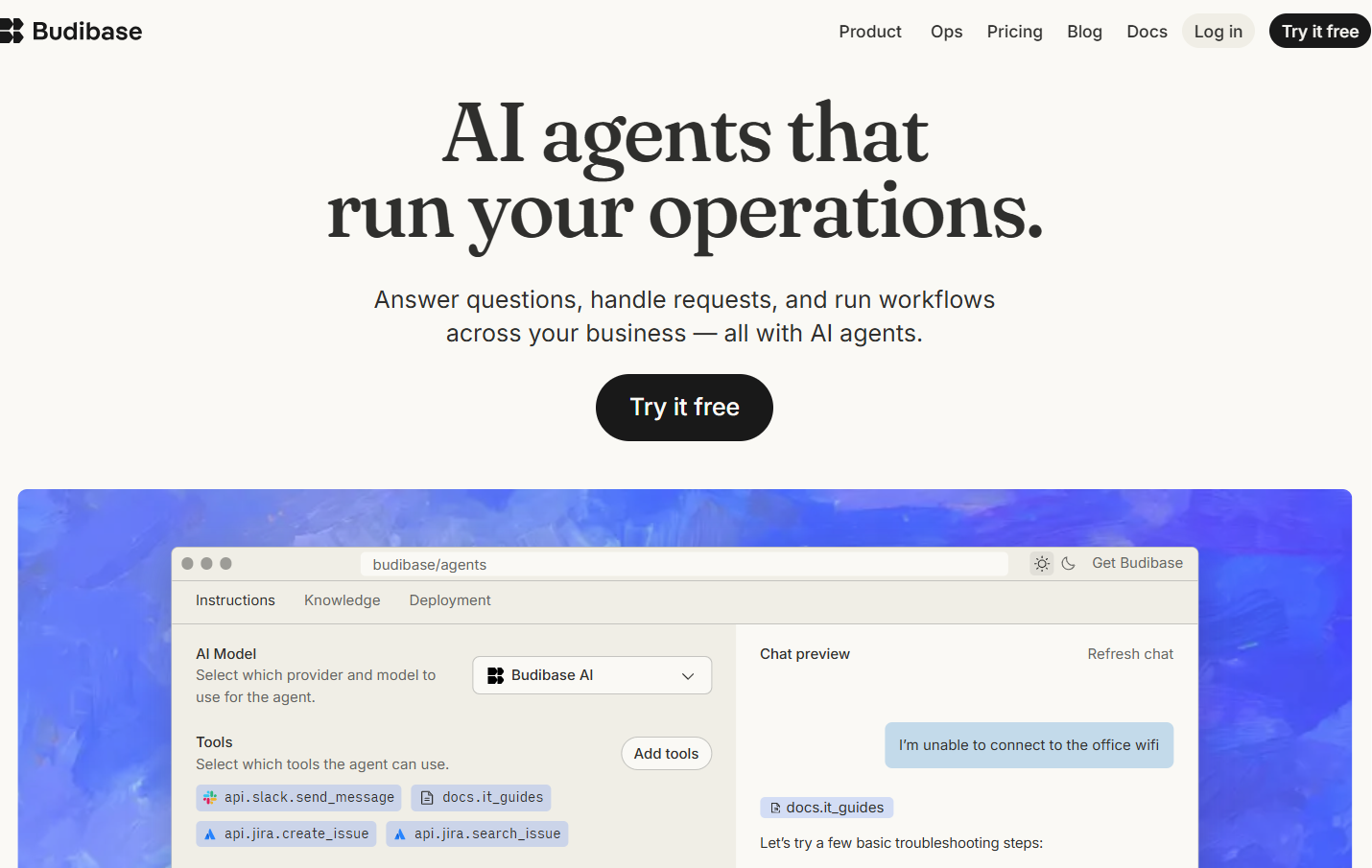
Budibase is an open-source low-code platform for building internal business applications quickly. With Budibase’s intuitive interface and built-in database, you can build powerful applications and connect to a wide range of services in no time.
- Pros: Open-source, fast development speed, built-in database, good for internal tools and admin panels, easy to get started.
- Cons: Customization options might be more limited than other platforms for very complex needs, community support is growing but smaller than some competitors.
Pricing: Free for self-hosted deployments. Cloud plans start at $19/user/month (billed yearly) for the 'Pro' tier, with 'Premium', 'Business' and 'Enterprise' plans offering more features and scalability.
5. Softr
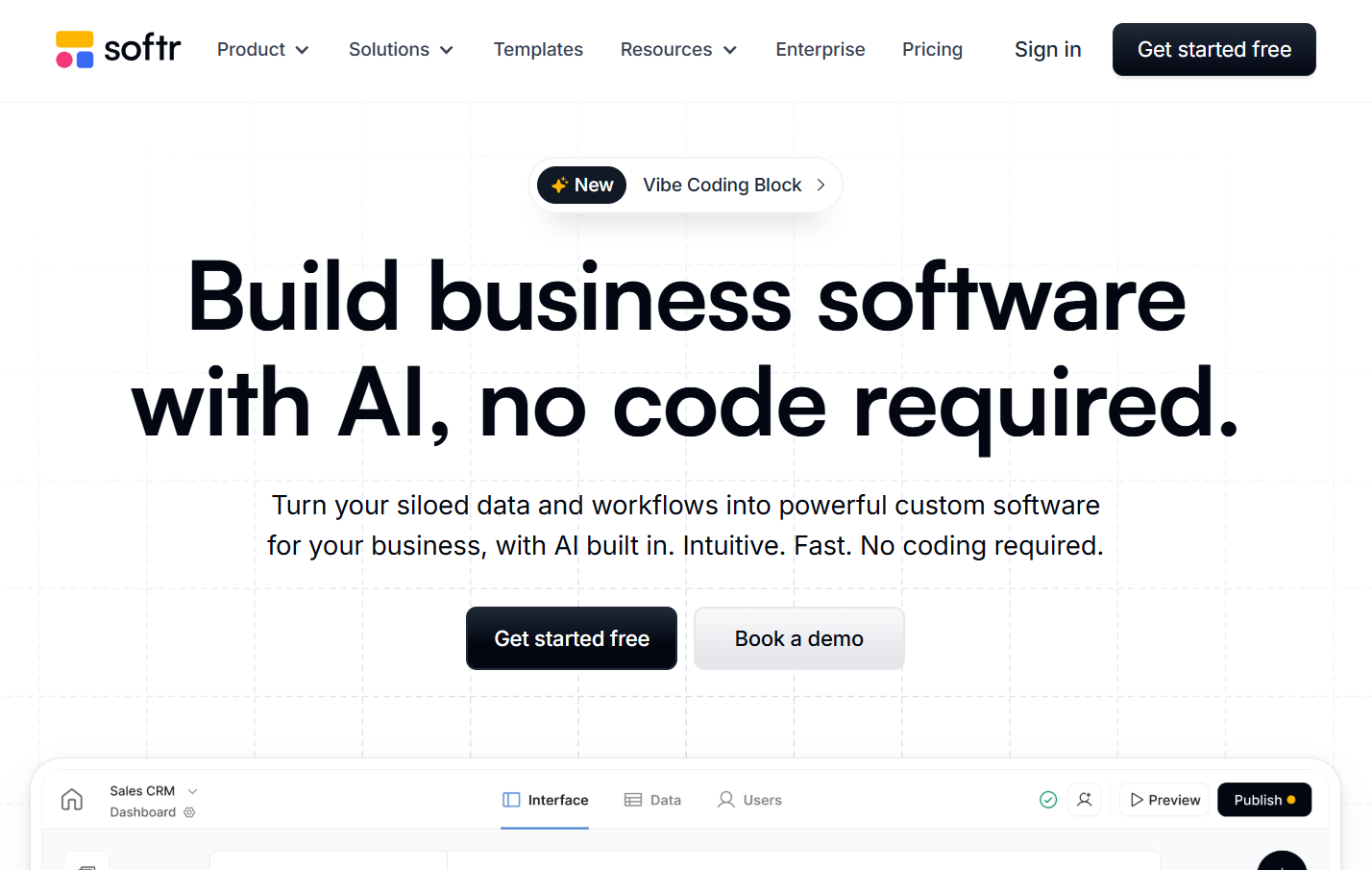
Softr is a no-code platform that lets users to build web apps and client portals easily from data sources like Airtable or spreadsheets. It's known for its user-friendly interface and ability to create professional-looking web applications without many coding.
- Pros: Very easy to use, great for client portals and internal dashboards, integrates seamlessly with Airtable and Google Sheets, good selection of templates.
- Cons: Less flexible for highly complex or unique application logic, primarily web-based (not native mobile apps), advanced customization can be limited.
Pricing: Offers a free tier. Paid plans start at $49/month (billed annually) for the 'Basic' plan, with 'Professional' and 'Business' tiers offering more features and custom domains.
6. Glide
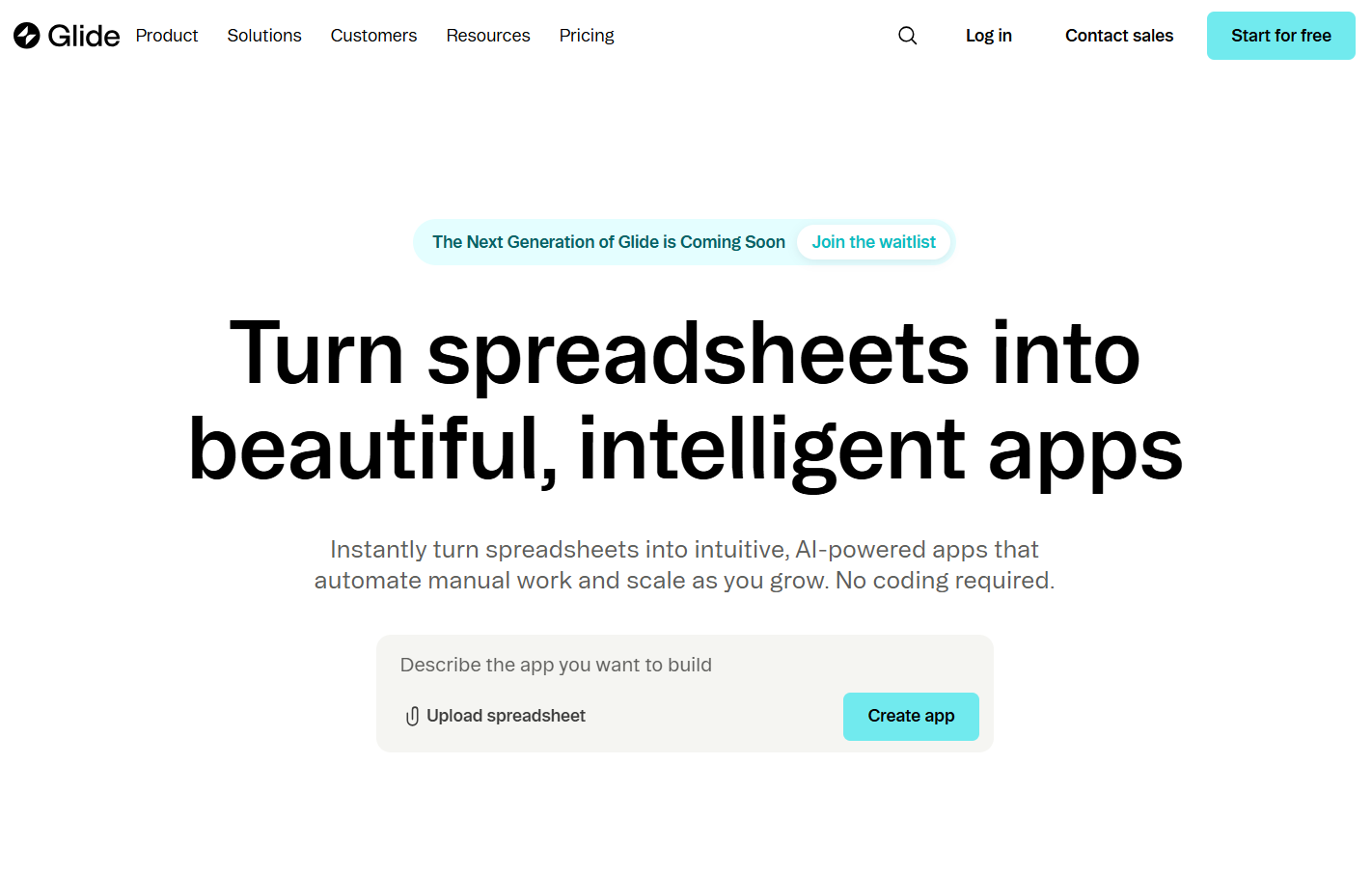
Glide is a no-code app builder that transforms spreadsheets into functional mobile and web applications. It is great for building internal tools, customer portals, and other simple mobile apps.
- Pros: Extremely fast app creation from spreadsheets, mobile-first design, good for internal tools and simple customer-facing apps, easy to learn.
- Cons: Limited customization for complex logic and UI, performance can be an issue with very large datasets, not ideal for highly sophisticated applications.
Pricing: Offers a free tier. Paid plans start at $19/month (billed annually) for the 'Explorer' plan, with 'Maker', 'Business' and 'Enterprise" tiers offering more users, features and custom branding.
7. Bubble
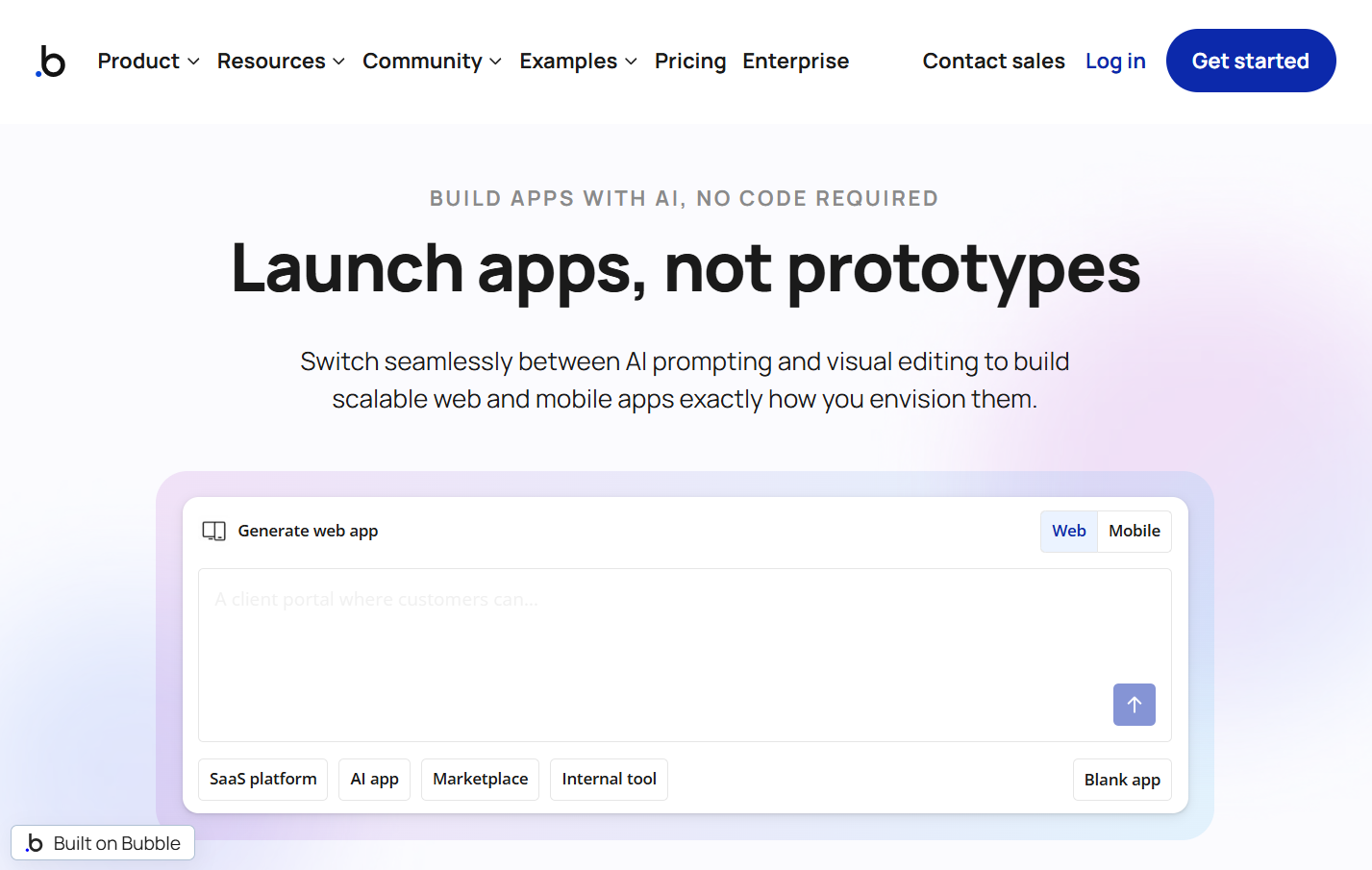
Bubble is a no-code web application platform. It is very powerful and highly flexible, allowing you to create complex web applications. With a steeper learning curve, you can create web applications with high customization on functionality and design.
- Pros: Extremely powerful and flexible, allows for complex logic and custom workflows, no coding required for full functionality, large marketplace for plugins.
- Cons: Steep learning curve, can be overwhelming for beginners, performance optimization requires attention, pricing can increase with scale.
Pricing: Offers a free tier for learning and building. Paid plans start at $59/month (billed annually) for the 'Starter' plan, with 'Growth', 'Team' and 'Enterprise' tiers offering more capacity and features.
Comparison Table
Feature | Stackby | Appsmith | Retool | Budibase | Internal.io | Softr | Glide | Bubble |
|---|---|---|---|---|---|---|---|---|
Primary Use | Internal Apps, Databases, Workflows | Internal Tools | Internal Tools | Internal Apps | Internal Tools | Web Apps, Portals | Mobile Apps | Web Apps |
No-Code/Low-Code | No-Code | Low-Code | Low-Code | Low-Code | Low-Code | No-Code | No-Code | No-Code |
Affordability | High (Cost-effective) | Open Source | Moderate | Moderate | Moderate | Moderate | Moderate | Moderate |
Flexibility | High | Very High | Very High | High | High | High | Moderate | Very High |
Ease of Use | Moderate | Moderate | Moderate | Easy | Easy | Easy | Easy | Moderate |
Integrations | 50+ API Connectors | Many | Many | Good | Good | Good | Good | Many |
AI Features | Yes | Limited | Limited | Limited | Limited | No | No | Limited |
Wrapping Up Your App Building Journey
So far in this blog, we’ve been taking a look at Stacker, a solid tool for making an HTML Widget and getting an app onto the app stores. But there are many tools available that users can consider if they are hitting limits or need to do something else. Luckily, these awesome alternatives allow you to create apps, offer more design flexibility, and work on multiple projects with developers teams. The choice will depend on what you are trying to create and who you want to reach. Take some time to check out these tools, see which one feels right for your project, and get building.
Want to see how Stackby can streamline your workflow? Visit our website and start your free trial today to experience the difference!
Frequently Asked Questions
What exactly is Stacker?
Stacker is a tool that helps people build apps for their company's internal use with the purpose of allowing them to create new applications off of existing data, such as spreadsheet data. It is built for teams to create apps for managing customer information, project information or any other content.
Why would someone look for an alternative to Stacker?
People look for other options because Stacker is mainly used for internal apps. If one wants to create applications for customers for activities such as online shopping, RSVP’ing for events, or even booking appointments, Stacker might not be the best fit. Also, you can't put Stacker apps in the Apple App Store or Google Play Store.
Can I build apps for my phone with these alternatives?
The beauty of these No Code tools is that some of the alternatives allow you to make apps that can be uploaded to the Apple App Store and Google Play Store like a normal phone app (like Glide for example). Others can make web applications that you can then access in your phone's browser.
Do I need to know how to code to use these tools?
Most of these tools are designed so you don't need to know how to code. They are often referred to as 'no-code' platforms, which means you can easily build apps using a visual interface, such as a menu of buttons and blocks to connect, similar to building with Lego blocks.
However, for HTML editing and fine-tuning, you may require some knowledge of coding.
Are these Stacker alternatives expensive?
The prices can vary a lot. Some tools have free starting plans or low monthly subscription, while others can get more expensive, especially for businesses with lots of users or advanced features. It's always good to compare the pricing for each tool to see what fits your budget.
What's the main difference between Stacker and tools like Glide or Bubble?
We mostly use Stacker to build internal business tools such as dashboards or tracking documents. Glide and Bubble are primarily used to make applications that customers can use. Both Glide and Bubble make it easy to export an app created on the platform and publish it in an official app store (something that Stacker currently does not support).