How to Build CRM for Accounting & CA firms in 2026
This article explains how to build a customizable accounting CRM with Stackby and reviews three accounting CRM software options: Stackby, Accelo, and Liscio. It covers essential features, workflow automation, integrations, client management, and pricing considerations for accounting firms.
What is Accounting CRM?
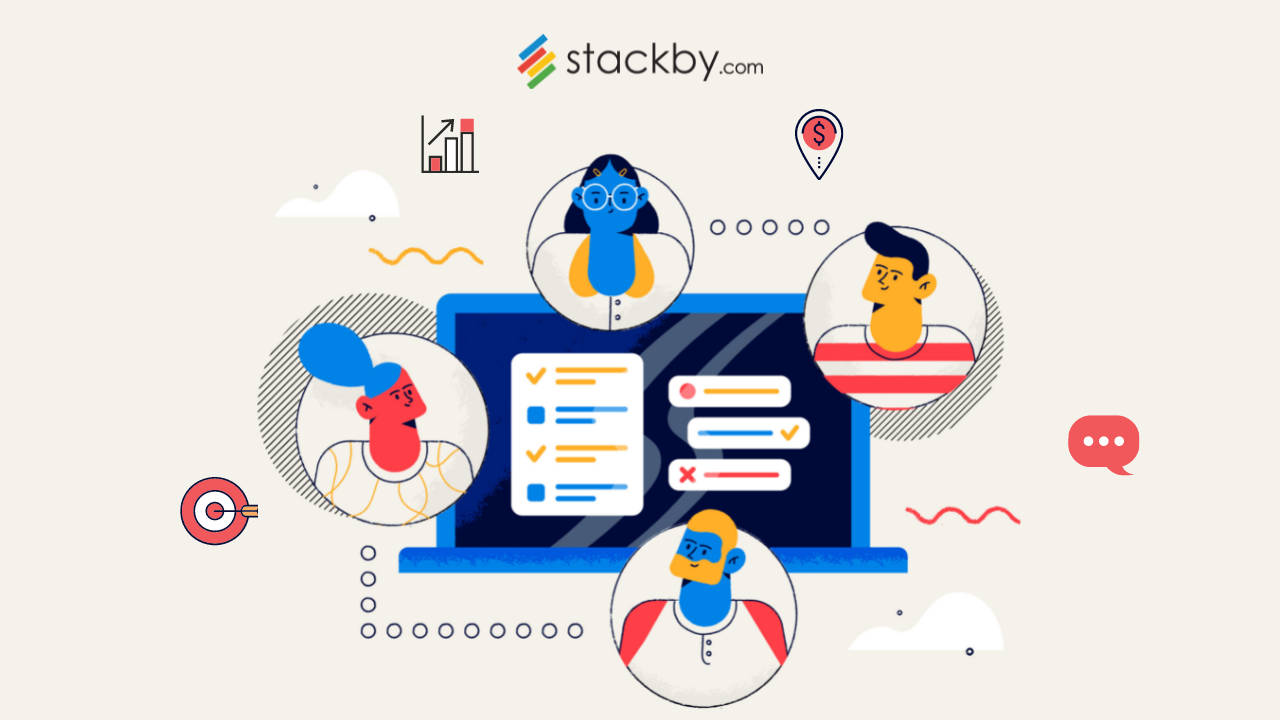
Accounting CRM for accountants, is a tool designed to help accounting firms manage their client interactions, track work progress, organize documents, and automate mundane tasks. Unlike generic CRM systems, accounting CRM software is tailored to the unique needs of accounting professionals, enabling them to focus more on their expertise and less on administrative tasks.
Why Do Accountants Need CRM?
Here are some key reasons why accountants need CRM:
- Streamlined Client Management: Efficiently manage client data, communication history, and preferences in one centralized platform. Accounting firms can improve their client workflows with these client management tools, which help organize customer information and ongoing work.
- Enhanced Workflow: Automate repetitive tasks like sending reminders for tax filing deadlines or invoice follow-ups.
- Improved Collaboration: Keep your team on the same page by sharing updates and progress in real time.
- Data Security: Ensure client data is securely stored and accessible only to authorized personnel.
- Scalability: A robust CRM system grows with your firm, handling increasing data and client volumes seamlessly.
6 Steps to Build a Customizable Accountant CRM with Stackby
Creating a tailored CRM for accountants using Stackby is easy and requires no coding skills. Follow these steps to get started:
➡️ Step 1: Set Up Your Workspace
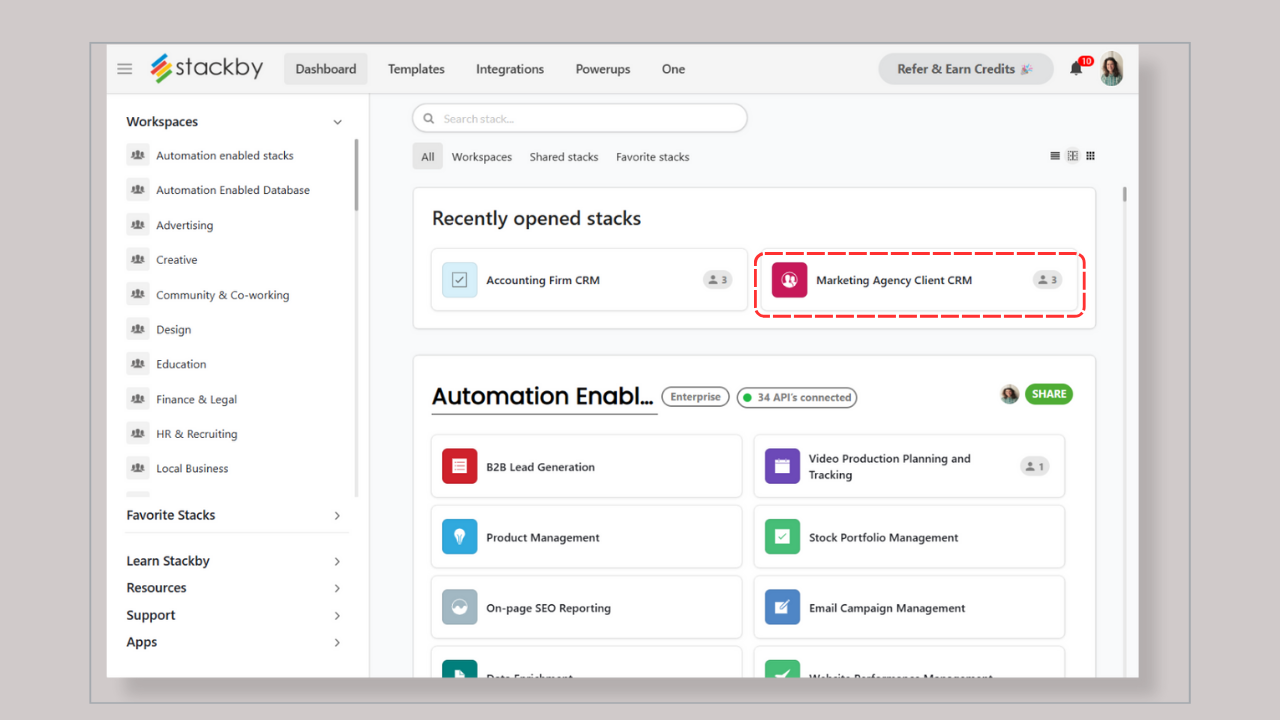
- Sign Up or Log In: Visit Stackby and sign up for a free account if you don’t already have one.
- Create a Workspace: Name your workspace with your organization name like 'Apple' to keep things organized.
➡️ Step 2: Customize Your CRM
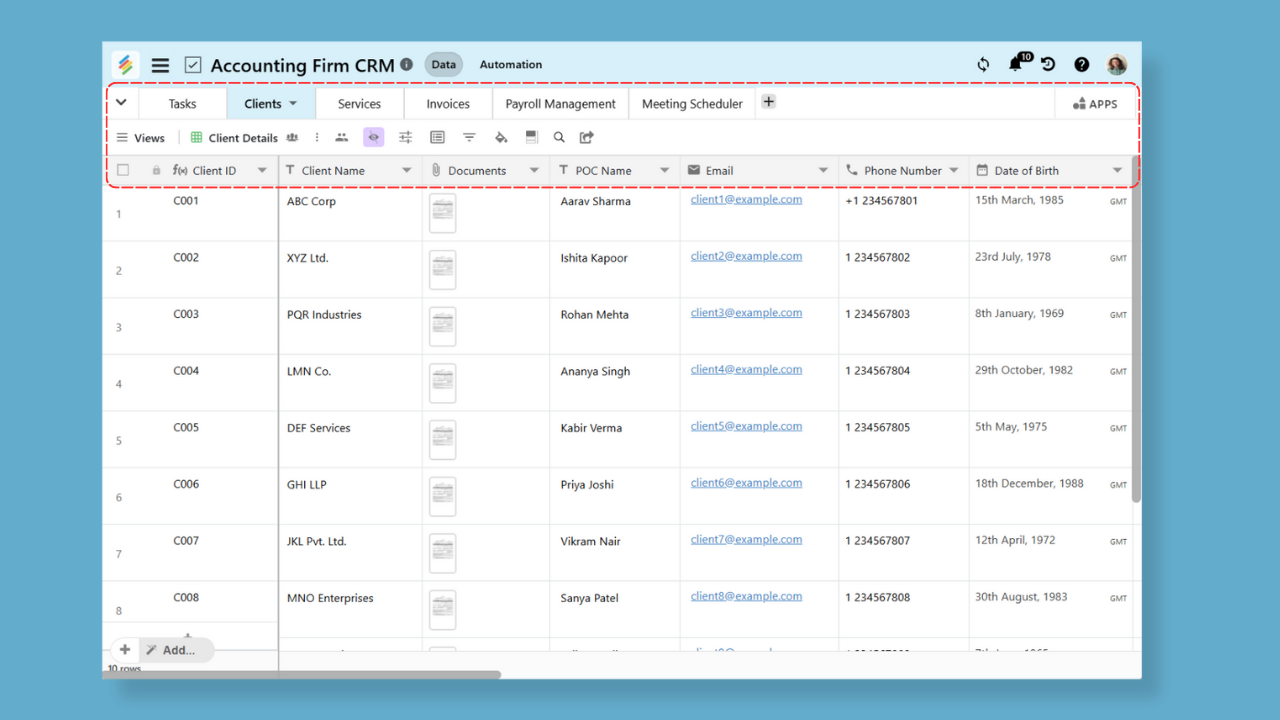
#1. Modify Columns: Add, rename, or remove columns to suit your workflow. For instance:
🧮 Columns to add:
- Client Name: Text
- Contact Information: Email/Phone Number
- Service Type: Dropdown (e.g., Tax Filing, Bookkeeping)
- Status: Dropdown (e.g., Prospect, Active, Inactive)
- Follow-Up Date: Date
- Notes: Long Text
#2. Add Attachments: Include an attachment column for contracts, invoices, or documents, A structured database also helps accounting teams organize client records, as explained in this guide to what a database is.
Firms that want to give clients access to shared information can also consider a Client Portal Template.
Pro Tip: Connect your CRM with AI accounting tools, which help with data entry, spotting patterns in financial reports, or even predicting cash flow trends, making your workflow much smoother.
➡️ Step 3: Create and Personalize Views
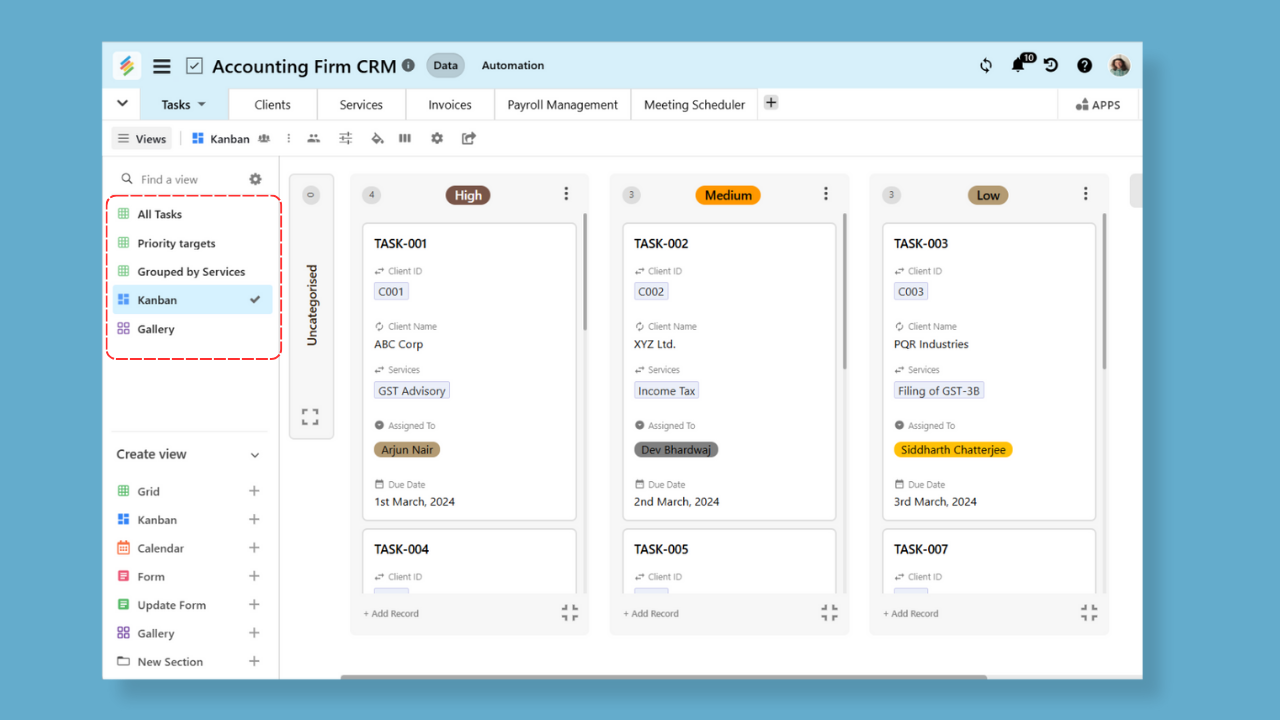
- Filtered Views: Create views for specific client categories, such as:
- Active Clients
- Prospective Clients
- Overdue Payments
- Calendar View: Set up a calendar view using the “Follow-Up Date” to track meetings and deadlines. For firms handling several customer groups, a Customer Portal for Agencies Template can help organize client-facing workflows.
- Kanban View: Use a Kanban board to track clients through different stages of the workflow.
➡️ Step 4: Automate Your Workflow
1. Add Automation:
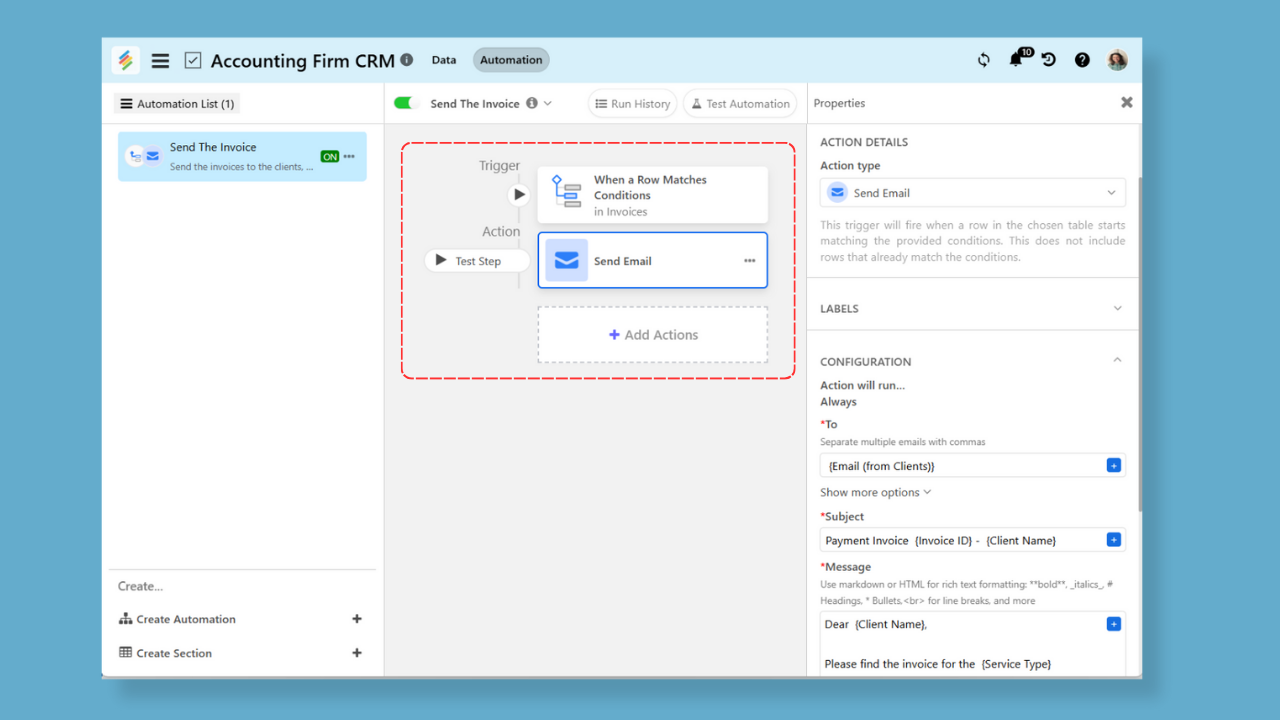
- Send reminders for follow-ups based on dates.
- Notify team members when a client’s status changes, These workflows can also benefit from workflow automation, which reduces repetitive tasks and improves process consistency.
2. Formulas and Rollups:
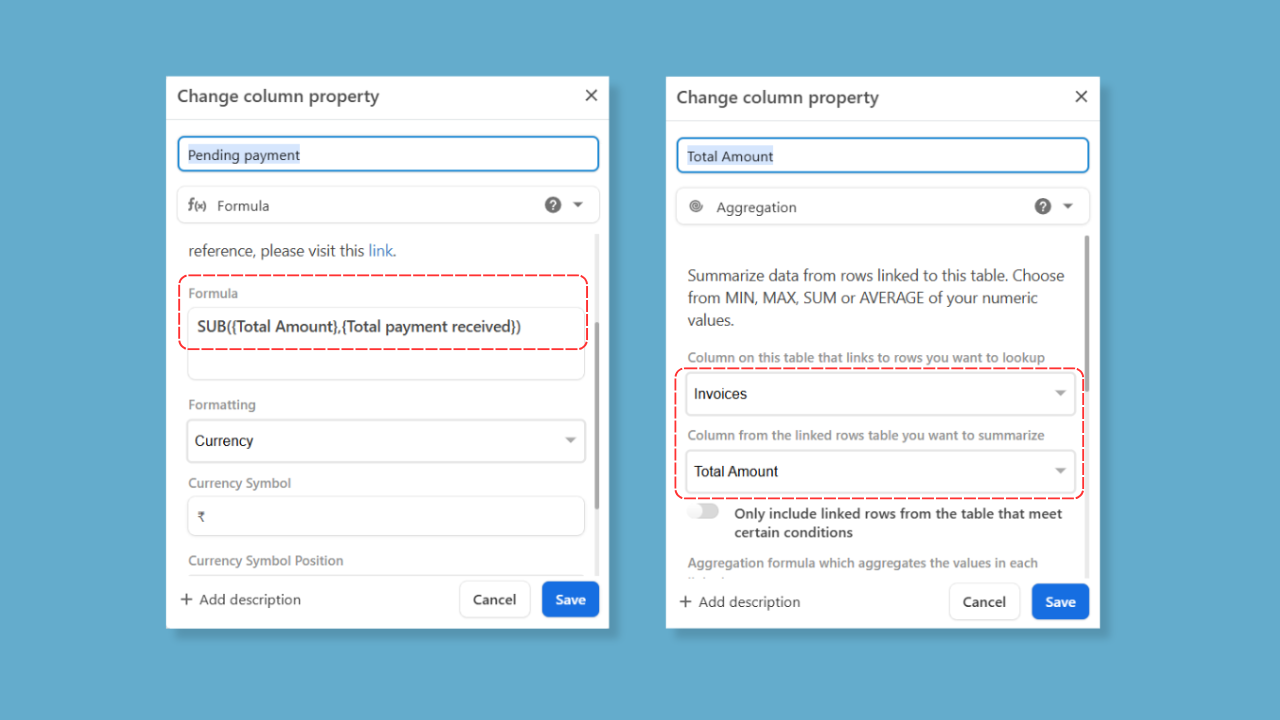
- Use formulas to calculate totals, such as outstanding payments.
- Roll up client details for aggregated insights, like total revenue.
➡️ Step 5: Integrate with Other Tools
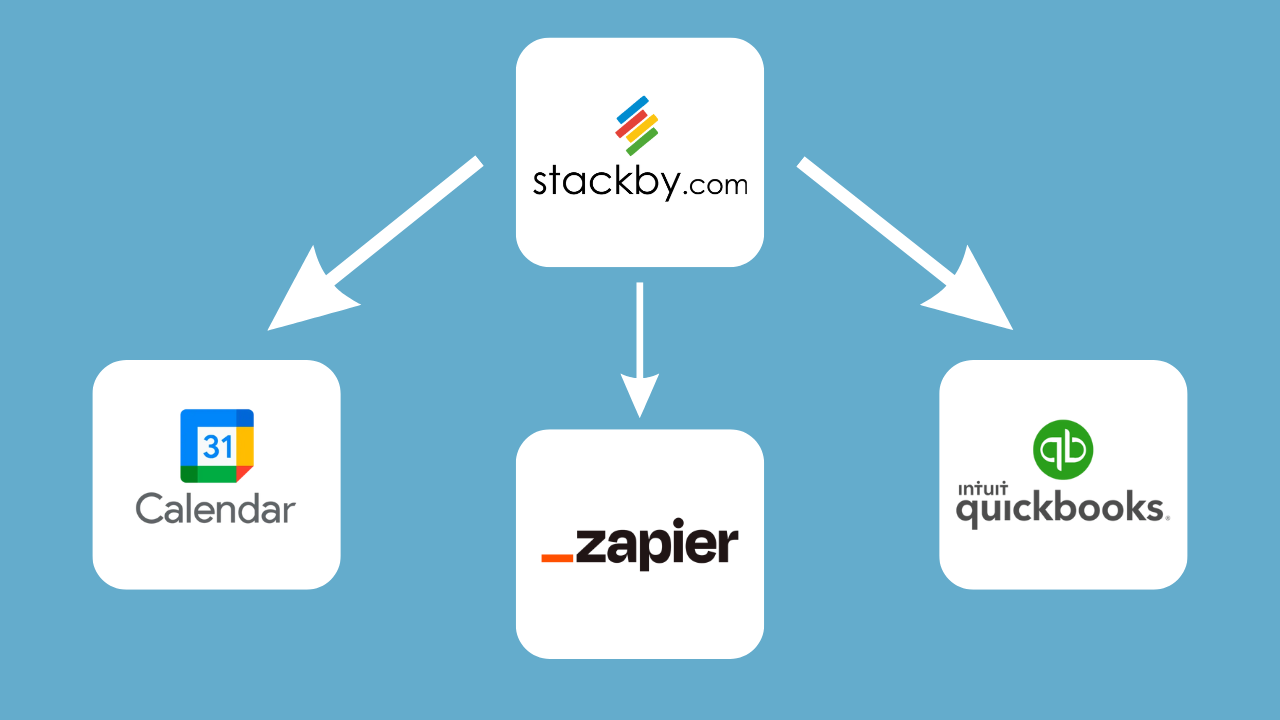
#1. External Tools:
- Connect to Google Calendar for deadline reminders.
- Sync with accounting software like QuickBooks or Xero for client payment tracking. Firms coordinating information with external partners can also use a Vendor Portal Template to organize vendor-related records.
#2. Use Zapier:
- Automate tasks such as emailing clients or updating spreadsheets. Stackby Integrations help connect supported third-party applications and centralize information across business processes.
➡️ Step 6: Test and Optimize
- Add Sample Data: Input a few dummy clients to see how the CRM works.
- Gather Feedback: Share the CRM with team members and adjust based on their input.
- Refine and Scale:
- Improve columns or views as needed.
- Archive inactive clients to keep the database clean.
3 Best Free Accounting CRM Software
Here’s a list of the top free accounting CRM software options:
1. Stackby : CRM Accounting Software Small Business
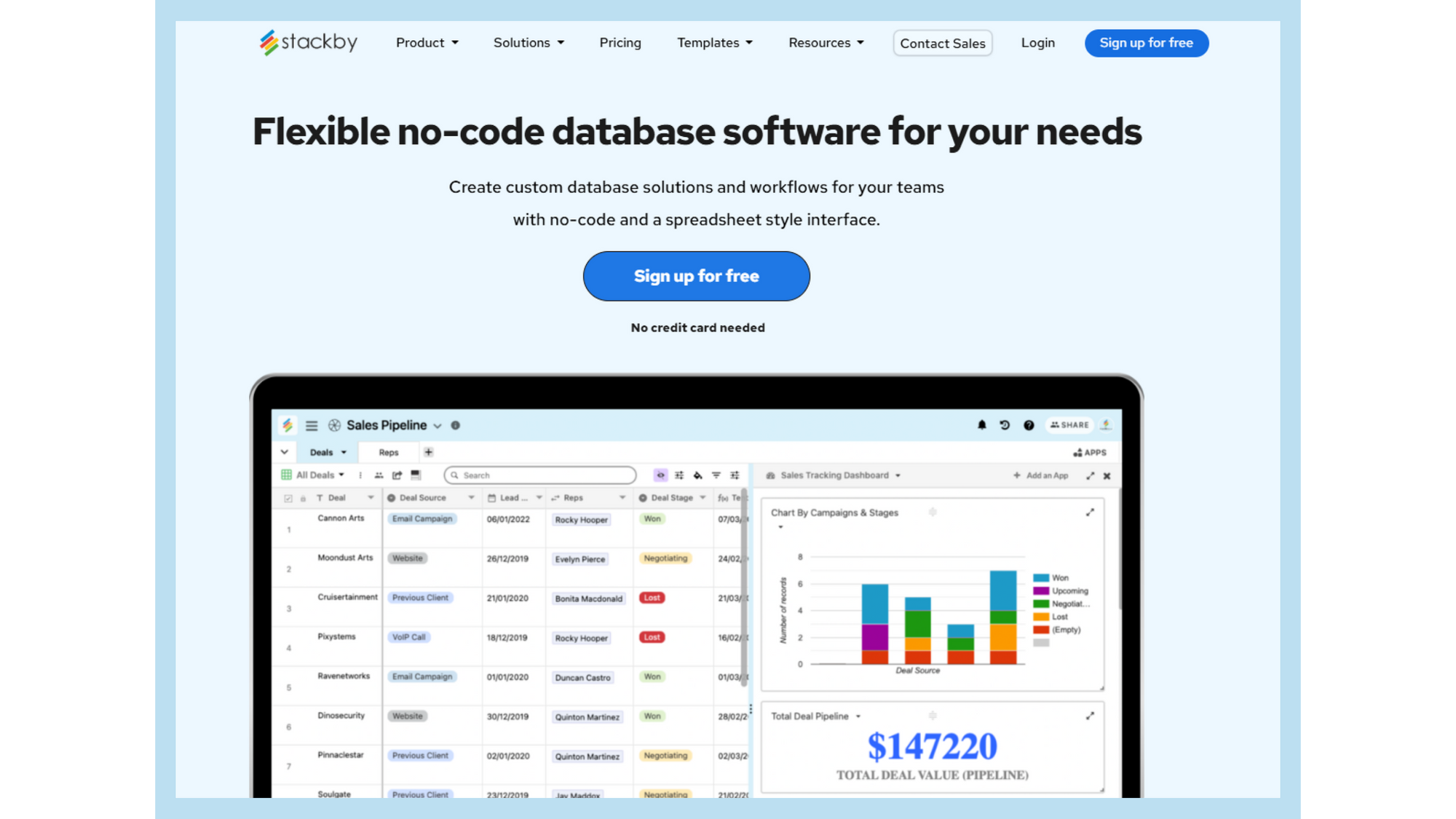
Stackby is a versatile no-code platform that combines the best features of spreadsheets, databases, and business APIs into a single tool. It allows users to build custom workflows, manage data, and automate processes without requiring any coding expertise. Whether you're managing clients, projects, or marketing campaigns, Stackby gives you the flexibility to create tools tailored to your needs.
Organizations that manage investor relationships can also structure their information with an Investor Portal Template.
Stackby — a no-code platform that allows you to create your own CRM, fully customized for accounting tasks. No more relying on rigid tools or expensive software. With Stackby, you get the perfect mix of simplicity and power.
Best Features of Stackby for Accountants
1. Free Ready-to-Use Templates 🖥️
- Pre-built templates like the Accounting Firm CRM help you get started instantly.
- Templates are fully customizable to suit your specific accounting needs.
2. Customizable Columns and Data Types ✏️📋
Use columns tailored for accounting, such as:
- Client Details
- Payment Status
- Service Type
- Invoice Amounts
- Tax Deadlines
3. Multiple Views 🔲➡️📅
- Grid View for an overview of all clients.
- Kanban View to organize clients by status (Prospect, Active, Inactive).
- Calendar View for tracking deadlines and follow-ups.
4. Automations for Repetitive Tasks 🤖🔁
- Set up reminders for follow-ups or deadlines.
- Automate notifications for team members when client statuses change.
- Stackby Automations can help teams trigger actions and reduce manual updates across recurring workflows.
5. Integration with Accounting Tools 🧾💻
Sync Stackby with tools like:
- QuickBooks or Xero for financial data.
- Google Calendar for deadline tracking.
- Zapier to connect with email marketing tools.
6. Collaborative Workspace 🤝
- Invite team members to collaborate in real-time.
- Assign roles like Viewer, Editor, or Admin for secure access.
Stackby Pricing
- Free Plan: Limited features for small teams.
- Economy Plan: $9/user/month or INR 630/user/month (starts at $149/3 users annually)
- Business Plan: $18/user/month or INR 1250/user/month
- Business Plus Plan: $35/user/month or INR 2500/user/month
- Enterprise Plan: Custom pricing based on requirements.
2. Accelo
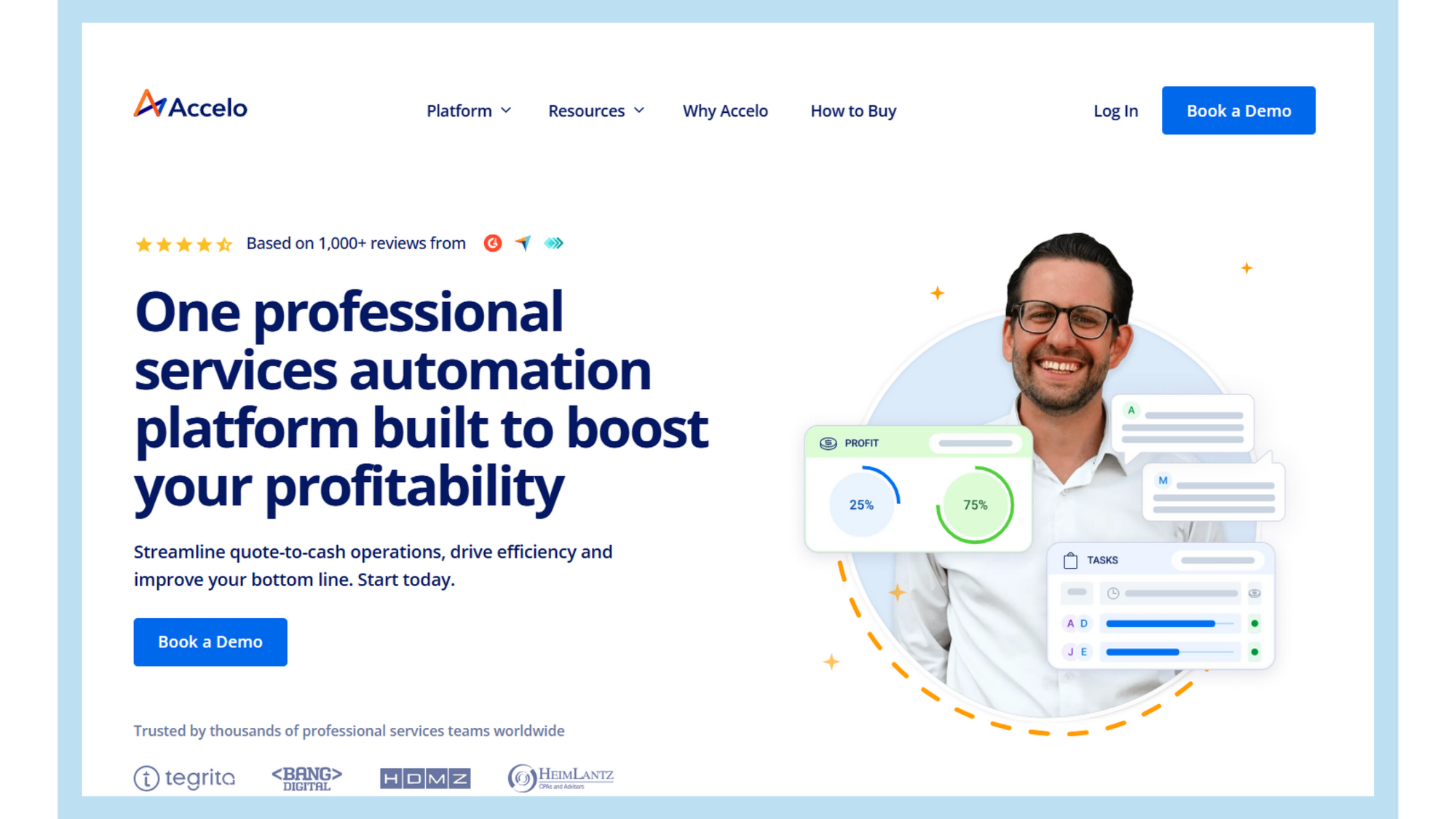
Accelo is a cloud-based work management platform tailored for professional service businesses. It integrates project management, client relationship management (CRM), time tracking, billing, and support into a single system, enhancing operational efficiency and profitability.
Feature :
- Project Management
- Time and Expense Tracking
- Billing and Invoicing
- Support Ticketing
- Automated Workflows
Pricing of Accelo
- Plus Plan : $24 per user per month
- Premium Plan : $99 per user per month
3. Liscio
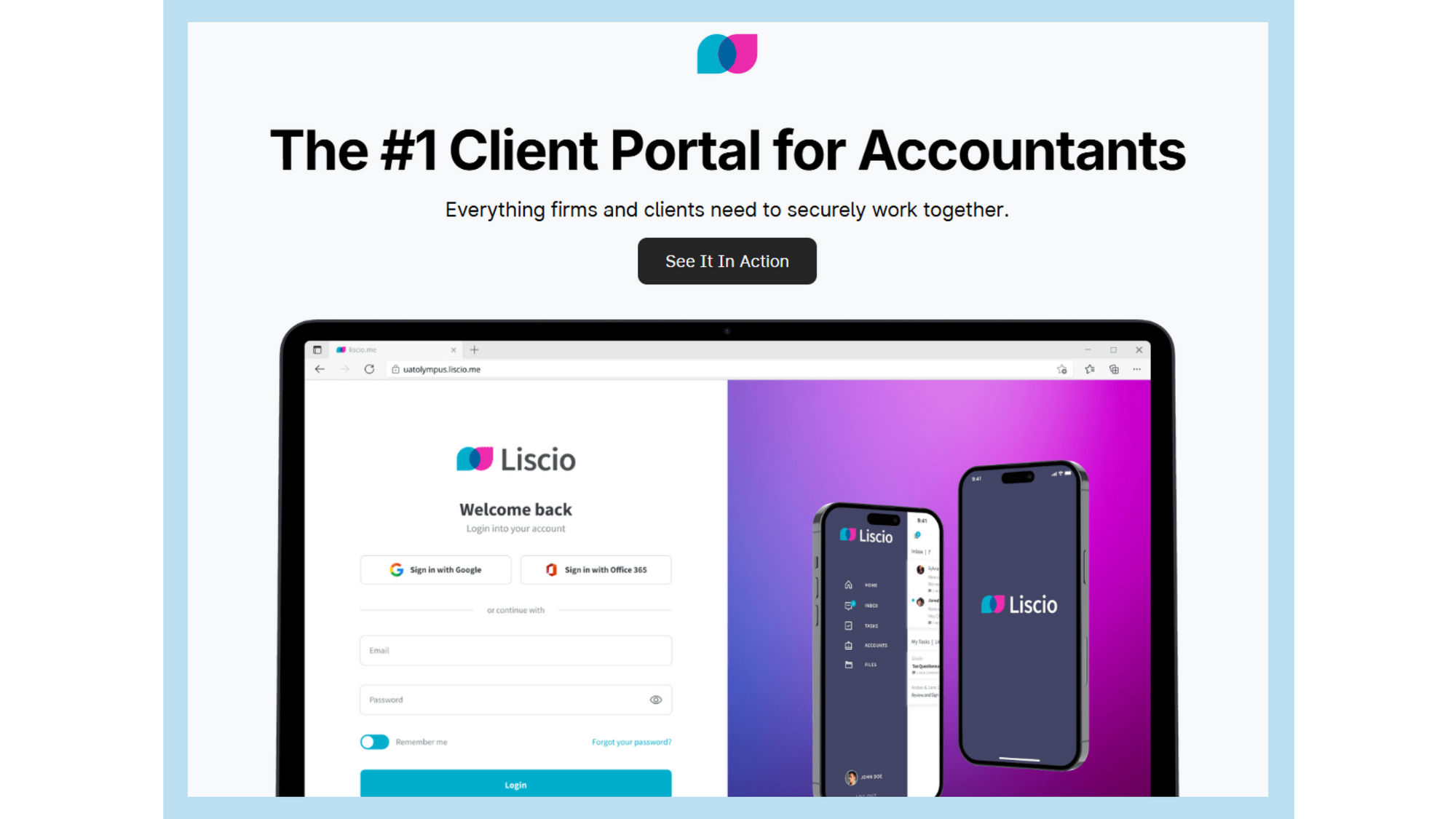
Liscio is a secure client communication and document exchange platform designed specifically for accounting firms. It streamlines interactions between firms and their clients by consolidating various communication channels into a single, user-friendly interface.
Features :
- Smart Tax Organizers
- Automated Tax Delivery
- File Transfer & eSignatures
- Email Integration
- Custom Branding
Pricing of
- Pro Plan : $60 per user per month
- Enterprise Plan : Contact to sales
FAQ for how to build CRM for accounting & CA firms
1. What is an accounting CRM?
An accounting CRM is software that helps accounting firms manage client information, communication history, documents, appointments, deadlines, and follow-up tasks in one place.
2. What is the best free accounting CRM software?
Stackby is an option for accounting firms looking for a customizable, no-code CRM with a free plan. Accelo and Liscio are alternatives with different capabilities for professional services management and accounting-focused client communication. Check current pricing and features before choosing.
3. How does CRM software help accountants?
CRM software helps accountants organize client records, monitor work progress, track deadlines, manage follow-ups, and improve collaboration. It can reduce administrative work and help firms maintain more consistent client communication.
4. Can I build a custom accounting CRM without coding?
Yes. With Stackby, you can create a customizable accounting CRM using tables, custom fields, filtered views, attachments, formulas, and automation workflows without writing code.
5. Which features should accounting CRM software include?
Important features include centralized client records, document management, deadline tracking, follow-up reminders, task management, team collaboration, access controls, and integrations with relevant accounting tools.
6. Can accounting CRM software automate client follow-ups?
Yes. Accounting CRM software can help automate reminders for appointments, document requests, tax deadlines, and overdue payments. The available automation options depend on the platform and its integrations.
Conclusion :
A reliable CRM system is essential for accounting firms looking to optimize client relationships and operational efficiency. Among the options, Stackby’s Accounting CRM Template is a standout choice for its flexibility, affordability, and ease of use. Whether you’re a small business or a growing CA firm, investing in the right accounting CRM software will empower your team and delight your clients.
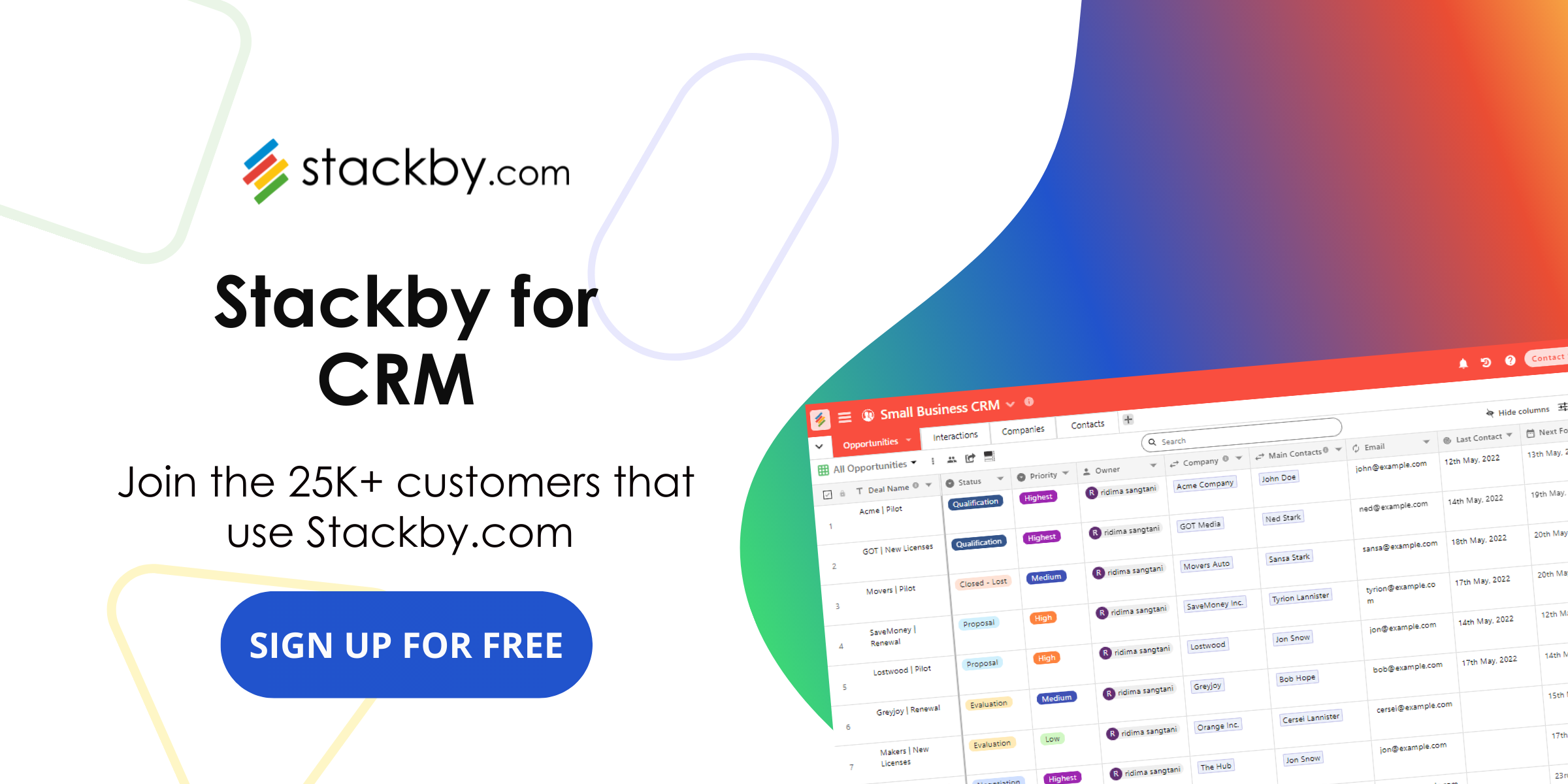
Stackby offers a customizable, no-code approach to accounting CRM, allowing accountants to organize client records, create tailored views, automate follow-ups, and connect supported third-party tools. Accelo and Liscio are alternative options for firms that need professional services management or accounting-focused client communication and document exchange.
Firms looking to customize their sales and client workflows can also explore how to build a custom CRM without code.
The best accounting CRM depends on your firm's size, workflow requirements, integration needs, and budget. Comparing these factors can help you choose a solution that supports efficient client management and long-term growth.