10 Best rated free CRM software for 2026
You've probably read tons of articles on best free CRM software. Here's our take on top 10 free CRMs you should consider in 2026.
Choosing a CRM doesn't always mean paying for an expensive platform. Free CRM software can help small businesses and sales teams organize contacts, manage sales pipelines, track follow-ups, and centralize customer information without an upfront subscription.
For a broader comparison of CRM platforms and their use cases, see CRM software examples and their use cases.
But free plans vary widely. Some limit users or contacts, while others restrict automation, integrations, reporting, or customization. This guide compares 10 free CRM software options based on their features, limitations, pricing, and suitability for different business needs.
If you're looking for a free CRM for a small business, startup, sales team, or growing company, the comparison below can help narrow down the options.
Best Monday CRM Alternatives For 2026 | Features, Pricing & Comparison
10 Best Free CRM Software in 2026: Features, Limits & Pricing
1. Zoho CRM
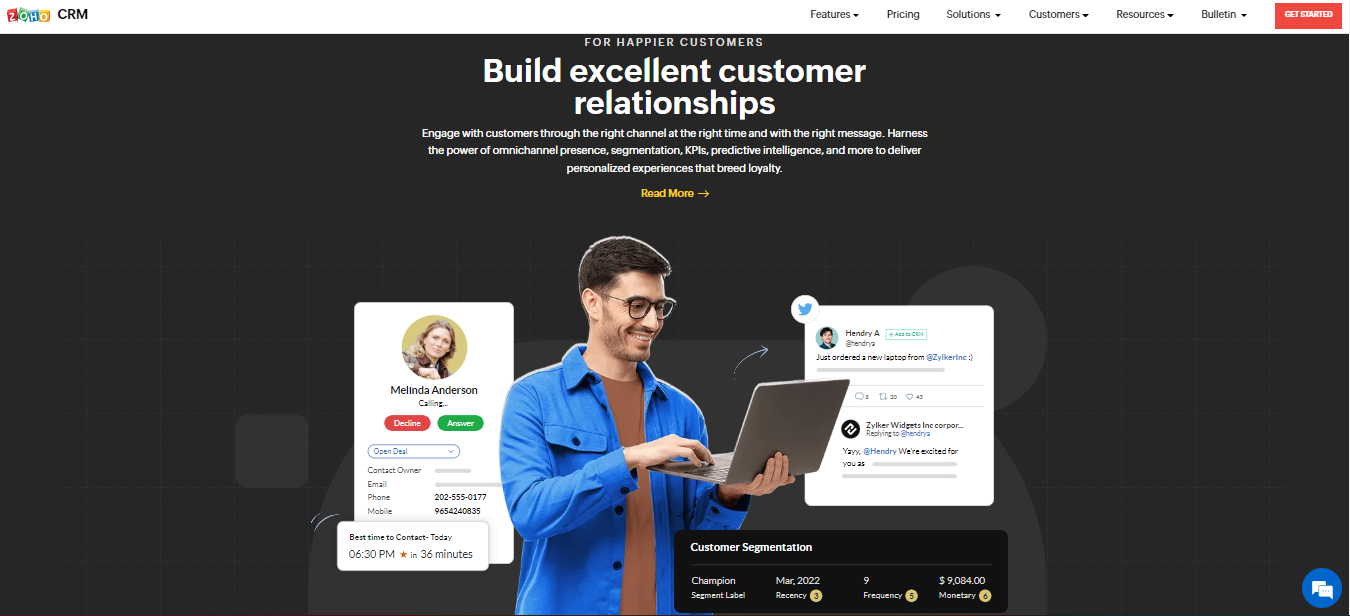
Zoho is a great starting CRM for smaller companies looking to scale their business.
Why users love it
Zoho offers a simple and professional interface, and integrations with social media, phone, email, and live chatting. Their free plan offers integrations with other Zoho apps that come in handy as you scale. It also includes 5000 free records and 60 pre-made reports for insights into your data.
Why they don't
The free version does not include Workflows, and integrations with most third-party services are only available with the paid plans. Paying for add-ons can be expensive, and Zoho does not have email tracking or mass emailing features in general.
Pricing
Starts at $14/month
2. Bitrix24
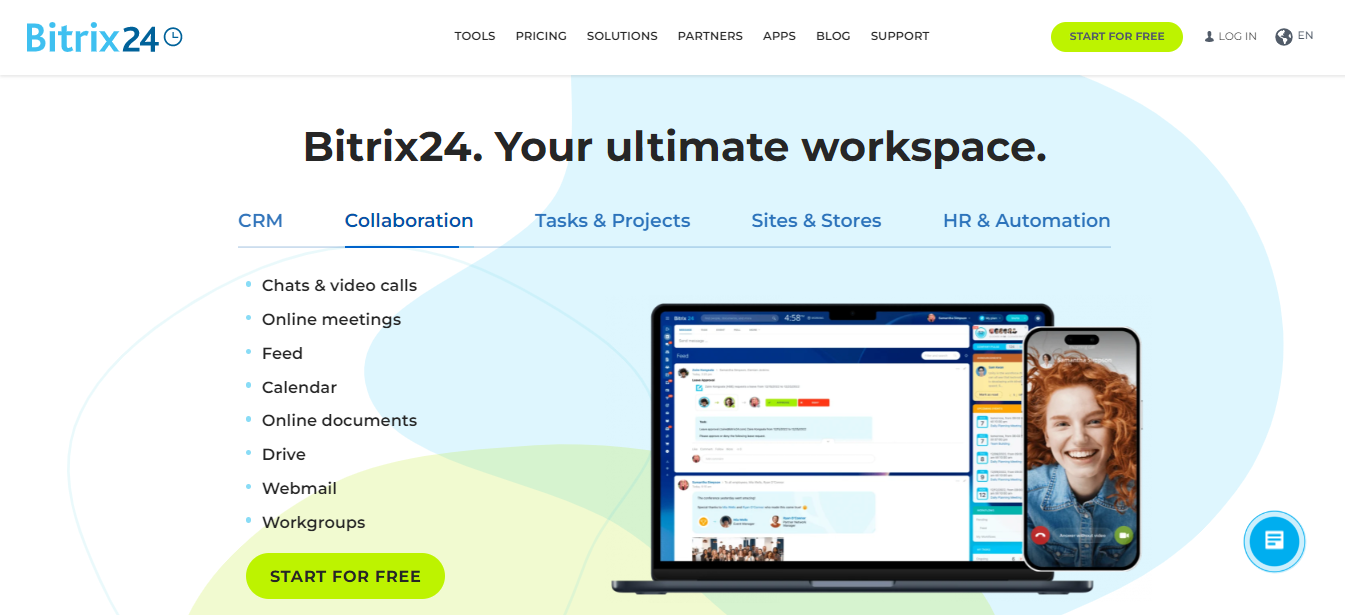
Bitrix is technically an online business app that offers automation and collaboration features for marketing and sales CRM.
Why users love it
Their free plan offers unlimited users and contacts. It also offers total customization and deep reporting features even on their free plan.
Why they don't
The free plan only allows up to 5GB of storage and only one pipeline. Setting it up for your teams also requires a lot of time and patience.
Pricing
Starts at $49/month for 5 users
3. Stackby
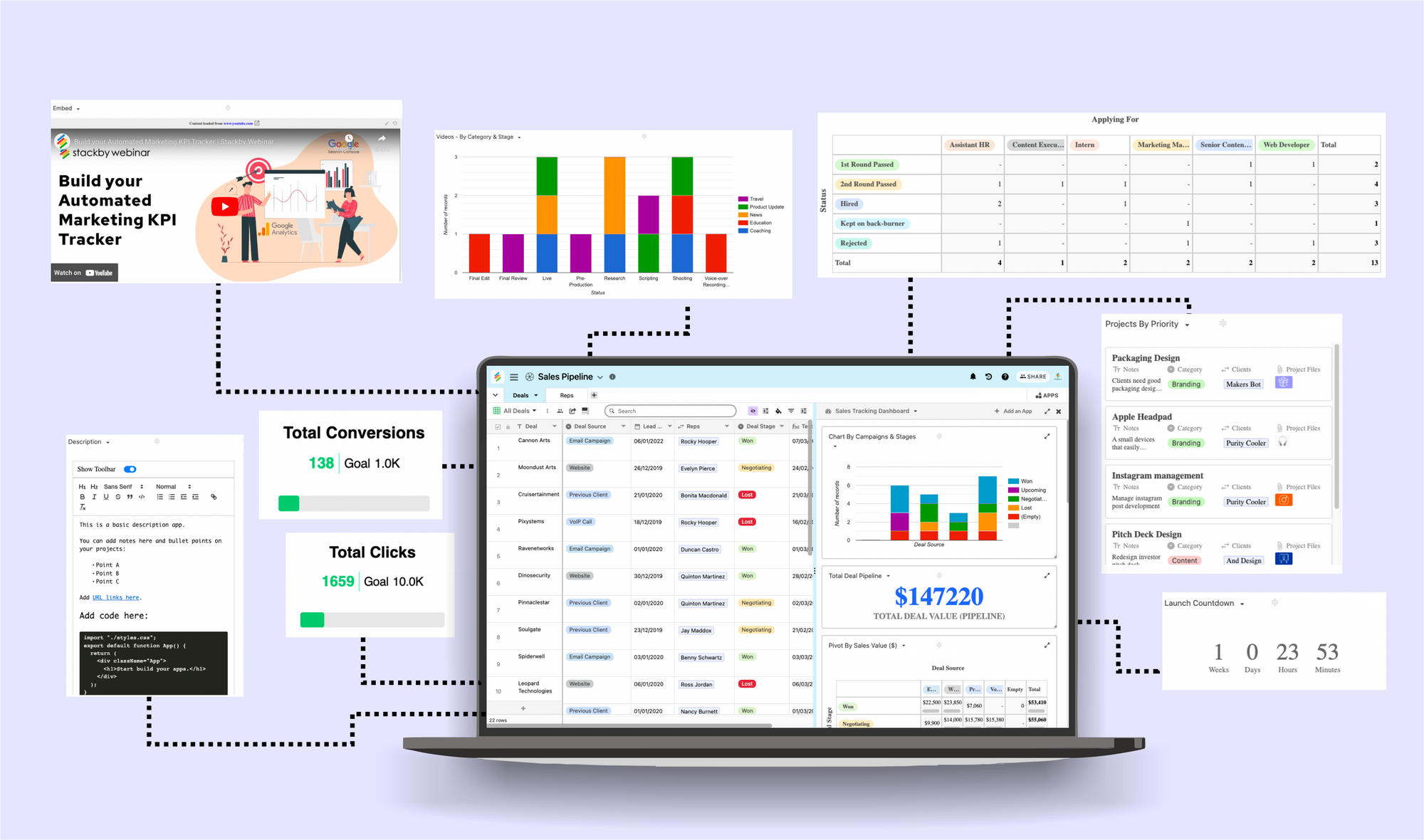
Stackby offers end-to-end sales CRM and automation. They have various pre-built Sales & CRM templates that can be customized easily. It's easy to use as a spreadsheet but gives you superpowers of a database and custom no-code automations.
Teams comparing CRM and project workflows may also benefit from this guide on combining CRM and project management.
Why users love it
Stackby enables users to create Sales CRM Databases that offer customizable data structuring, different data views, real-time collaboration and real-time reporting dashboards. It can be used as a Sales CRM, Business Development CRM, Personal CRM, Real-Estate CRM.. regardless of your industry. Best of all, you can try for free and use it free forever with unlimited members (ofcourse, within limits!).
Why they don't
It lacks internal automations compared to competitors, but can be connected with 2000+ mission critical apps via Zapier, Make.com, Pabbly Connect, Integrately etc. Also the free plan does not have premium features like Powerups & Apps Marketplace.
Read More : Top 12 Functions of Human Resource Management (HRM)
Pricing
Annual plans start at $129 for Economy plan for 3 users, $249 for Business plan for 3 users and goes on as the # of users increases per workspace.
4. HubSpot
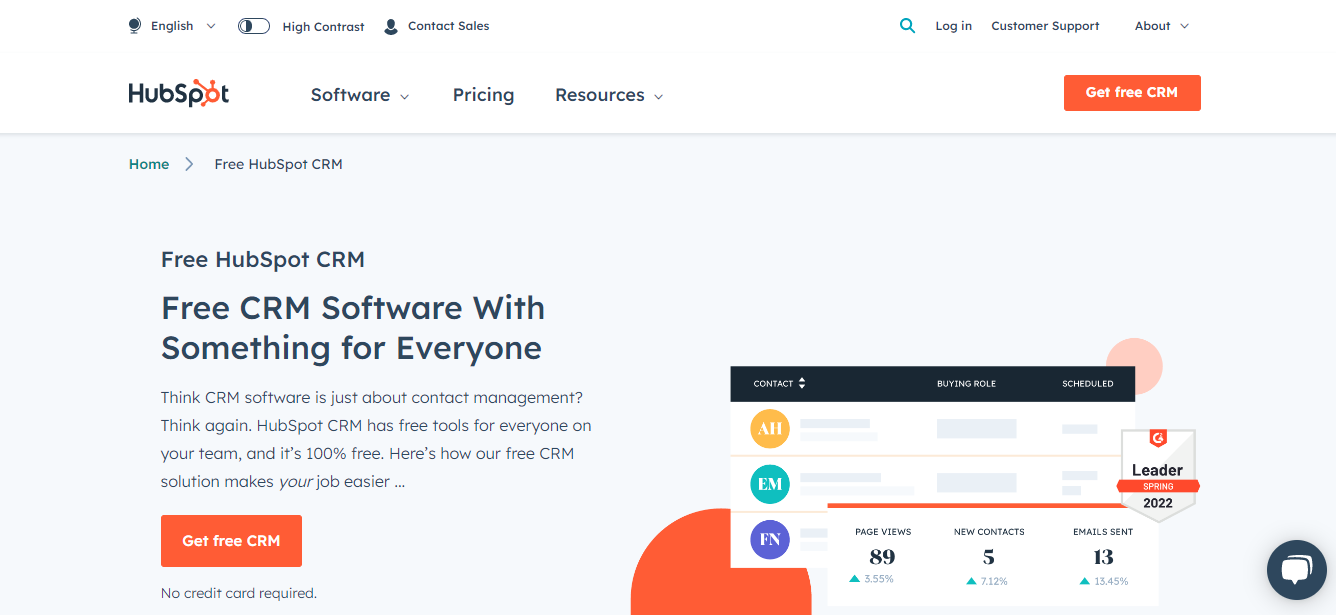
One of the biggest vendors in the market, HubSpot offers unlimited users and basic features in their free CRM plan.
Why users love it
HubSpot CRM is packed with multiple useful features like sales automation, email tracking, workflow management, and email marketing. It also allows for over 800 native integrations.
Why they don't
Free plan only offers one pipeline, and has limited customizability. Not all free features are robust, so accessing quality products becomes expensive.
Pricing
Paid plans for CRM hub starts at $45/month
5. Freshsales
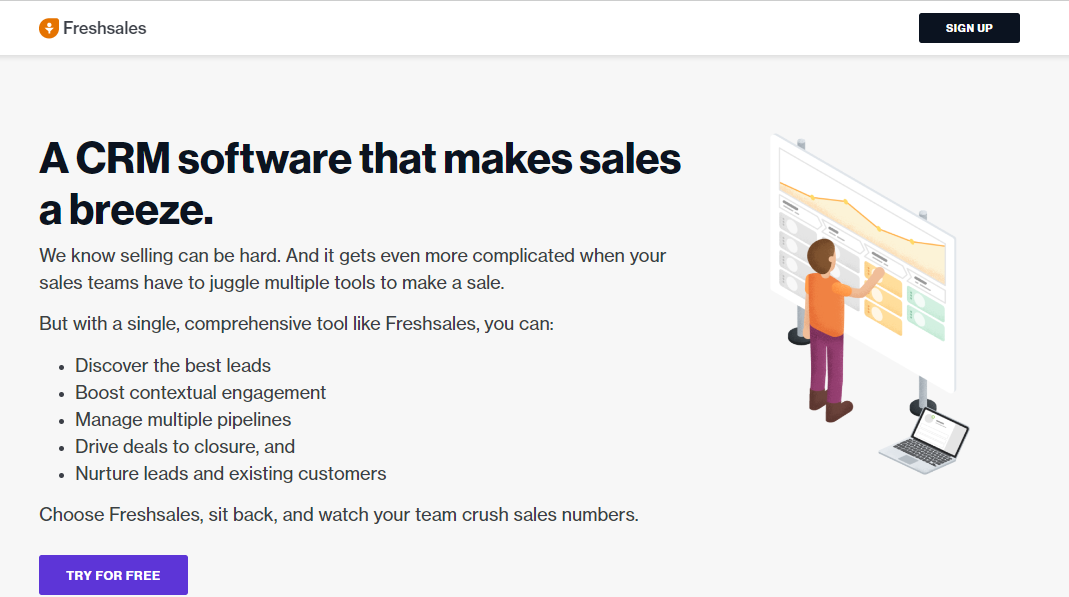
Freshsales is a great fit for sales teams’ CRM needs. It includes email marketing, AI-powered insights, and email, phone, and chat built-in.
Why users love it
The free plan comes with unlimited users and basic features. It is also easy to use, scalable and has a mobile app version.
Why they don't
Better tools like time-based workflows and advanced reporting are not included in the free plan. Support is not available on weekends, which is a disadvantage for newly onboarded teams.
Pricing
Plans start at $15/month
6. EngageBay
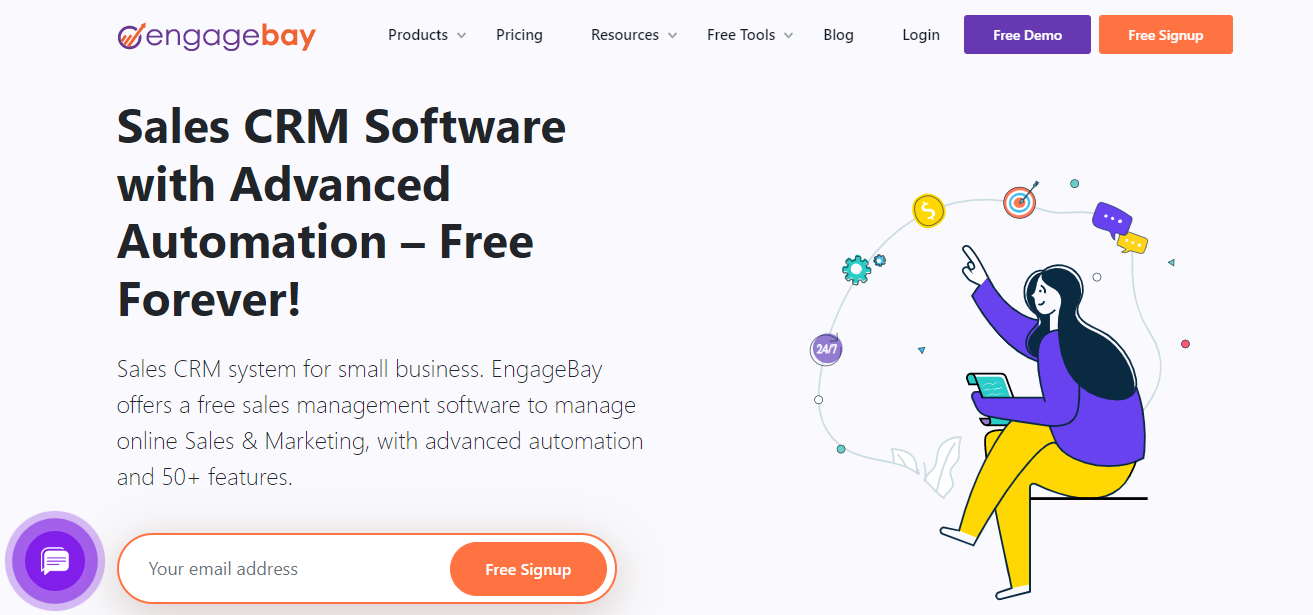
EngageBay offers all-in-one marketing, sales, chat, and customer support software all for free.
Why users love it
The free CRM includes a live chat feature and a host of other features like a marketing suite and service suite. It also offers integrations with Gmail, Office365, and other IMAP services, with two-way sync.
Why they don't
Only allows up to 250 contacts in the free plan, and more native integrations and more sophisticated email templates.
Pricing
The basic plan starts at $11.04/user/month
7. Streak
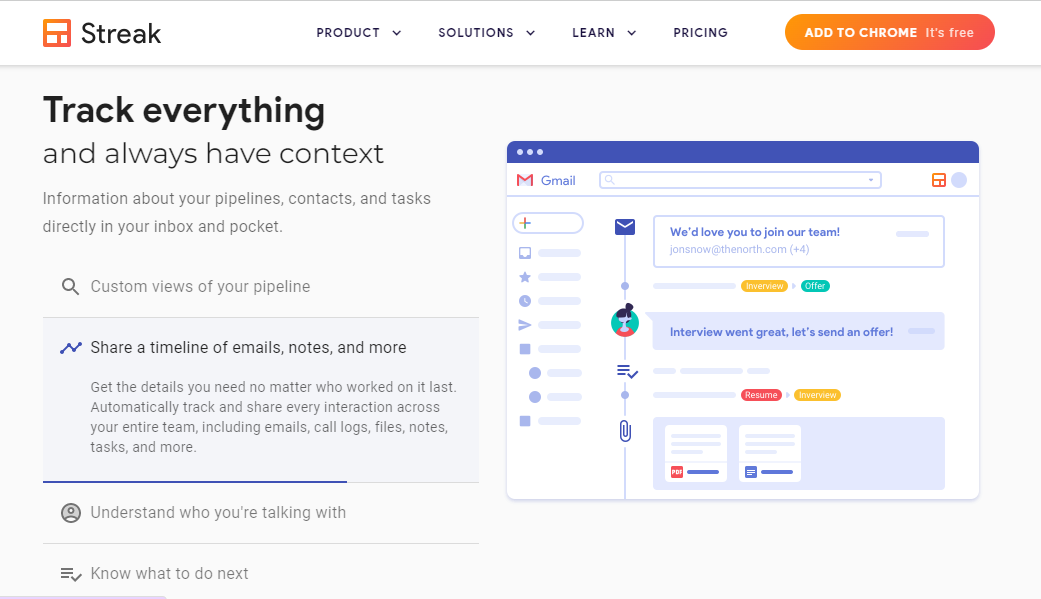
Streak functions as a browser extension that seamlessly integrates into your Gmail interface creating a simple yet effective CRM tool.
Why users love it
It pulls contact information from Google sheets or other CSV files using an add-on and offers mass email templates, email tracking, call logs, and meeting notes for non-email interactions all in the free version.
Why they don't
It does not offer integrations for free and is inconvenient when shifting to a new device, as it works only as a lightweight browser extension.
Pricing
Paid plans start at $15/user/month
8. Capsule CRM
Capsule is a worthwhile CRM tool that offers great project management functionalities.
Why users love it
It has a clean and simple interface that sticks to the basic useful features you need on a daily basis. Find out key information about contacts and your sales pipeline and integrate with a set of useful apps.
Why they don't
The free plan only offers one sales pipeline, and the maximum number of contacts is only 250.
Pricing
Paid plans start at $18/user/month
9. Pipedrive
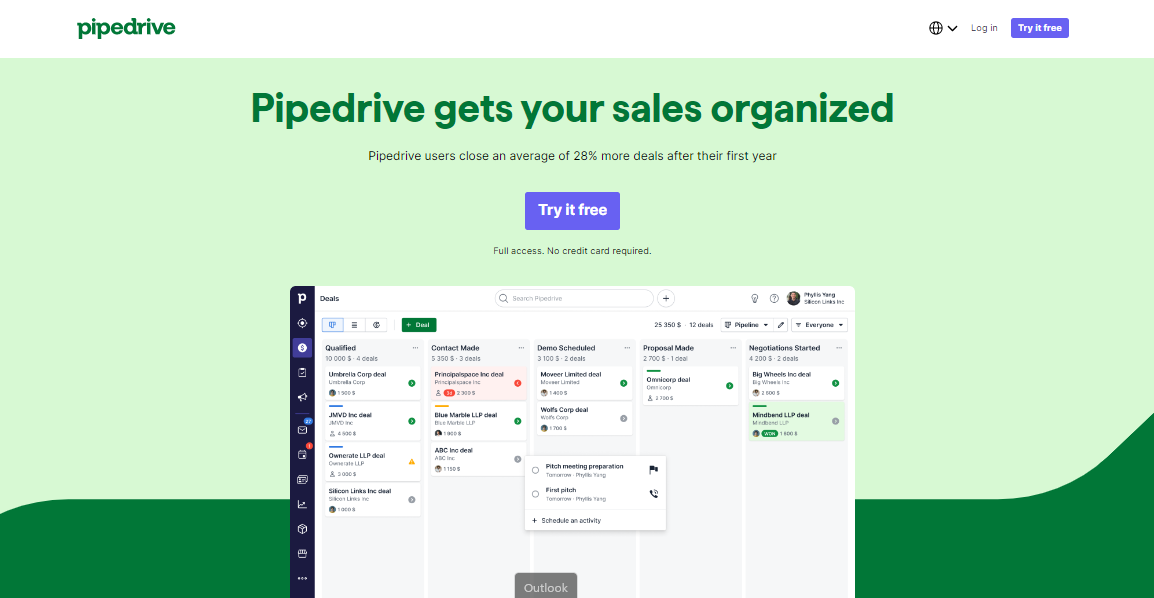
Pipedrive is a sales-centric CRM software that enables collaboration and automation in the sales pipeline.
Why users love it
It provides great visibility over leads and pipelines, offers email marketing, and is relatively easy to learn and use.
Why they don't
It offers limited support for small businesses, and has limited reporting capabilities.
Pricing
Starts at $11.90/user/month
10. Insightly
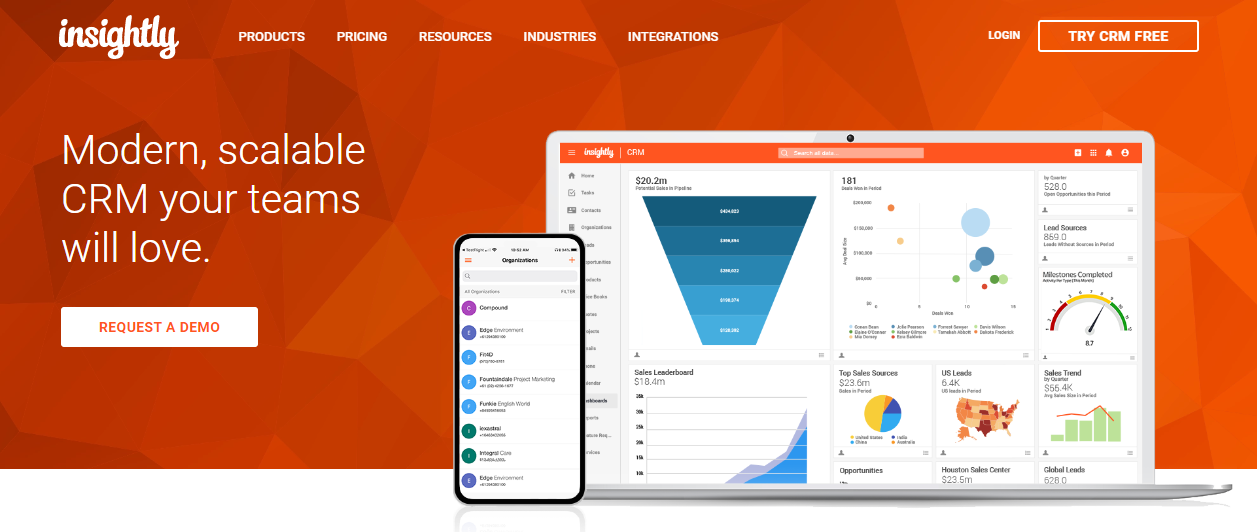
Insightly offers all the CRM necessities like lead routing, sales pipelines, automation, and customer management.
Why users love it
Training videos help you understand the app better, smoothening the learning curve. Insightly also offers extensive customization, including the ability to create custom apps and data visualizations.
Why they don't
The free CRM allows only up to 2 users and has upper limits on mass emailing and custom fields. For more robust and detailed lead generation, you need to get a paid version.
Pricing
Starts at $29/month
Benefits of a Free CRM
With a glut of different options in the market, it’s become a necessity to get a CRM software for your business to thrive and cultivate a profitable clientele. Free CRM software can help businesses organize customer data, manage sales activities, and improve customer relationships without an upfront software subscription.
Better Customer Service
To build long-lasting customer relationships, you need to understand your customers well. CRMs generate reports and insights based on customer data that will help your marketing and sales teams customize their services and target each customer more accurately.
Smooth Internal Communication
With all information and data concerning customers in one place, different teams in your organization will have access to the latest updates and stay on the same page. This also enables smooth collaboration and coordination between teams.
Boosted Sales
The main aim of employing any software tool is to increase your organization’s profits. The right CRM will streamline your sales pipeline, give you insights and analytics, and optimize all efforts to secure better sales and increased profits.
For a broader comparison of CRM platforms and their use cases, see CRM software examples and their use cases.
Increased Customer Satisfaction and Retention
Keeping customers satisfied and coming back to your business is one of the main goals of any company in the market. Meeting customer expectations by understanding them better will increase returns and also attract new customers to your business.
Features of a Free CRM
For any start-up or small business, it’s wise to use free software to run your business before taking the plunge and making an investment in a paid plan. But it’s also important to scope out what features an ideal CRM should offer:
Automation
Streamlining workflows is vital for a CRM, and it should be able to automate regular tasks to save time and resources for higher priority work. CRM automation can also reduce repetitive data-management and follow-up tasks; see this guide to CRM automation and implementation.
Managing Contacts
One of the major goals of using a CRM is to gather all your contacts in one place and enable easy access to them across the organization.
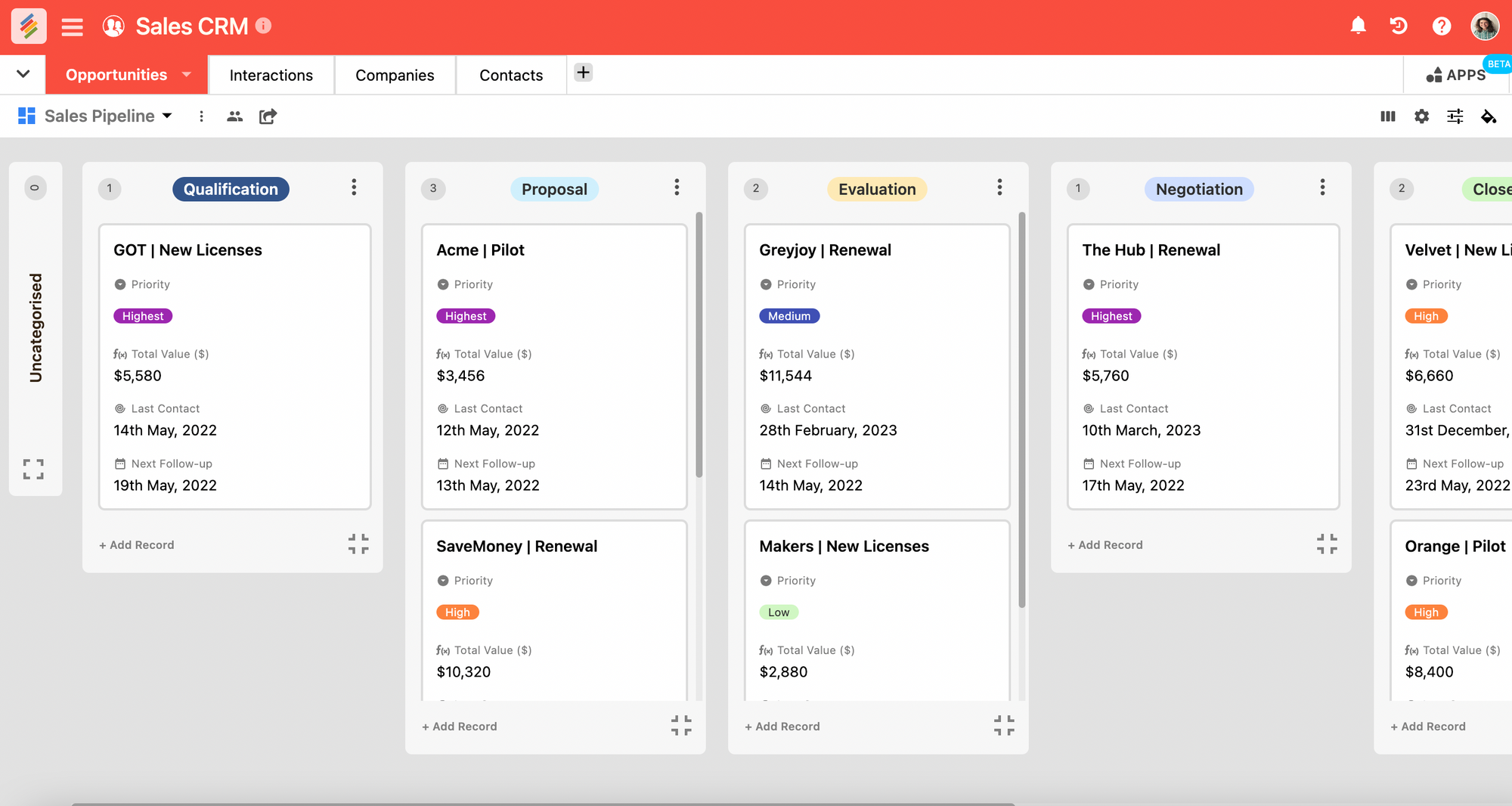
Organizing Sales Pipelines
Your CRM should give you an overall view of the entire sales process from start to finish. This helps categorize leads and work more efficiently.
A Sales Pipeline template can provide a structured way to track deal stages, values, and pipeline progress.
End to End Customization
Customizing is the most important feature that will allow you to modify the CRM tool to suit the needs of your particular business.
Limitations of a Free CRM
Using a free version of any kind of software will inevitably come with some limitations. With a free CRM software, you might face these drawbacks:
- Limited integrations with internal and external apps
- Fixed number of team members that can access the CRM at a time
- Fewer customization options for templates, data, forms, etc.
- Set number of features that may not be the most robust or useful
- Reports and analytics may not be up to par with those available in the paid versions
Stackby.com vs Free CRM Software
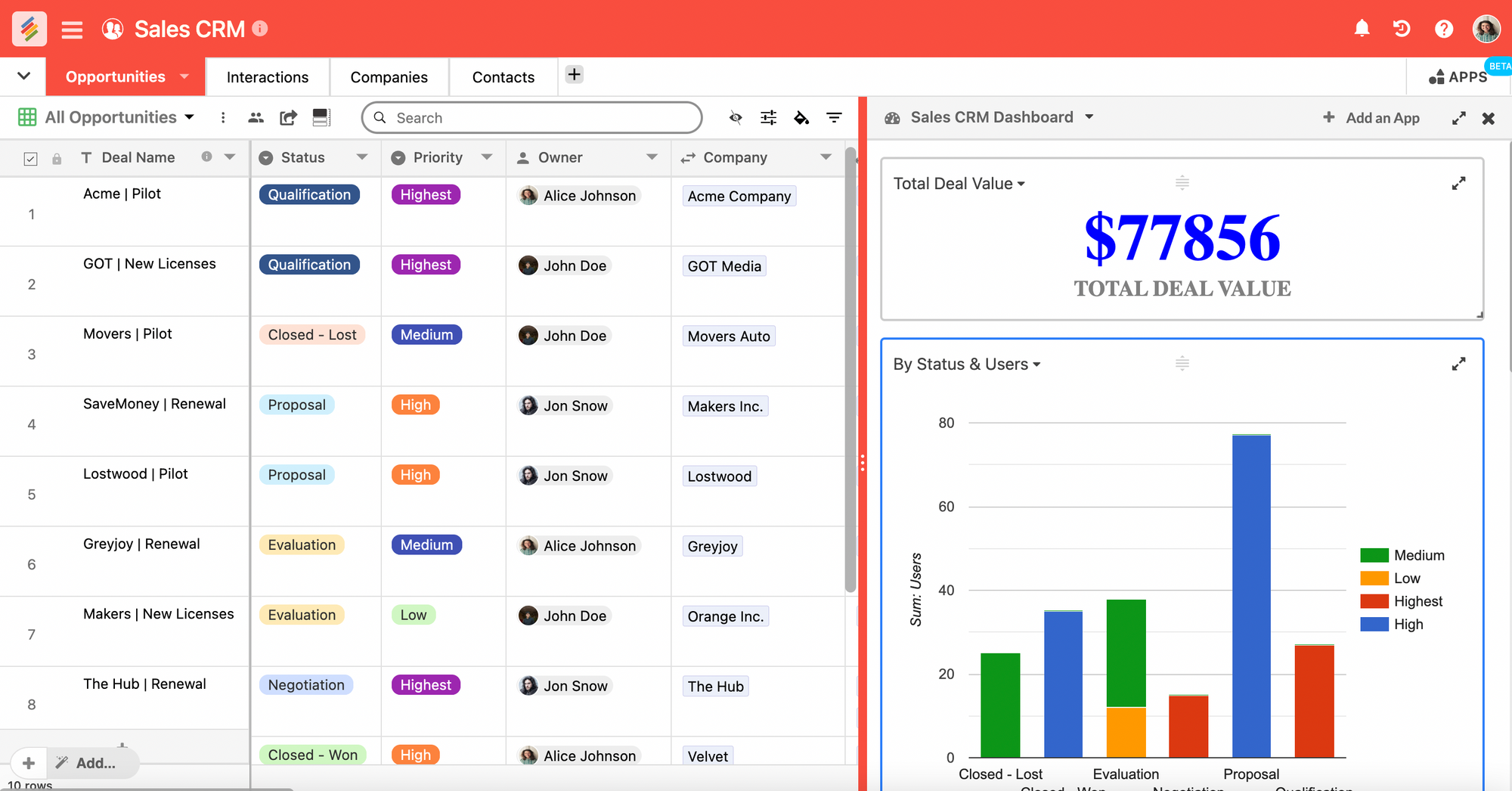
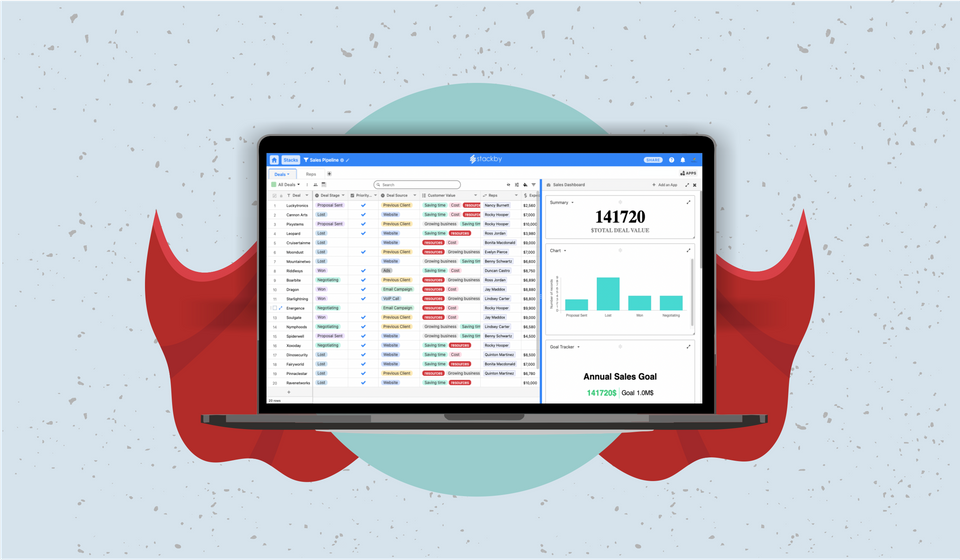
Stackby is more than a CRM software
Stackby is not another "CRM solution", it is a work management platform where you can build any workflow, that fits your team's needs. It's relational database engine is flexible enough to build any type workflow and robust to scale with your team.
Regardless of your industry or project, Stackby provides you with features like unique column data types, different data visualizations, automations, API connectors, checklists and reminders, reporting dashboards like Charts, Pivot Table - to help you work efficiently with your team and maintain a single source of truth of your data. You can build your own CRM for Mac, your PC or even mobile app.
For a more detailed walkthrough, see how to build a custom CRM without code.
Stackby CRM features:
How does Stackby.com compare to the competing softwares listed above? Here’s what Stackby does for you as a CRM solution:
- The free plan allows for unlimited members and unlimited guests (read-only users). For teams that need to reduce repetitive CRM work, Stackby Automations can connect actions and workflows to keep sales processes moving.
- An intuitive, user-friendly interface like a spreadsheet, with 25+ unique data types.
- Task Management: Assign tasks or deals to specific team members and track progress with ease.
- Sales pipeline management: where you can monitor every deal from start to end in Kanban view.
- Lead Management: Build forms with custom fields, store leads or contacts and bring responses directly to your table and your workflow.
- Collaboration, Checklists & Reminders: Create checklists on each deal, set email or in-app reminders and collaborate with your team in context.
- End to End Customer Tracking: Track every opportunity or interaction, add notes, statuses, proposals and measure how every deal progresses.
- Automated lead generation using email marketing, workflow automation, and API connectors.
- Pre-built sales templates for different goals like B2B lead generation, small business CRM, personal CRM, sales pipeline, and more.
- Marketing pipelines with the ability to bring in data from spreadsheets automatically, and streamline your marketing budget.
- Project management tools to build workflows, track progress on projects, and enable seamless collaboration.
- Stackby offers custom reporting dashboards to track vital metrics in sales, marketing and project management with charts, pivot tables, summary boxes, goal tracker and more.
As your sales team grows, CRM requirements often become more complex. Businesses may eventually need additional users, automation, integrations, reporting, customization, or higher record limits that are unavailable on free plans.
Businesses considering a more customized approach can also compare the process of building a custom sales CRM.
Frequently Asked Questions About Free CRM Software
1. What is free CRM software?
Free CRM software is a customer relationship management platform available without a paid subscription, usually with limits on users, contacts, storage, automation, integrations, or other features. It can help businesses organize customer information, manage sales pipelines, track interactions, and handle follow-ups.
2. Is free CRM software really free?
Many CRM platforms offer a free plan, but the available features and usage limits vary. Some restrict the number of users or contacts, while others limit automation, integrations, reporting, or customization. Businesses should review the free-plan limits before choosing a platform.
3. What is the best free CRM for small businesses?
The right CRM depends on the business's requirements. Small businesses may prefer platforms with simple interfaces, contact management, sales pipeline tracking, useful integrations, and enough users or records to support their team without requiring an immediate upgrade.
4. Can a free CRM manage a sales pipeline?
Yes. Many free CRM platforms provide basic sales pipeline functionality for tracking leads and deals through different stages. However, the number of pipelines, records, users, or advanced sales features may be restricted on free plans.
5. What are the limitations of free CRM software?
Common limitations include restricted users or contacts, fewer integrations, limited automation, basic reporting, reduced customization, storage limits, and fewer advanced features compared with paid plans.
6. Is a free CRM suitable for a growing sales team?
A free CRM can work well for an early-stage or small sales team, particularly when the team only needs essential contact and pipeline management. As the business grows, additional automation, reporting, integrations, and user capacity may require a paid plan.
7. Can I build a custom CRM without coding?
Yes. No-code platforms can provide customizable databases, fields, views, forms, automations, and integrations that allow businesses to create CRM workflows without traditional programming.
8. When should a business upgrade from a free CRM?
An upgrade may become necessary when the business reaches the free plan's user or record limits or requires advanced automation, integrations, reporting, permissions, customization, or other features unavailable on the free plan.
9. What features should a free CRM have?
Important features include contact management, sales pipeline tracking, task and follow-up management, customization, integrations, reporting, collaboration, and automation. The importance of each feature depends on the team's sales process.
10. Can Stackby be used as a free CRM?
Yes. Stackby can be configured as a CRM using customizable databases, views, forms, templates, automations, and integrations. Teams can adapt the structure to their sales workflow rather than being limited to a fixed CRM setup.
Final Thoughts on Free CRM Software
Free CRM software can be a practical starting point for small businesses, startups, and sales teams that need to organize customer information and manage their sales process without immediately committing to a paid CRM platform. However, free plans often come with restrictions on users, records, automation, integrations, reporting, or customization.
Stackby takes a flexible approach by allowing teams to build a CRM around their own workflow. With customizable databases, multiple views, templates, forms, automations, and integrations, it can support different sales processes as business requirements change.
For teams looking for a customizable CRM without an upfront commitment, Stackby's free trial provides a way to build and test a CRM workflow before deciding on a longer-term setup.
![A Simple Guide on Workflow Management Software [Updated 2026]](/blog/content/images/size/w960/2021/12/work-management-blog.png)
![Mastering Workflow Management: A Comprehensive Guide with Templates [2026]](/blog/content/images/size/w960/2023/09/Workflow-Management-A-Guide.png)