Smartsheet vs Excel: Which Should Your Team Use?
Comparing Smartsheet vs Excel for your team? See features, pricing, and real use cases, then discover why Stackby might be the smarter pick.
Most teams don't switch tools until something breaks. You're running a project in Excel, sharing files over email, manually updating a status column, and then one day you miss a deadline because someone was editing the wrong version. Sound familiar?
That's usually the moment someone mentions Smartsheet. And then comes the real question: is it actually worth it, or is Excel good enough?
The Smartsheet vs excel debate comes up constantly for ops managers, team leads, and founders trying to decide where to park their work. Both tools look similar on the surface (grids, rows, columns), but they were built for fundamentally different purposes. This post covers where each one wins, where each one genuinely frustrates you, and when a tool like Stackby might actually be the smarter move for your team.
What You're Actually Comparing Here
Let me be upfront: this isn't a fair fight across every category. Excel and Smartsheet were built with different goals.
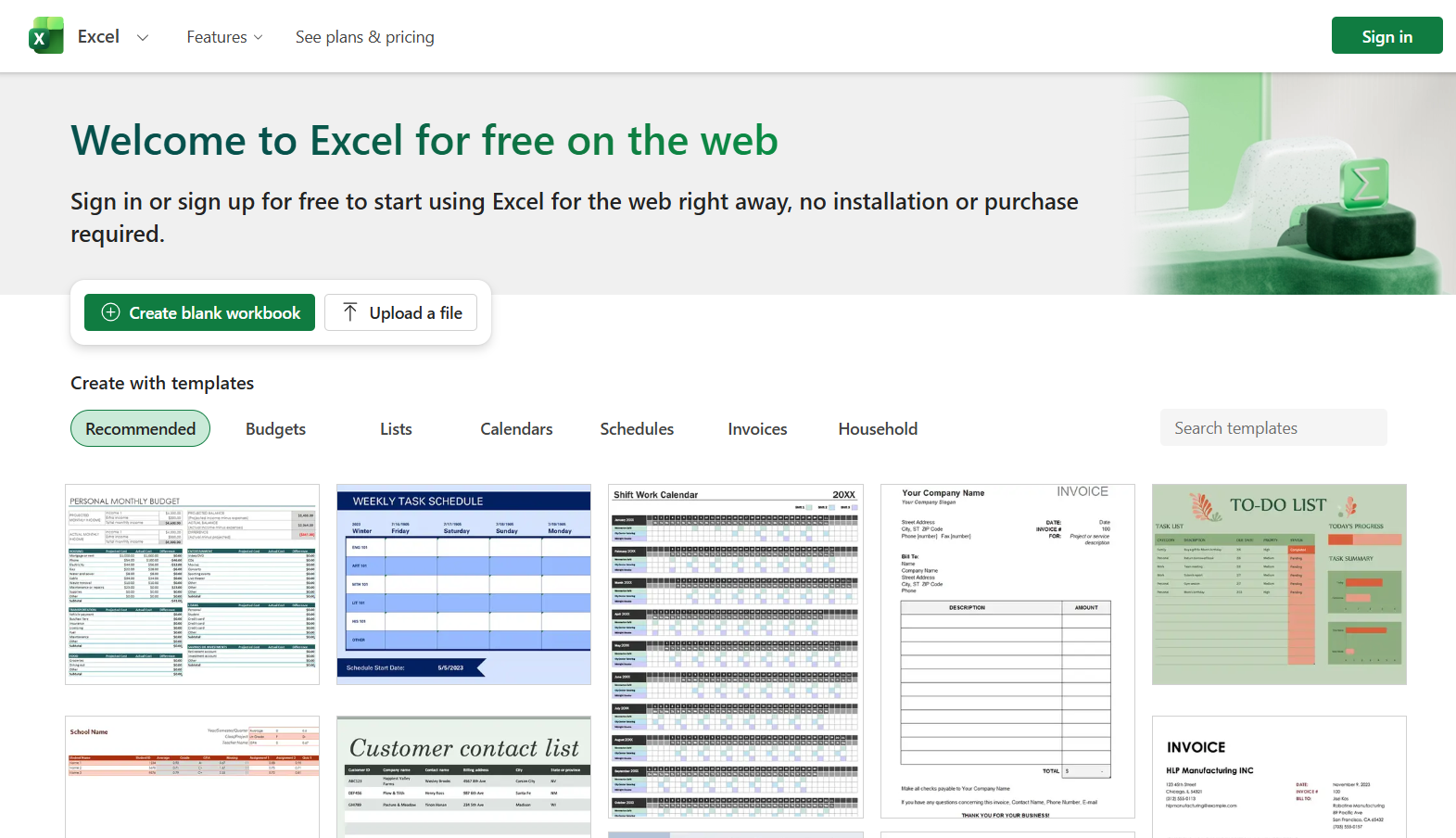
Excel, which Microsoft launched back in 1985, was designed as a calculation engine. A seriously powerful one. If you've ever built a financial model, run a VLOOKUP across 50,000 rows, or pulled pivot tables from messy sales data, you already know what it's capable of. It's a number-cruncher first and everything else a distant second.
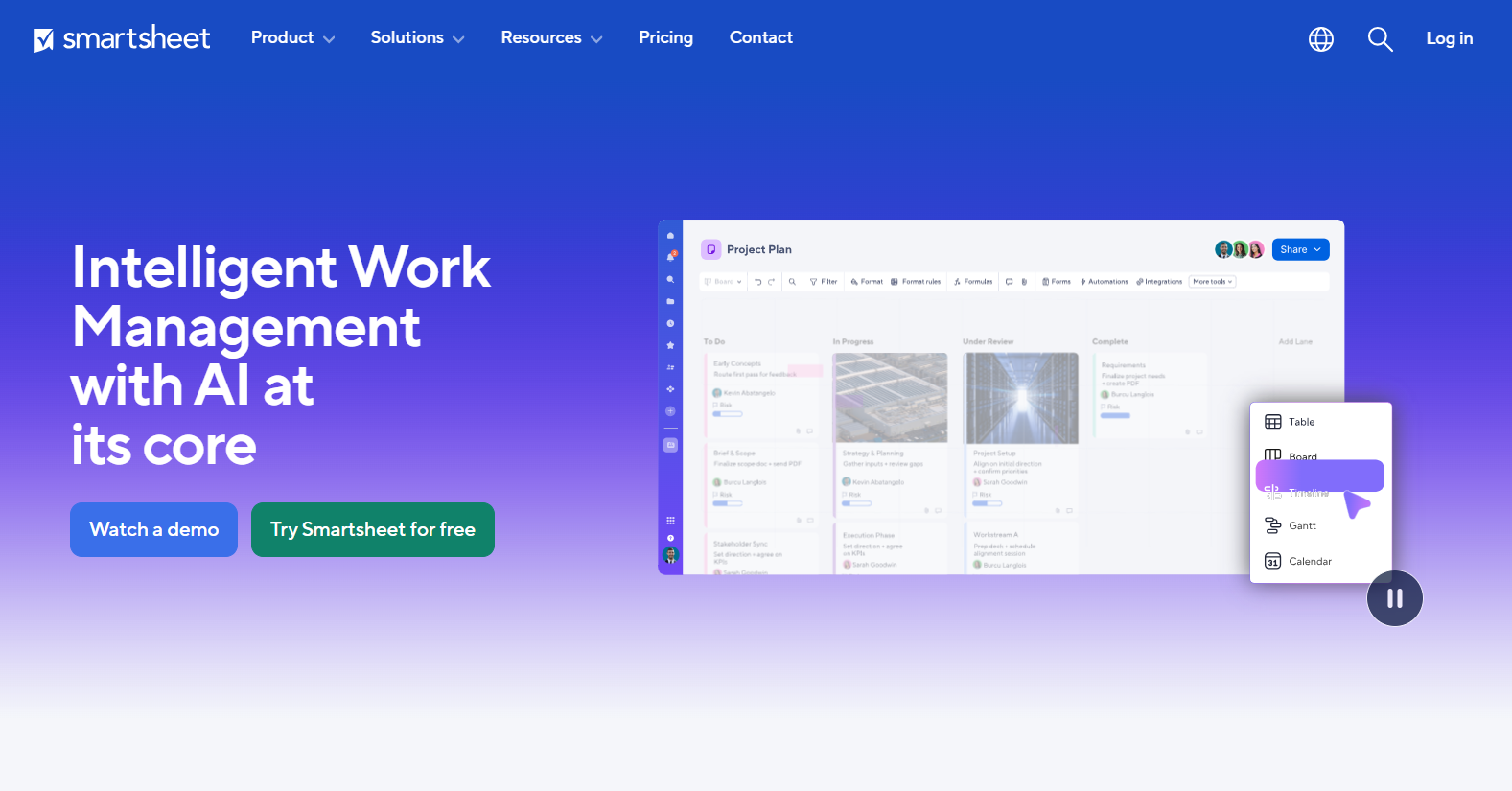
Smartsheet arrived much later, founded in 2005 and gaining wide adoption through the 2010s, with a different pitch entirely: a project management tool that looks familiar enough that your team won't panic when they open it. Less formula-heavy, more workflow-focused. Collaboration baked in from the start.
So when people ask "should I use Excel or Smartsheet for team collaboration?", they're often conflating two very different problems. One tool is for data. The other is for running projects. That distinction matters a lot when you're making this call.
Feature Comparison: Where Each Tool Pulls Ahead

Let's get into specifics, because this is where the excel vs smartsheet comparison stops being theoretical.
Project Management
Smartsheet was built for this. Native Gantt charts, dependency tracking, resource management, milestone flagging - all without hacking spreadsheet formulas together. If you're coordinating a product launch across five departments, Smartsheet handles the structure from day one.
Excel for project management? It works, technically. Plenty of teams do it. But you're always fighting the tool. Gantt charts in Excel require either a plugin, a workaround, or a template you found on a Reddit thread at 11pm. None of it updates automatically. One person edits a column and your entire timeline is off.
Collaboration
This is probably the biggest practical gap between the two. Smartsheet is cloud-native and designed for multi-user editing. Multiple people can work simultaneously. You get comment threads on specific rows, automated notifications, approval workflows, and a clean activity log. It's not revolutionary technology, but it's well-executed.
Excel has improved significantly here (Microsoft 365 added real-time co-authoring), but the collaboration still feels like it was added on top of something that wasn't designed for it. Version conflicts happen more often than they should. And if anyone on your team is still using a desktop-only Excel file instead of the cloud version, you're back to emailing attachments. Honestly, that still happens more than people want to admit.
Formulas and Data Analysis
Excel wins here. It's not close.
If your work involves financial modeling, statistical analysis, what-if scenarios, or any serious number crunching, Smartsheet's formula library will feel limiting fast. Excel has around 500 built-in functions. Smartsheet offers a subset of those, and some common ones (like SUMIFS or advanced array formulas) behave differently or simply don't exist.
Automation
Smartsheet has solid built-in automation. You can create rules like "when status changes to Complete, notify the project lead and move this row to the archive sheet" without writing a single line of code. The workflow builder is visual and approachable for non-technical users.
Excel automation exists through macros and VBA, but that requires someone who actually knows VBA. Most teams don't have that person. Microsoft is pushing Power Automate as the modern alternative, but connecting it to Excel adds complexity and cost that most small teams aren't set up to handle.
Pricing: The Part That Changes the Conversation
This is where a lot of teams get surprised.
Excel pricing (Microsoft 365):
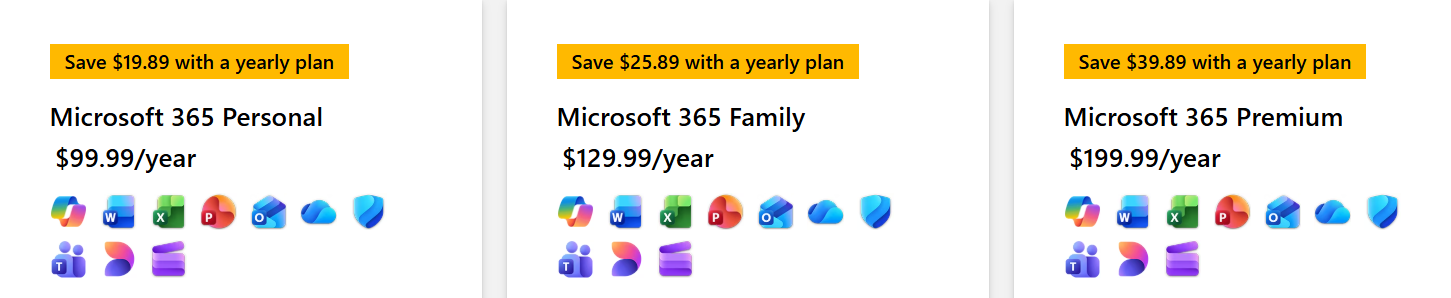
- Microsoft 365 Business Basic: $6/user/month
- Microsoft 365 Business Standard: $12.50/user/month
- Personal plan: $6.99/month
If your organization is already paying for Microsoft 365 - and most corporate teams are - Excel costs you nothing extra. That's a genuinely hard argument to beat.
Smartsheet pricing:
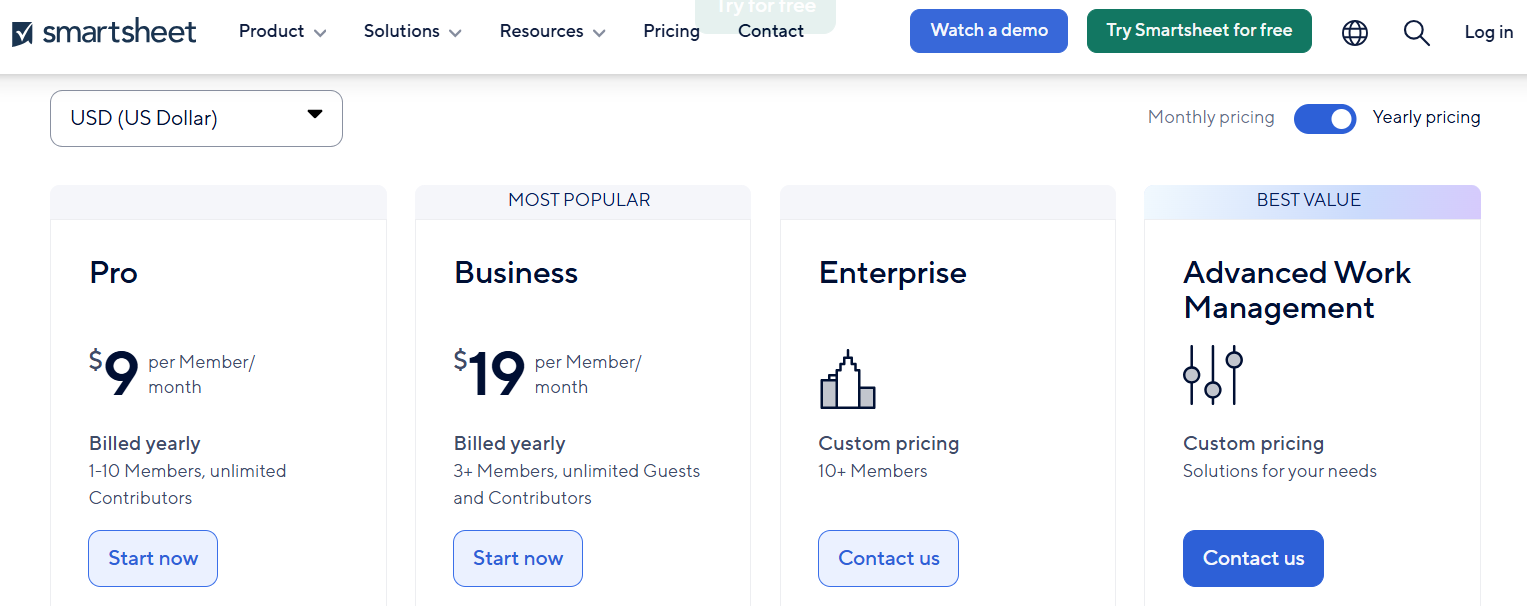
- Free plan: 2 sheets max, very limited
- Pro: $9/user/month (billed annually)
- Business: $19/user/month (billed annually)
- Enterprise: Custom
For a 10-person team, Smartsheet Business runs $190/month or $2,280 per year. That's on top of whatever else you're paying for. For a startup watching every dollar, that's a real budget conversation.
The smartsheet pricing vs excel argument basically comes down to this: if you're already in the Microsoft ecosystem, Excel is nearly free. Smartsheet is an additional investment that only makes sense if your team is genuinely using the project management features enough to justify the cost. A lot of teams pay for Smartsheet, use it like a glorified spreadsheet, and wonder why they bothered. That's an expensive mistake.
Smartsheet vs Excel: Feature Snapshot
Collaboration in Practice: Real Team Scenarios
Here's where the differences between these tools stop being abstract.
Say you're a marketing team managing a content calendar. You've got writers, designers, a social media manager, an SEO person, and a manager who needs visibility into everything. In Excel, you'd build the calendar, share it via OneDrive, and hope nobody edits it offline by mistake. Comments exist but feel awkward. There's no way to trigger an alert when a task changes status without a Power Automate setup nobody has time to configure.
In Smartsheet, that same content calendar has status dropdowns, automatic alerts when deadlines approach, a timeline view for the editorial schedule, and a dashboard showing overall completion rates. It doesn't make your team smarter. It just removes the manual overhead of tracking things yourself.
That's the real story for most operations teams. For teams managing active projects with multiple contributors, Smartsheet removes coordination friction that Excel creates. That friction is invisible until it causes a problem. Then it's very visible.
Now flip the scenario. Finance team, quarterly close, complex models. Excel. No question. The formula power, the modeling flexibility, the pivot table depth - Smartsheet doesn't come close to what an experienced Excel user can do with a serious data set.
AI Features: A Newer Battle
Both tools are adding AI capabilities fast, and it's worth looking at what's actually useful right now vs. what's still marketing.
Excel's AI comes through Microsoft Copilot. When it works, it's genuinely impressive - generate formulas from plain language, explain a complex spreadsheet to someone new, analyze trends conversationally. The catch: Copilot requires Microsoft 365 Business Standard ($12.50/user/month minimum), and availability varies by organization. Some teams have it fully rolled out. Others are still waiting.
Smartsheet AI launched in 2023 and can auto-generate project plans, summarize sheet content, and help draft formulas. Useful as a starting point. But it's still less capable than Copilot for data-heavy work, and it carries an additional cost on top of your existing Smartsheet plan.
Honestly, neither tool's AI feels fully production-ready yet. Both companies are investing heavily here, and the gap between them will probably narrow or shift significantly over the next year or two. If AI capabilities are the main reason you're choosing between these tools right now, wait a bit before making a final call.
How Stackby Helps With Project Tracking and Spreadsheet Work
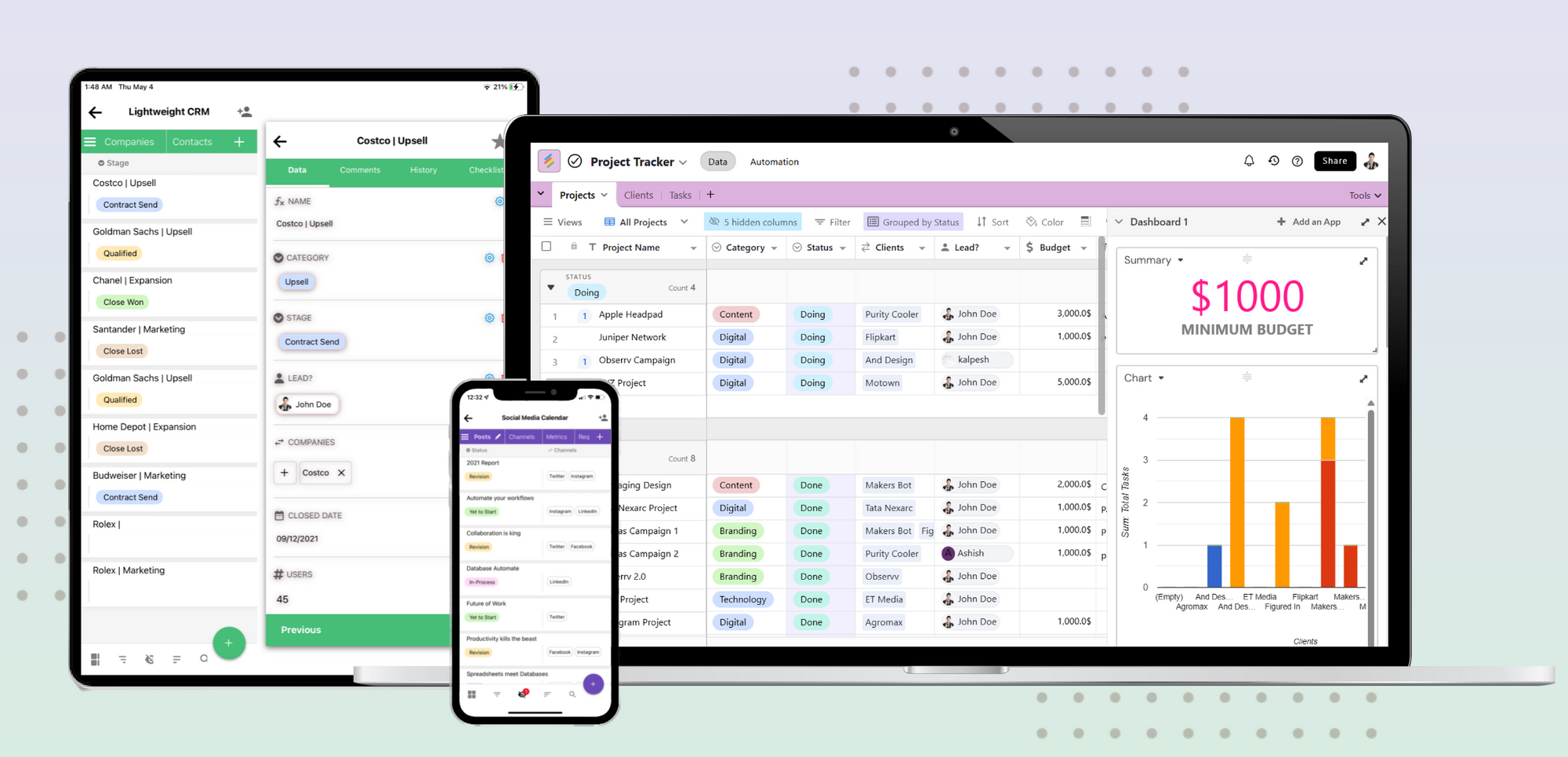
Both Excel and Smartsheet have real strengths - and real limitations. Stackby was built to fill a lot of those gaps without forcing you to choose between them.
Think of it as a spreadsheet-database hybrid. You get the familiar grid layout your team already knows, but underneath it's a relational database with actual structure. Link records across tables, pull live data directly from external APIs without writing code, run automations, and manage project workflows all in one place.
Here's what's specifically relevant to the smartsheet vs excel decision:
- Spreadsheet-style interface with database power: Your team gets the column-and-row layout they're comfortable with, plus the ability to link tables, create lookups, and build relational views without a learning curve.
- Built-in API connectors: Pull live data from Google Ads, YouTube, Shopify, and dozens of other tools directly into your tables. Excel needs Power Query for this. Smartsheet doesn't do it natively at all.
- Native automations that don't require a separate tool: Similar to Smartsheet's workflow builder, but without the per-user pricing that compounds as your team grows.
- Multiple views on the same data: Grid, Kanban, calendar, and gallery views switch without any migration. Useful for teams that need project tracking and data visibility in the same workspace.
- Free 1000+ database templates: Marketing, HR, sales, ops - ready-built starting points so you're not building from scratch.
If you're evaluating excel alternatives or looking for a Smartsheet alternative that doesn't run $19/user/month, Stackby is worth a serious look. Especially for startups and growing teams that need collaboration and automation without the enterprise pricing model.
Start your free trial at Stackby and see how it handles your actual workflows.
Who Should Use What: Concrete Recommendations
Enough hedging. Here's a direct take.
Choose Excel if:
- Your work is primarily data analysis, financial modeling, or anything requiring complex formulas
- Your team is already on Microsoft 365 and doesn't want another subscription
- You're solo or a very small team (fewer than 5 people) managing simple datasets
- You need statistical functions, advanced chart types, or deep compatibility with other Microsoft tools
Choose Smartsheet if:
- You're managing cross-functional projects with multiple contributors who need visibility
- You need Gantt charts, dependencies, and resource views without hacks or workarounds
- Automated notifications and approval workflows matter to how your team operates
- You're scaling a project management process and need something that handles complexity natively
Choose Stackby if:
- You want spreadsheet familiarity with real database structure and live API connections
- You're a startup or growing team that needs collaboration and automation without paying $19/user/month
- You've been comparing smartsheet vs monday or airtable vs smartsheet and want a more flexible, cost-effective option
- You need one platform that handles your data, your projects, and your automations together
Conclusion: What fits better?
The smartsheet vs excel comparison isn't about which tool is objectively better. It's about which one fits what your team actually does every day.
Excel is one of the most powerful data tools ever built. If your job involves analysis, modeling, or formula-heavy work, it's hard to beat, especially when it's already included in your Microsoft subscription. Smartsheet is a genuinely good project management platform that happens to look familiar. For teams managing complex, multi-person projects, the native workflows and visibility tools are worth the investment.
But if you're a growing team that wants spreadsheet flexibility, database power, built-in automations, and real collaboration without paying enterprise prices, Stackby deserves a real look before you commit.
Excel is best for data analysis and formula-heavy work, and it's nearly free if you're already on Microsoft 365. Smartsheet is purpose-built for project management and team collaboration, but the per-user pricing compounds quickly as teams grow. For teams that want spreadsheet simplicity, project management features, and live API connections without the high cost, Stackby is a strong modern alternative.
Ready to see what a spreadsheet-database hybrid can actually do for your workflow? Start your free trial at Stackby and run your next project there.
Frequently Asked Questions
Is Smartsheet better than Excel for project management?
For most teams doing active project work, yes. Smartsheet's native Gantt charts, automated workflows, and collaboration features are purpose-built for project management. Excel can handle project tracking but requires significant manual setup and doesn't scale well as the team grows. If your primary job is running projects rather than analyzing data, Smartsheet is the more practical choice.
Can Smartsheet replace Excel completely?
Not for everyone. If your work involves financial modeling, statistical analysis, or formula-intensive data operations, Smartsheet's formula library won't cover it. It's a strong step up as a project management platform, but it's not trying to be a spreadsheet powerhouse. Most teams that adopt Smartsheet still keep Excel around for data-heavy work.
How does Smartsheet pricing compare to Excel in 2026?
Excel comes with Microsoft 365 starting at $6/user/month (Business Basic). Smartsheet's paid plans start at $9/user/month for Pro and go to $19/user/month for Business, both billed annually. For teams already paying for Microsoft 365, Smartsheet is an additional budget line that only makes sense if the project management features genuinely get used. If you're looking to replace both, Stackby has the highest bang for the buck.
What's the main difference between Smartsheet and Excel?
The core difference: Excel is a calculation tool built for data analysis. Smartsheet is a project management tool that looks like a spreadsheet. Excel wins on formula depth and data processing power. Smartsheet wins on built-in workflow automation, team collaboration, and project-specific views. Same grid layout on the surface, very different purposes underneath.
Is Smartsheet worth it for small business teams?
It depends on what you're actually doing with it. A 10-person team on Smartsheet Business is $190/month. For small teams that primarily need project tracking and basic automation, there are more affordable options. Stackby, for instance, offers spreadsheet-database functionality with built-in automations at a lower per-user cost, which is worth considering before committing to a Smartsheet contract.
Does Excel have automation features like Smartsheet?
Excel's automation options exist but aren't accessible for most teams. Macros and VBA work for technical users, but most marketing, ops, and project teams don't have someone on staff who writes VBA. Power Automate (Microsoft's workflow tool) can connect with Excel but requires setup time and adds cost. Smartsheet's built-in automation is genuinely more approachable for non-technical users who just need conditional notifications and row-based rules.