Top 14 Client Management Tools to Boost Business Success [2026]
Looking to streamline client management for your business or agency. Here's top 13 client management tools you can't go wrong with.
Client management tools help businesses organize customer information, track interactions, manage follow-ups, and coordinate work across teams. As client relationships become more complex, businesses need systems that keep communication, tasks, sales activity, and customer information organized in one place.
The right client management software depends on factors such as business size, workflow, collaboration needs, automation, integrations, and budget. This guide covers 14 client management tools, including CRM platforms, client portals, customer support systems, and customizable work management solutions.
1. Stackby
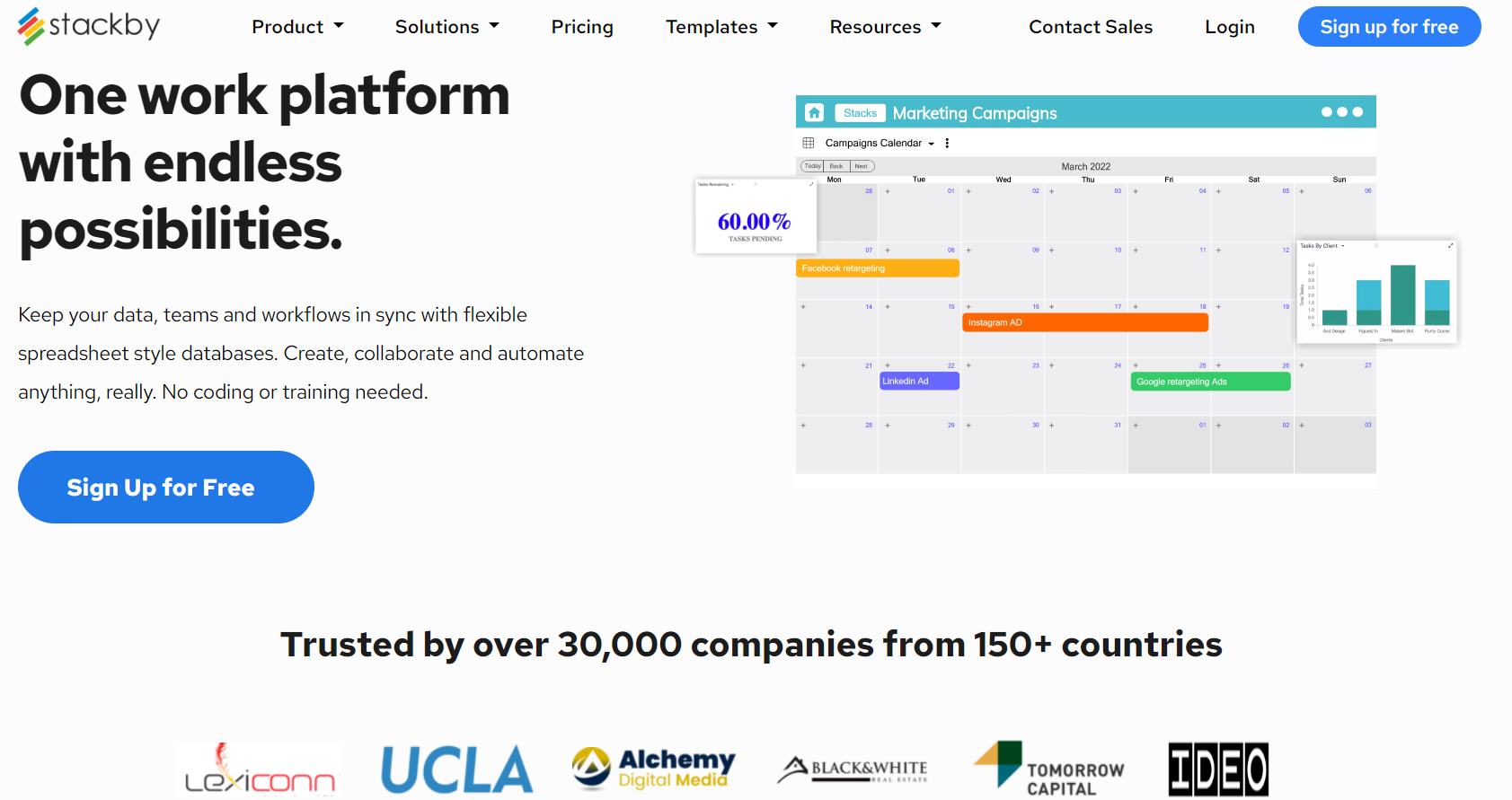
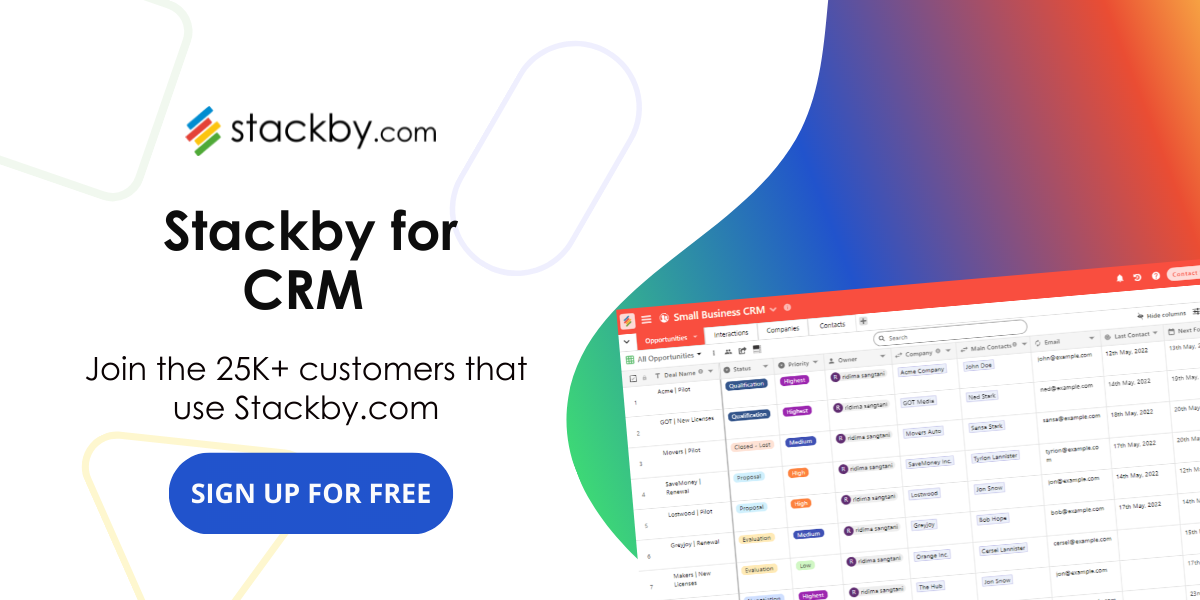
Starting our list is Stackby, a versatile tool that goes beyond traditional CRM capabilities. It allows users to create customized databases, manage projects, and collaborate seamlessly. Stackby's flexibility makes it a go-to solution for businesses looking for tailored client management.
Teams managing prospects and business relationships can also use Stackby's Business Development CRM template as a starting point for organizing client information.
Teams that need a more customized approach can also read about building a custom CRM without code.
Businesses building broader operational workflows can also review this guide to work management software and how it supports different team processes.
Key Features: 350+ Customizable databases Templates, project management, collaboration tools, Page Designers, 50+ API Connectors.
Stackby Pricing: Offers a free plan with different no-code templates for every business user & paid plan starts from $4/user/month annually.
2. HubSpot
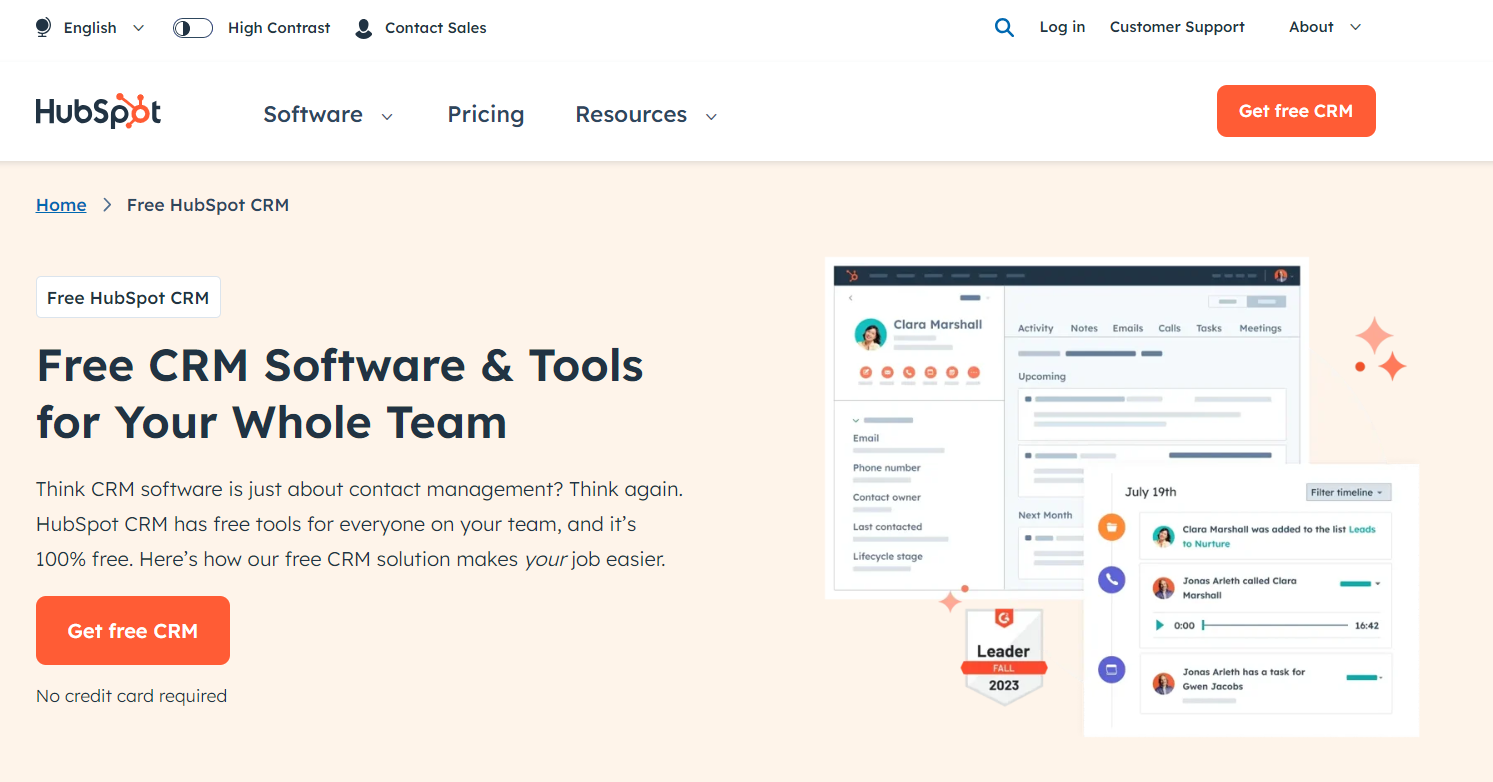
HubSpot CRM is renowned for its user-friendly interface and comprehensive features. From contact management to sales automation, it provides an all-in-one solution for businesses of all sizes. The integration of marketing and sales tools makes Hubspot CRM a powerful asset in client relationship management.
For collecting client information directly into a workflow, Stackby's custom forms can be used to capture structured responses.
Businesses evaluating CRM functionality can also review these CRM software examples and their different use cases.
Key Features: User-friendly interface, sales automation, marketing integration.
Pricing: Hubspot CRM is free. Additional features like Marketing Hub and Sales Hub have separate pricing tiers, while CMS pricing starts from $400/3 user/monthly.
3. Salesforce
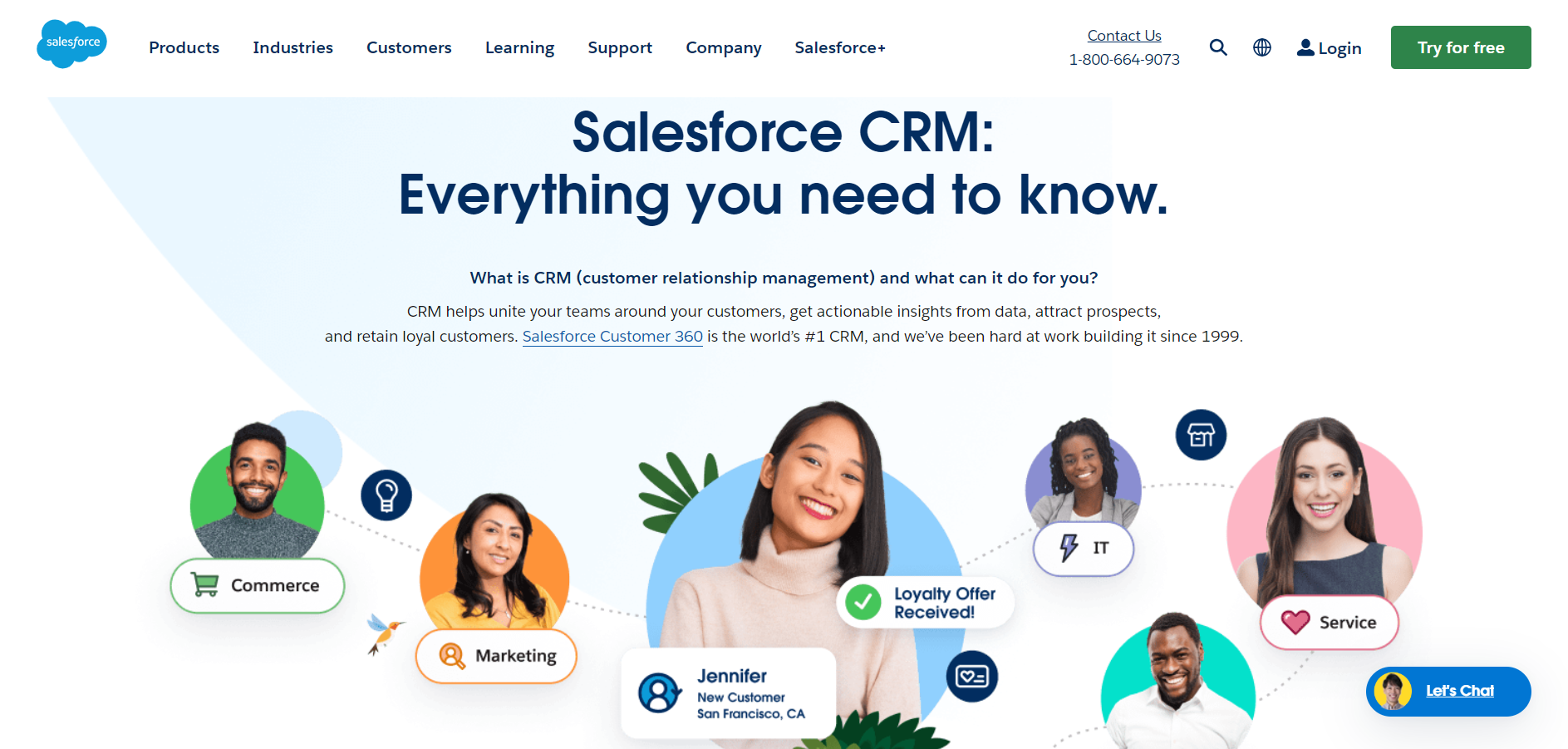
Salesforce CRM is a giant in the industry, offering a cloud-based platform that covers sales, marketing, and customer service. Its user-friendly interface allows businesses to effortlessly import leads into Salesforce, making it a preferred choice for enterprises seeking a holistic client management solution. Its robust features, scalability, and extensive customization options make it a preferred choice for enterprises seeking a holistic client management solution.
Key Features: Cloud-based platform, extensive customization, sales, marketing, and customer service modules.
Pricing: Plans start at $25 per user per month. Custom pricing for enterprise solutions.
4. Zoho
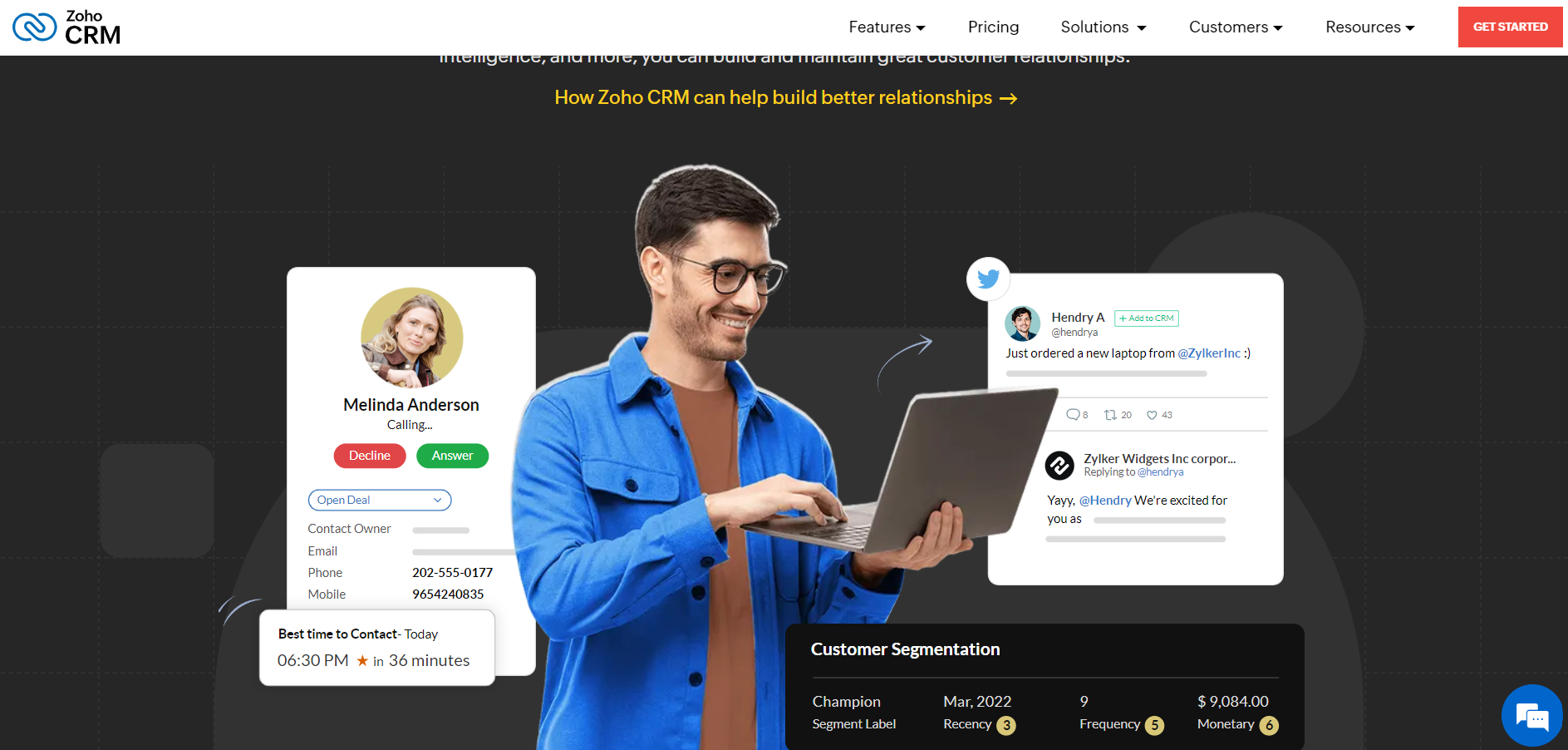
Zoho CRM stands out for its affordability without compromising on functionality. With modules for sales automation, marketing, and customer support, Zoho CRM caters to diverse business needs. It also integrates seamlessly with other Zoho apps, providing a unified experience.
Key Features: Affordable modules for sales, marketing, and customer support, seamless integration with other Zoho apps.
Pricing: Plans start at $14 per user per month. Free plan available with limited features.
5. Freshworks
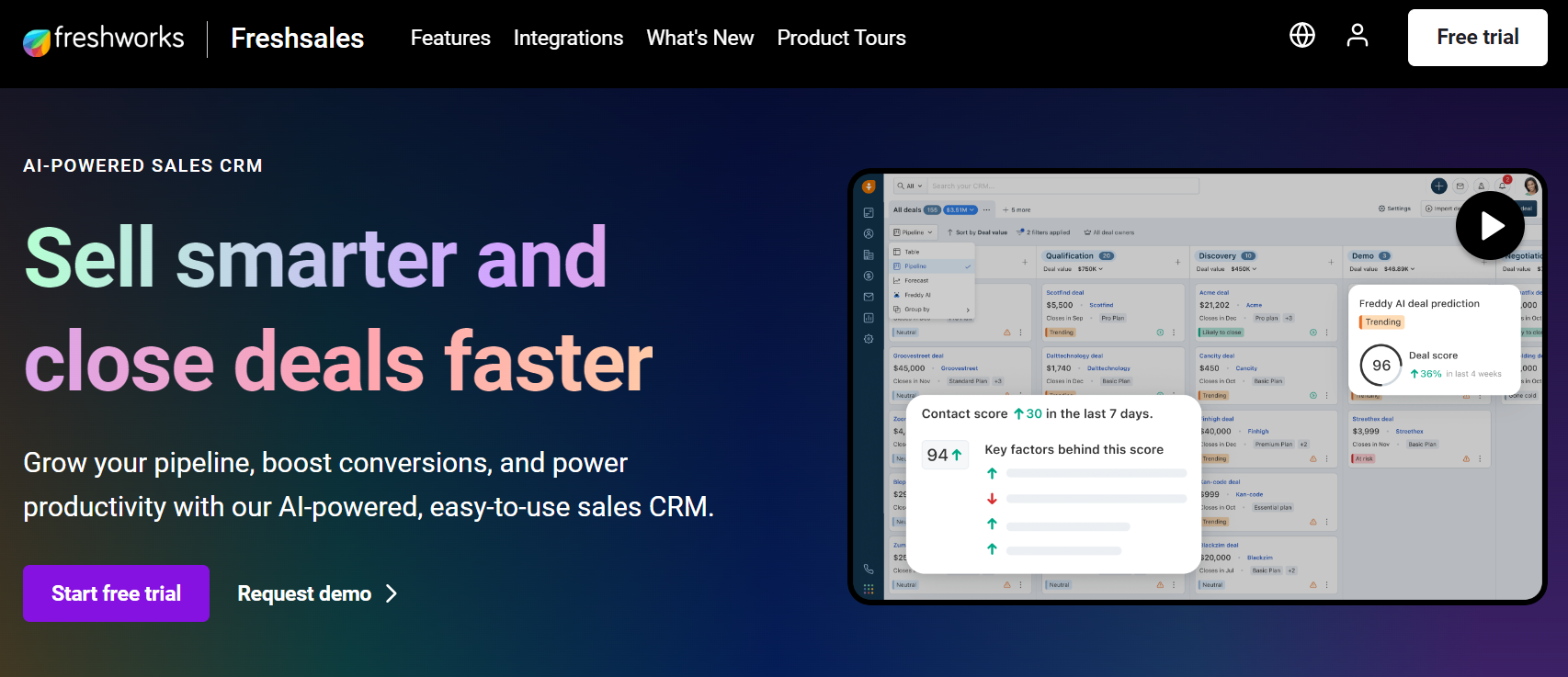
Freshworks CRM, formerly Freshsales, focuses on delivering an intuitive user experience. Its AI-driven capabilities help automate mundane tasks, enabling teams to concentrate on building meaningful client relationships. The tool's scalability suits both small businesses and larger enterprises.
Key Features: Intuitive user experience, AI-driven automation, scalability.
Pricing: Offers a free plan. Paid plans start at $29 per user per month.
6. Pipedrive
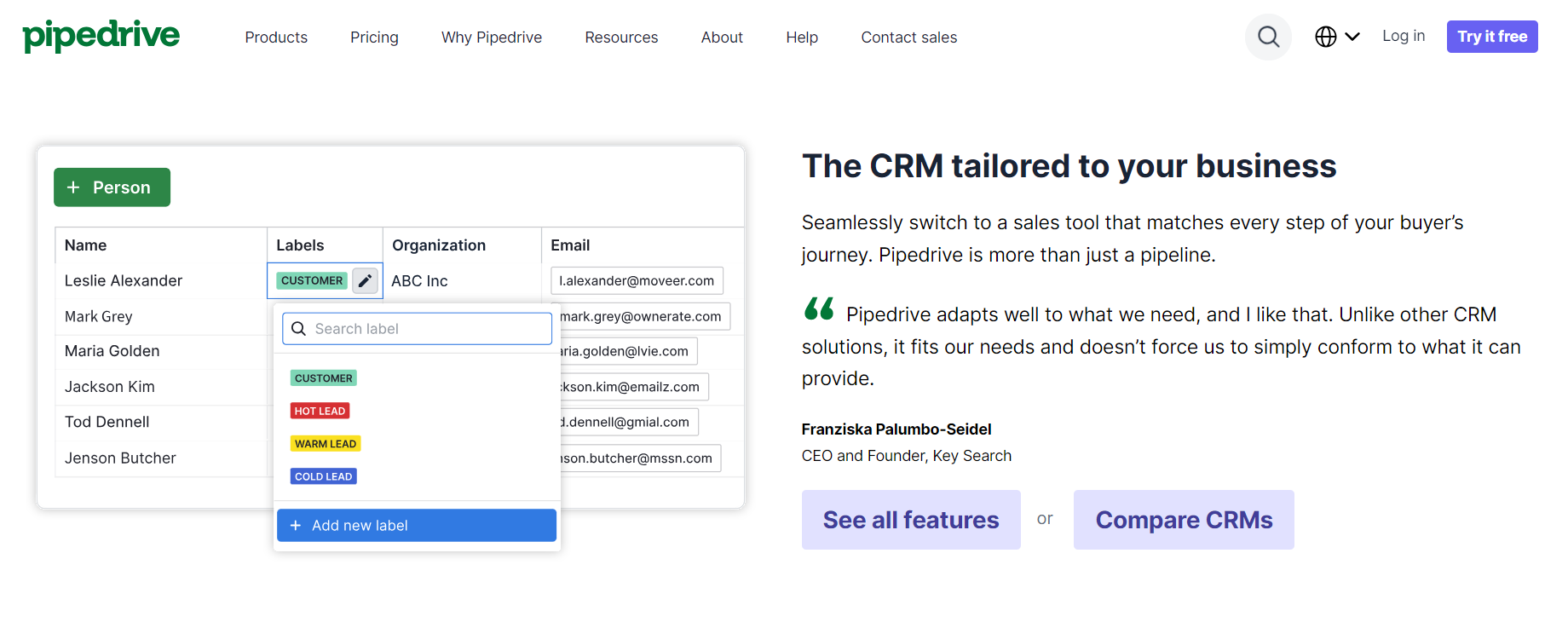
Pipedrive is renowned for its simplicity and effectiveness in managing sales pipelines. With a visual approach to deal tracking, it empowers sales teams to stay organized and focused on closing deals. Pipedrive's emphasis on sales efficiency makes it a valuable addition to our list.
Teams that need structured deal tracking can also use a Sales Pipeline template to organize opportunities by stage.
Key Features: Visual sales pipeline, simplicity, effective deal tracking.
Pricing: Plans start at $15 per user per month. Free trial available.
7. Nutshell
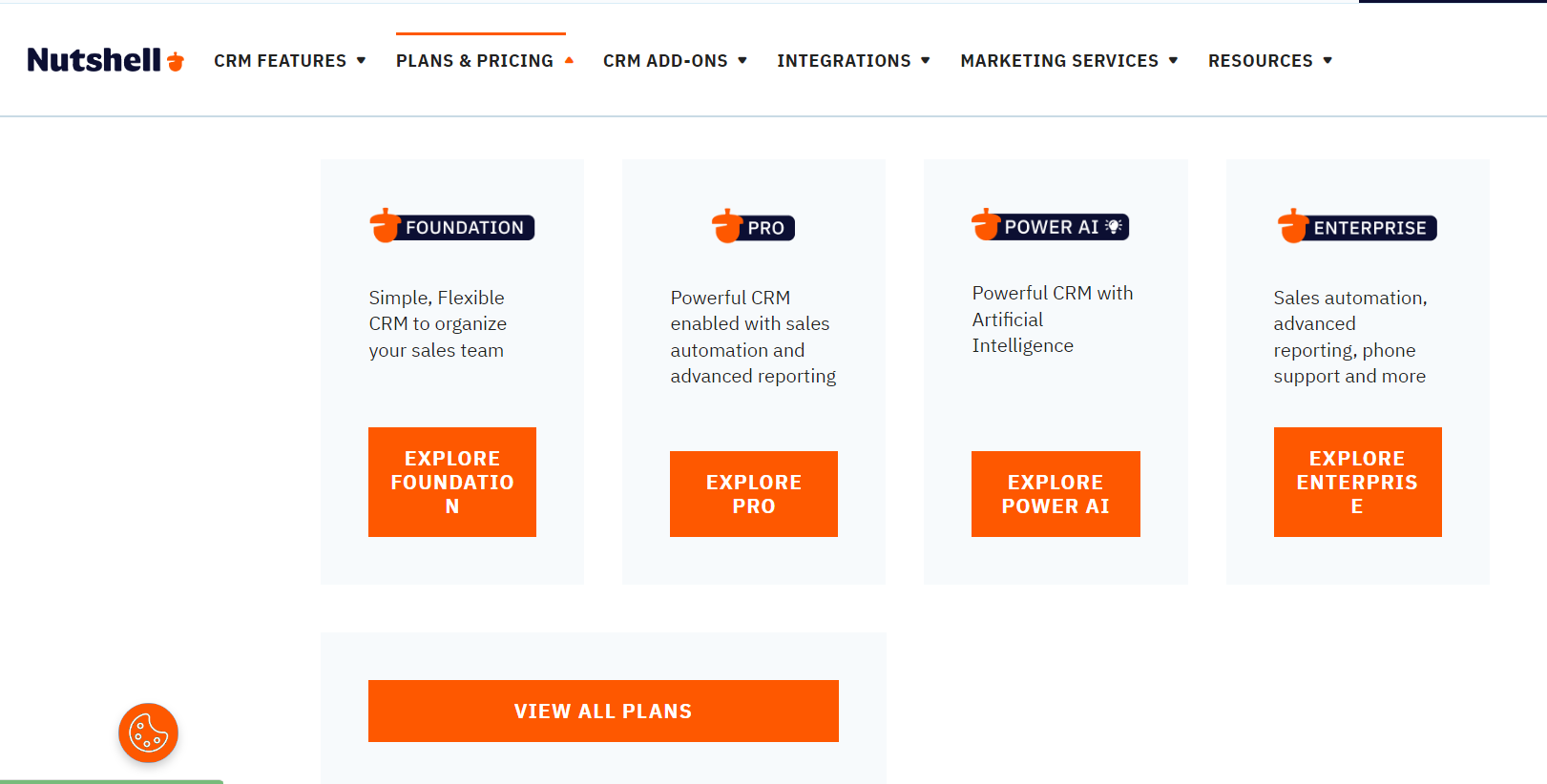
Nutshell stands out with its emphasis on simplicity and automation. It offers a clean interface, making it easy for teams to navigate and collaborate. Nutshell's automation features reduce manual tasks, enhancing efficiency in client management processes.
Stackby Automations can support recurring client-management workflows by connecting actions and reducing repetitive manual work.
Automation can also support broader customer workflows, including the processes covered in this guide to CRM automation.
Key Features: Emphasis on simplicity and automation, clean interface.
Pricing: Plans start at $19 per user per month. Free trial available.
8. Dock.us
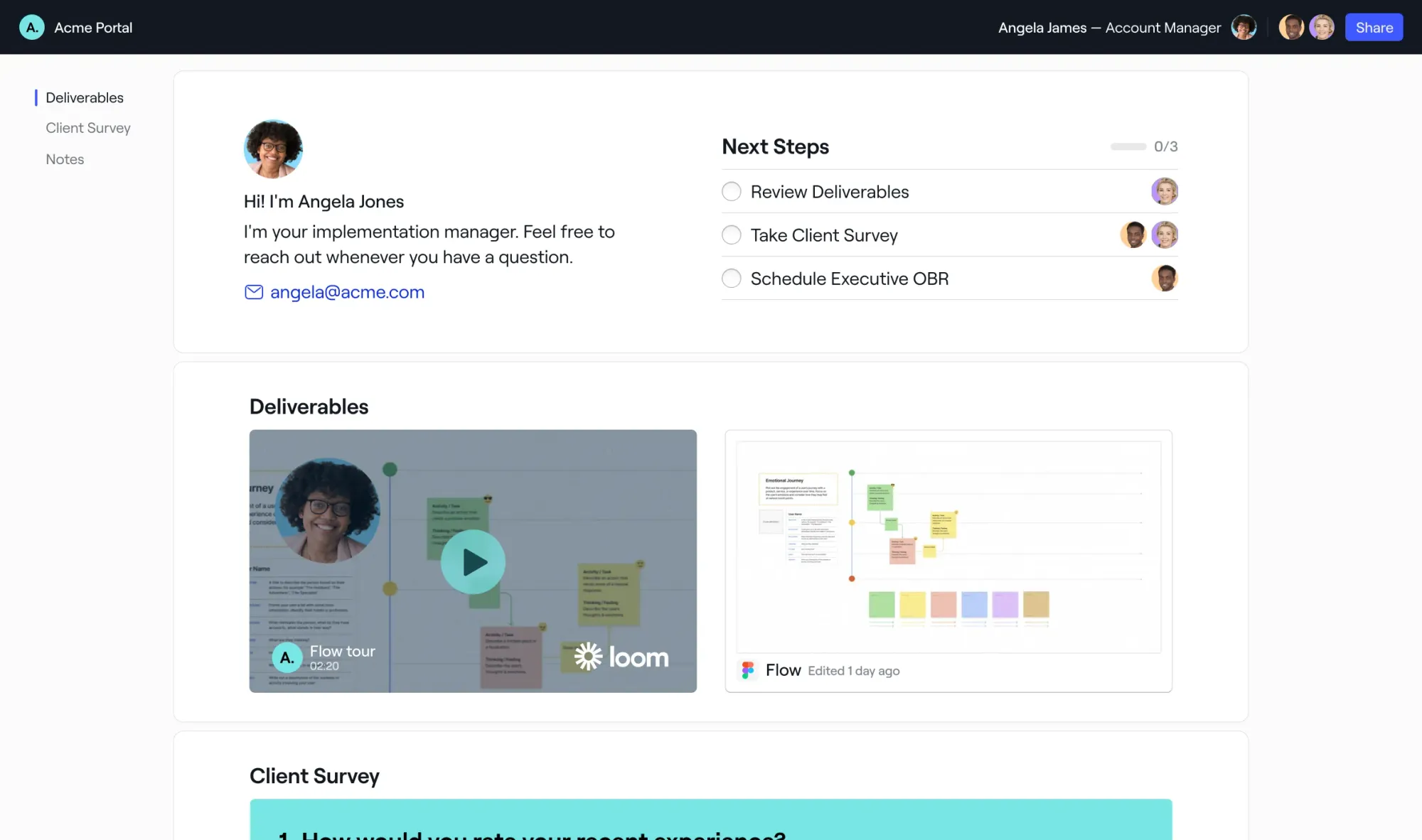
Dock’s client portals are client-facing workspaces that help revenue teams manage deals, onboard customers, and drive renewals. Dock brings all client-facing materials—like sales content, mutual action plans, onboarding resources, and order forms—into one organized hub. Teams gain insights into customer engagement and can deliver a smoother experience across the entire client lifecycle.
Key Features: Digital sales rooms, onboarding hubs, content management, project management
Pricing: Dock is free for individuals and small teams up to 50 workspaces. Paid plans start at $350 per month (for 5 users).
9. Keap
Formerly known as Infusionsoft, Keap targets small businesses with its robust CRM and marketing automation tools. It helps users manage contacts, automate marketing campaigns, and streamline sales processes, providing an integrated solution for client management.
Key Features: Robust CRM and marketing automation, ideal for small businesses.
Pricing: Plans start at $56 per user per month.
10. Insightly
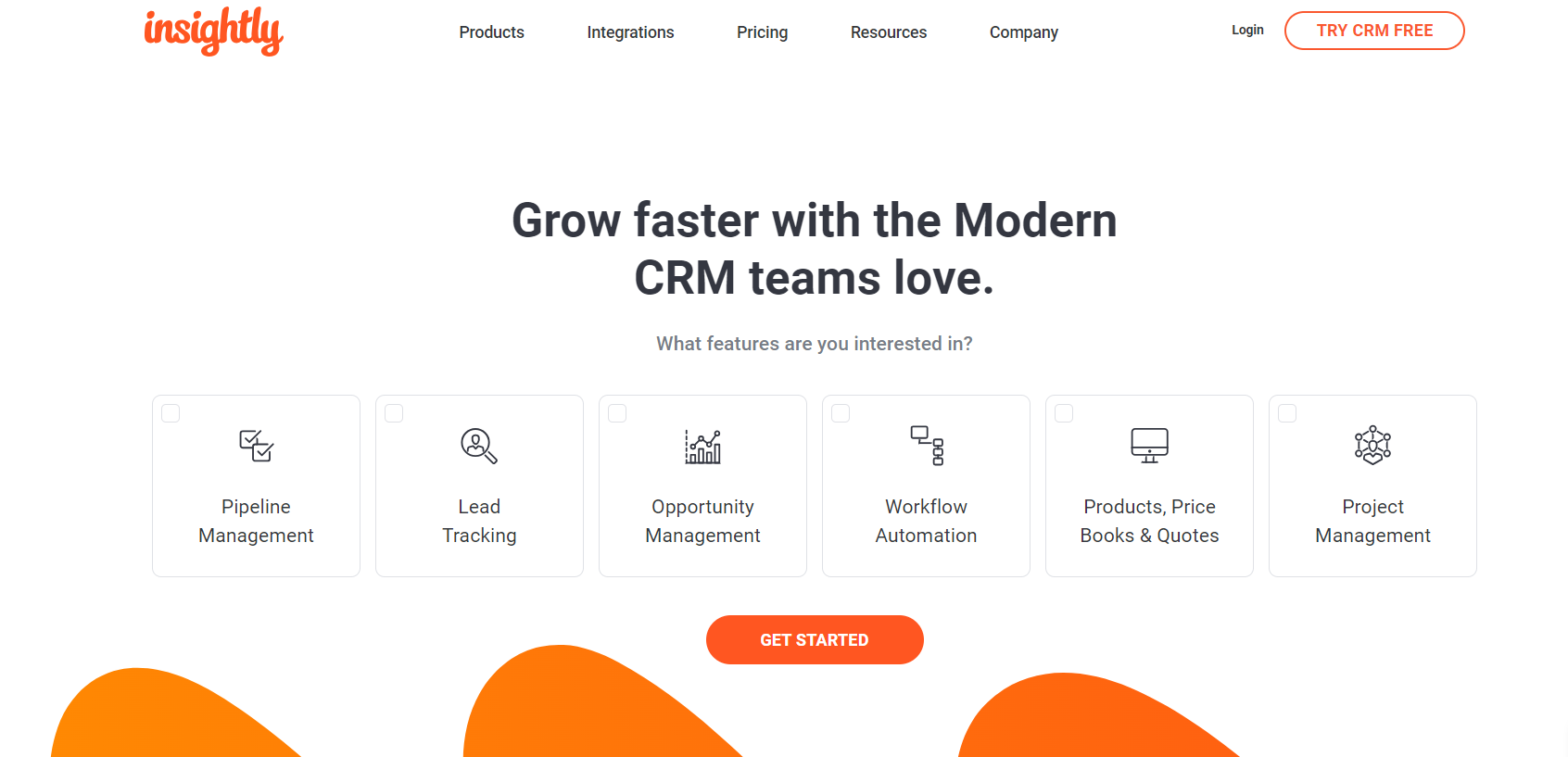
Insightly combines CRM and project management, catering to businesses that seek a comprehensive solution. It seamlessly integrates with popular productivity tools and offers a holistic view of client interactions, making it easier for teams to collaborate and deliver exceptional service.
Key Features: CRM and project management integration, seamless collaboration.
Pricing: Plans start at $29 per user per month. Free trial available.
11. Capsule
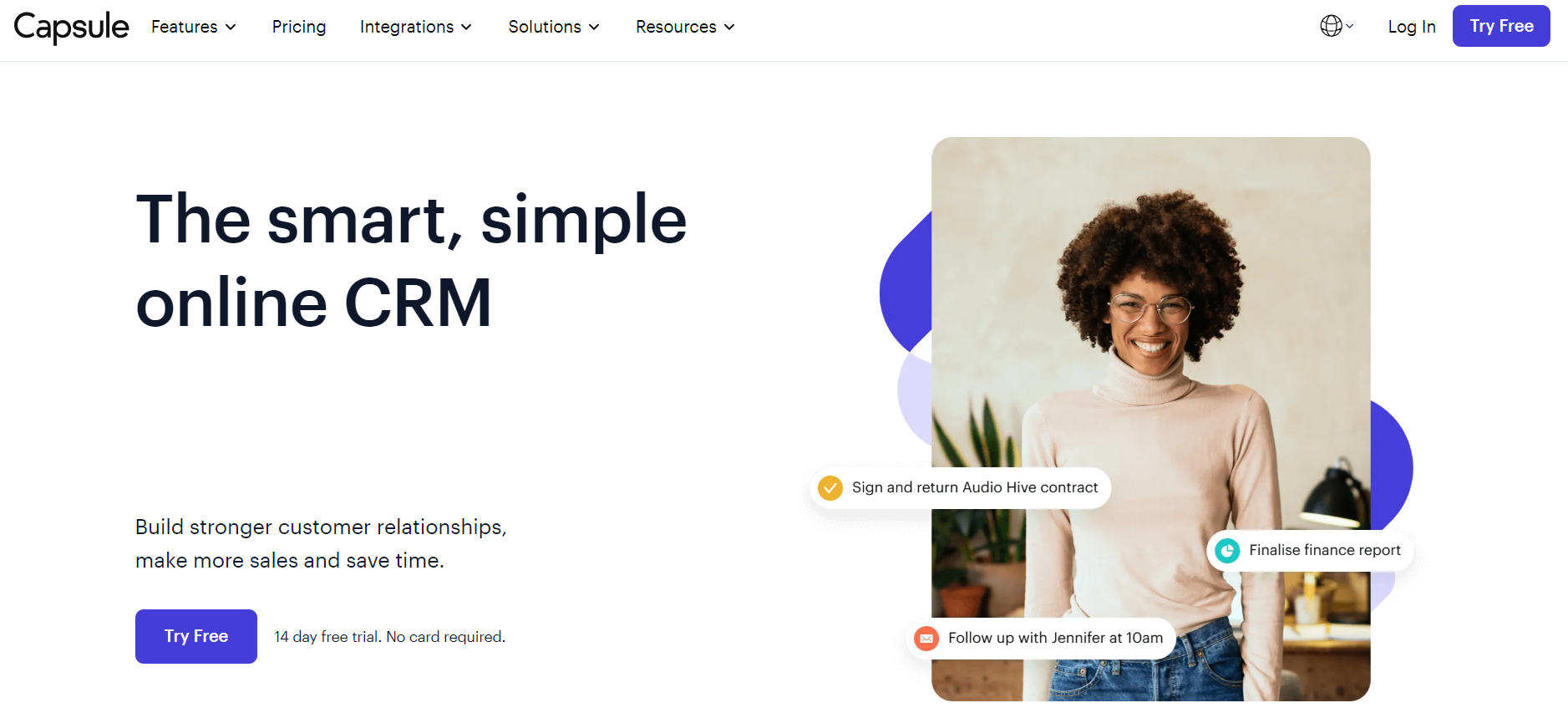
Capsule is a simple and efficient CRM tool designed for small businesses. It focuses on core CRM functionalities, including contact management and task tracking. Capsule's simplicity and affordability make it an ideal choice for startups and smaller enterprises.
Key Features: Straightforward CRM for small businesses, contact management, task tracking.
Pricing: Plans start at $18 per user per month. Free trial available.
12. Monday CRM
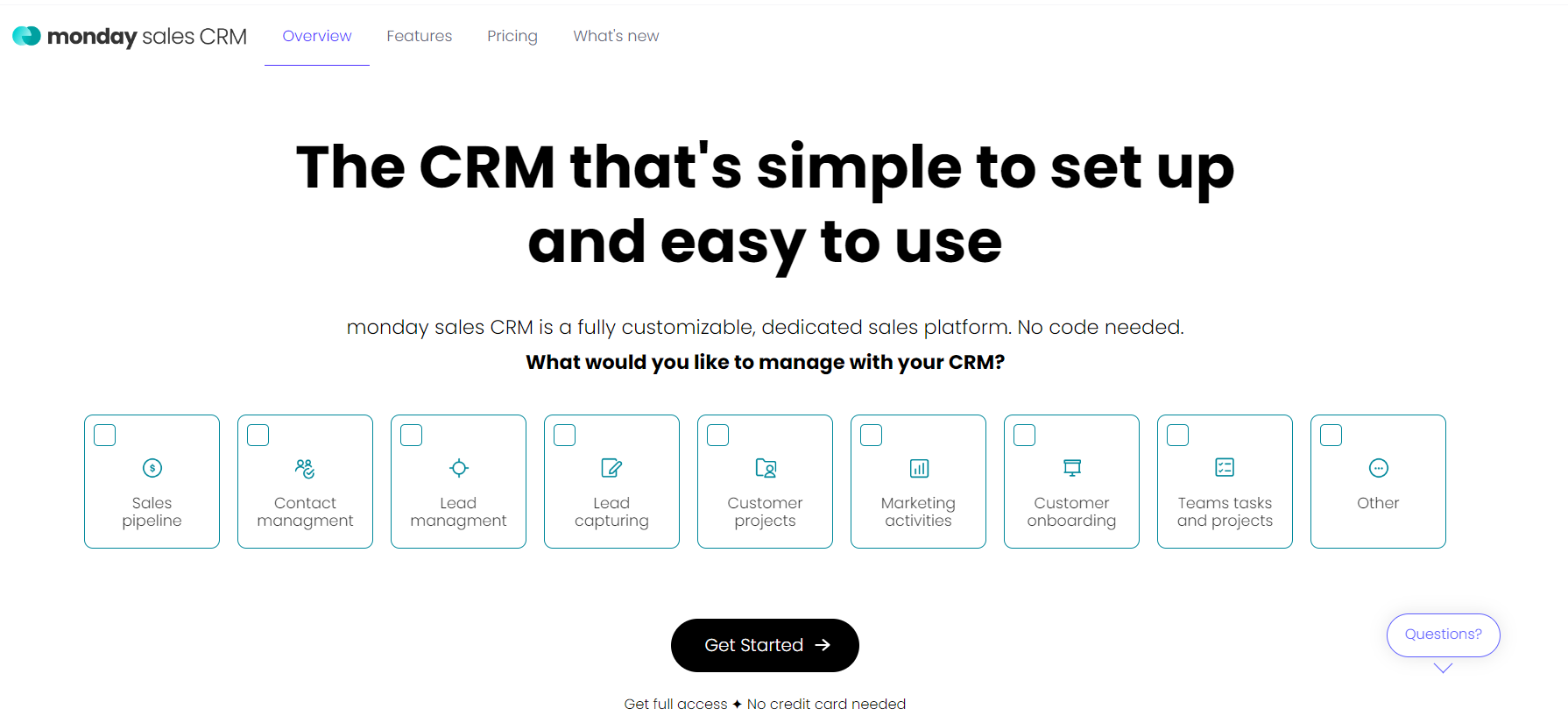
While Monday is primarily known as a project management tool, its versatility extends to client management. With customizable workflows and collaborative features, Monday aids in tracking client interactions and ensuring tasks are completed promptly. If you are looking for affordable platform you can try monday.com alternative.
Key Features: Customizable workflows, project management versatility.
Pricing: Plans start at $8 per user per month. Free trial available.
13. Zendesk
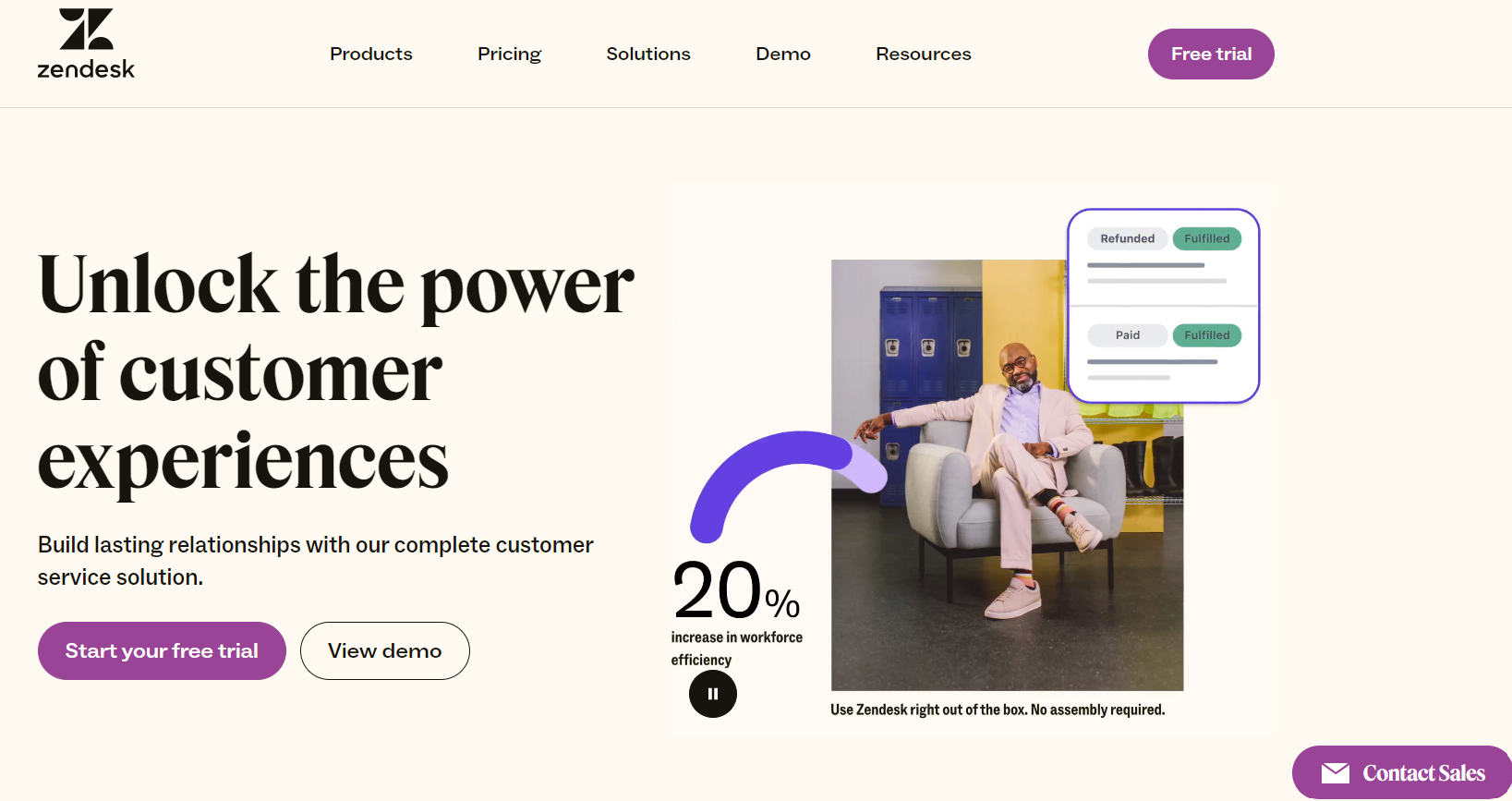
Closing our list is Zendesk, which excels in customer support and engagement. While initially recognized for its help desk solutions, Zendesk has expanded to offer a comprehensive CRM platform. It enables businesses to provide excellent customer service and build lasting client relationships.
Businesses managing client support requests can use a Customer Support Form to organize incoming requests and customer information.
Businesses that need a tailored sales workflow can also read this guide on building a custom sales CRM
Key Features: Customer support excellence, helpdesk solutions, comprehensive CRM platform.
Pricing: Plans start at $49 per user per month. Free trial available.
14. Tidio

Tidio is a customer service platform that combines live chat, help desk, and automation to help businesses manage client communications in one place. It features Lyro, an AI agent that provides truthful responses grounded in your specific knowledge base and FAQs. In addition to rule-based flows for automating tasks, the platform supports a seamless human handoff to ensure complex inquiries are transitioned to human agents when necessary.
Key Features: Live chat, help desk, AI agent (Lyro), Flows, and human handoff.
Pricing: Tidio offers several pricing plans to suit different business needs, including a free version.
How to Choose the Right Client Management Tool
Business size
Small businesses may prioritize simplicity and affordability, while larger teams may need advanced permissions, reporting, and integrations.
Client volume
Consider contact, record, workspace, and storage limits when evaluating a platform.
Workflow requirements
Some businesses primarily need CRM functionality, while others need project management, client portals, forms, or customer support.
Automation
Automation can reduce repetitive follow-ups, notifications, data entry, and other manual processes.
Integrations
Consider whether the platform connects with the tools already used for communication, marketing, sales, accounting, and project management.
Customization
Businesses with unique processes may need customizable fields, views, databases, forms, and workflows.
Reporting
Reporting and dashboards become increasingly important as client volume and team size grow.
Frequently Asked Questions About Client Management Tools
What are client management tools?
Client management tools are software platforms that help businesses organize client information, track interactions, manage follow-ups, coordinate tasks, and maintain customer relationships. Depending on the platform, they may include CRM, project management, client portal, automation, or customer support functionality.
What is the best client management tool for a small business?
The best option depends on the business's workflow and requirements. Small businesses may prioritize ease of use, affordable pricing, contact management, task tracking, automation, and integrations when selecting client management software.
What is the difference between CRM and client management software?
CRM software primarily focuses on managing customer and prospect relationships, sales activities, and interactions. Client management software can have a broader scope and may also include project management, client communication, task management, forms, portals, and other workflow capabilities.
Can client management tools automate follow-ups?
Many client management platforms provide automation features for follow-ups, notifications, task assignments, emails, and other recurring activities. The available automation capabilities depend on the platform and subscription plan.
What features should client management software have?
Important features can include contact management, task management, communication tracking, sales pipelines, automation, collaboration, integrations, reporting, customizable workflows, and data organization.
Are client management tools useful for small businesses?
Yes. Client management software can help small businesses centralize client information, reduce manual work, organize follow-ups, and maintain consistent communication as the client base grows.
Can I use a client management tool for project management?
Some platforms combine client management and project management functionality. These tools can help teams connect client information with tasks, deadlines, projects, communications, and deliverables.
Can Stackby be used for client management?
Yes. Stackby can be configured around different client-management workflows using customizable databases, templates, views, forms, automations, and integrations. This makes it suitable for businesses that need more flexibility than a fixed CRM structure provides.
Conclusion
The right client management tool depends on the way your business manages relationships, sales activities, projects, communication, and customer support. CRM platforms such as HubSpot, Salesforce, Zoho, and Pipedrive focus heavily on customer and sales management, while platforms such as Dock, Zendesk, and Tidio address client-facing collaboration and support.
Stackby provides a more flexible approach for businesses that want to build client workflows around their own processes. Its customizable databases, templates, views, forms, automations, and integrations can support different client-management requirements without forcing every business into the same workflow.
For teams that want to test a customizable approach, Stackby's free trial provides an option to create and evaluate a client management workflow before committing to a long-term setup.
![Step by Step Guide on How to Build Forms in a Database [2026]](/blog/content/images/2022/03/form-database-blog.png)