Client Portal With No Login: Magic Links vs Passwords, Which Is Safer?
This article compares magic links and traditional passwords for client portals, covering password less access, guest limits, security risks, and external-user costs. It explains how shared views and forms can simplify client access while protecting sensitive information.
Client access problems can be more expensive than they seem. Forgotten passwords and repeated login issues can take time away from the work that matters: helping clients, sharing updates, and keeping projects moving.
Anyone building a client-facing system knows the trade-off. Clients want quick, frictionless access, while businesses need strong security and control. A client portal with no login can provide that balance, but only when the underlying access method is configured properly.
This article compares two common approaches, magic links and traditional passwords, and explains how each works for client-facing use cases. It also covers external-user limits, guest access, and what those limits can mean for costs. Platforms such as Stackby support client-facing workflows through shared views and forms, giving teams alternatives to traditional login credentials.
If you're still setting up your portal, the guide on how to create a client portal covers the basic setup.
What Does "No Login" Actually Mean for a Client Portal?
A client portal with no login doesn't necessarily mean that there is no authentication. Instead, it means the access process doesn't require clients to create and remember a traditional username-and-password combination.
A system might verify access through something the client already has, such as an email inbox or a unique URL.
This can be useful when clients only access a portal occasionally. A freelance designer, for example, might give a client access once a month to review deliverables. Asking that client to remember another password can create unnecessary friction.
Common no-login approaches include:
Magic links: One-time or time-limited URLs sent through email that provide access.
Shared view links: Direct links to specific datasets, views, or dashboards without requiring credentials.
Embedded portals: Client-facing views embedded into another website or application.
Pre-authenticated forms: Forms that collect information without requiring the client to create an account.
The right approach depends on the type of information being shared, how frequently clients access it, and whether they need to view information or make changes.
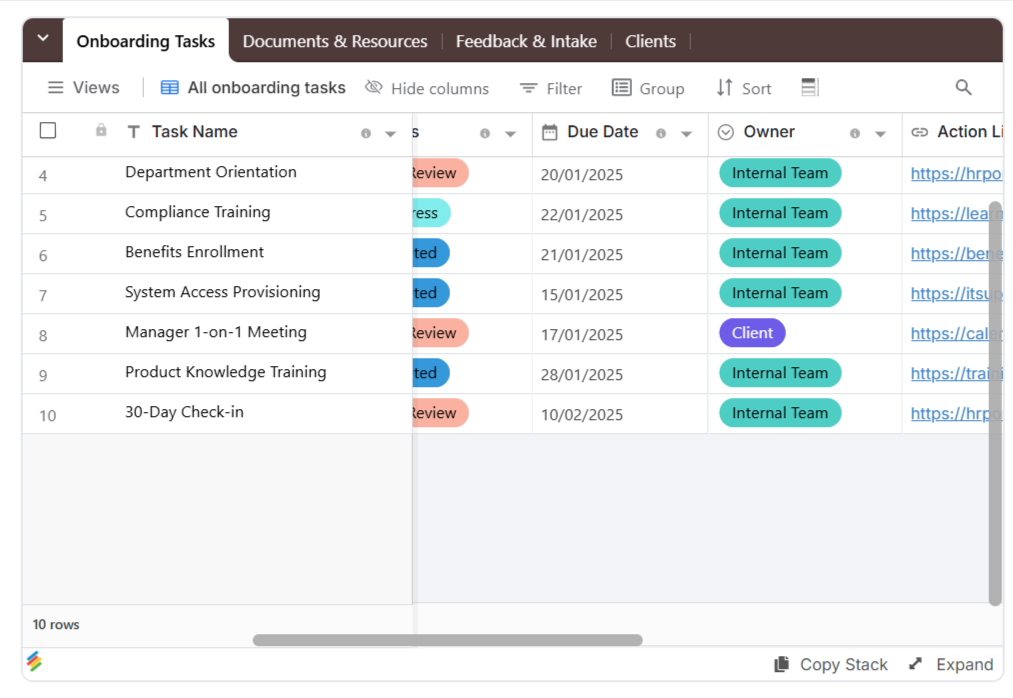
For teams managing multiple client relationships, a Client Onboarding Portal Template can provide a starting point for organizing shared information, project updates, and client requests.
Magic Links: How They Work and Where They Fall Short
A magic link lets a client access a system through a unique link instead of entering a password.
Behind the scenes, the system generates a unique token associated with the intended user. When the recipient clicks the link, the system checks whether the token is valid, whether it has expired, and, depending on the implementation, whether it has already been used.
If those checks pass, access is granted.
Why Magic Links Are Convenient
Magic links eliminate several common sources of friction:
- No password to remember.
- No password-reset process.
- No manual credential entry.
- Faster access for occasional users.
- Easier onboarding for non-technical clients.
For client-facing workflows where users may only visit occasionally, this can make the overall experience considerably simpler.
A consistent onboarding process also helps teams provide access in a repeatable way. A client onboarding checklist can help organize the steps involved when a new client joins a project.
Where Magic Links Can Create Risk
Magic links aren't automatically secure simply because they don't use passwords.
Potential issues include:
- A client forwarding the link to another person.
- Shared business inboxes being accessed by multiple people.
- Links remaining accessible in an inbox for an extended period.
- Long-lived links becoming a problem if the recipient's email account is compromised.
The main mitigation is short-lived or single-use links, when the platform supports them. Expiration windows reduce the period during which a leaked or forwarded link can be used.
It's also important to understand what a link grants access to. A link that exposes an entire workspace carries different risks from one that only shows a limited, client-specific view.
Passwords: The Familiar but Friction-Heavy Option
Passwords remain a common authentication method, particularly for systems where users access information frequently.
The underlying technology isn't necessarily the biggest weakness. The challenge is often how people manage passwords.
Users may:
- Reuse passwords across multiple services.
- Choose predictable passwords.
- Forget credentials.
- Store passwords insecurely.
- Request frequent password resets.
For a client portal, that friction can appear at exactly the wrong time. A client who needs to download an invoice or review a project update may first have to locate a forgotten password or complete a reset process.
When Passwords Still Make Sense
Passwords can be useful when clients access the portal frequently and need persistent accounts.
For example, a long-term client who logs in several times a week may prefer a permanent account over repeatedly requesting access through email.
Adding two-factor authentication (2FA) can also provide an additional security layer for password-based access. For sensitive client data, the broader security setup matters as much as the login method.
Magic Links vs. Passwords: Direct Comparison
The best approach depends on how clients use your portal.
Factor | Magic Links | Passwords | Password less Shared View |
|---|---|---|---|
Client setup | Click a link | Create and remember credentials | Click a shared link |
Password required | No | Yes | No |
Password reset required | No | Sometimes | No |
Credential reuse risk | No password to reuse | Possible | No password |
Email compromise risk | Higher if link is accessible | Still relevant | Depends on access method |
Best suited for | Occasional access | Frequent, persistent access | Occasional to moderate access |
Access revocation | Expire or revoke link, if supported | Disable account or reset credentials | Remove sharing access |
Ease for non-technical clients | High | Moderate | High |
The main distinction is between convenience and persistent authentication.
For occasional external access, password less methods can reduce friction. For frequent, long-term access, a persistent account with a strong password and additional authentication can be more appropriate.
Shared views are especially useful when clients need to see selected information rather than manage an entire workspace. Stackby's views can support workflows organized around specific information, but the sharing configuration still needs to be reviewed for the sensitivity of the data.
How Many External Users Does a Client Portal Actually Need?
Authentication is only one part of client portal planning. You also need to understand how many external users your platform can support.
The number depends on your business model.
A small consulting business may only need a handful of guest users. An accounting or professional-services firm managing hundreds of clients may need considerably more.
Most platforms distinguish between:
Internal users: Employees and team members who manage the workspace.
External users: Clients, contractors, vendors, or other people who need limited access.
This distinction matters because external users may not be billed in the same way as internal editors.
Stackby Guest and Editor Structure
The plan figures below are the figures stated in the source draft. Confirm them against Stackby's current plan details before publishing, since pricing, guest limits, and row limits can change.
Plan | Editors (Internal) | Guests (External) | Rows per Stack |
|---|---|---|---|
Free | Up to 5 | 50 per workspace | 1,500 |
Economy | Up to 5+ | Unlimited (read-only) | 7,000 |
Business | Seat-based | Unlimited | 50,000 |
Business+ | Seat-based | Unlimited | 100,000 |
This distinction is important when evaluating client portal guest limits. If most clients only need to view information, a platform that separates guests from billable editors can have a different cost structure from one that charges every collaborator.
The more useful question isn't simply, "How many users does this platform support?"
It's: How many users need editing access, and how many only need to view information?
The same principle applies to operational workflows. For example, an equipment inventory template or an office inventory template may need different access permissions for internal staff and external contractors.
How Stackby Supports a Client Portal With No Login
Stackby is primarily a no-code database platform rather than a dedicated client portal product. Its database foundation can support client-facing workflows through shared views, forms, and permissions.
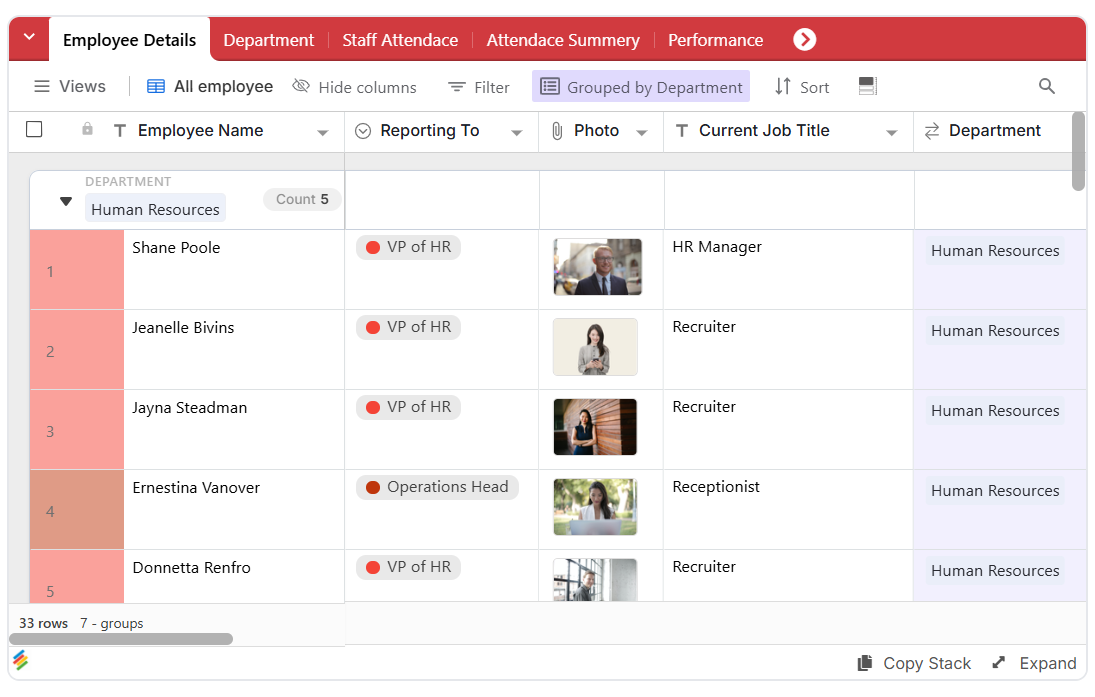
Share Specific Views
You can share a specific view so a client only sees the information relevant to their project or account.
For example, a client could see their project status or invoices without needing access to unrelated internal data.
Before sharing, review the view's contents and the access settings available for it. Avoid placing sensitive internal data in a view intended for external access.
This approach can also work for operational use cases. A vendor assessment template can help organize vendor information while keeping internal review processes separate from information shared externally.
Embed Client-Facing Views
Views can also be embedded into websites or other client-facing experiences, where the relevant configuration supports embedding.
This can allow clients to access live information without navigating through an internal workspace. Before publishing an embedded view, check what information is exposed and whether the embed requires additional access controls.
For businesses managing purchases and approvals, a purchase approval form template or purchase process template can help organize the information behind the workflow.
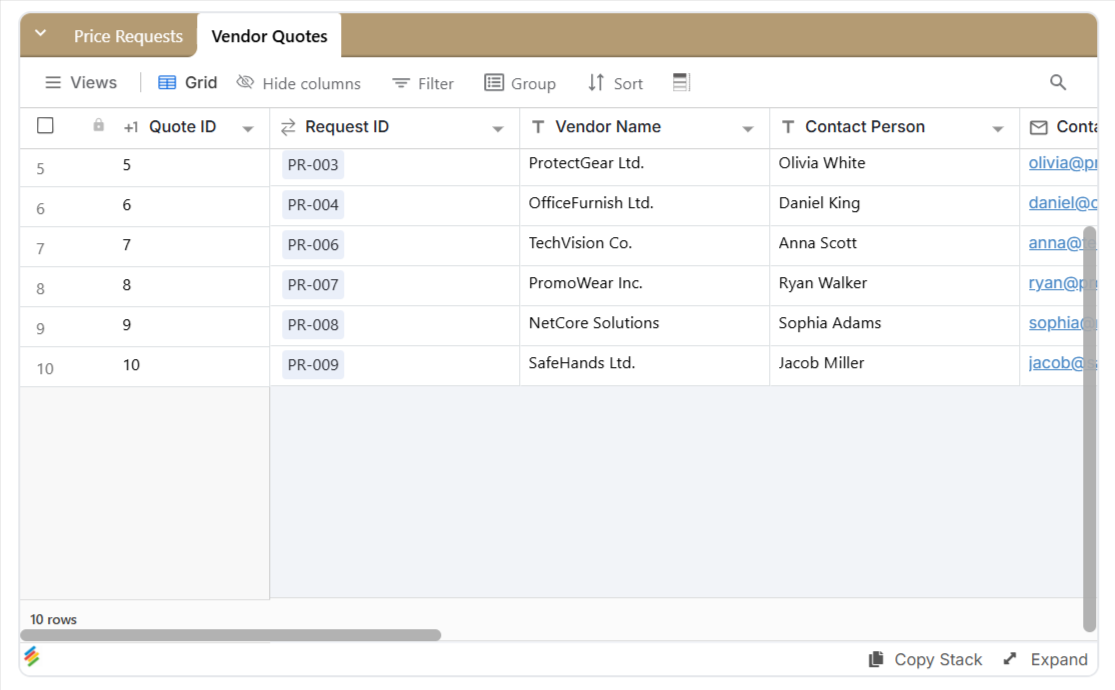
Use Forms Without Requiring Accounts
Forms can act as another entry point for a password less client workflow.
Clients can submit information without creating a traditional account when the form's configuration allows it, while the submitted data can flow into your database.
Common examples include intake questionnaires, project briefs, requests for approval, and feedback submissions. Stackby's online form builder is relevant to workflows that collect information through forms rather than asking every external user to work directly inside a database.
A work order template can provide a structured way to collect job details, while an IT procurement template can help organize requests for equipment or technology.
Control When Sign-In Is Required
Not every client interaction needs the same level of access. A public-facing form may suit a simple request, while sensitive project data may require a more restrictive setup.
Choose the access method based on the information being collected or shared, the actions the client needs to perform, and the controls the platform supports.
For inventory-related workflows, an asset tracker template can help organize equipment information, while an employee attendance tracker can support internal tracking processes. These are examples of workflows where access should be tailored to the audience rather than shared broadly by default.
Revoke Access When Necessary
Access should be easy to remove when a client relationship ends or when an access link needs to be revoked.
Review shared links and views periodically. Remove access that is no longer needed, and avoid treating a previously shared link as permanently safe.
A clear offboarding process can help teams close out client access consistently, especially when multiple people manage the same accounts.
Setting Up a No-Login Portal Without Creating Security Problems
A password less portal still needs proper access controls.
Authentication is only one part of the security model. You also need to consider what users can see and what they can do after receiving access.
A few practices are especially important:
Separate client-facing data from internal information. Don't rely on clients simply ignoring information they shouldn't access.
Use expiration where available. Short-lived magic links reduce the risk of old links remaining active indefinitely.
Limit permissions. Give clients only the access they actually need.
Review access regularly. Remove access when a project or client relationship ends.
Track sensitive activity where appropriate. For contracts, financial information, or other sensitive data, access monitoring can be important.
Test the client experience. Check what an external user can see before sharing a link widely.
Plan for offboarding. Decide how access will be removed when a project ends or a contact changes roles.
A product inventory template can illustrate how structured records may be maintained internally while only relevant information is shared with the right audience.
Using Forms as a No-Login Entry Point
Forms can be the starting point for many password less client workflows.
A client doesn't necessarily need an account to submit an intake form. They need a link, a clear set of questions, and a straightforward submission process.
Once the form is submitted, the information can flow into your database and trigger other workflows, depending on how the system is configured.
For example, you might collect:
- Client contact information
- Project requirements
- Documents or files
- Approval details
- Feedback
- Support requests
The article on how to build forms in a database provides more context for creating these types of workflows.
Pre-filled information can also make forms feel more personalized. Instead of asking clients to enter information your team already has, you can provide relevant details in advance and reduce repetitive data entry.
Frequently Asked Questions
Is a client portal with no login actually secure?
It can be, provided the access method is configured correctly. Security depends on factors such as link expiration, access permissions, data visibility, and the ability to revoke access. Password less access isn't automatically secure or insecure simply because it doesn't use a password.
Can I switch from a password-based portal to a no-login setup later?
In many platforms, the authentication method can be changed without rebuilding the underlying data. However, the exact process depends on the platform and how the portal has been configured.
Should I use passwords for long-term clients and magic links for one-time access?
That can be a practical approach. Frequent, long-term users may benefit from persistent accounts with stronger authentication, while occasional users may benefit from the lower friction of password less access.
Are magic links safe if a client forwards the email?
Not automatically. If a magic link remains active indefinitely, forwarding it can give another person access. Expiration periods, single-use links, scoped permissions, and the ability to revoke access can reduce this risk.
How many external users can a client portal have?
The limit depends on the platform and plan. Some platforms distinguish external guests from internal editors and may offer higher guest limits. Check whether the limit applies to the entire workspace, individual projects, or specific views.
What's the difference between a magic link and a password less portal?
A magic link is one authentication method. A password less portal is a broader approach that can include magic links, shared views, embedded experiences, and forms that don't require traditional login credentials.
Conclusion
The real question isn't whether magic links or passwords are universally safer. It's whether the authentication method matches how your clients use the portal. Occasional users often benefit from lower-friction access, while frequent users may need persistent accounts and stronger authentication controls.
For password less access, security depends on more than simply removing the password. Expiring links, limiting permissions, separating client data from internal information, and revoking access when necessary all play an important role.
For teams that want to create client-facing workflows around databases, forms, shared views, and permissions, Stackby can provide a way to organize those workflows without building a separate application from scratch. The right setup ultimately depends on how frequently your clients access the portal, what information they need, and how much control your team requires.
Key Takeaways
- Magic links reduce friction for clients who only access a portal occasionally.
- Passwords can make sense for frequent users, especially when combined with additional authentication.
- Magic links should have expiration or revocation controls to reduce the risk of forwarded or compromised links.
- Guest limits and billing matter when choosing a client portal platform.
- Client permissions should match the information they actually need, rather than giving every user full access.
- Forms and shared views can provide password less entry points for many client-facing workflows.