No-Code App Builder for Non-Technical Teams: Best Options in 2026
Discover the best no-code app builders for non-technical teams in 2026. Compare tools and pricing to build custom apps without coding. Start free.
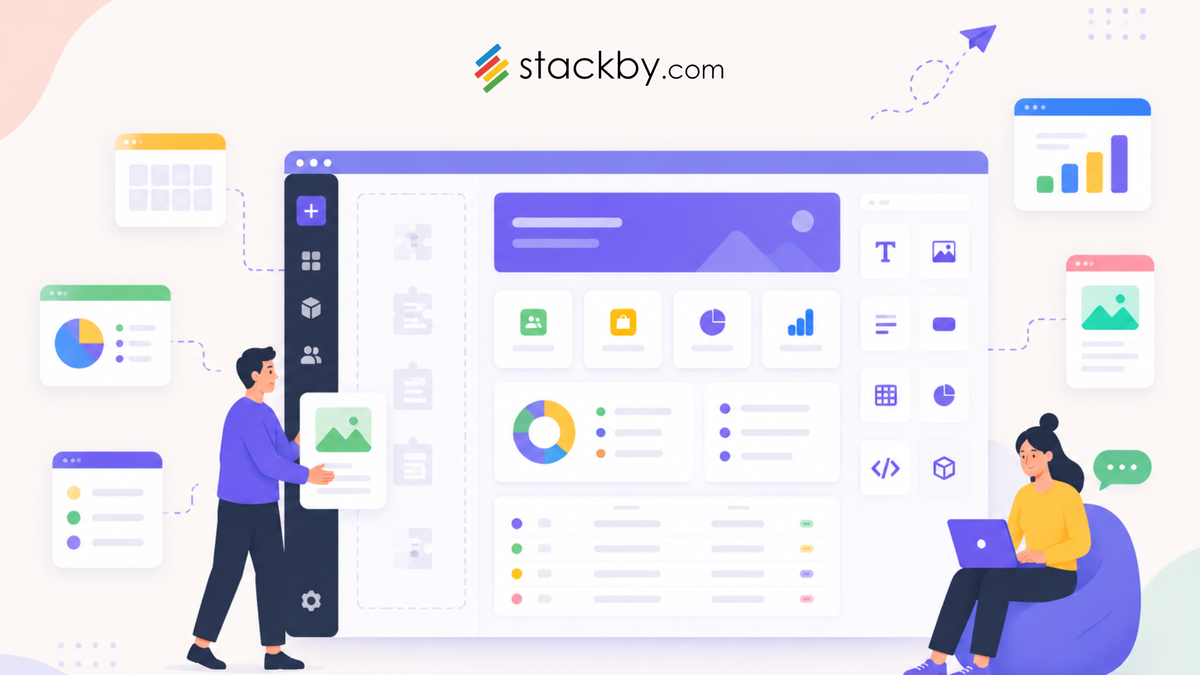
Your ops team is managing five spreadsheets, a shared inbox, and a Slack channel just to track one workflow. You've got a developer somewhere in the org, sure, but they're backlogged for six weeks. So nothing gets built, and your team keeps copying data between tabs.
Sound familiar?
The good news is that the category of no-code app builder for non-technical teams has gotten genuinely impressive over the last couple of years. You don't need to wait on engineering. You don't need to learn Python. You can build a working CRM, approval workflow, or project tracker yourself, using an interface that doesn't require a manual to navigate.
This post breaks down the best options in 2026, compares them honestly, and gives you a clear recommendation for most teams. Stackby earns its spot at the top of this list, and you'll see why. But we'll cover the full picture, including who each tool actually fits.
What Non-Technical Teams Actually Need From a No-Code Platform
There's a big gap between what people think they want and what actually works.
Most teams come in saying "I want something like Airtable but cheaper" or "I heard Bubble is good." That's a starting point. But the platforms that actually get adopted by non-technical teams share some specific qualities.
- They feel familiar. If your team spends their day in spreadsheets, handing them a foreign software dashboard is a recipe for low adoption. Tools that use spreadsheet-style logic, where rows are records and columns are fields, click faster for most people. There's less relearning. Less resistance.
- They handle workflow automation without needing a developer. A no-code platform without automation is just a dressed-up spreadsheet. The tools worth your money let you set up automations through point-and-click interfaces. Status changes trigger emails. New form submissions create tasks. Approvals move records forward on their own.
- They replace multiple tools at once. This is the one most teams overlook. The best platforms let you build a no-code CRM, a project tracker, and an HR workflow all in one workspace. Tool sprawl is genuinely expensive, both in money and in time spent maintaining separate systems.
- They don't require a training week. Honestly, if your team can't build something useful in a day or two, the tool failed the adoption test before it even started.
2026 Comparison: No-Code App Builders for Non-Technical Teams
5 Best No-Code App Builders for Non-Technical Teams in 2026
There are a lot of options. Here are the ones worth your time.
1. Stackby
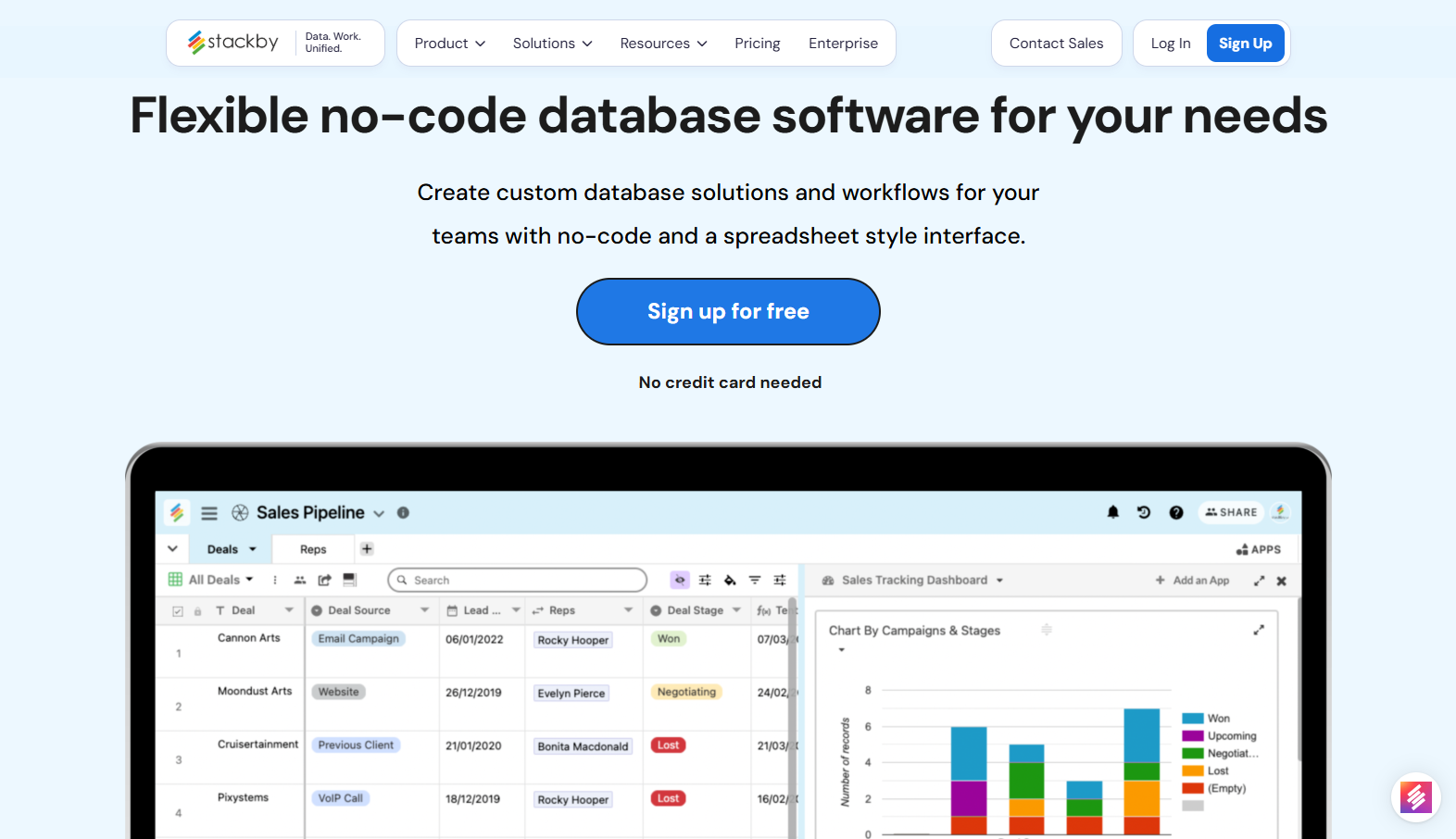
Stackby sits at the top because it does something most platforms don't: it gives non-technical teams the familiarity of a spreadsheet combined with the power of a relational database, plus built-in automation, native API integrations, AI field agents, AI co-builder, MCP connectors and templates, all in one workspace.
You can build an inventory management system, a recruitment tracker, or a client portal without ever touching code. The drag-and-drop interface is clean. The learning curve is genuinely manageable for teams that have never built anything like this before.
What separates Stackby from most competitors is the combination of depth and accessibility. Most tools do one thing well. Stackby handles database management, project tracking, HR workflows, and operations management in a unified workspace. If you're currently running three or four separate tools, there's a real chance it replaces all of them.
Pricing starts at a free plan. Paid plans begin around $5/user/month. Reasonable for what you're getting.
2. Airtable
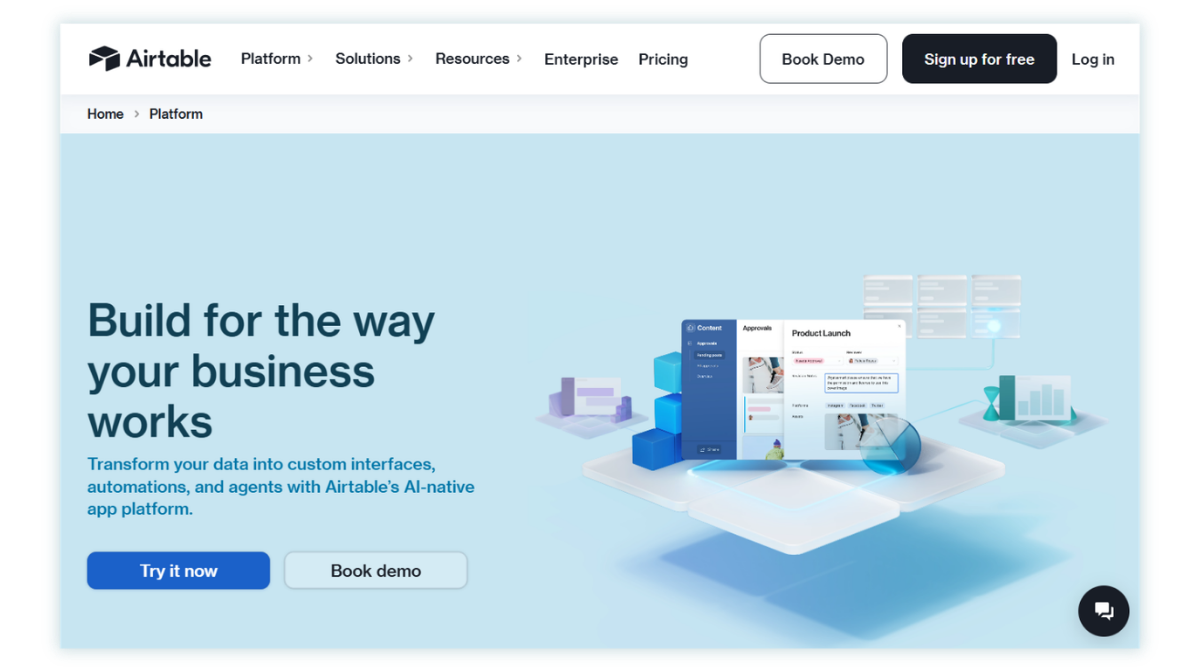
Airtable was the pioneer. It introduced millions of non-developers to the idea that databases didn't have to be scary.
The UI is clean, the templates are solid, the integration list is long. But the pricing? Painful. The free plan limits you to 1,000 records per base, and the Pro plan runs $20/user/month. For a 10-person team, that's $200/month before you've built anything particularly sophisticated. And then it scales from there.
That's the thing about Airtable nobody tells you when you start: it gets expensive fast, and the jump from one tier to the next rarely feels proportional to what you're actually getting. Still a solid tool if you're already embedded in the ecosystem. Just go in with realistic budget expectations.
3. Glide
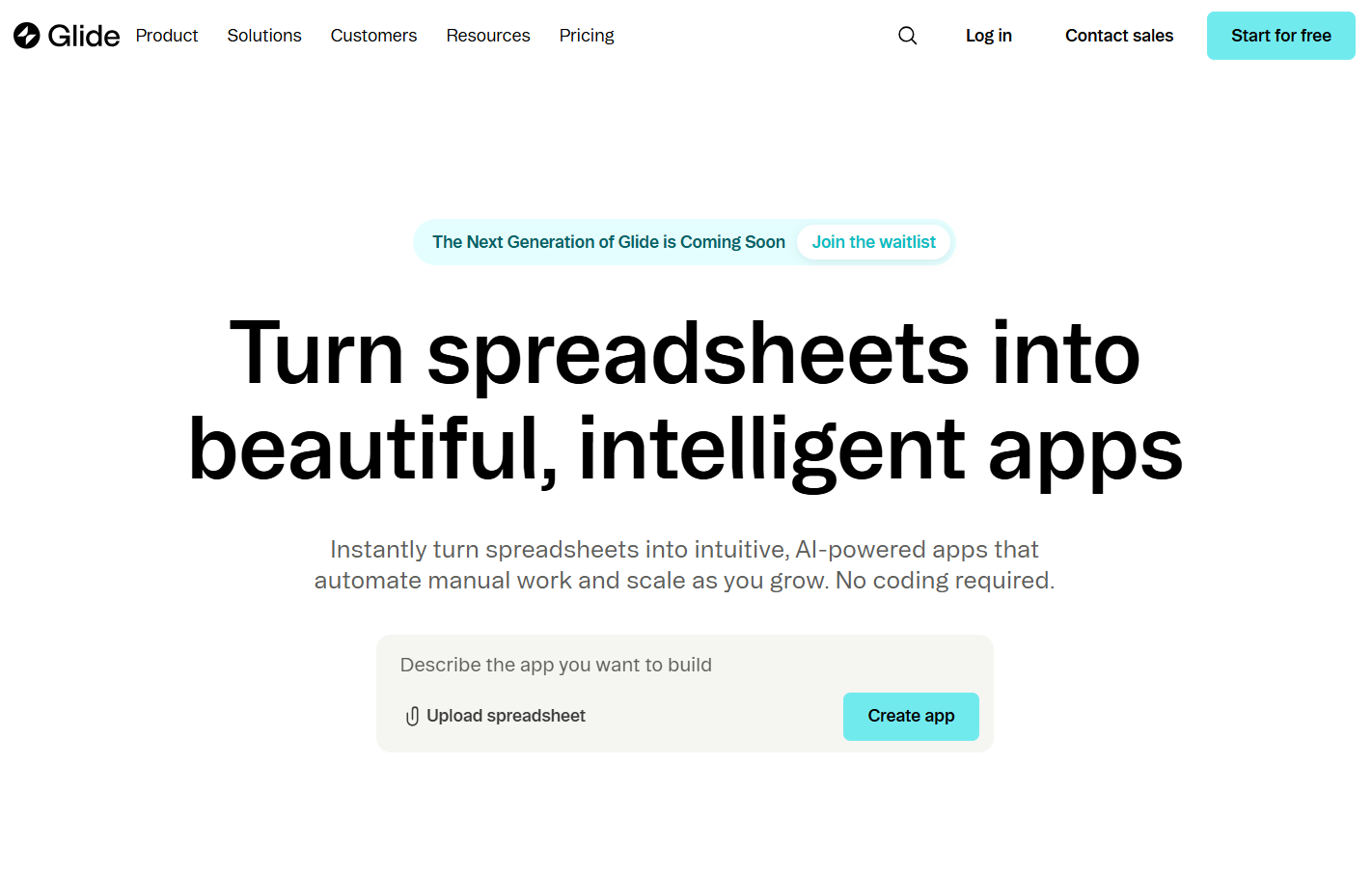
Glide is specifically designed for turning spreadsheets into mobile-friendly apps. You connect a Google Sheet, configure layouts, and publish something that looks decent on a phone. For field teams, delivery tracking, or internal directories, it works well.
The limitation is depth. Glide apps are simpler by design. If you need complex relational data, serious automations, or a full no-code internal app builder that handles multiple team workflows, you'll hit a ceiling quickly. Good for specific narrow use cases, not for teams that need to replace a stack.
4. Appsmith
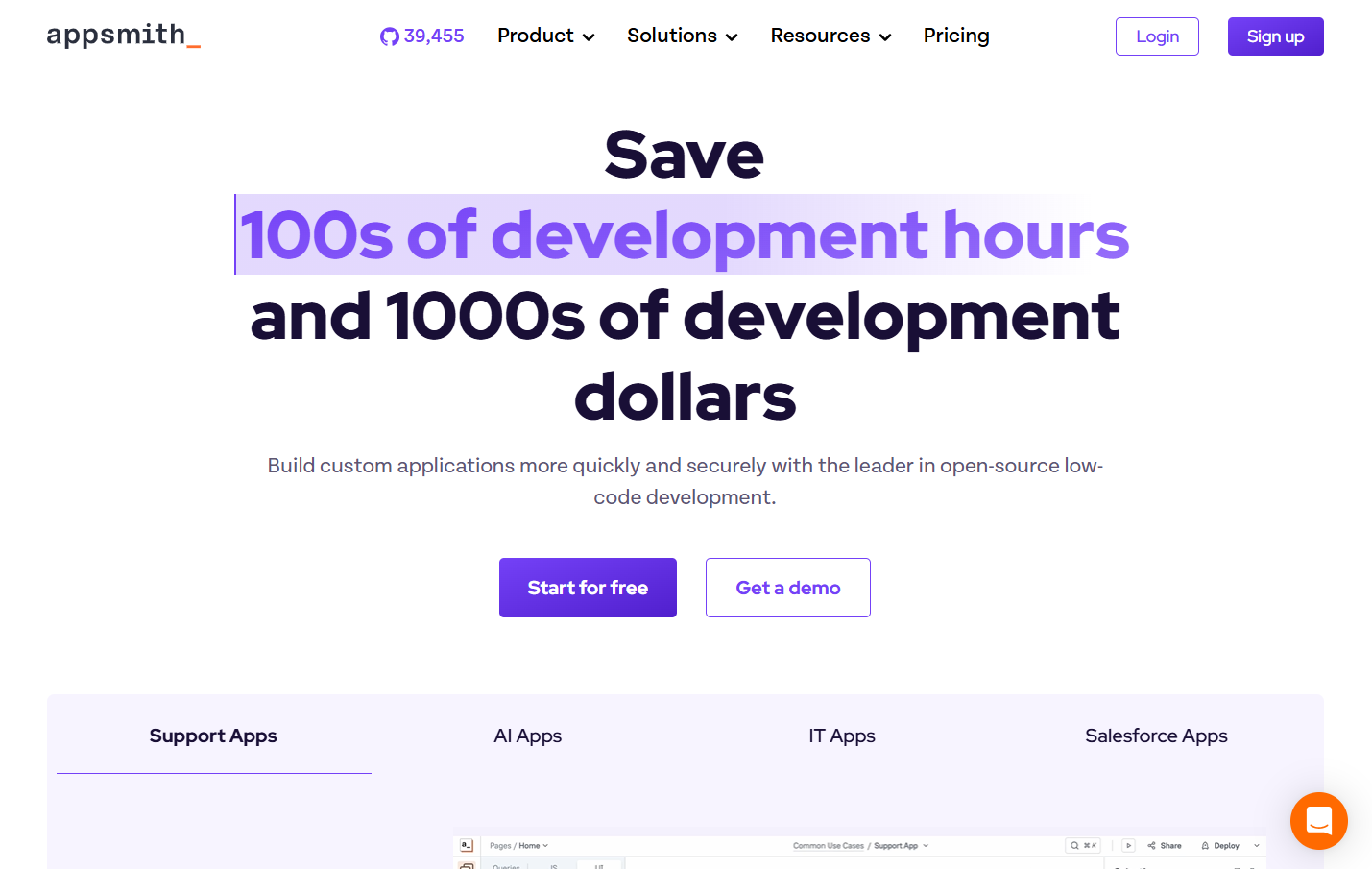
Appsmith is technically low-code, not no-code. And that distinction matters. You will need someone with JavaScript familiarity to build anything serious with it.
That said, if you have one technically-minded person on your team (not a full developer, just someone comfortable with logic), Appsmith can produce incredibly powerful internal dashboards. The open-source version is free. Cloud pricing starts around $40/month. But if your team is truly non-technical, this isn't the right starting point.
5. Softr
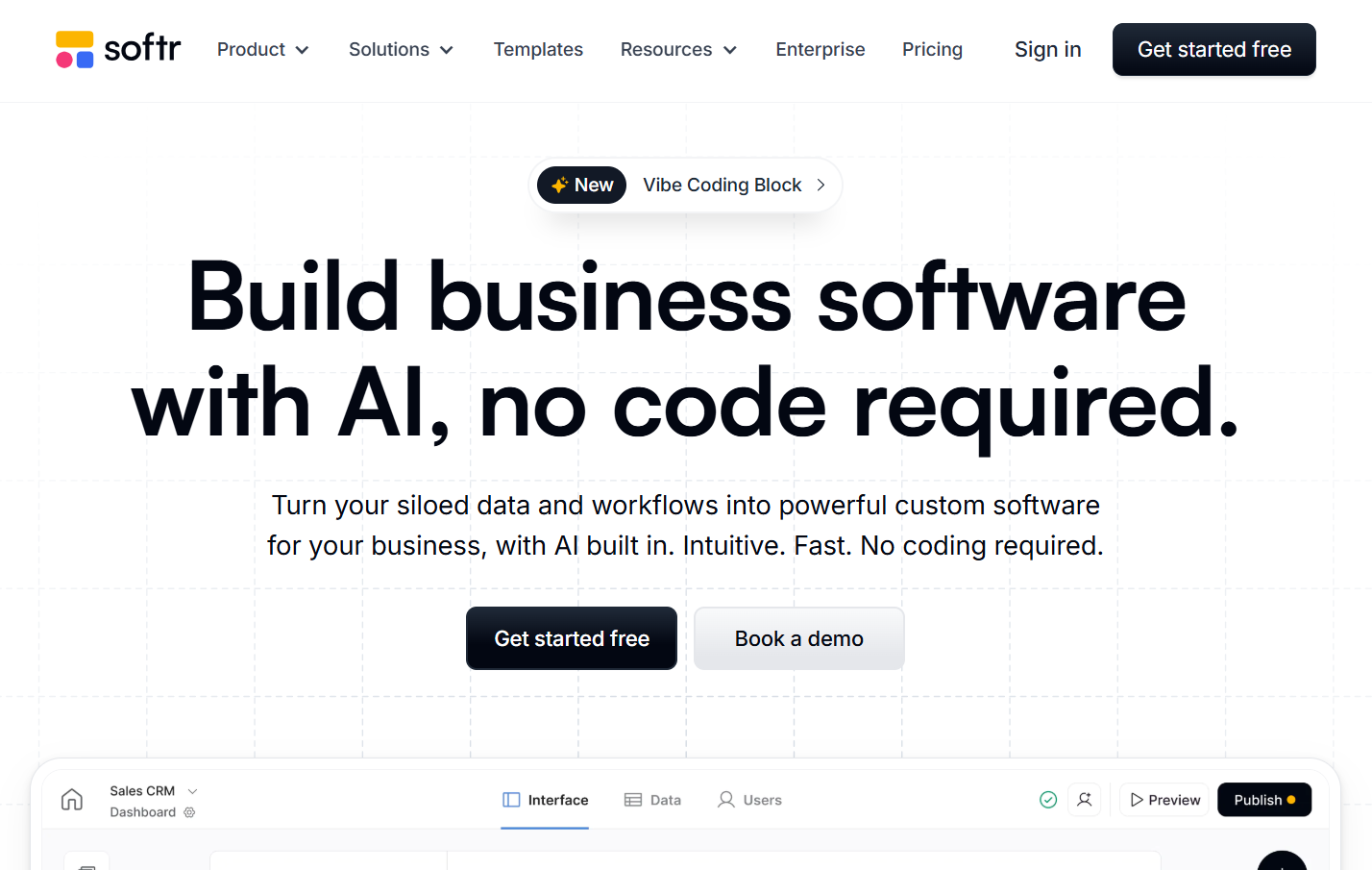
Softr is worth a mention for teams specifically needing a client-facing portal built on top of Airtable or Google Sheets. Setup is fast. You can publish something in an afternoon.
The catch is that it's intentionally limited in scope. It's a front-end builder that depends on an external data source. Not a standalone platform for building custom business apps from scratch. Solid for what it is, just know what you're buying.
How Stackby Helps Non-Technical Teams Build Custom Apps
Here's the specific case for Stackby, beyond the surface-level pitch.
The spreadsheet-plus-database hybrid is the key thing. Most people joining a new ops tool are coming from Excel or Google Sheets. The learning curve isn't starting from zero, it's extending what they already know. That matters enormously for adoption. Teams don't resist tools that feel intuitive on day one.
Here's what non-technical teams are actually building with it:
- Sales teams building a no-code CRM pipeline that updates automatically when deal stages change, no manual status updates required
- HR teams running a recruitment tracker that links candidates to open roles, tracks interview stages, and sends automated follow-up reminders
- Operations teams using it for operations management across procurement, vendor tracking, and resource allocation
- Project leads replacing their old project management software entirely with custom dashboards that actually reflect how their specific team works
- Agencies setting up a client portal for deliverable tracking and approval workflows, without paying for a separate portal tool
The API integration piece is genuinely underrated. You can connect Stackby to Stripe, Mailchimp, Google Analytics, and 30+ other services natively. No Zapier subscription required. For a non-technical team, that's huge. Automations that would normally need a developer just work out of the box.
And then there are the templates. If you've ever stared at a blank database wondering how to structure your data, having 1000+ pre-built internal tools templates as a starting point is a real time-saver. Pick what fits, customize it to your workflow, launch in hours instead of days.
The free plan is real. You can build something useful without spending anything, which is how most teams should start before committing a budget.
Ready to try it? Start a free trial at Stackby or book a demo to see how your team can start building without waiting on a developer.
Who Should Use Which Tool
Most comparison posts go vague here. Here's a cleaner cut.
Start with Stackby if you need an all-in-one platform that handles CRM, project tracking, HR, inventory, and operations without stitching together multiple tools. Spreadsheet-native teams adopt it fast. The pricing is fair at every scale. And the feature depth means you won't outgrow it in six months.
Use Airtable if you're already embedded in the ecosystem and switching costs outweigh the pricing pain. Or if your team has specific integrations that only Airtable supports. Budget accordingly and don't be surprised when the bill grows.
Use Glide if you're building a lightweight mobile app for a field team and your data already lives in Google Sheets. It's not a full-featured platform, but for that narrow use case, it's fast and effective.
Use Appsmith if you have one technically-minded person on the team who can handle some JavaScript and you need fine-grained control over internal dashboards. Go in knowing it's low-code, not no-code.
Use Softr if your primary goal is a polished, client-facing portal built on top of Airtable or Google Sheets. It does that one thing very well.
For most teams reading this? Stackby is the practical choice. It's the rare platform where the free plan is genuinely useful, the paid plans don't feel punitive, and non-developers can actually build what they need without a tutorial marathon.
Common Mistakes Non-Technical Teams Make When Choosing a Platform
A few patterns worth avoiding before you commit.
- Picking the most impressive demo, not the most adoptable tool. Some platforms look incredible in a sales call. Then your team opens it on a Monday morning and nobody knows what to click. Adoption is the real metric. A simpler tool used by 90% of your team beats a powerful one that collects dust on the bookmark bar.
- Underestimating how fast pricing scales. This is especially common with per-record or per-row pricing. You start clean, onboard a few team members, import historical data, and suddenly you're on a plan that costs $300/month more than you expected. Always run the math on projected usage before committing. Seriously. Take 10 minutes and do the math.
- Building in isolation. The person building the tool isn't always the person using it. Your app builder without coding choice should work for the least technical person on your team, not just the most enthusiastic one. Get real users involved early. Their friction points matter more than the builder's.
- Treating it as a one-time decision. Your workflows will change. Pick a platform flexible enough to grow with you. A tool that requires rebuilding everything from scratch when your process evolves is a time sink you can't afford.
Conclusion
The era of waiting six weeks for a developer to build your team's internal tool is genuinely over. If you're running a non-technical team that needs custom workflows, there's a real no-code app builder that will get you there faster and cheaper than you'd expect.
Pick the tool your team will actually use. That almost always means familiar interfaces, real automation capabilities, and pricing that doesn't punish growth.
No-code app builders for non-technical teams have matured to the point where building serious internal tools without coding is fully viable, not just theoretical
Adoption and pricing matter more in practice than feature lists, so test with your actual users before committing
Stackby offers the best combination of spreadsheet familiarity, database power, built-in automations, and honest pricing for most non-technical teams in 2026. If you haven't tried it yet, Stackby is worth a serious look. The free plan is real, the templates cover most common use cases, and your team won't need a training week to get something working.
Frequently Asked Questions
Q1. What is a no-code app builder for non-technical teams?
A no-code app builder for non-technical teams is a platform that lets people with zero programming background create custom business applications, workflows, and databases through visual interfaces. Think drag-and-drop layouts, point-and-click automations, and pre-built templates instead of code. The goal is to give ops, HR, marketing, and other non-developer teams the ability to build the tools they actually need without waiting on engineering.
Q2. Can non-developers really build serious business apps without coding?
Yes, and this has become much more true over the last two years. Platforms like Stackby let teams build functional CRMs, project trackers, approval workflows, and client portals without writing a single line of code. The key is matching the tool to your team's comfort level. Spreadsheet-style platforms have a much higher real-world success rate for most non-technical teams than visual programming tools or app-building platforms designed for developers.
Q3. What's the difference between low-code and no-code?
No-code platforms require zero programming knowledge. Everything happens through visual interfaces, templates, and configuration. Low-code platforms like Appsmith still expect users to write some code (usually JavaScript) for complex logic or custom UI. For non-technical teams, no-code is almost always the right starting point. Low-code makes sense only when you have someone technical enough to handle it.
Q4. How do no-code app builders handle data security?
It varies. Most enterprise-grade platforms offer role-based access controls, data encryption at rest and in transit, and certifications like SOC 2. Stackby includes team permission settings so you can control who accesses which data within your workspace. Before importing sensitive data into any platform, check its compliance documentation. Don't assume enterprise-grade security comes standard on a free plan.
Q5. Is Stackby better than Airtable for non-technical teams?
For most non-technical teams starting fresh in 2026, yes. Stackby has a meaningful edge on pricing and all-in-one functionality. Airtable's integration ecosystem is harder to argue with, but the cost at scale is a real barrier for smaller teams. Stackby's free plan is more generous, the API integrations are built-in rather than routing through a separate automation tool, and the templates cover most common use cases right out of the box.
Q6. Do these tools work for remote or distributed teams?
Absolutely. Most no-code app builders are cloud-based by design, which makes them inherently remote-friendly. Real-time collaboration, role permissions, comments, and shared dashboards are standard features on most paid plans. Stackby specifically includes team collaboration features that work well for distributed operations, HR, and project teams working across time zones.