
12 Free Microsoft Access Templates (And Why Stackby Is a Better Alternative)
This guide covers 12 free MS Access templates for CRM, inventory, project management, HR, billing, and more. It explains their features and limitations, compares Microsoft Access with Stackby, and outlines the steps to migrate database records to a cloud-based workflow.
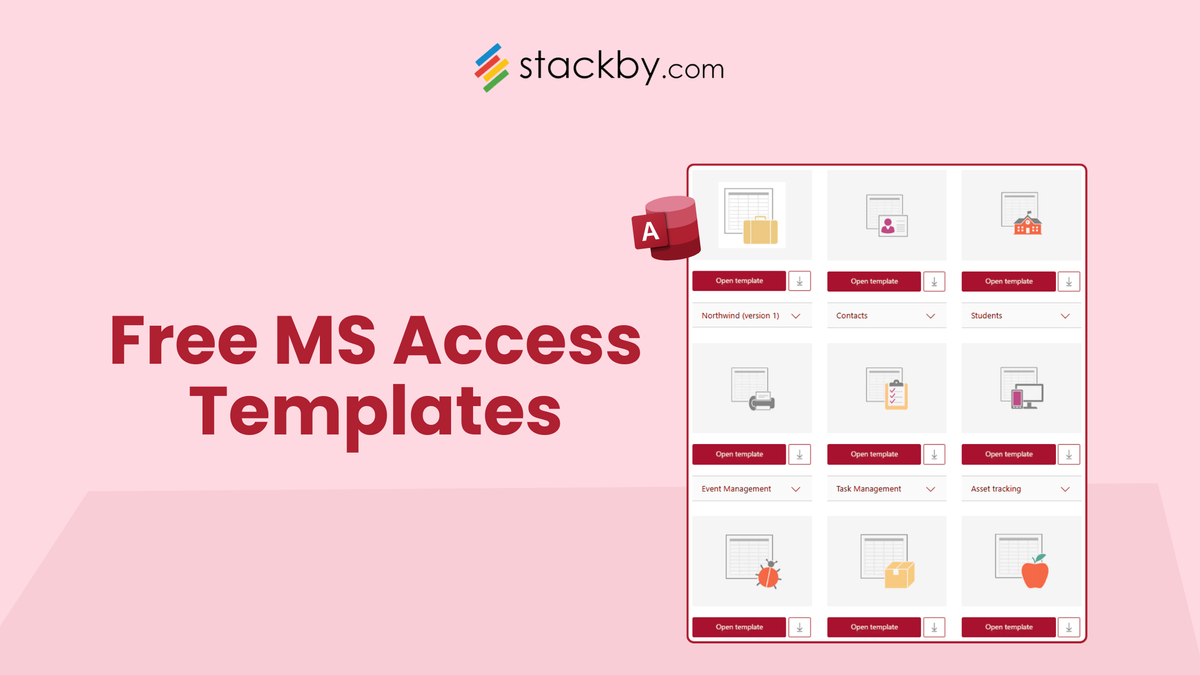
Let’s address the elephant in the room. If you’re searching for an MS Access template, you’re likely:
- Managing structured data
- Building a small database
- Trying to avoid building from scratch
And for years, Microsoft Access templates have been the go-to solution. But the reality in 2026 is that most businesses outgrow MS Access faster than they expect. This guide does two things:
- Gives you 12 free MS Access templates (with use cases)
- Shows you why modern teams are switching to Stackby
What Is an MS Access Template?
An MS Access template is a pre-built database file (.accdb) that includes:
- Tables
- Forms
- Queries
- Reports
These templates help you quickly set up systems like:
- CRM
- Inventory
- Project tracking
A relational database can also support more flexible business workflows, as explained in this guide to what a database is
12 Free Microsoft Access Templates (With Use Cases)
Below are the most commonly used free MS Access templates and what they’re best for.
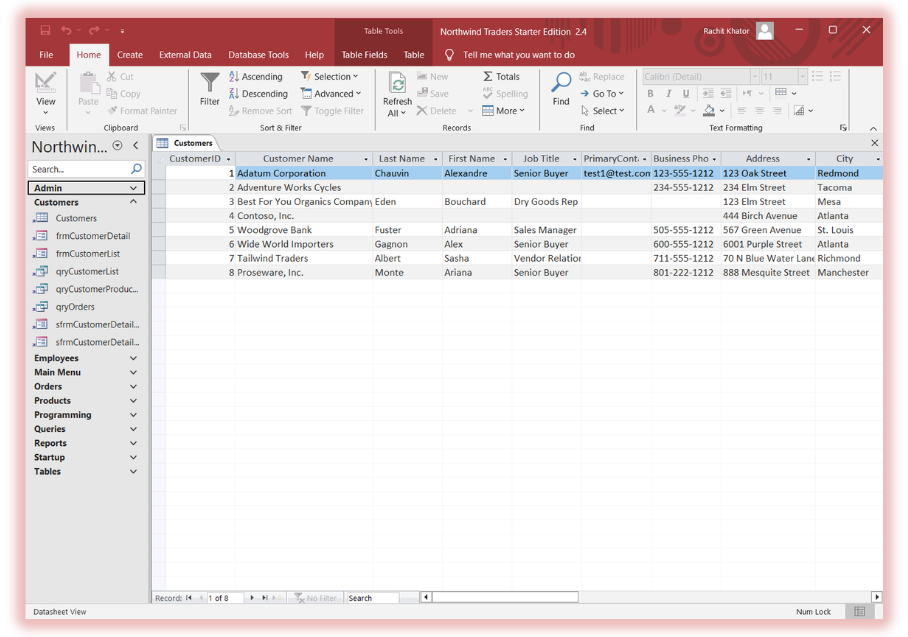
1. Northwind Starter CRM Template (.accdb)
Overview
The most famous ms access template, used to demonstrate real business workflows like sales, customers, and inventory.
Key Features
- Customer & order management
- Inventory tracking
- Sales reporting dashboard
- Pre-built relationships
Includes
- 10+ relational tables
- Forms for orders & customers
- Reports (sales, inventory)
- Query system
Limitations
- Complex for beginners
- No cloud access
- No automation
Pros
- Industry-standard schema
- Great for learning databases
Cons
- Outdated UI
- Not scalable for teams
Download all the Microsoft Access Templates
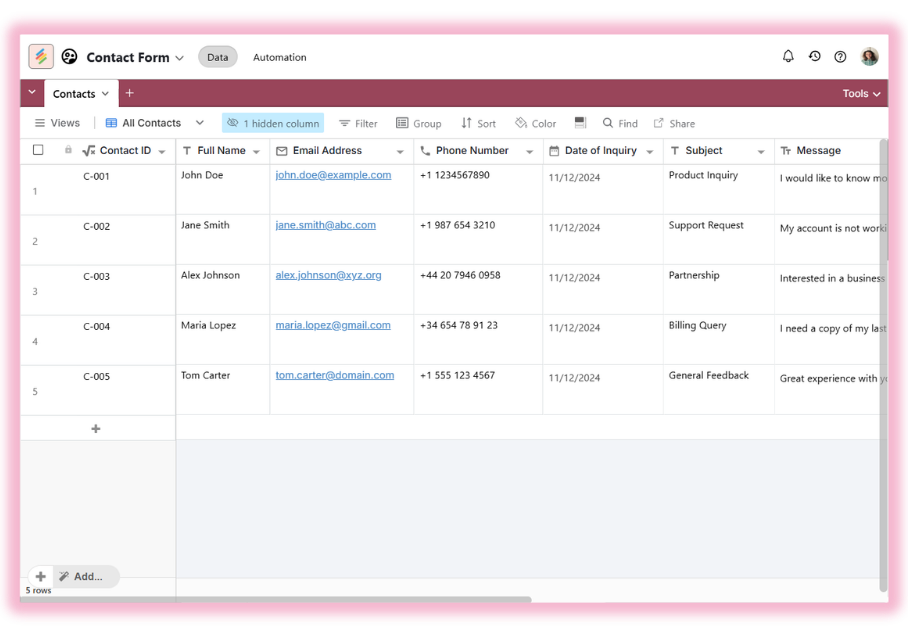
2. Contacts Database Template
Overview
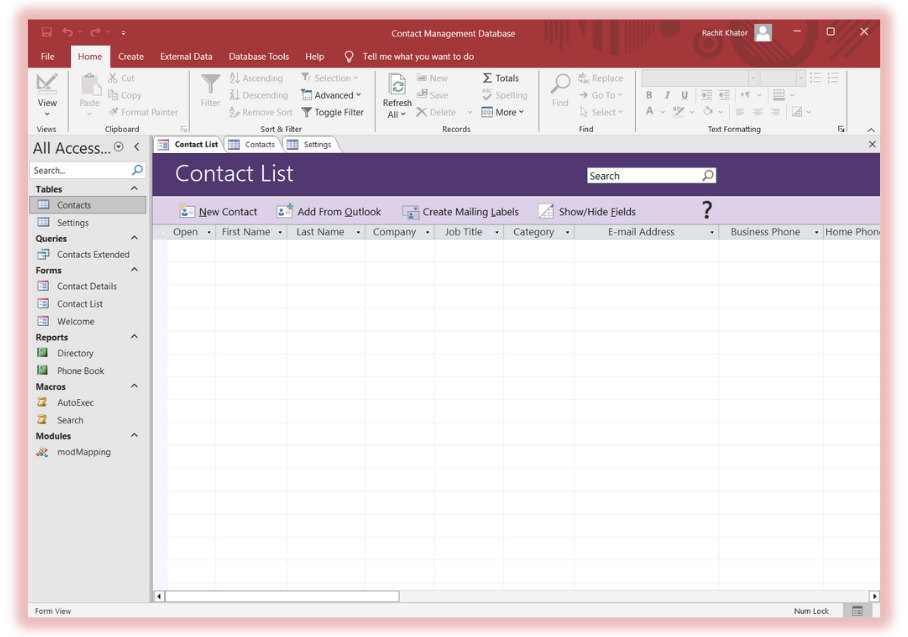
A simple microsoft access template for storing and managing contacts.
Key Features
- Contact records
- Search queries
- Report generation
Includes
- Contacts table
- Entry forms
- Query filters
Limitations
- No CRM automation
- No integrations
Pros
- Easy to use
- Good for personal use
Cons
- No pipeline tracking
- Manual updates
3. Inventory Management Template
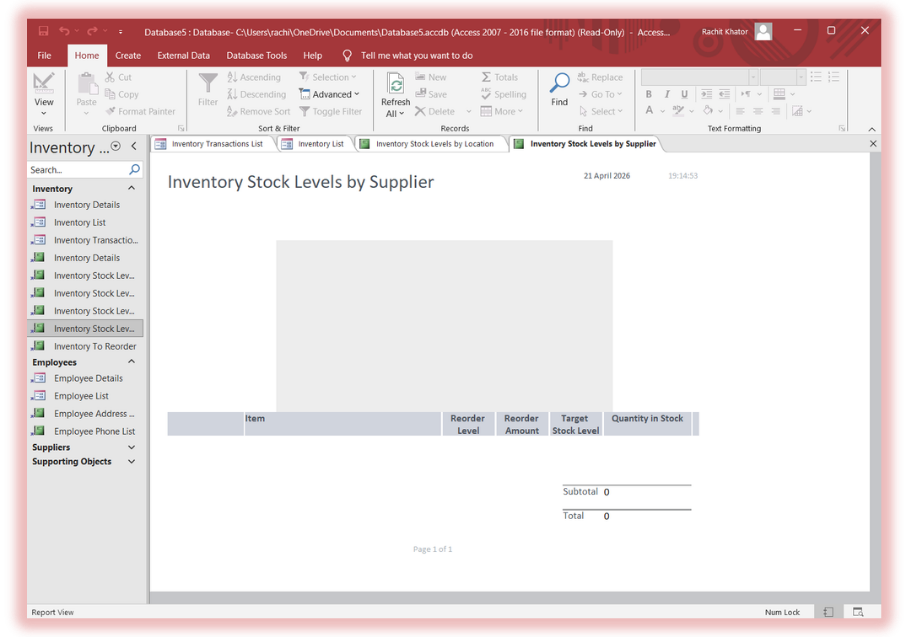
Overview
One of the most searched free access database templates.
Key Features
- Stock tracking
- Supplier management
- Transaction logs
Includes
- Inventory tables
- Transaction forms
- Stock reports
Limitations
- No real-time sync
- Manual updates
Pros
- Structured inventory system
- Good starting point
Cons
- No alerts
- No automation
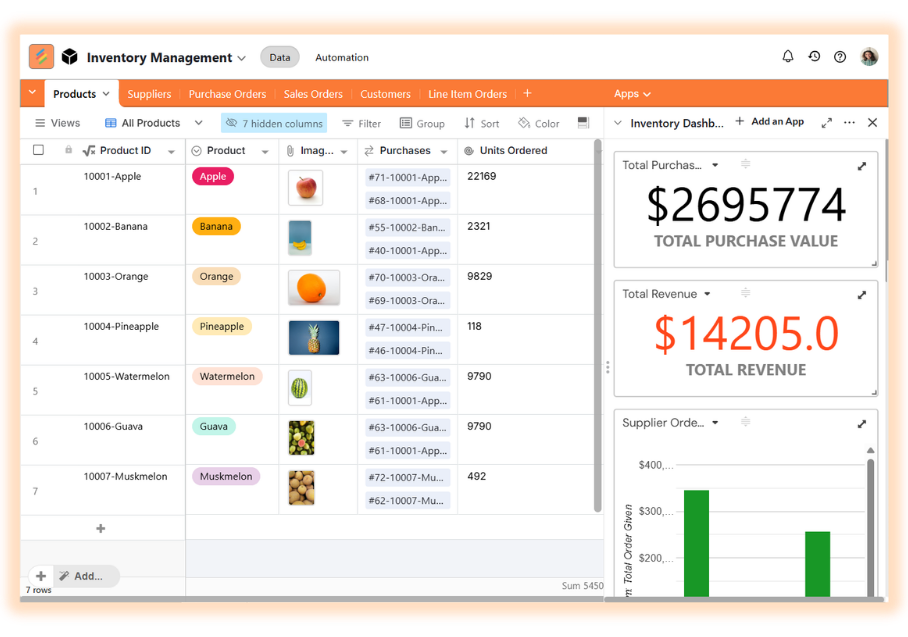
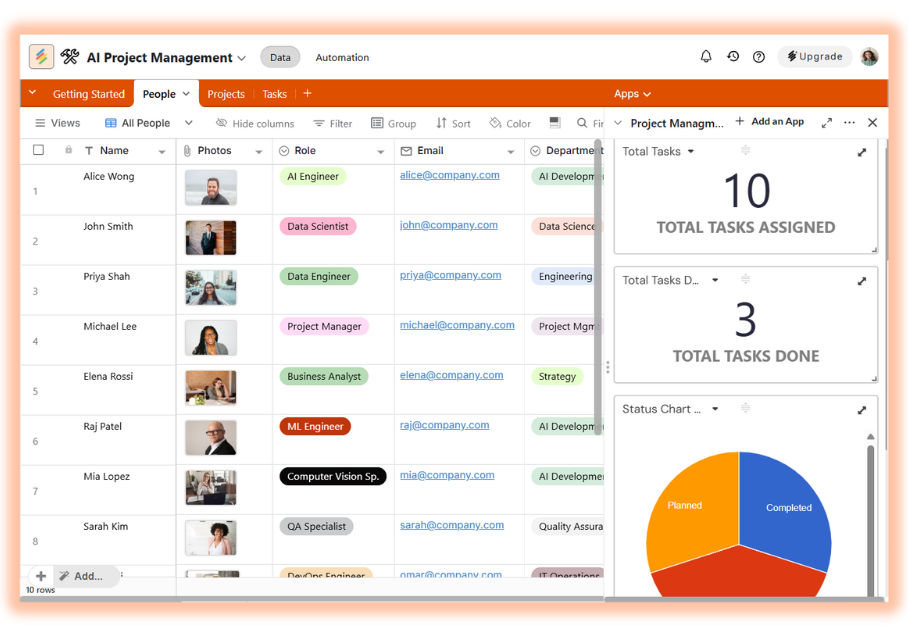
4. Project Management Template
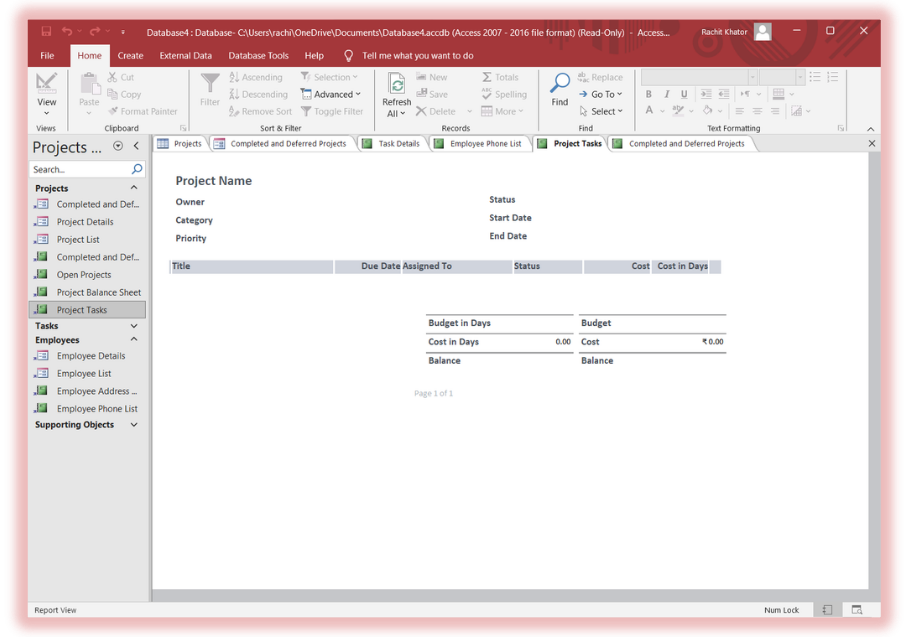
Overview
Track projects, tasks, and timelines.
Key Features
- Task assignments
- Deadlines
- Status tracking
Includes
- Project tables
- Task forms
- Reports
Limitations
- No dependency tracking
- No automation
Pros
- Clear structure
- Useful for small teams
Cons
- Static workflows
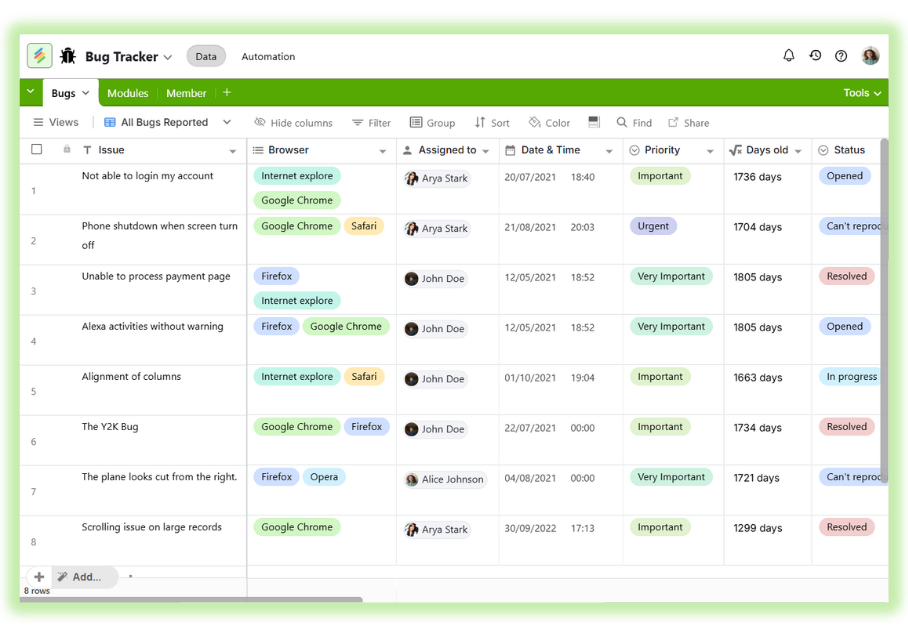
5. Issue Tracking Template
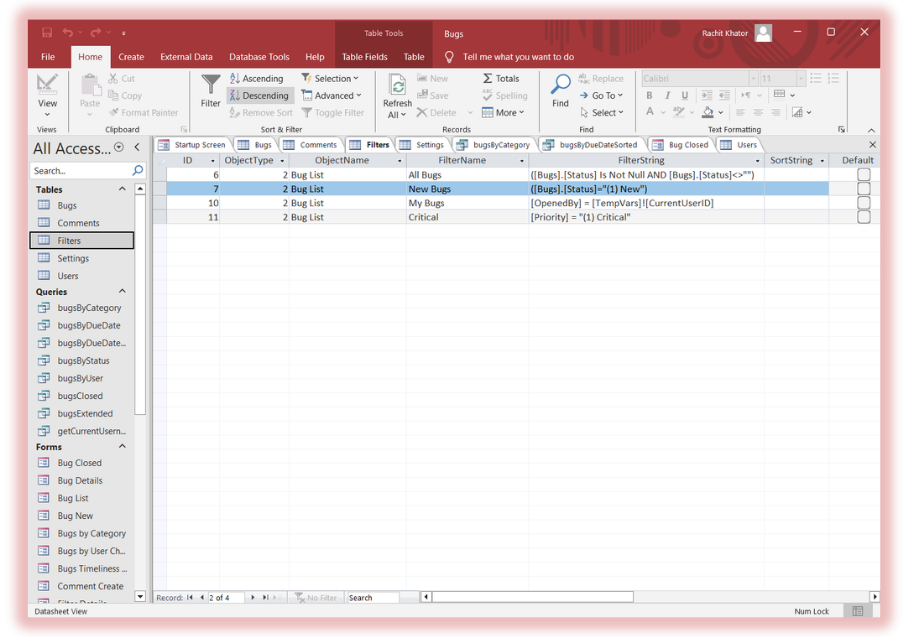
Overview
Used for bug tracking or internal issue management.
Key Features
- Issue logs
- Priority levels
- Status tracking
Includes
- Issue tables
- Forms
- Reports
Limitations
- No notifications
- No integrations
Pros
- Simple tracking
- Good for small teams
Cons
- Manual follow-ups.
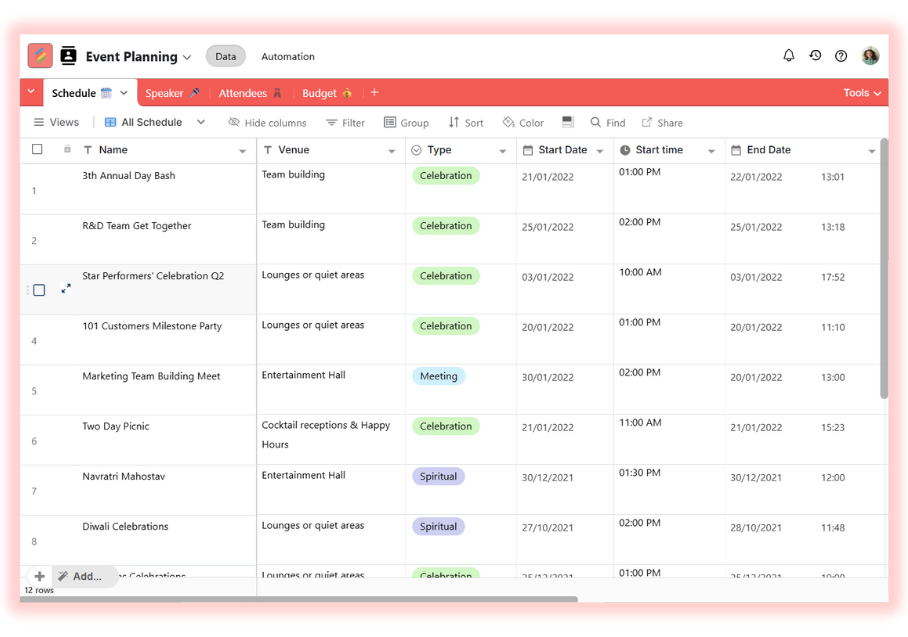
6. Event Management Template
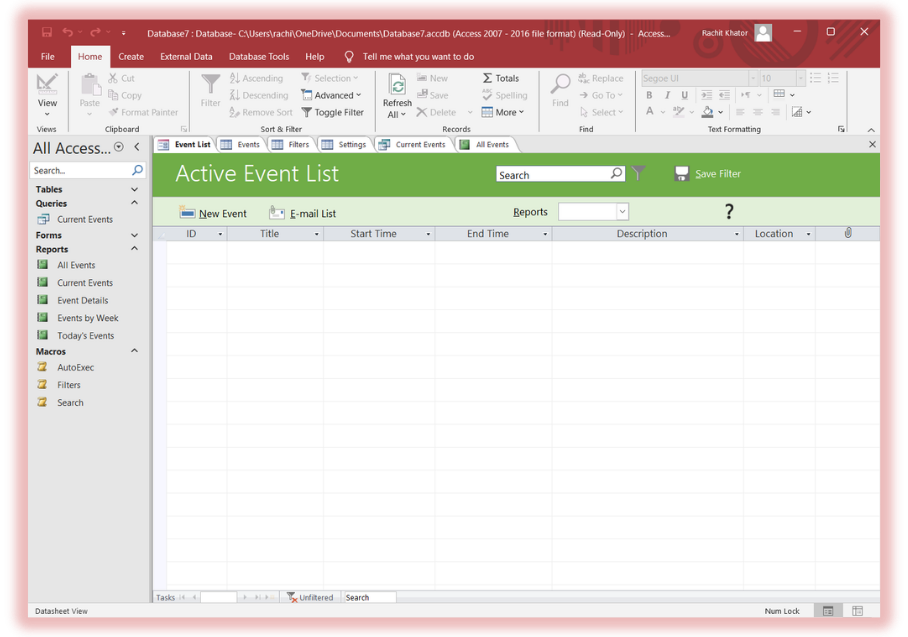
Overview
Manage events, attendees, and schedules.
Key Features
- Event tracking
- Attendee database
- Reporting
Includes
- Event tables
- Forms
- Reports
Limitations
- No real-time updates
Pros
- Structured data
Cons
- Not scalable
7. Asset Tracking Template
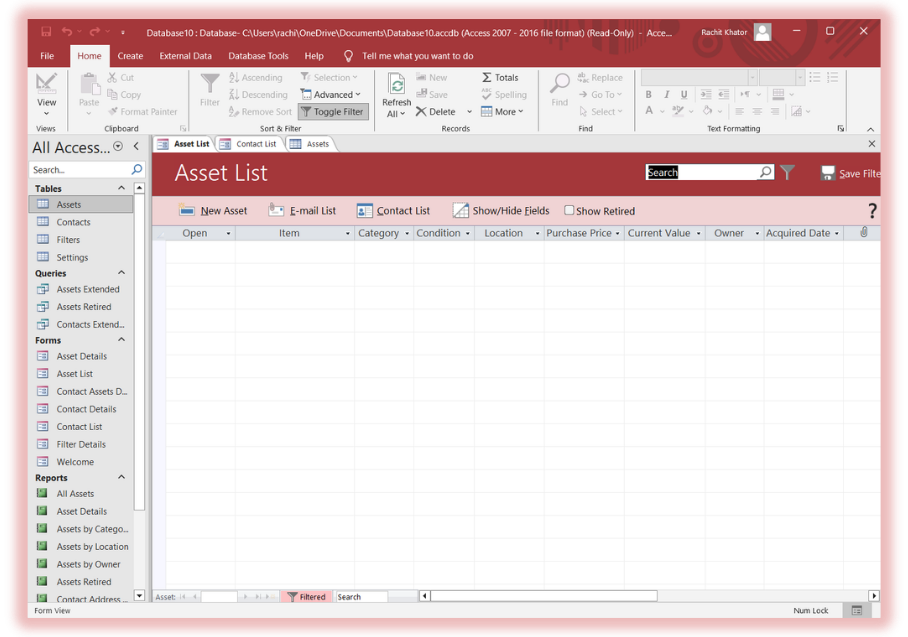
Overview
Track company assets and ownership.
Key Features
- Asset records
- Location tracking
- Condition tracking
Includes
- Asset tables
- Forms
- Reports
Limitations
- No automation
Pros
- Good structure
Cons
- Manual updates
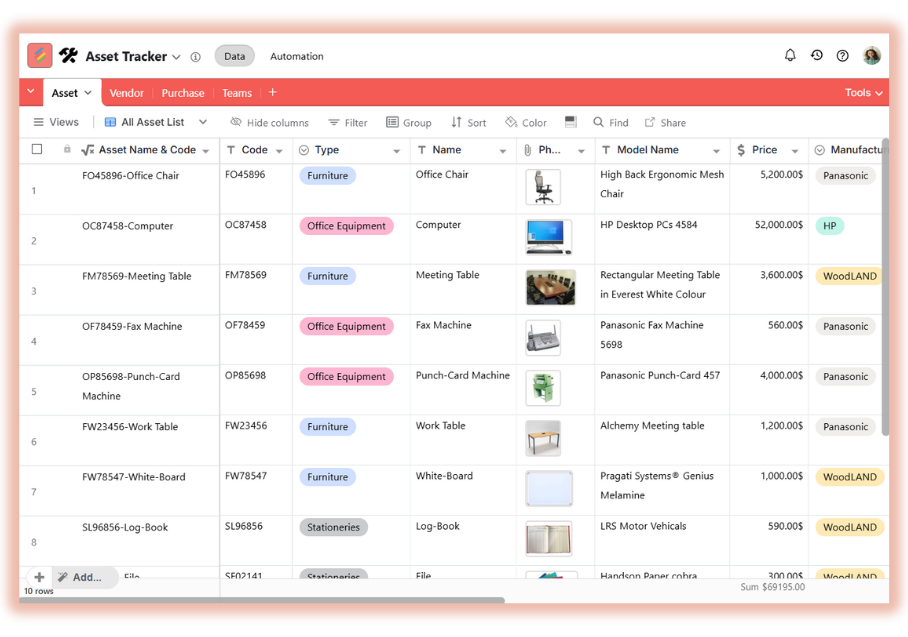
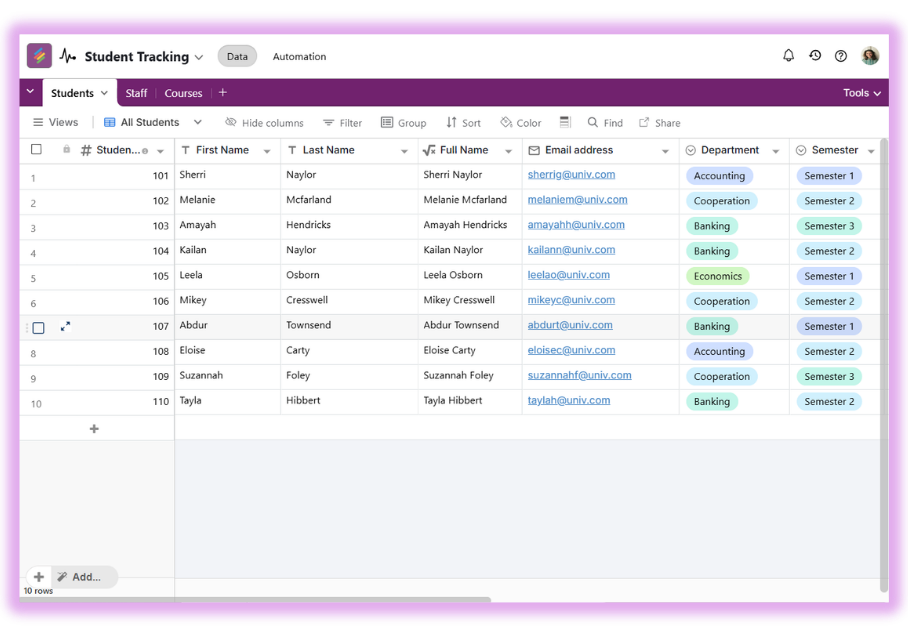
8. Student Database Template
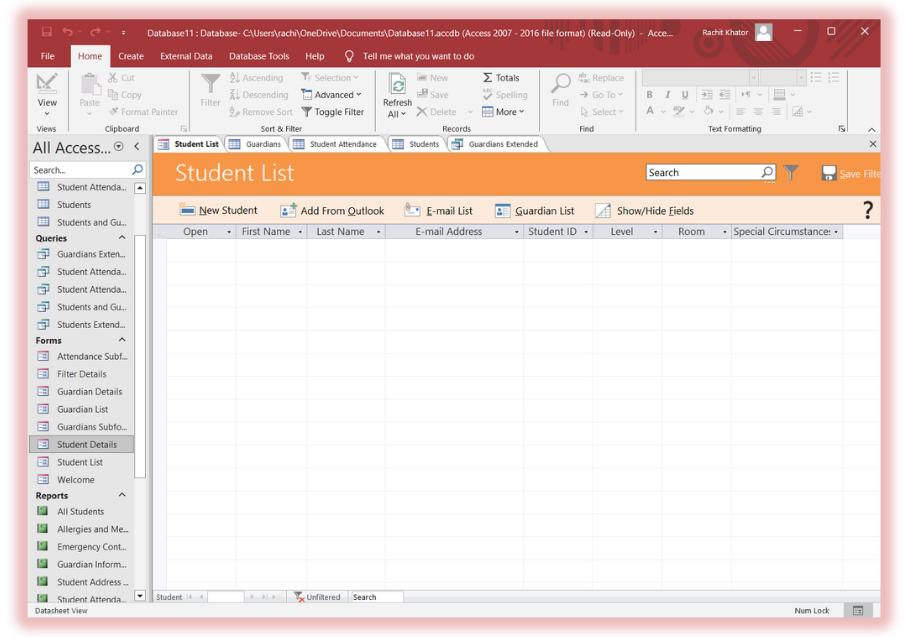
Overview
Used by schools to track students.
Key Features
- Student records
- Attendance queries
- Reporting
Includes
- Student tables
- Forms
- Reports
Limitations
- No parent communication workflows
Pros
- Good for schools
Cons
- Limited flexibility
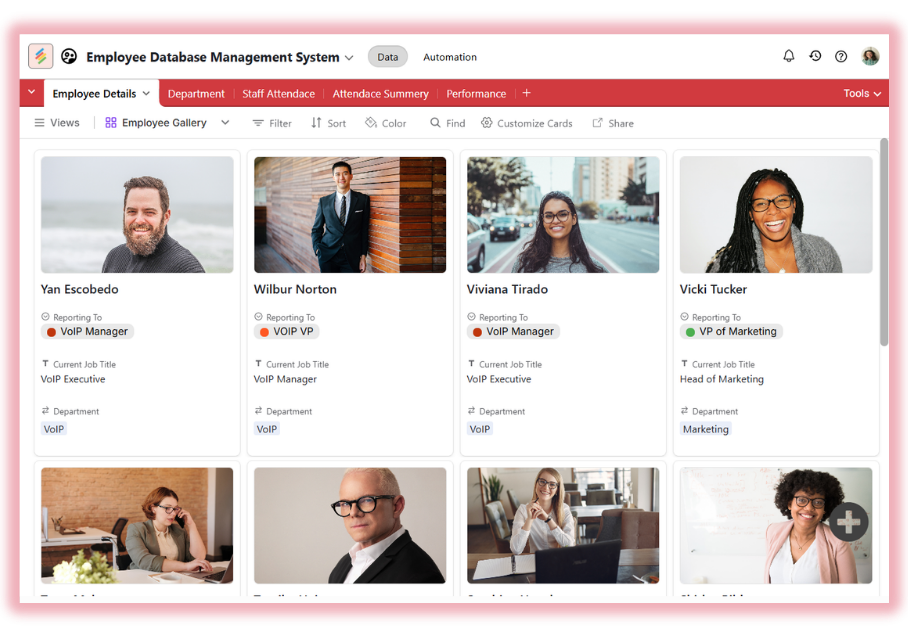
9. HR Management Template
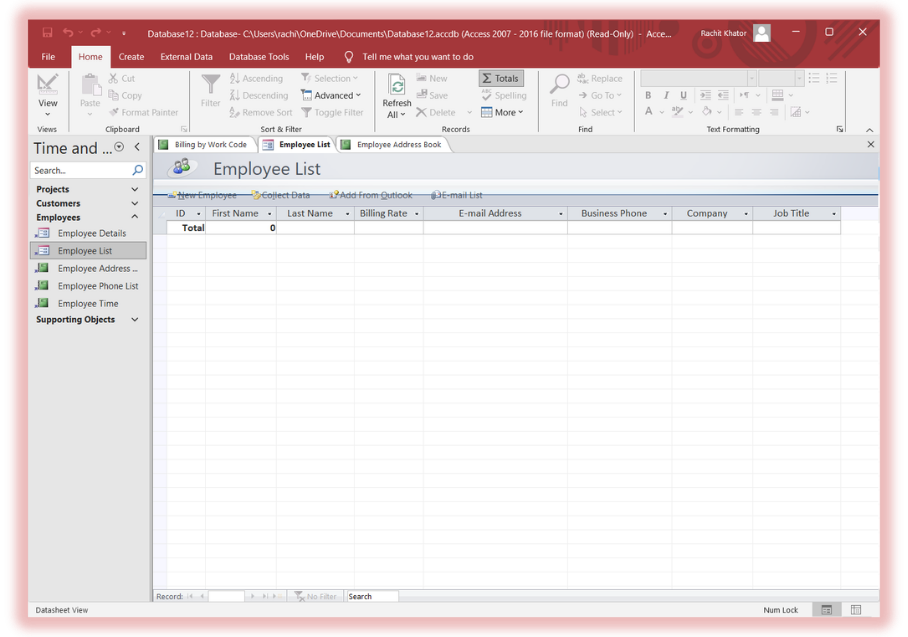
Overview
Manage employee records and HR data.
Key Features
- Employee tracking
- Role management
Includes
- Employee tables
- Forms
Limitations
- No payroll integration
Pros
- Simple HR system
Cons
- Not enterprise-ready
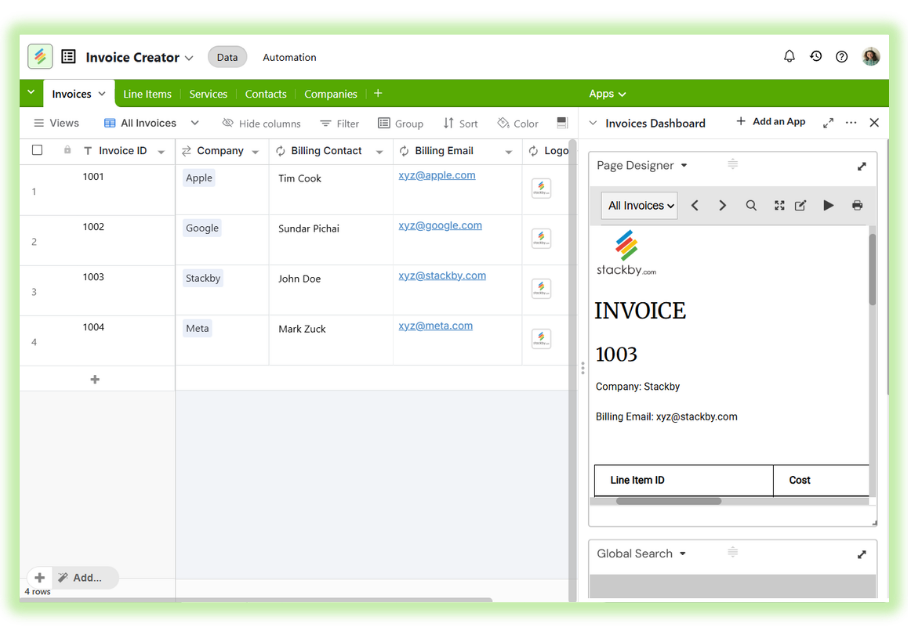
10. Invoice & Billing Template
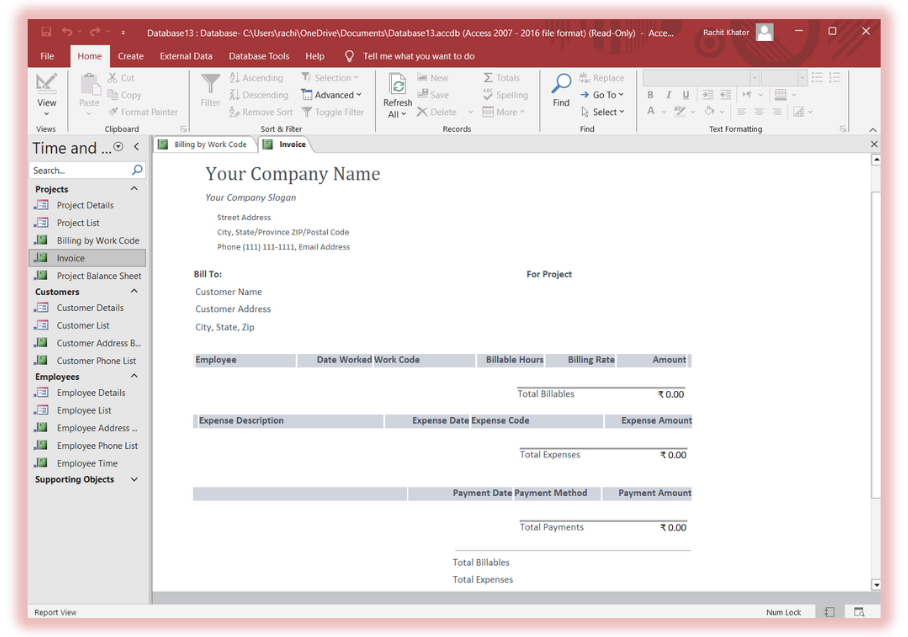
Overview
Track invoices and payments.
Key Features
- Billing tracking
- Payment logs
Includes
- Invoice tables
- Reports
Limitations
- No automation
Pros
- Useful for freelancers
Cons
- Manual invoicing
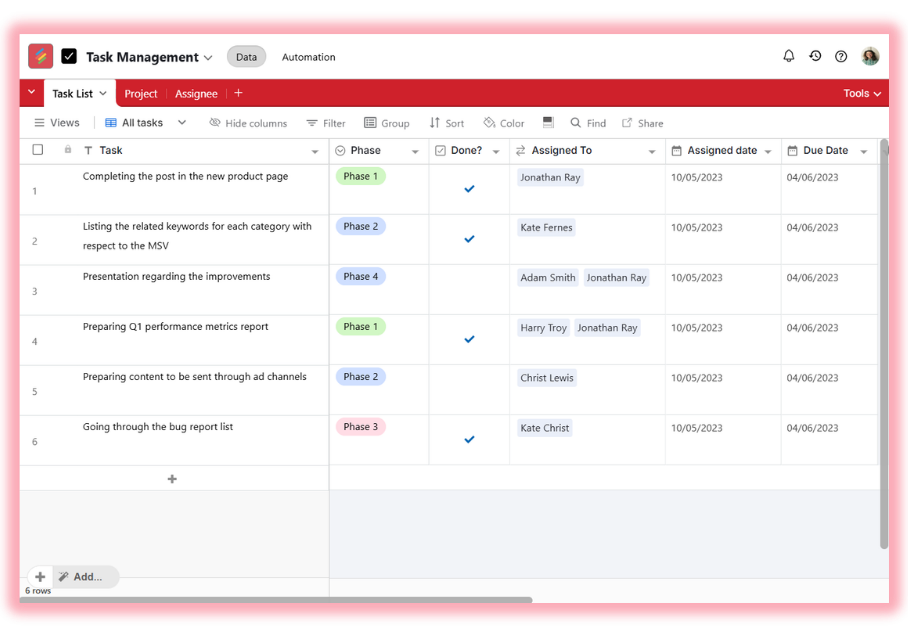
11. Task Management Template
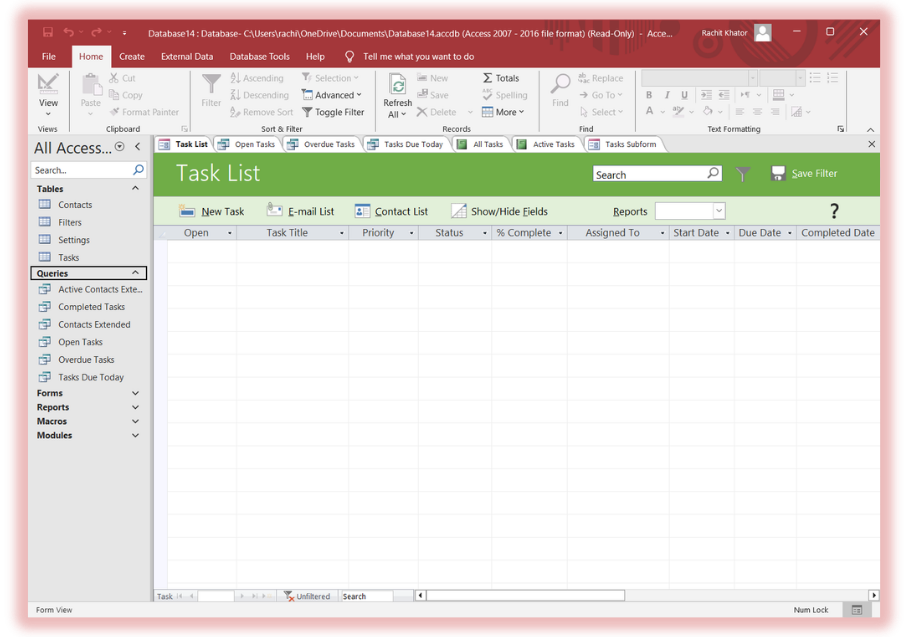
Overview
Basic task tracking system.
Key Features
- Task lists
- Deadlines
Includes
- Task tables
- Forms
Limitations
- No collaboration
Pros
- Simple
Cons
- Not scalable
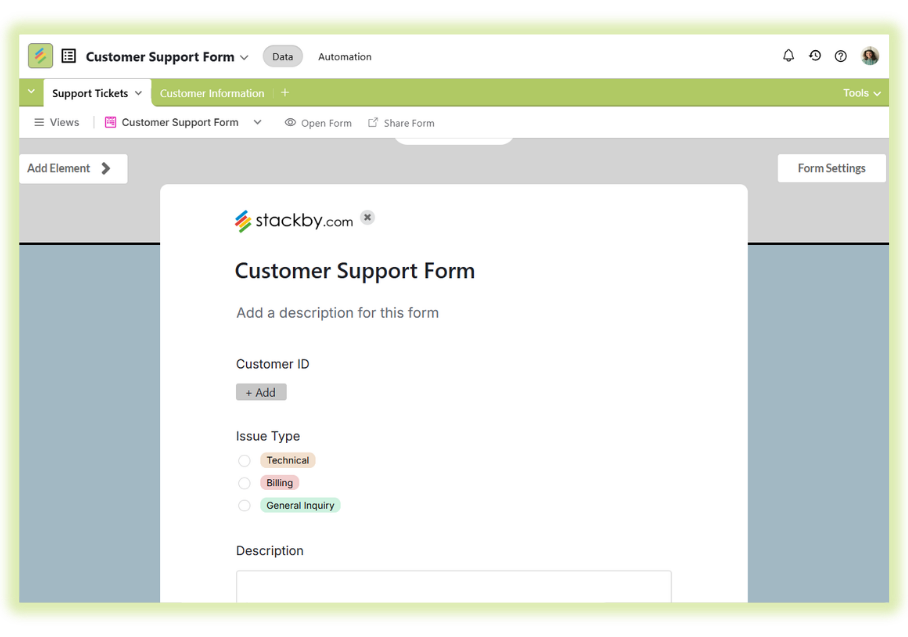
12. Help Desk / Customer Service Template
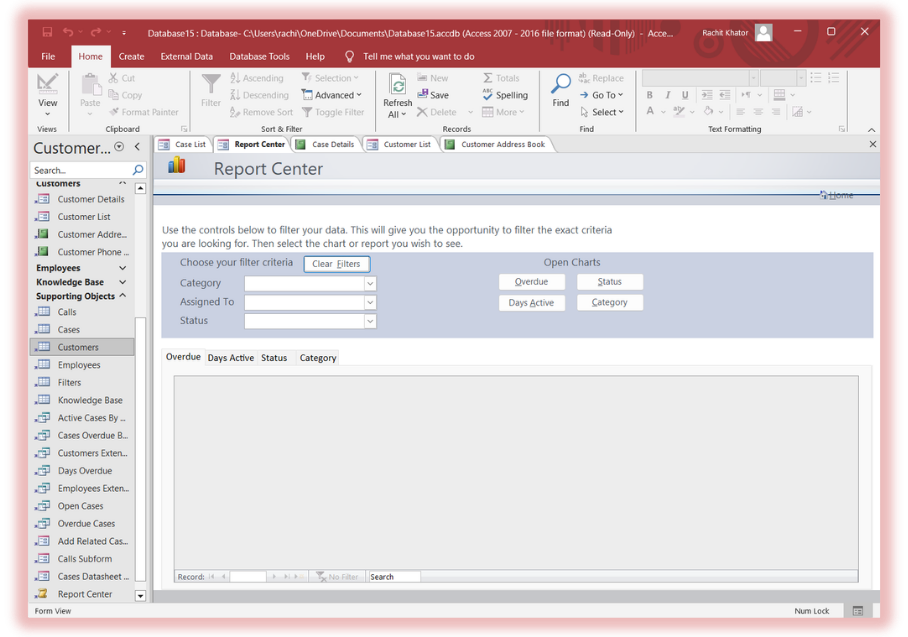
Overview
Track customer issues and support tickets.
Key Features
- Ticket tracking
- Status management
Includes
- Ticket tables
- Reports
Limitations
- No automation
Pros
- Structured support tracking
Cons
- No integrations
Source
Customer service template
Why These Templates Fall Short (Critical Insight)
Even Microsoft itself positions templates as starting points, not scalable systems
Common Problems:
- No cloud access
- No automation
- No integrations
- Hard to scale
The Problem With MS Access Templates
Here’s where things break.
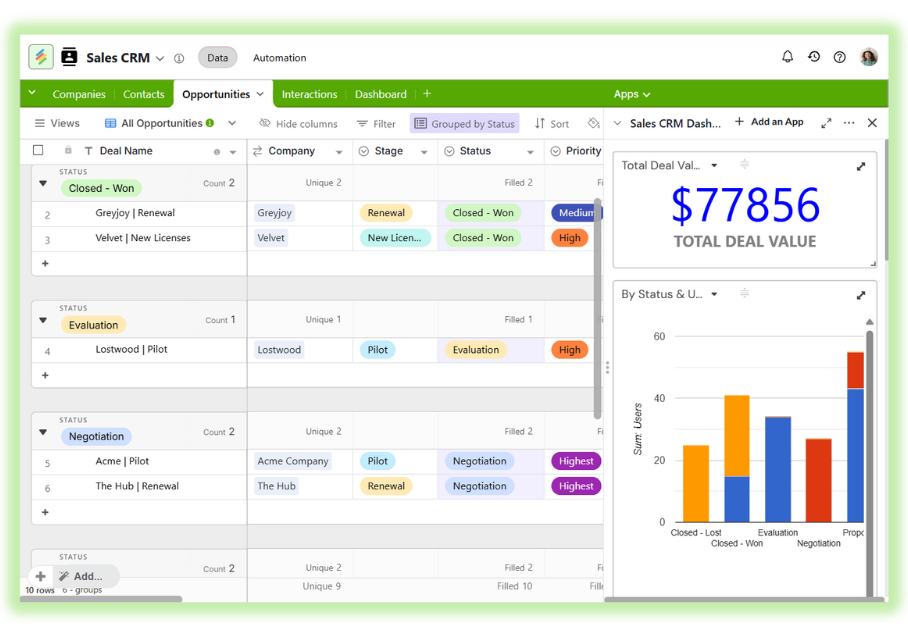
Businesses that need more than a contact list can use the approaches covered in this guide to build a custom CRM without code.
Where to Download MS Access Templates
You can find free access database templates from:
- Microsoft official template gallery
- Third-party sites
However:
- Many templates are outdated
- Limited customization
- Often require manual setup
Teams considering alternatives can also review this guide to free database software
MS Access vs Stackby (Clear Comparison)
Why Stackby Is a Better Alternative
Stackby combines:
- Spreadsheet simplicity
- Database power
- Automation layer
Think: Access + Excel + Zapier in one tool.
Stackby also supports repeatable workflows through no-code automations, including notifications, record updates, and actions triggered by changes in your data.
Small businesses evaluating database platforms may also benefit from this overview of the best small business database software
Migration Guide (Access → Stackby)
This is where most users hesitate. Let’s simplify it.
Step 1: Export Access Data
- Open your Access database
- Export tables as CSV
Step 2: Import into Stackby
- Upload CSV into Stackby
- Map fields
Step 3: Recreate Relationships
- Link tables
- Create relational structure
Step 4: Build Views
- Grid view
- Kanban
- Calendar
Step 5: Add Automation
- Email triggers
- Status updates
- Notifications
For workflows that depend on external services, Stackby integrations connect your database with business applications and APIs, reducing the need for manual data entry.
Real Example - CRM Migration
Before (Access):
- Static contact table
- Manual updates
After (Stackby):
- Live CRM
- Automated follow-ups
- Sales pipeline view
When Should You Stop Using MS Access?
You should move away when:
- You need cloud access
- Your team grows
- You need automation
- You want integrations
Final Verdict
If you just need a quick database, an MS Access template works.
But if you want to:
- Scale
- Automate
- Collaborate
Then Access becomes a bottleneck. Try Stackby for free instead!
Microsoft Access Templates FAQs
Are MS Access templates still relevant?
Yes, for small offline databases. But they don’t scale.
Can I get free MS Access templates?
Yes, many sites offer access templates free download, but quality varies.
What is better than MS Access?
Stackby offers: Cloud access, Automation, Collaboration.
Can I migrate easily from MS Access to Stackby?
Yes, using CSV export/import.
Is Stackby free?
Yes, with free templates and plans.
![13 Best Business Management Software for your Work [2026]](/blog/content/images/size/w960/2024/03/stackby-business-blog-image-1.jpg)
![10 Best Free Database Templates for Marketing Agencies in [2026]](/blog/content/images/size/w960/2024/03/stackby-Database-templates-for-marketing-agencies-1-blog-post-2.jpg)