The Best Client Portal Software for Agencies and SMBs in 2026
This blog explores the best client portal software for agencies and small to medium-sized businesses in 2026. It compares leading tools based on pricing, features, and functionality to help readers understand different client portal solutions.
Still sending project updates over email?
If you're running an agency or SMB in 2026, that's honestly becoming a problem. Clients have gotten used to having everything in one place - status updates, files, invoices, approvals. The teams giving them that experience are keeping clients longer and fielding far fewer "can you resend that?" messages.
Managing client files, updates, and approvals in one place can make collaboration smoother and more organized. You can also read our blog, "How to Create a Client Portal in Stackby Using Interfaces (Step-by-Step Guide)," to explore how to build a customized client portal without coding.
Client portal software solves this. The best options centralize communication, cut response time, and make your operation look more professional than whoever's still attaching files to Gmail threads. The frustrating part is picking one. There are dozens of tools, pricing models vary wildly, and most comparison lists throw every option at you without actually telling you which fits your situation.
This guide is different. We looked at who each tool is really built for, compared real pricing, and highlighted one platform most lists overlook - Stackby - which takes a no-code database approach to client collaboration that's worth understanding if you want flexibility without hiring a developer.
Let's get into it.
What to Actually Look For (Beyond the Feature Checklist)
Every vendor will tell you their platform has "intuitive workflows" and "powerful collaboration." It means nothing. Here's what actually matters when you're comparing tools:
White labeling
If you're client-facing, your portal should have your logo, your domain, your colors. Not theirs. Some tools charge extra for this. Others include it on the base plan. Check before you sign anything.
File management depth
Look at storage limits and version control, not just "file sharing." Can clients preview files without downloading? Can you set permissions per client or per project? These details matter at scale.
Task and project visibility
The whole point of a portal is keeping clients informed without you manually updating them. If the tool requires you to copy-paste status updates into the platform, skip it.
Pricing that doesn't punish growth
Some tools charge per client. Others charge per seat. A few charge flat rates. Know your client volume and team size before you commit, because what looks affordable at five clients can get genuinely painful at twenty-five.
Integrations that match your stack
Your portal doesn't live in isolation. It needs to talk to your CRM, your billing tool, your project management setup. Always check the native integrations rather than assuming "it connects to everything" because the Zapier workaround adds up.
The Best Client Portal Software Options Right Now
Here are the tools worth your time. Not an exhaustive list - just the ones that consistently come up in real agency and SMB use cases.
Copilot
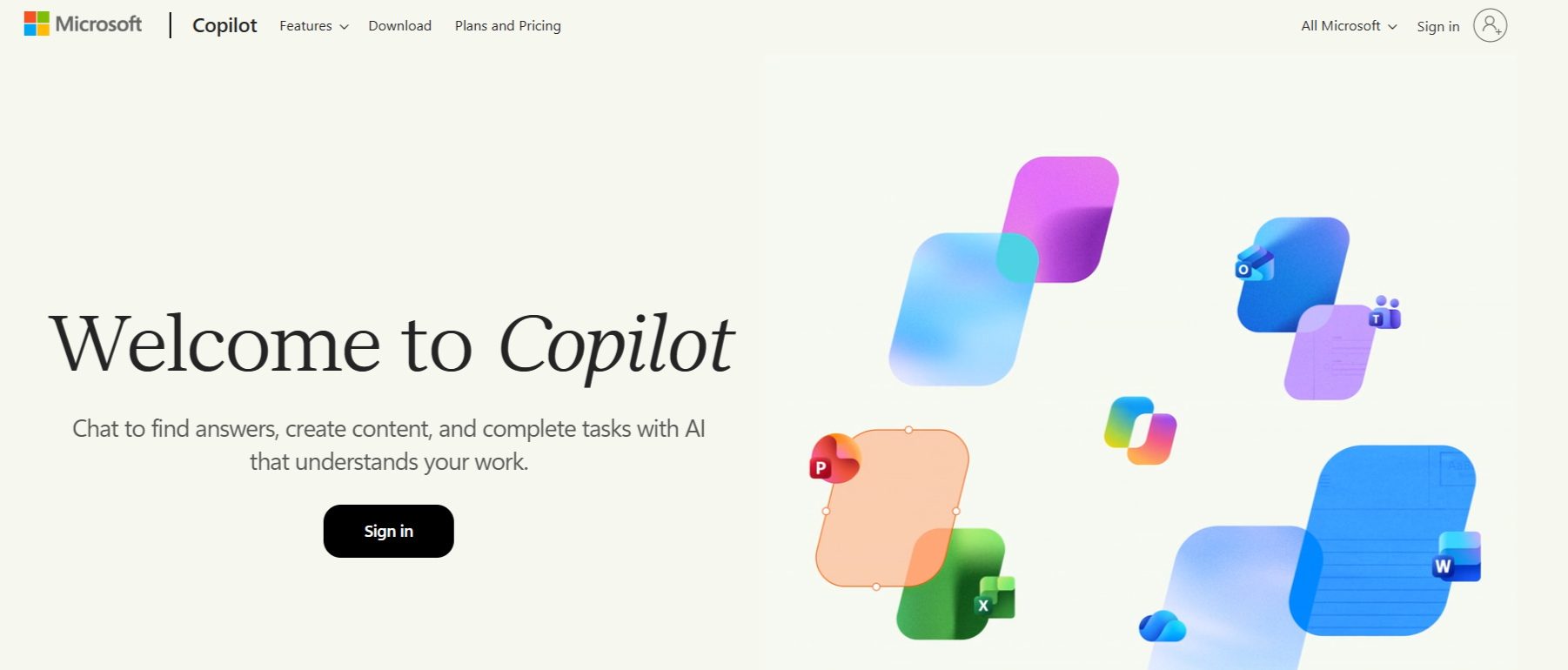
Copilot is probably the cleanest modern option for service-based agencies. Branded setup out of the box, built-in messaging, contract signing, billing, and file sharing all in one place. The UI is genuinely good - clients rarely complain about confusion, which is higher praise than it sounds when you've dealt with a portal that requires a five-minute onboarding call every single time.
As agencies increasingly integrate AI into their marketing workflows, having a clear approach to campaign execution can support better planning, collaboration, and delivery. You can also read our blog, "AI Campaign Execution for Agencies: A Complete Playbook for 2026," to explore practical strategies and workflows for managing AI-powered campaigns.
The downside? $29/user/month with no free plan. For a solo operator, manageable. For a team of ten, you're at $290/month before a single integration. That jump is real and worth planning for.
SuiteDash
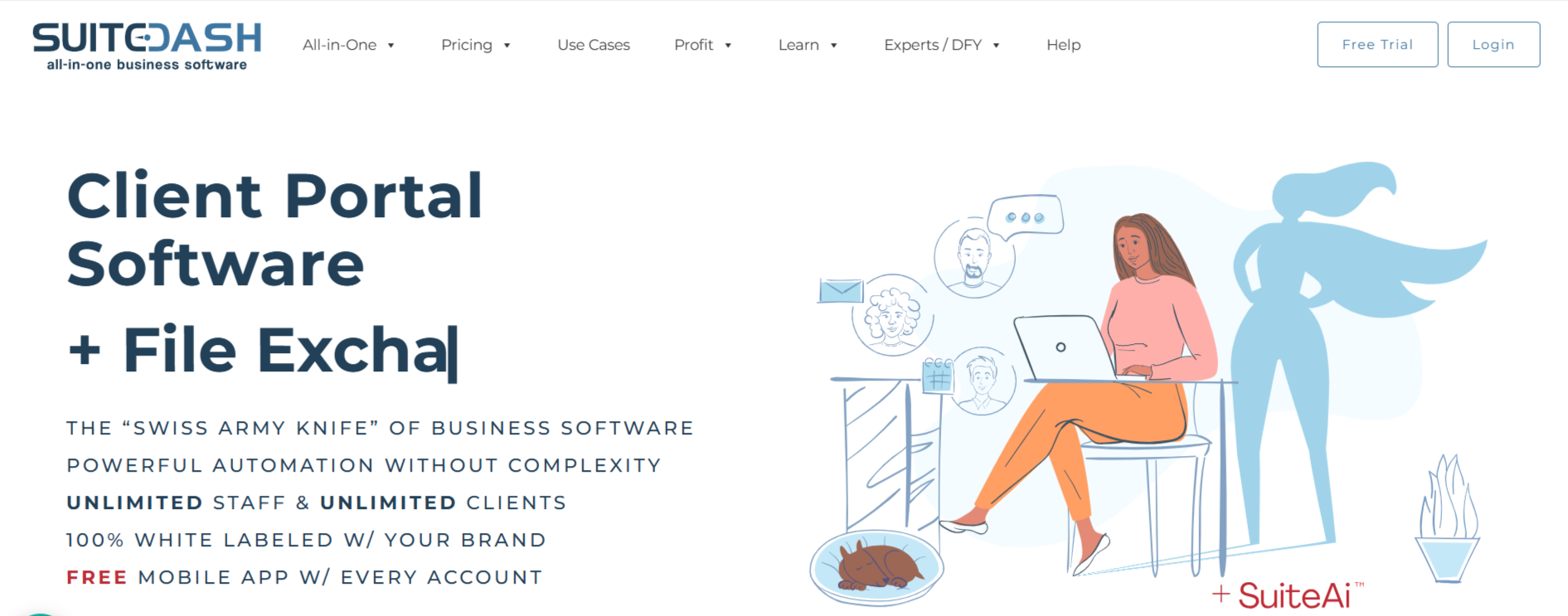
SuiteDash takes a completely different approach. Flat pricing starting at $19/month, unlimited clients, and an enormous feature set covering CRM, project management, invoicing, portals, and automations. For SMBs that want to consolidate tools without paying per seat, it's a genuinely compelling option.
Automating invoice creation can help businesses reduce repetitive tasks, improve accuracy, and streamline their billing workflows. You can also read our blog, "9 Easy Steps to Automate Invoice Creation in Stackby," to explore how Stackby simplifies invoice generation through automation.
Fair warning: the learning curve is steep. There's a lot inside it and the UI is not always intuitive about where things live. If you're willing to put in a few hours upfront, it pays off. If you need something running by Friday, maybe start with something simpler.
HoneyBook
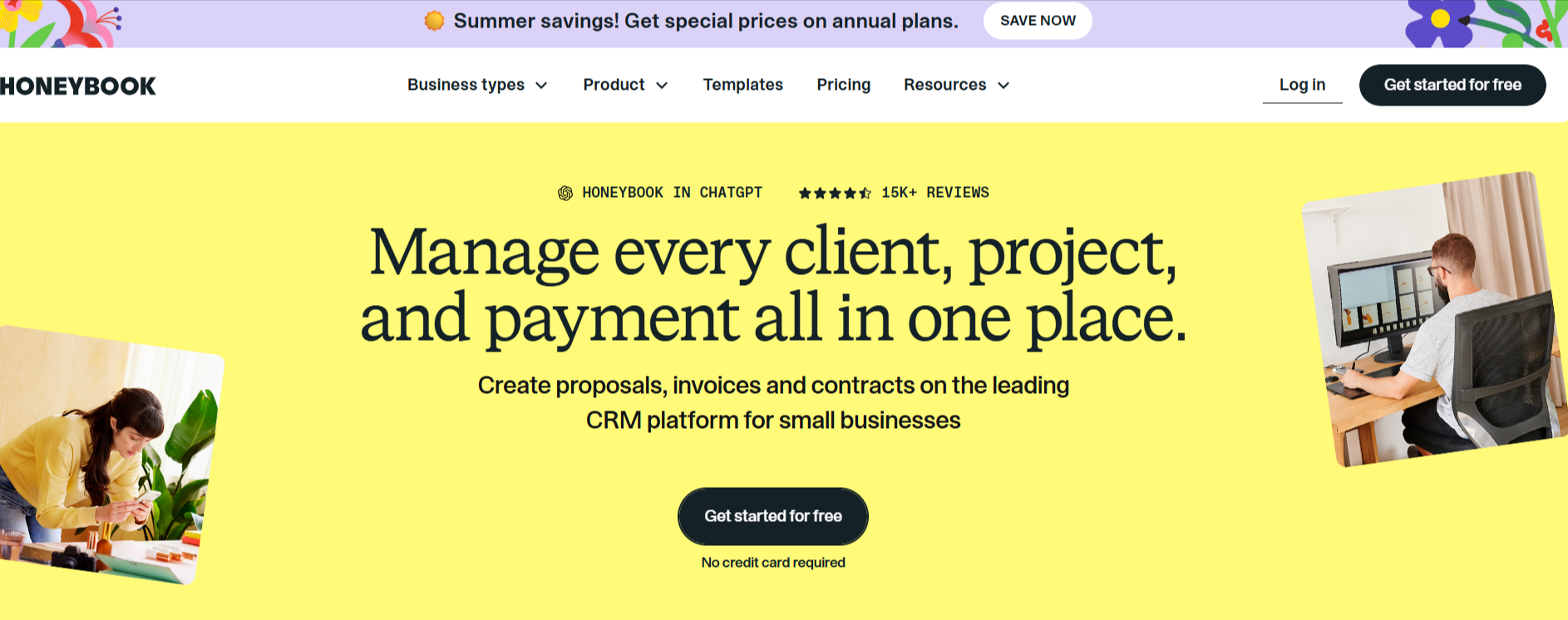
HoneyBook is built for creative professionals - photographers, designers, consultants, event planners. Contracts, invoices, and a simple client portal bundled together at around $16/month. It's not trying to be an enterprise solution, and that's exactly why it works for its audience.
The limitations show when you start scaling. Limited customization, no white labeling on the base plan, and the portal features are fairly basic compared to dedicated tools. Great for what it is. Just know what that is.
Clinked
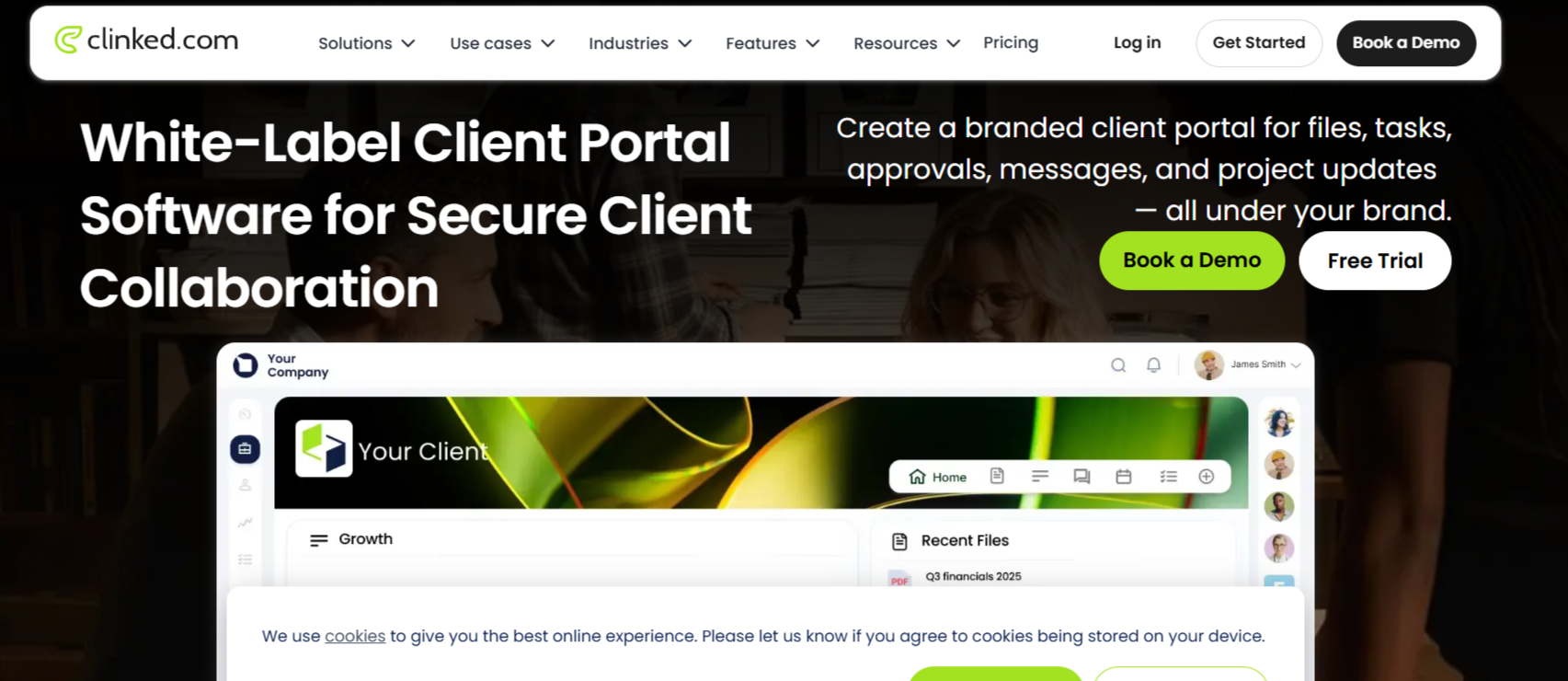
If you need a fully branded, secure client portal for a compliance-heavy industry, Clinked is worth evaluating. It's enterprise-leaning and the pricing reflects that, but it's one of the few tools combining solid white labeling with strong permission structures and group workspaces. Legal, financial services, and regulated industries tend to gravitate toward it for good reason.
Bonsai
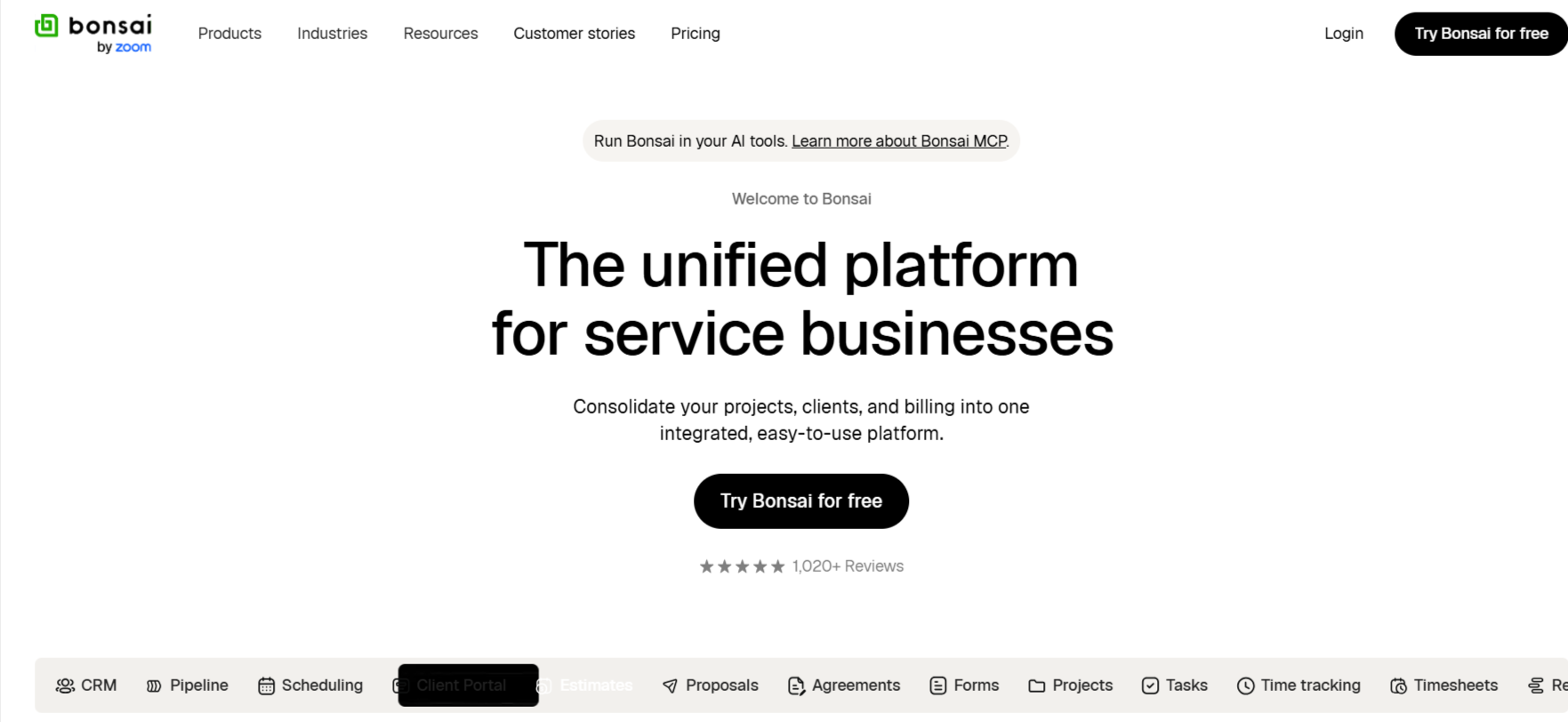
Bonsai is built for freelancers managing proposals, contracts, time tracking, and client communication in one place. Around $17/month, clean to set up, and the portal handles the basics well. Honest take: if you're a solo freelancer, it's great. If you're running a team, you'll outgrow it faster than you expect.
Moxo
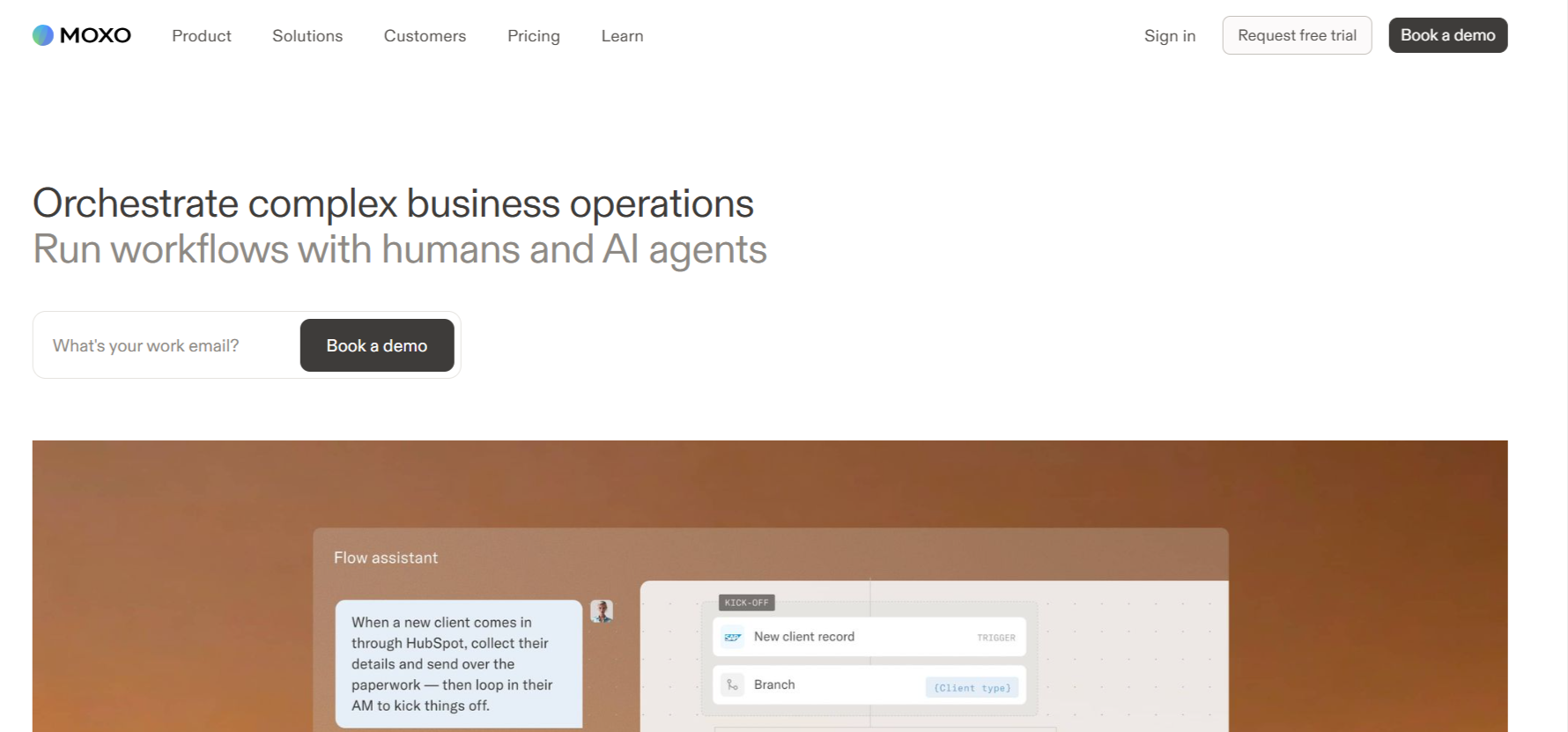
Moxo leans into workflow automation for complex client interactions - onboarding flows, multi-step approvals, document collection across many stakeholders. More of an enterprise play, and the pricing reflects that. But if your client journey has a lot of sequential steps and handoffs, it's worth a look.
Real Numbers, Side by Side
Which Tool Actually Fits Your Team
This question depends less on features and more on where you are as a business right now.
You're a 1-3 person creative agency? HoneyBook or Bonsai handles 90% of what you need without draining your budget. Don't overcomplicate it.
You're a growing SMB managing 10-50 active clients? SuiteDash is worth the learning curve if consolidating tools is the goal. If you'd rather have a cleaner daily experience and can afford per-seat pricing, Copilot is the stronger everyday portal.
You need a secure client portal for a regulated industry? Clinked is your safest bet. Not cheap, but the compliance and permission structure is built for exactly that environment.
You have specific, non-standard workflows and want full control without writing code? That's where Stackby comes in.
How Stackby Helps You Build a Client Portal That Actually Fits
Most client portal tools give you a fixed product. You get what they built. Stackby works differently.
It's a no-code platform that combines spreadsheet-style interfaces with real database functionality, built-in automations, and AI capabilities. You can build custom client-facing views, automate status updates, track deliverables, manage approvals, and organize everything by client - without touching a line of code.
Here's where it gets useful for agencies and SMBs specifically:
Custom client views
Build a dedicated view for each client that shows only their projects, files, and status updates. They see exactly what they need. Nothing else clutters the screen.
Automated notifications
Set triggers so clients get notified when a task moves, a file uploads, or something needs their sign-off. No manual pings, no chasing.
Data-driven project tracking
Track hours, deliverables, milestones, and invoice status all in one connected record - tied to the client, not scattered across tools.
AI-powered workflows
Stackby's AI features help auto-populate fields, generate summaries, and categorize incoming client data as it comes in.
No per-client pricing surprises
You're not paying more because you landed a new account. Scale your roster without scaling your software bill.
The flexibility is the entire point. Off-the-shelf portals make you fit your process into their structure. Stackby lets you build the structure around your actual process.
If your workflows are fairly standard, a dedicated portal tool might get you live faster. But if you've ever looked at a portal and thought "this almost works, but not quite" - this platform is worth a serious look.
Start your free trial at Stackby and see how fast you can build something that actually fits.
What Most Teams Get Wrong When Choosing
A few mistakes come up again and again.
The first one: choosing based on the sales demo, not the day-to-day reality. Tools look great when someone is walking you through a rehearsed flow. Build a real client folder, invite a test contact, run through an actual handoff. That's when you find out if file previews work, if email notifications make sense, if the mobile view is usable without squinting.
The second mistake is underestimating how much white labeling matters. Sending a client to a portal branded with another company's name is a small thing. It makes a surprisingly bad impression when you're charging premium rates. Check white labeling availability on the exact plan you're buying, not just somewhere in the tier list.
Third - and this one's underrated - not asking your clients what they think. You're the one setting it up, but your clients are the ones logging in. Pick a tool, invite one actual client for a test run, and listen to what confuses them. The portals with the best retention are the ones clients actually want to use.
And one more thing: don't buy based on the integrations page. Test the specific integration you need before committing. "Integrates with Salesforce" can mean a native two-way sync or a one-directional webhook that breaks every third week.
Frequently Asked Questions
What is client portal software and do I actually need it?
It's a dedicated shared workspace where you and your clients can exchange files, communicate, track project progress, and manage approvals - without digging through email threads. If you're managing more than five active clients at once, the answer is almost certainly yes. The return isn't just time saved. It's fewer missed messages, fewer "can you resend that?" requests, and clients who feel more informed and more confident working with you.
What is client portal software and do I actually need it?
For agencies under ten people, Copilot is the cleanest modern option if budget allows. If you want flat pricing and an all-in-one platform, SuiteDash is hard to beat at $19/month. And if you want full flexibility to build something custom without code, Stackby gives you a free starting point.
How do I build a branded client portal without a developer?
Most dedicated portal tools include white labeling on mid-tier plans or above. For something more custom, Stackby lets you configure views and branding entirely without coding. Add your logo, point a custom domain, and build the layout around your client workflow. No developer, no problem.
How secure are these platforms?
Yes, and this is actually one of the stronger reasons to move to a dedicated portal. Tools like SuiteDash and Stackby combine file storage, task tracking, and client communication in one place. The alternative - stitching together Dropbox, Asana, and Slack - works technically, but it's fragmented. Clients end up confused about where to go for what. A single portal removes that friction entirely.
Can I use one tool for both file sharing and project management?
The reputable options encrypt data in transit and at rest, include role-based permission controls, and support two-factor authentication. For regulated industries - legal, financial services, healthcare - look specifically at tools like Clinked that treat compliance as a core feature, not a marketing line. Always check what data processing agreements a vendor offers before signing contracts.
Conclusion
The market for client portal software is crowded and most tools are genuinely decent. But "decent" isn't the same as the right fit for your team size, your client volume, and your budget.
Effective client management helps businesses organize customer information, streamline communication, and build stronger relationships. You can also read our blog, "Top 13 Client Management Tools to Boost Business Success [2026]," to explore different tools and features that support more efficient client management.
Solo freelancer? Start with HoneyBook or Bonsai. Growing agency that wants a clean, professional portal with minimal setup? Copilot is worth the per-seat cost. Scaling SMB that wants everything in one place at a flat rate? SuiteDash delivers real value once you're past the learning curve. Need full flexibility to build something that actually matches your workflow? That's Stackby's lane, and it's one of the few platforms that grows with you without charging you more for it.
Key Takeaways:
· Don't choose based on feature lists alone. Test with a real client scenario before committing.
· White labeling matters more than most teams realize until they've already signed up.
· Flat-rate pricing tools save serious money once you're managing 20+ active clients.
Ready to build a client portal that fits how you actually work? Try Stackby free at stackby.com and see what a no-code, database-driven approach makes possible.