Best Marketing Project Management Software in 2026: What's Actually Worth Your Time
Discover the best marketing project management software in 2026 to plan campaigns, manage workflows, collaborate with teams, and hit deadlines without the chaos. Compare top tools that actually save time, improve visibility, and help marketing teams stay organized at scale.

Marketing teams aren't overwhelmed because they don't work hard. They're overwhelmed because their projects live in six different places at once. A 2024 Wrike report found that 71% of marketers miss deadlines regularly - not from lack of effort, but from coordination chaos. Campaign briefs in Google Docs. Asset approvals buried in email threads. Tasks that got discussed in Slack and never made it into an actual task list.
The right marketing project management software changes that. It brings your campaigns, assets, deadlines, and team into one space that reflects how marketing actually works - not how a software developer imagined it might. This guide covers the best tools available in 2026, what separates the genuinely useful ones from the ones that sound great in a demo, and where Stackby fits in for teams that need database-level power without needing a developer on call to set it up.
Why Most Marketing Teams End Up With the Wrong Tool
The most common mistake is picking a tool your engineering team swears by. Jira is genuinely excellent for dev sprints. But asking a content team to navigate sprint boards for a blog calendar is a special kind of frustrating - it plays out more often than you'd think, and it never ends well.
Good marketing project management software needs to handle content calendars, creative reviews, campaign timelines, asset management, and sometimes client reporting - all at once. Plenty of tools handle two of those well. Fewer handle all of them without requiring workarounds. When they don't fit, teams end up stitching together a Google Sheet here, a shared Drive folder there, and a task board that nobody updates after week two. You already know how that ends.
A few things that reliably trip marketing teams up when picking a PM tool:
- Tools that require heavy configuration before they're useful (Jira being the most commonly cited offender)
- Platforms that lock approval workflows behind the highest pricing tier
- Software without a visual timeline view, which makes campaign planning painful from day one
- Tools that don't connect with your ad platforms, CMS, email tools, and reporting dashboards
Keep those in mind as you go through the options below.
The Best Marketing Project Management Software in 2026
1. Stackby
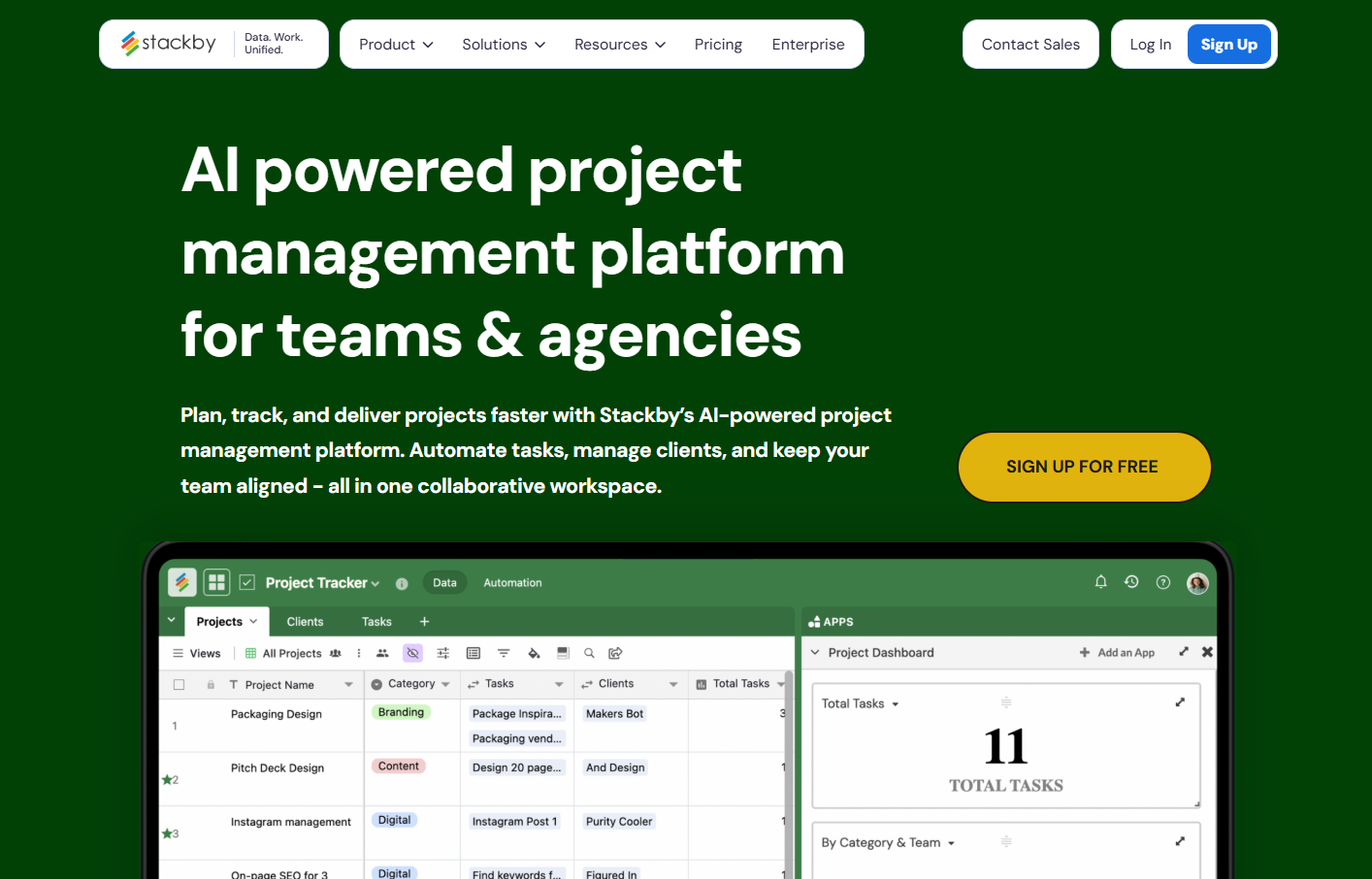
Stackby works as a database management software and a project workspace at the same time. It has a grid view that feels like a familiar spreadsheet, plus Kanban, Calendar, Gallery, and Form views - all pulling from the same underlying data. No duplication across views, no syncing issues between them.
The templates library is genuinely useful. There's a marketing calendar template that covers content scheduling end-to-end, and a Content Agency Manager template built for agencies tracking deliverables across multiple clients. Setting up either takes under ten minutes. The AI column feature is legitimately good - it can classify entries, generate copy drafts, and summarize briefs without requiring a third-party integration. A free plan is real and functional. Paid plans start at $5/user/month.
2. Monday.com
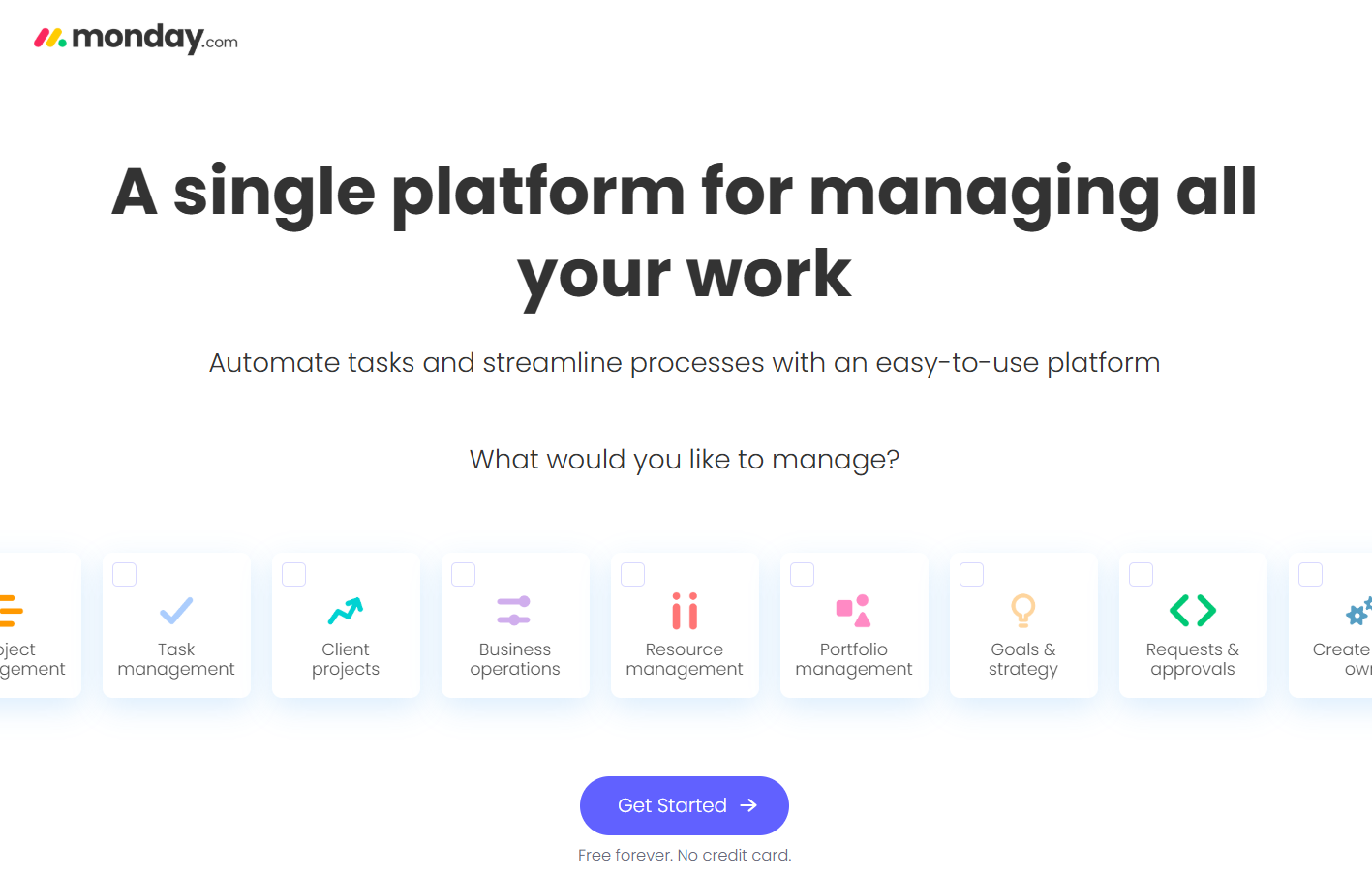
Monday is the most visually polished tool in this category and it earns that reputation. Dashboards look clean, onboarding is fast, and teams generally like it on day one. The frustration comes later. The Basic plan at $9/user/month is missing timeline view and calendar - you need the Standard plan at $12/user/month to access the features most marketing teams need from the start. Automations are capped at 250 actions per month on Standard, which runs out faster than you'd expect when you're running two campaigns simultaneously.
3. ClickUp
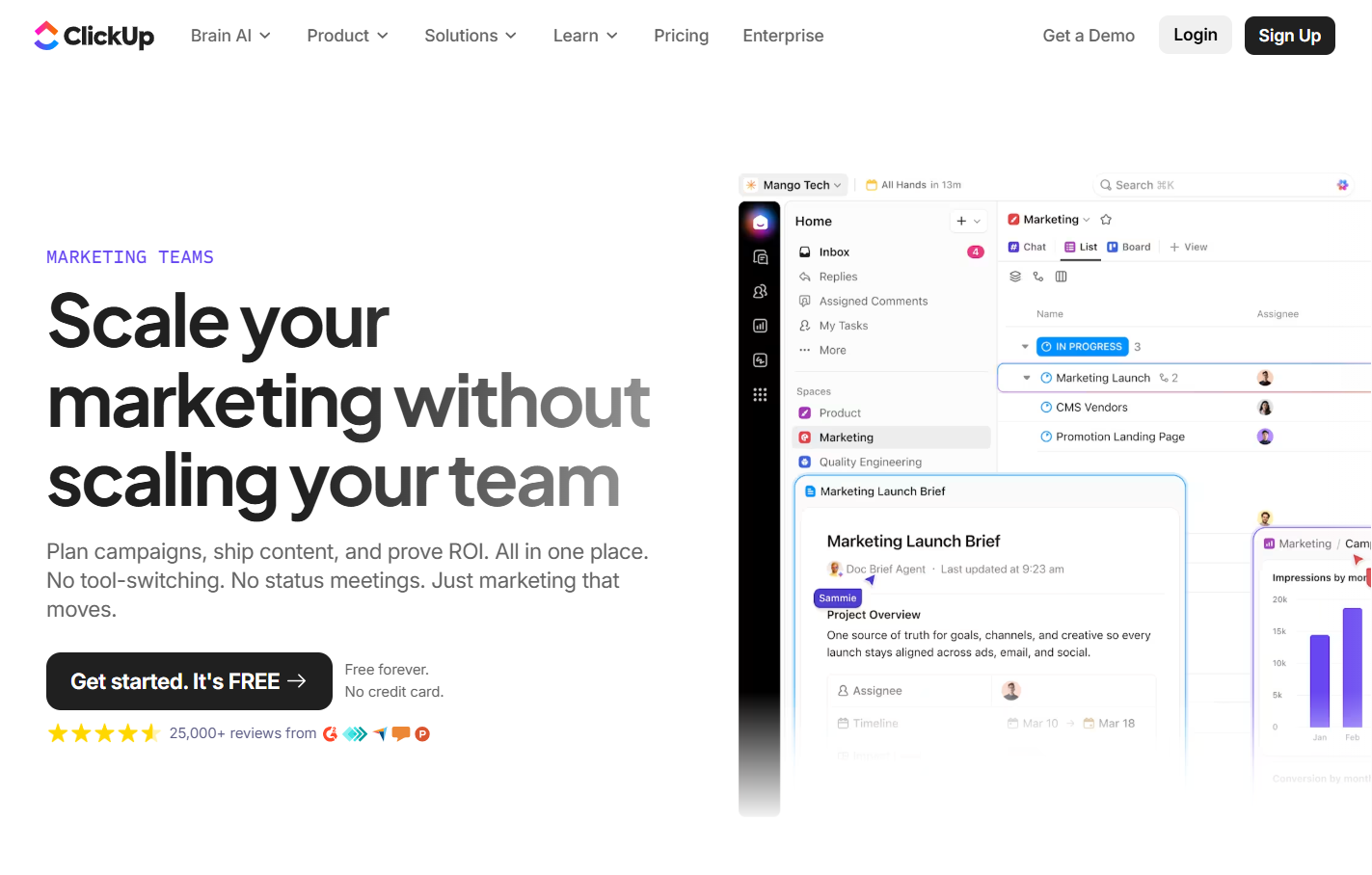
ClickUp tries to be everything - tasks, docs, whiteboards, goals, time tracking, sprint planning - and largely succeeds. It's one of the most feature-complete marketing project management tools available right now. That breadth comes with a real cost, though: the interface is overwhelming for new users. Most teams spend two to three weeks figuring out where things live before they feel comfortable. Free plan is generous: unlimited tasks, unlimited members. Paid plans start at $7/user/month. If you can absorb the onboarding time, it pays off.
4. Asana
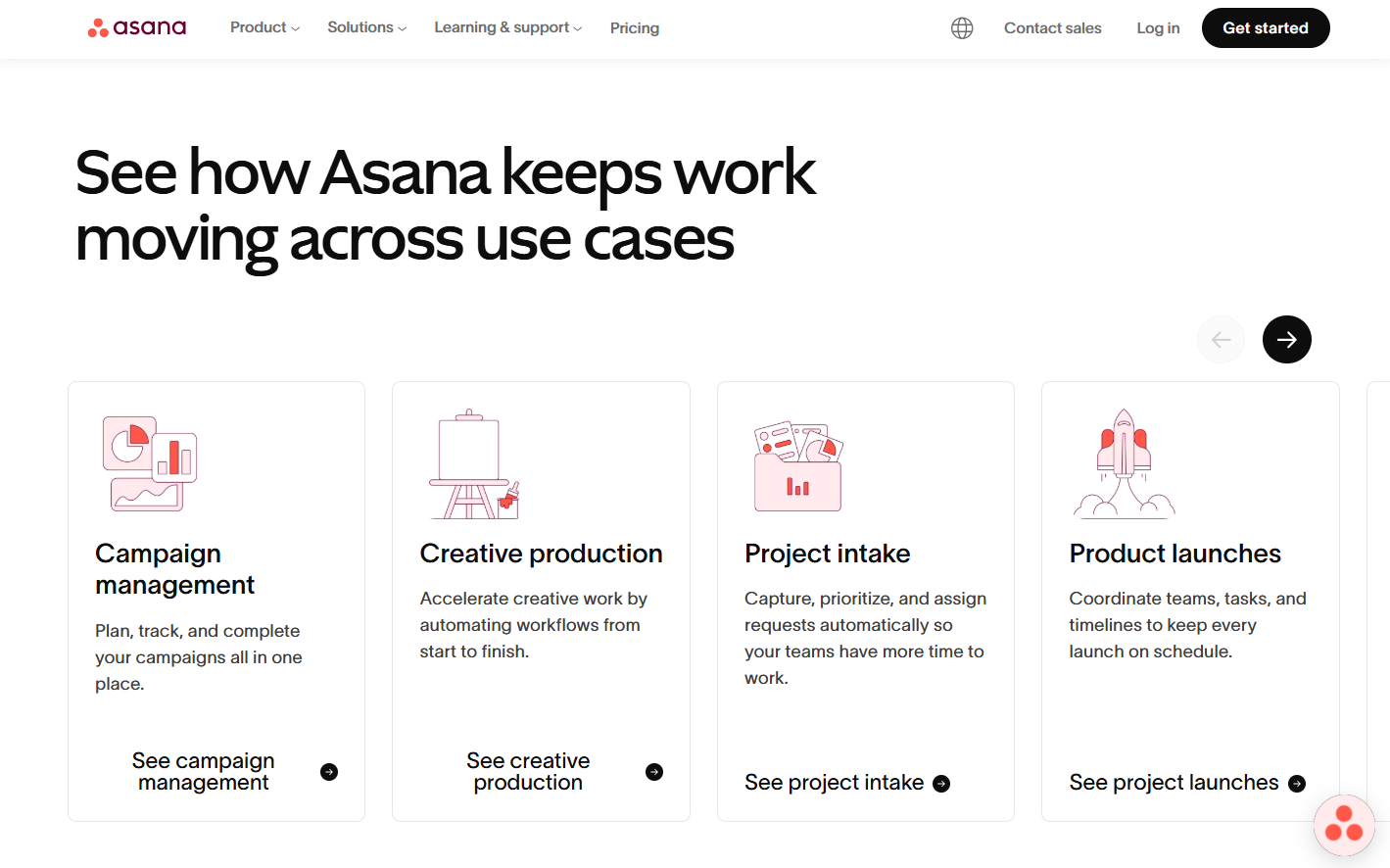
Asana is reliable. That's the word I'd use for it. Timeline view is clean, rules-based automation is easy to configure, and the goal-tracking feature is useful for teams managing quarterly OKRs alongside active campaigns. Free plan supports up to 15 users with basic features, which makes it a reasonable entry point. Paid plans begin at $10.99/user/month, and costs compound noticeably once you push past 20 users.
5. Notion
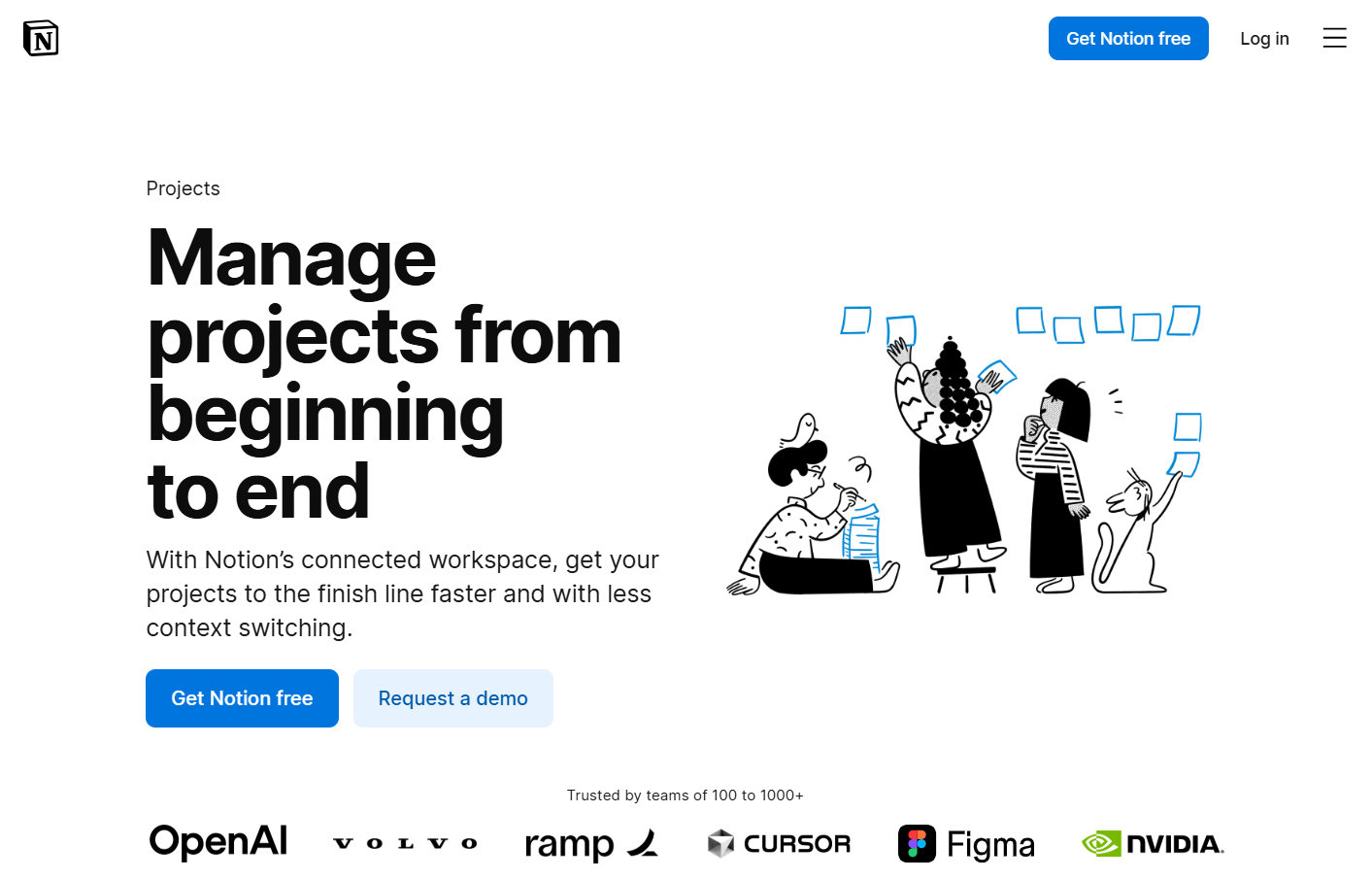
Notion isn't really a project management tool - it's a collaborative workspace that learned some PM habits. For content-heavy teams who live in long-form documents and shared wikis, it's excellent. For structured campaign management, it falls short. No native Gantt view. Time tracking requires a separate integration. The notification system is, honestly, a mess - people miss things. Use Notion for documentation. For actual project management, pick something built for it.
6. Airtable
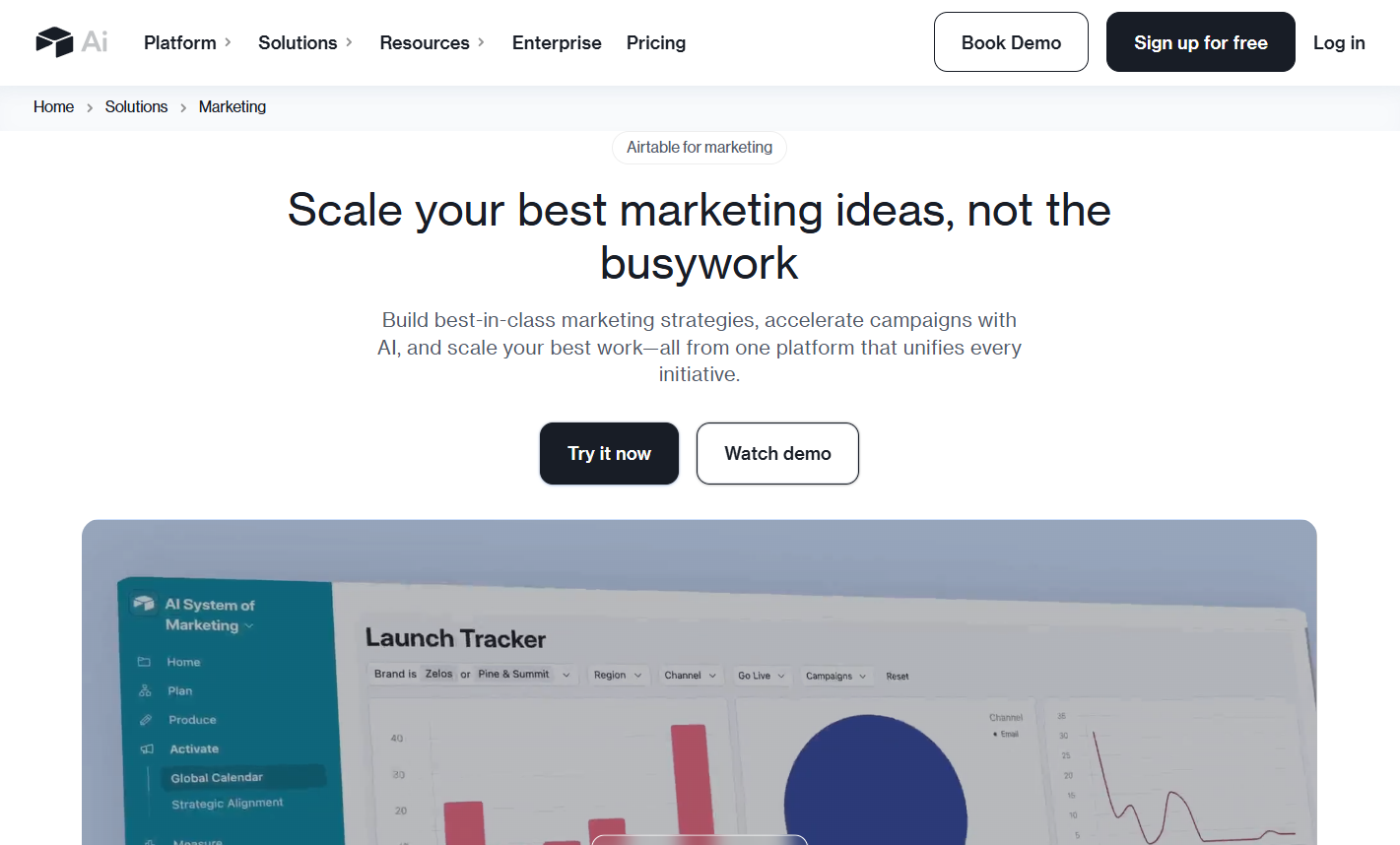
Airtable sits between spreadsheets and databases, and does that job very well. For data-heavy marketing work - managing large content libraries, tracking multi-channel ad campaigns, building audience segments - it's genuinely powerful. The interface is familiar enough to speed up adoption. The friction is cost: the Free plan effectively limits you to one user now, and the Plus plan starts at $20/user/month. That's steep for small teams who just need a solid project tracker.
7. Wrike
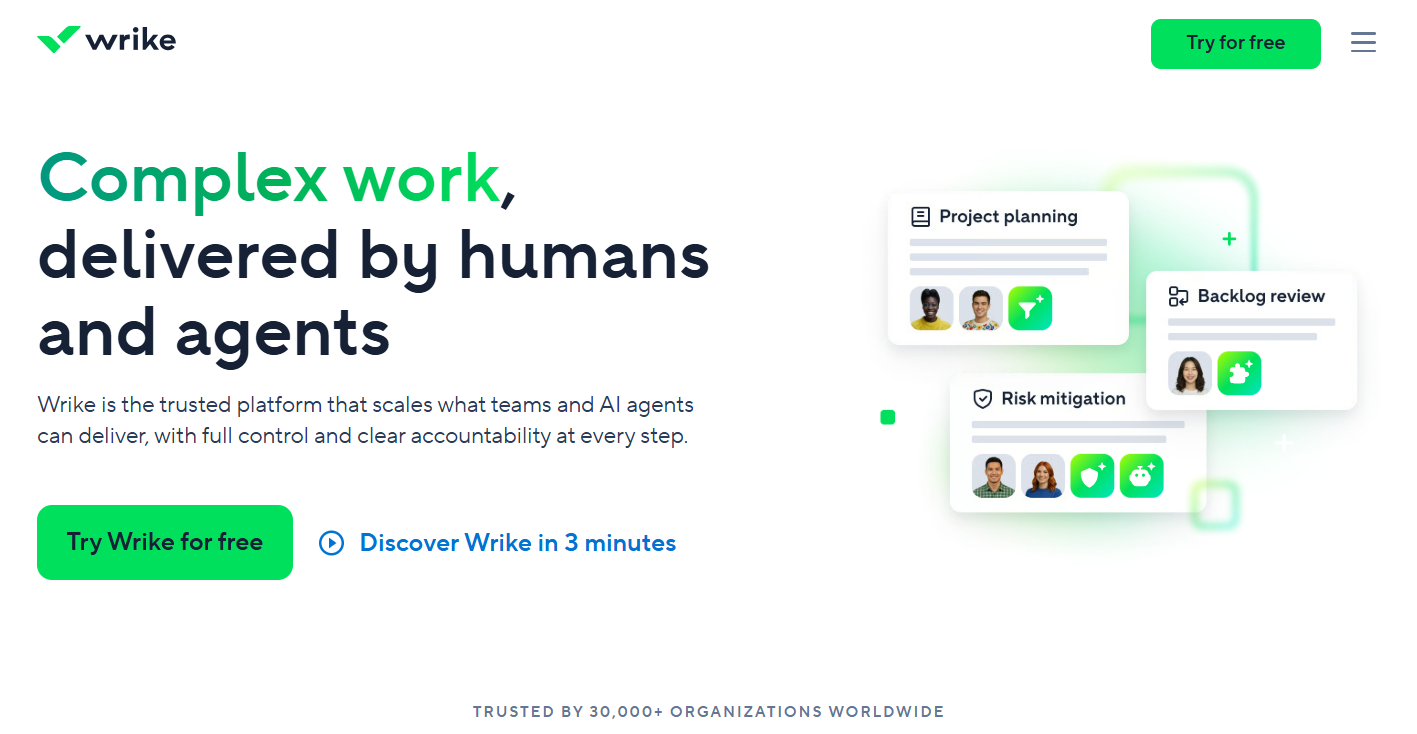
Wrike is built for larger marketing departments and agencies. The proofing and approval workflow is one of the better ones on this list, and workload reporting gives solid visibility across teams. The interface hasn't aged especially well compared to newer tools, and new team members need time to find their footing. The free plan is limited to 5 users. Paid plans start at $9.80/user/month.
8. ProProfs Project

ProProfs Project skips the blank-board setup - describe your campaign and AI builds the tasks, stages, and assignments for you. The AI assistant then checks progress and flags blockers, cutting down on status meetings. Free plan covers up to 3 users with full features unlocked. Paid plans start at $39.97/month with unlimited users and unlimited automations.
Quick Comparison: How These Tools Stack Up
How Stackby Helps With Marketing Project Management
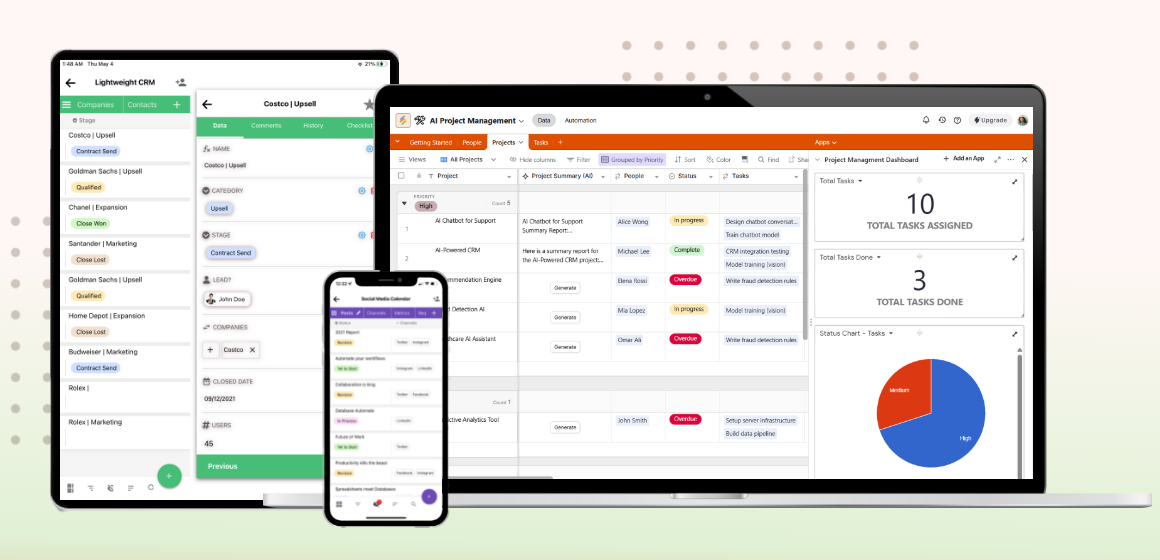
Stackby was built from the ground up as a no-code solution for teams that need database-level structure without a developer on standby. For marketing, that distinction matters more than it sounds. Most tools make you fit your campaigns into their structure. Stackby lets you build the structure around how your campaigns actually run.
Here's what makes it specifically useful for marketing teams:
- Ready-made templates for real workflows. The project tracker template works well for tracking campaign deliverables from brief to launch. The project request form manages inbound campaign requests without your team fielding the same Slack message four times a week. The project planning template maps cleanly to standard campaign timelines.
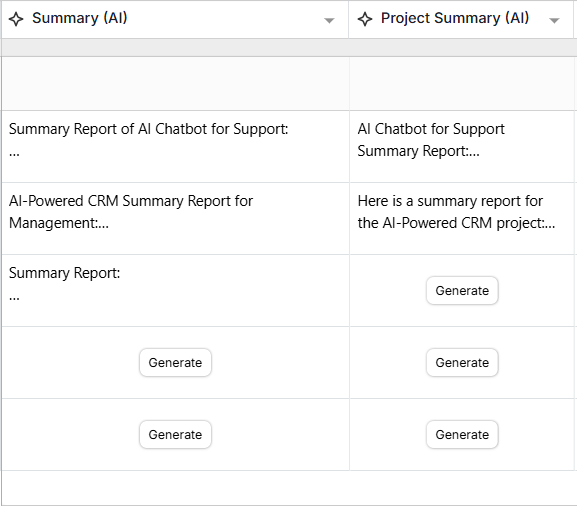
- AI built in, not bolted on. Stackby's AI columns can auto-classify content types, generate copy drafts, summarize creative briefs, and trigger automations. The ai project management template shows how to wire this up without writing a single line of code.
- Multiple views for different roles. Designers can use Gallery view for design project planning. PMs can use Timeline for project portfolio management across multiple campaigns at once. Everyone works from the same underlying data - just through a different lens.
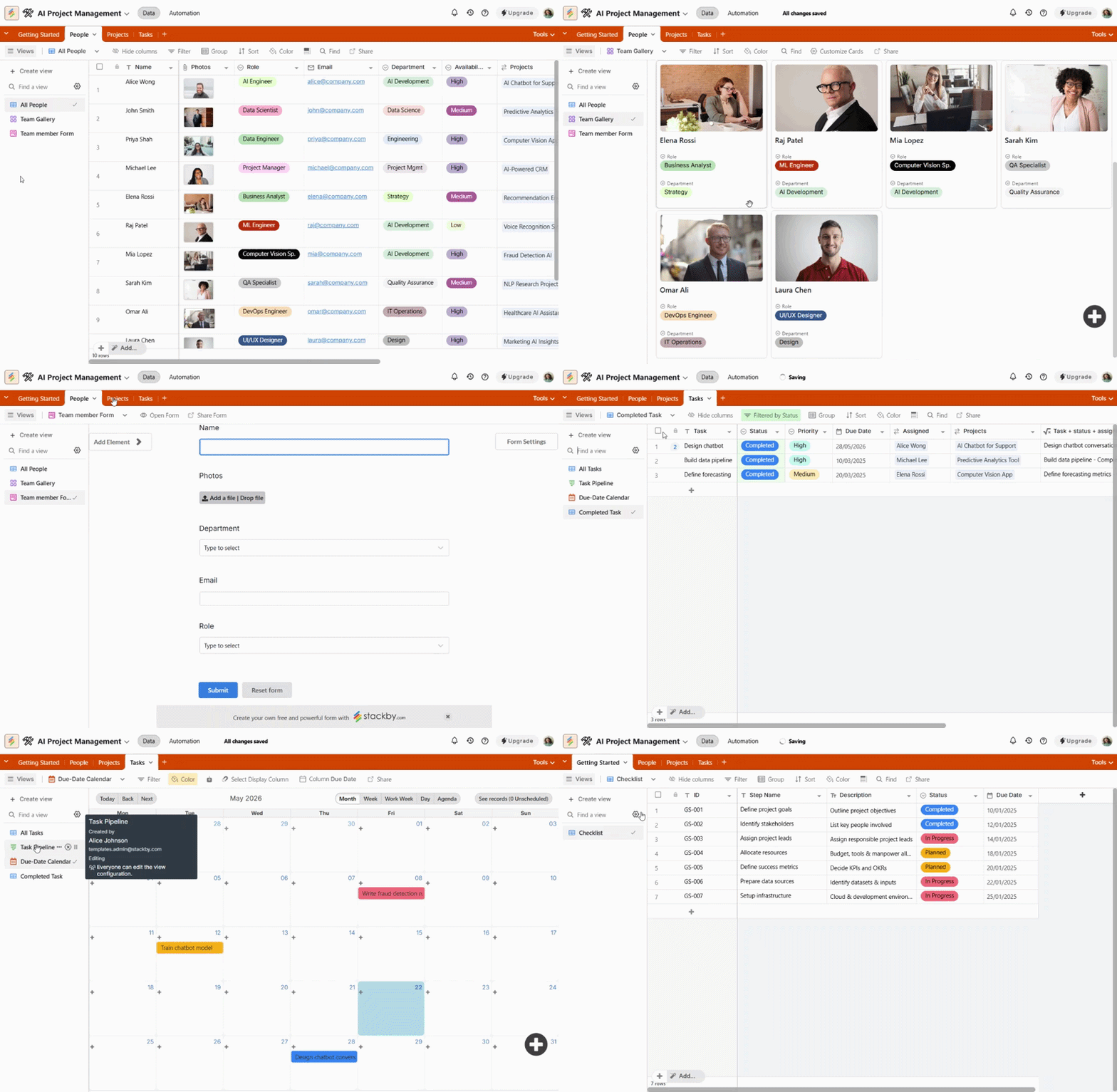
- Cross-team visibility. The project resource management features let you see who's overloaded before a deadline hits, not after. There's also a project tracker for HR that syncs contractor and team availability alongside your marketing calendar.
- Agency workflows that hold up. The project proposal template speeds up client onboarding. The Content Agency Manager Template keeps deliverables organized across multiple accounts without anything slipping through the cracks.
The API integration layer is worth knowing about too. You can pull live data from external sources directly into your tables, so campaign performance data sits right alongside your project tasks. No manual exports. No version confusion from someone editing the wrong file.
Start your free trial at Stackby - no credit card required.
Features That Actually Matter in a Marketing PM Tool
Vendor feature lists are long. Most of those features you'll never touch. Here's what your team will actually use week over week.
Visual timeline view. Without campaign phases mapped against a calendar, deadline management is guesswork. Every tool on this list has some version of this feature, but check whether it's gated behind a paid tier - Asana and monday.com both lock calendar views to their paid plans, which catches a lot of teams off guard.
Structured approval workflows. This is the most underrated feature in any marketing project management tool. Comments and mentions work fine for a three-person team. Once you have five stakeholders reviewing a campaign asset, you need a formal approval chain with clear sign-off stages. ClickUp, Wrike, and Stackby handle this well without requiring a paid upgrade.
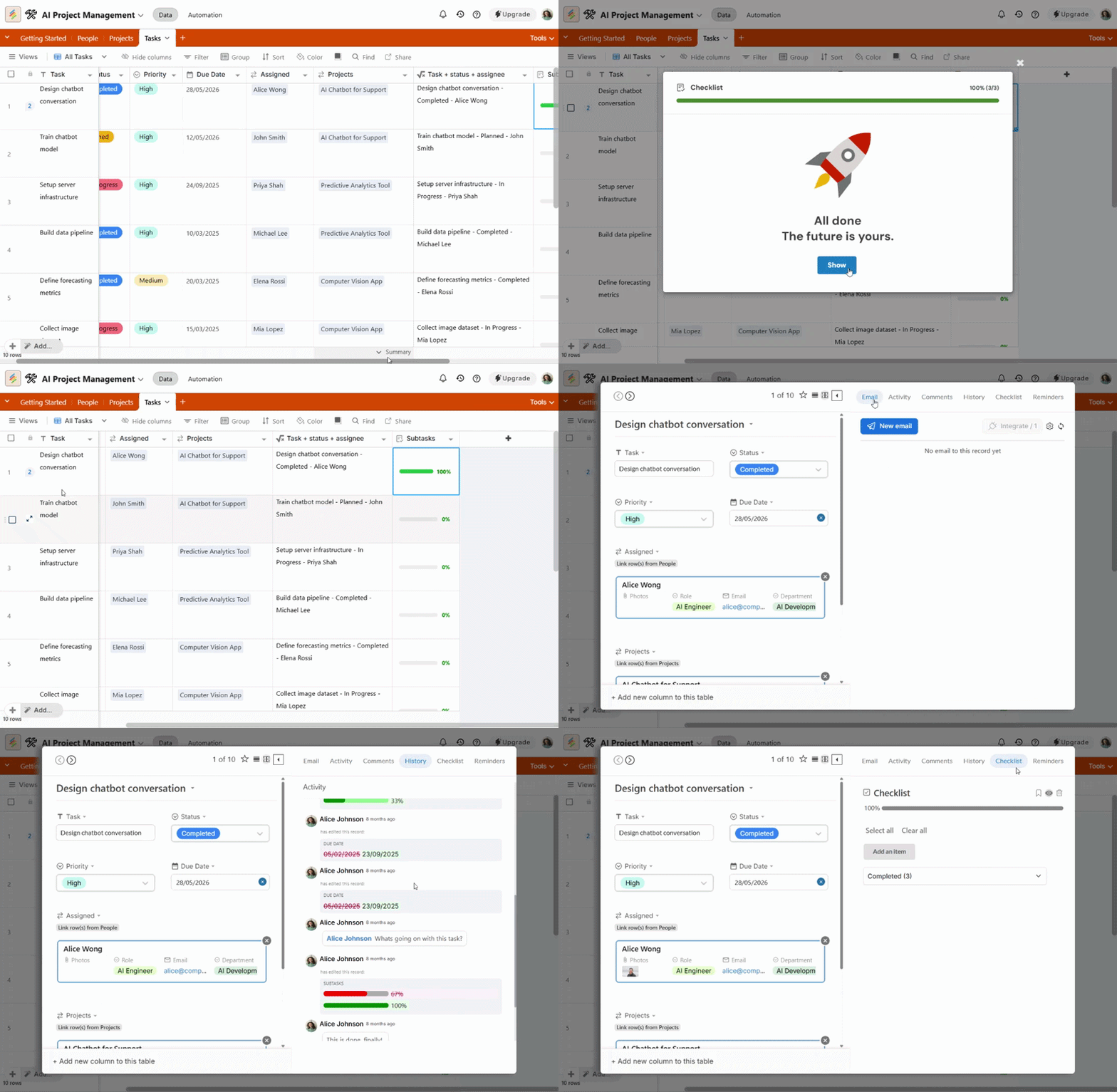
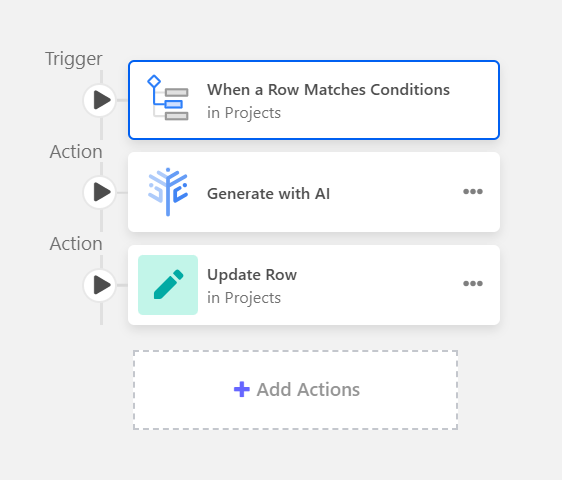
Automation that's genuinely simple. Creating a task when a brief is submitted, notifying a designer when copy is approved, flagging a deliverable 48 hours before its due date - these automations should take five minutes to configure. If the automation builder requires you to watch a tutorial video before doing anything, that's a signal to look elsewhere.
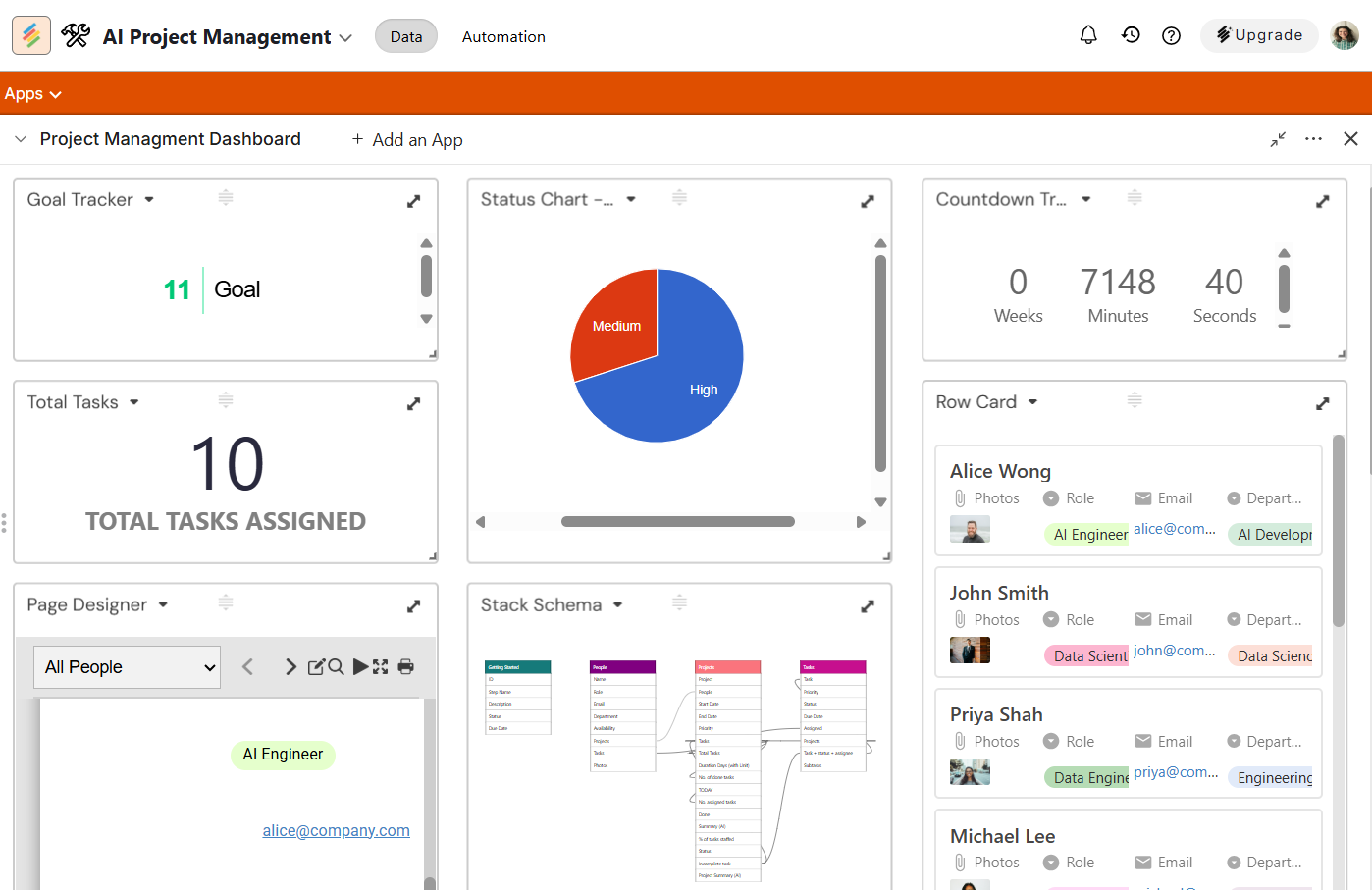
Reporting that surfaces problems early. Seeing overdue tasks is useful. Seeing which campaigns are at risk before they become overdue is far more useful. Good PM tools show you workload distribution, blocked tasks, and progress against timeline at a glance - without requiring a custom dashboard build every time.
Picking the Right Tool for Your Team
The right tool depends on team size more than anything else. Here's a cleaner breakdown than most comparison guides give you:
- Freelancers and teams of 2-3: Stackby's free plan covers most of what you need. ClickUp's free plan is also solid. Don't pay for plans you haven't outgrown yet.
- Marketing teams of 5-20 people: Stackby's paid plan gives the best feature-to-cost ratio in this range. ClickUp is the pick if you want time tracking, goal management, and docs all under one subscription - just account for the onboarding investment.
- Agencies managing multiple client accounts: Stackby is the stronger pick on price and flexibility. Airtable is worth a look if your team already lives in spreadsheets and won't switch easily.
- 50+ person in-house departments: monday.com is the most natural fit at this scale. The reporting depth, user permissions, and enterprise integrations justify the cost. Wrike is worth considering specifically if creative proofing and approval workflows are a constant pain point.
One honest note: most mid-sized marketing teams overpay for software they underuse. Start lean, get your workflows solid, and upgrade only when you actually hit a ceiling.
Conclusion
Marketing teams don't fail because they lack talent. They fail because the tools and workflows underneath them can't keep up with how campaigns actually move. The right marketing project management software doesn't just organize tasks - it gives your team the shared visibility to catch problems before they become missed deadlines and frustrated stakeholders.
Pick a tool built specifically for marketing workflows, not one adapted from a software dev team's toolkit
Free plans from Stackby, ClickUp, and Asana are genuinely functional starting points - don't pay until you hit real limits
Stackby offers the strongest balance of database flexibility, native AI features, and affordability for marketing teams in 2026
If you're still managing campaigns out of spreadsheets and email threads, the switching cost is lower than you think. Stackby is free to start, comes with marketing-specific templates ready to use from day one, and scales from a solo freelancer up through a 50-person department without pricing you out mid-growth.
Frequently Asked Questions
Q1. What is marketing project management software?
Marketing project management software helps marketing teams plan, track, and execute campaigns from one central place. It replaces the usual mix of spreadsheets, email chains, and messaging threads with a shared system that gives everyone visibility into what's happening, what's due, and what's blocked.
Q2. What's the best marketing project management software for small teams?
For most small teams, Stackby and ClickUp are the strongest starting points. Both have free plans that support real workflows, not just toy projects. Stackby is worth prioritizing if your team manages data-heavy campaigns - the database layer adds value that a standard task manager simply can't match.
Q3. How does marketing PM software differ from general project management tools?
Most general PM tools were built with software development workflows in mind. Marketing teams need content calendars, creative approval flows, campaign timelines tied to specific launch windows, and integrations with ad platforms and email tools. The best project management software for marketing teams is designed around those workflows from the start, not as an afterthought.
Q4. What's the best marketing project management software for small teams?
Yes, for smaller teams running focused campaigns. Stackby's free plan, ClickUp's free plan, and Asana's free tier (up to 15 users) all support genuine workflows. Once you're managing three simultaneous campaigns with multi-stage approvals and external stakeholders, paid features start to justify themselves fairly quickly.
Q5. How much should digital marketing project management software cost?
Most teams pay $5 to $15 per user per month for a solid mid-tier plan. Stackby starts at $5/user/month. ClickUp's Unlimited plan is $7/user/month. monday.com and Airtable sit at the higher end of the range. Enterprise pricing typically requires a conversation with a sales team and scales based on features and seat count.
Q6. Can marketing project management tools fully replace spreadsheets?
For most teams, yes - and the switch is worth making. Spreadsheets don't scale well when you're tracking assets, approvals, budgets, and multiple campaign timelines across a growing team. The right tool gives you real-time visibility and collaboration that a shared Excel file can't replicate. Stackby keeps the familiar spreadsheet interface if your team is resistant to change, which lowers the barrier considerably.
![Best 14 HR Database Software for Recruitment Agency [Free+Paid] [2026]](/blog/content/images/size/w960/2024/04/stackby--hr-database-software-blog-post-5.3.jpg)