Top 10 Smartsheet Alternatives in 2026 & Beyond
Looking for better, simpler yet powerful alternatives to Smartsheet? Try these top 10 tools and manage your workflows in a better way.
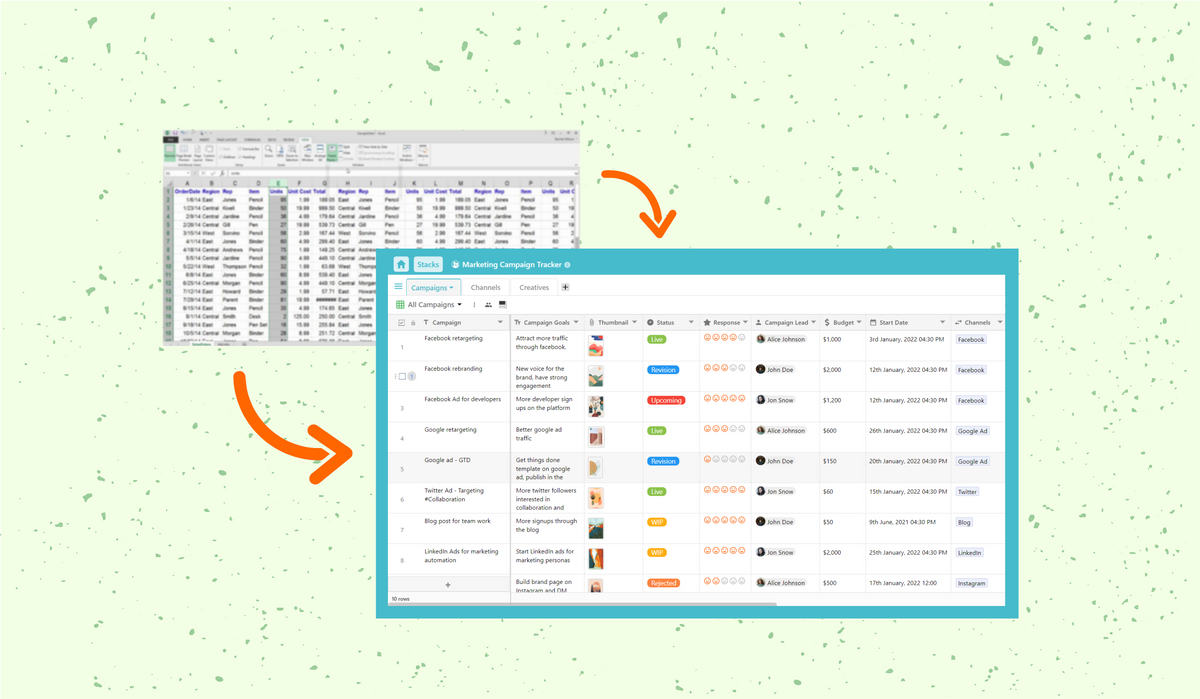
Searching for a Smartsheet alternative that is easier to use, flexible enough for different workflows, and suitable for teams of different sizes? This guide covers the top Smartsheet alternatives for project management, workflow automation, collaboration, and business operations, including free and no-code options.
Smartsheet is a spreadsheet-style work management platform used for project planning, collaboration, reporting, and workflow management. However, teams looking for a simpler interface, more flexible databases, no-code customization, or a lower-cost option may consider other platforms. It is a scalable, no-code, automated, collaborative platform. However, there are many alternatives to Smartsheet that are much easier to understand and work with.
Top 10 Best Smartsheet Alternatives in 2026
1. Stackby
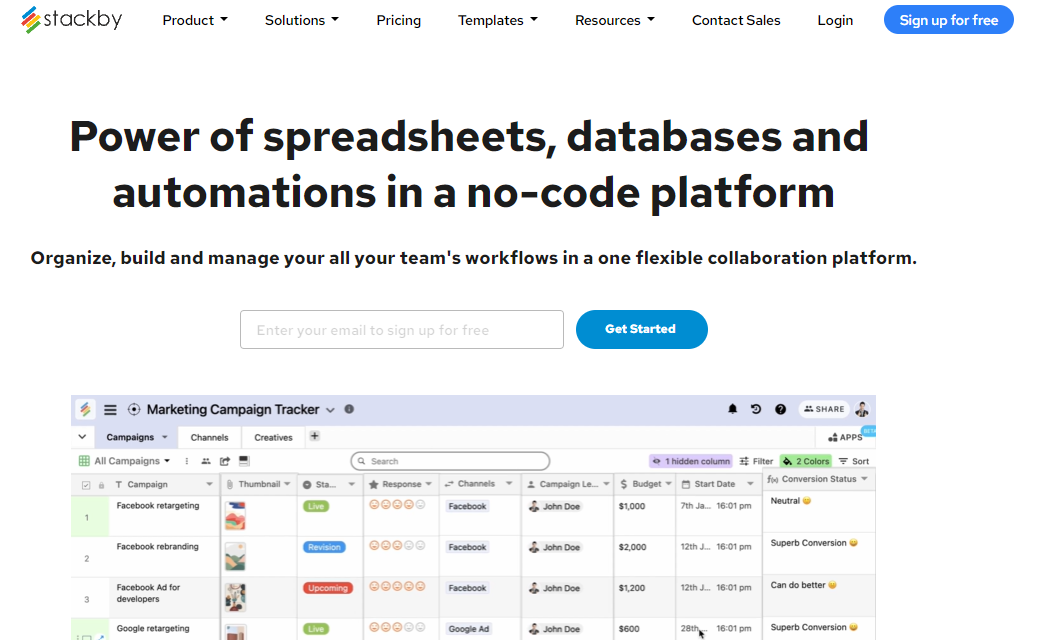
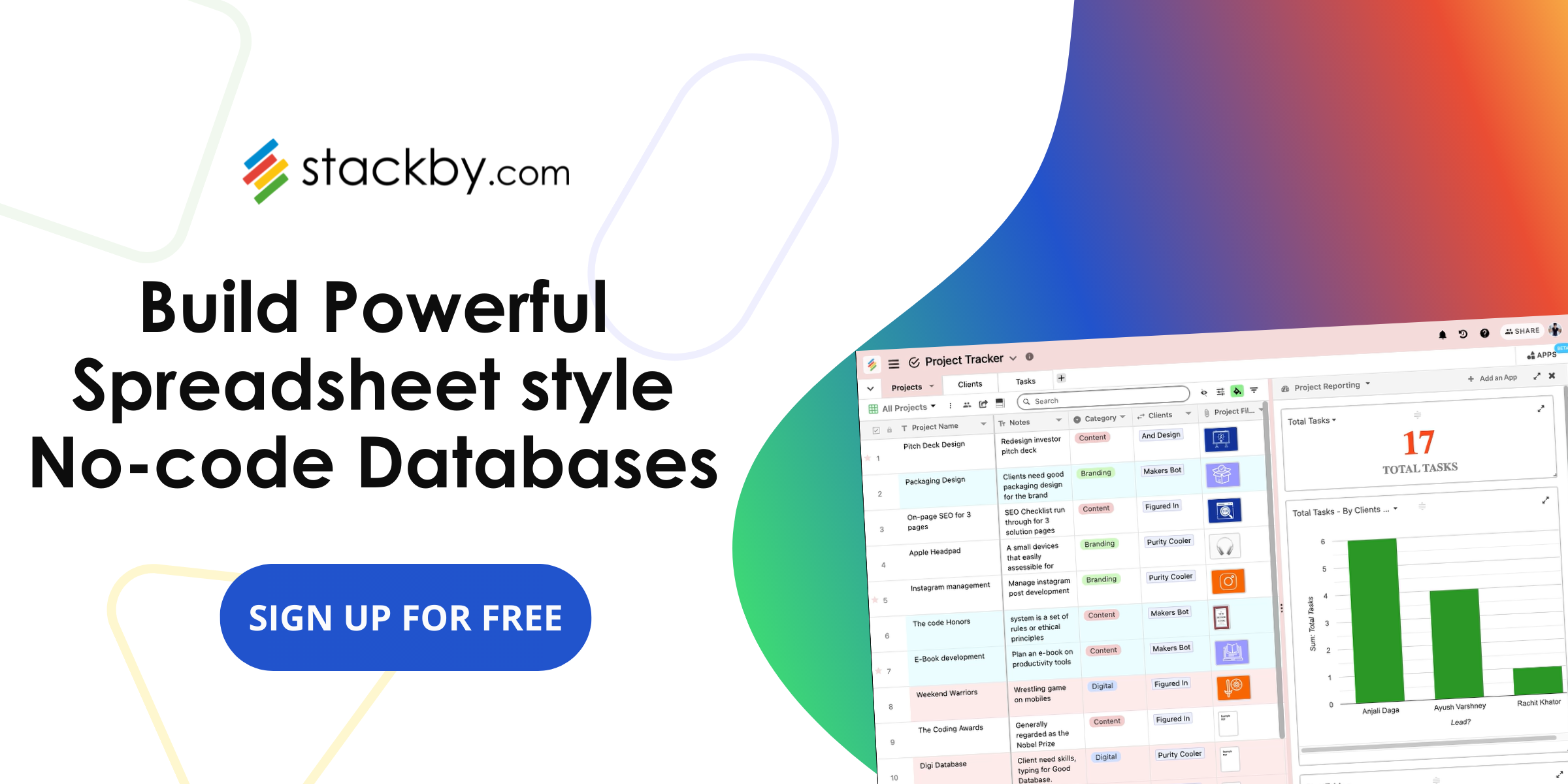
Stackby is a no-code Smartsheet alternative that combines the familiar structure of spreadsheets with the flexibility of a relational database. Teams can use it for project management, workflow tracking, CRM, reporting, and other business processes without coding.
For teams evaluating other spreadsheet-database platforms, you can also read about Airtable alternatives and how they compare for different workflows.
You do not need any prior coding experience to work on Stackby!
Features
- Stackby includes pre-built templates for project management, CRM, marketing, operations, and other workflows, giving teams a starting point that can be customized to their specific processes.
- You can create and organize your data in customizable and easy-to-use spreadsheets and collaborate with your team members in real-time.
- You can set and track project milestones and deadlines using Stackby. It also allows you to monitor your expenses and ensure that you don’t overshoot your budget. A sales pipeline template is also useful when workflow tracking involves leads, deals, stages, and follow-ups.
- The API Connectors facility of Stackby makes the workflow process even easier than before. Stackby allows you to integrate its templates with third-party applications using a unique API key and pull in data directly to the spreadsheet.
- Stackby's integrations connect workflows with external tools and data sources, reducing manual data entry across business processes.
- You can connect Stackby to several applications, including Google Analytics, Facebook Ads, Google Ads, Youtube, , Moz, SendFox, Facebook, Clearbit, MailChimp, YouTube, etc.
- Stackby's kanban, gallery, and calendar layouts enable you to view your project status in multiple forms. It is available in both desktop and mobile versions.
- Teams can also use Stackby Views to organize the same data in formats suited to different workflows.
Pricing
Stackby offers a free plan, making it a practical option for teams looking for a free Smartsheet alternative. Paid plans provide additional capabilities for teams with more advanced workflow and collaboration requirements.
2. nTask
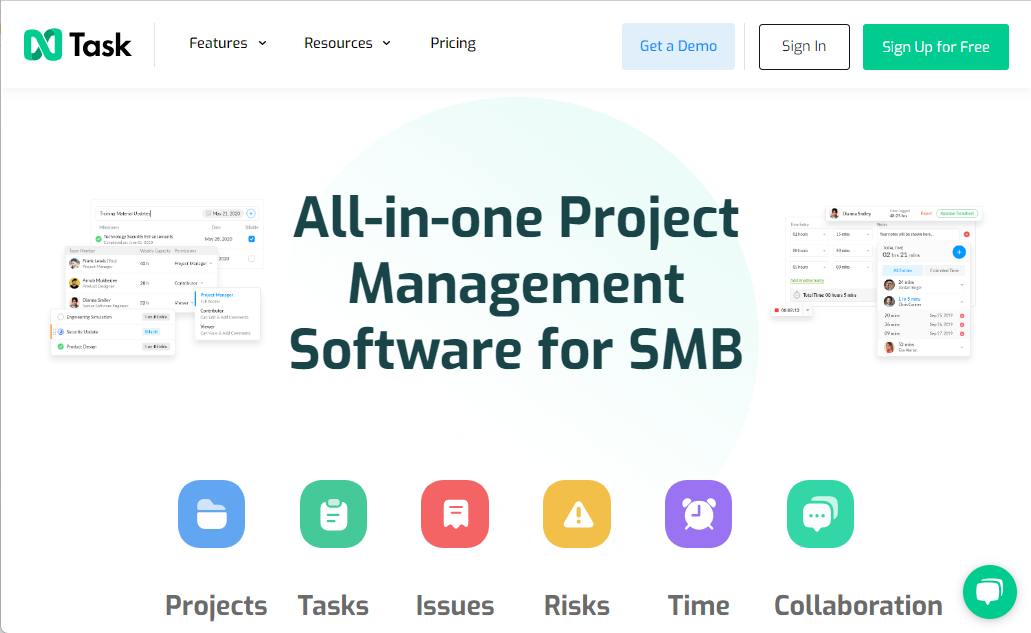
nTask is a cloud-based project management platform that is used to plan, execute, and manage multiple projects at the same time.
Features
- nTask will allow you to store all your project-related documents in one place. It is the perfect tool to facilitate seamless collaboration with team members and enable you to monitor your work's status in real-time.
- To simplify your work, nTask also allows you to integrate it with widely-used third-party applications such as Slack, Google Drive, Dropbox, and other apps via Zapier.
- You can assign tasks to your team members and set deadlines for everyone's work to complete on time. You can share and attach documents and automate recurring tasks with the click of a single button. nTask also tracks the amount of time spent on a particular task via its time-tracking feature.
- It offers four different views to its users to enable them to track the progress of their project. This includes grid, calendar, and kanban boards. Each view provides you with a different perspective on your project work.
- You can also use nTask to track and monitor your allocated budget for each task to ensure that you don't overshoot. It gives you real-time updates on your company's financial summary.
Pricing
nTask offers a 14-day free trial period for new users. Its Basic Plan is completely free! It also offers a Premium Plan for $2.99 per user per month, a Business Plan for $7.99 per user per month, and Enterprise Plan for larger organizations.
3. Basecamp
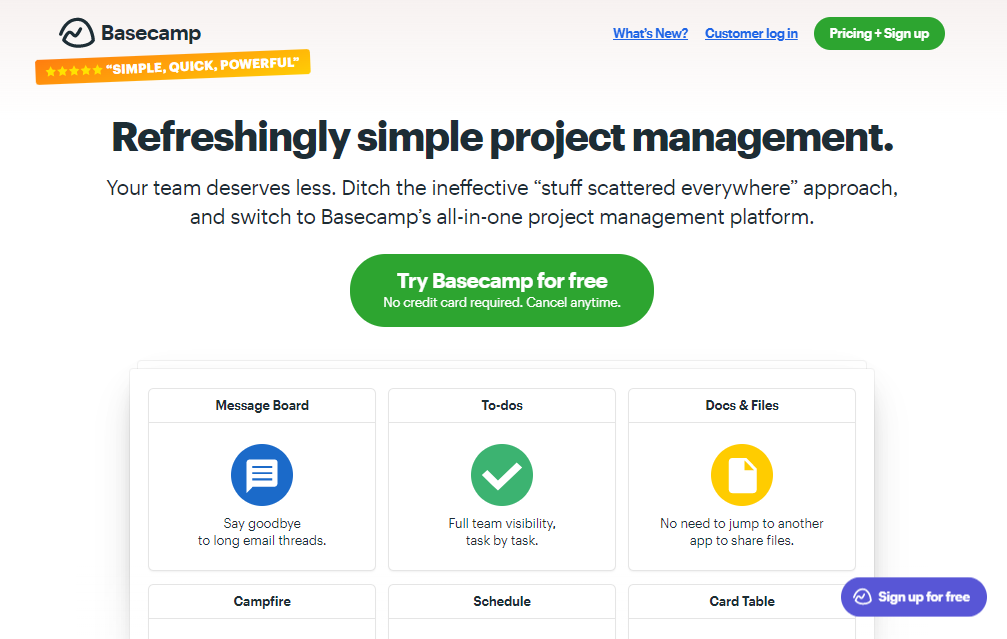
Basecamp is another project management alternative to Smartsheet! This cloud-based project management and team collaboration tool promotes seamless collaboration among team members and ensures that everyone is on the same page.
Features
- It promotes real-time communication via features such as calendars, file-sharing, to-do lists, group chats, automatic check-ins, message boards, etc.
- Basecamp allows you to break down your project into multiple simple, manageable tasks and store all relevant data in one place, including important files, documents, discussions, deadlines, and other relevant dates.
- It reduces the need to hold multiple meetings to keep track of your team's work and gives you a detailed overview of your project's current status via its unique feature of Basecamp Hill Charts.
- You can also grant access to your client to enable the latter to monitor the work's progress. However, you are in complete control of what the client can and cannot see. This allows you to maintain your privacy. You can also store central, official versions of your client conversations to avoid any possible conflicts in the future.
- This all-in-one tool is one of the best alternatives to a spreadsheet!
- Pricing – Basecamp is one of the only tools that does not charge a user fee. It offers a free 30-day trial to its users. Its Plan has limited features and is completely free. Basecamp's Business Plan is for $99 per month.
Read more: Top Airtable Alternatives (Free+Paid)
4. Asana
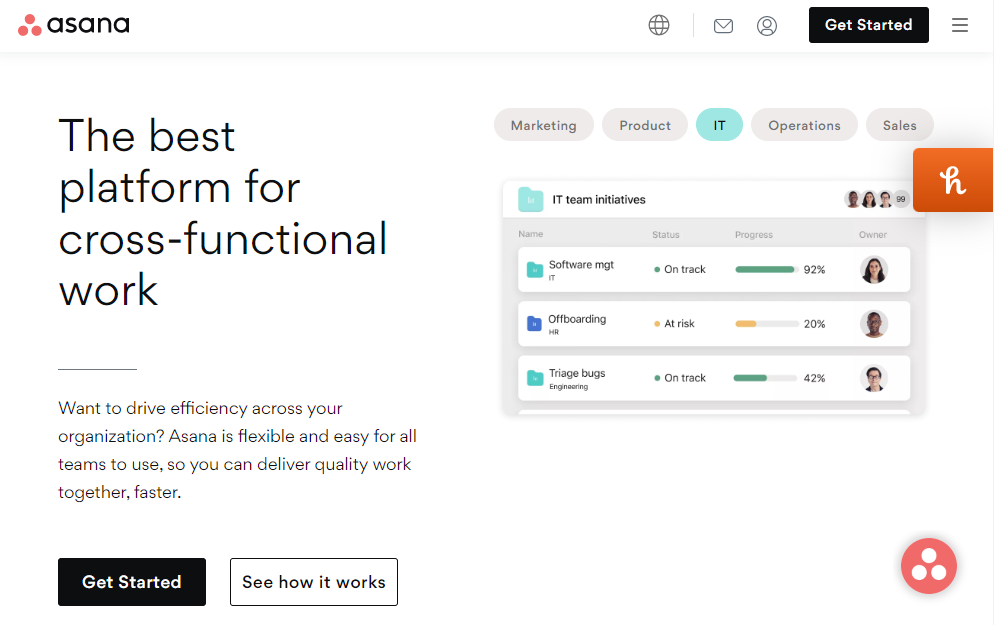
Asana is the easiest way to manage your company's projects. This project management and workflow tool can be used even if you don't have any coding experience. Many businesses use Asana to track their day-to-day tasks but are a definite alternative to Smartsheet.
Teams evaluating project management platforms can also read about project management tools for different project planning and collaboration needs.
Features
- You can break down your project into simpler and manageable tasks. Using Asana, you can organize your goals, tasks, plans, files, and documents on the same platform and share them in one go. For a more structured approach to organizing projects and workflows, see this guide to project planning.
- Its Timeline view allows you to track task duration, while its Workload view will give you an idea of the work distribution and team capacity. Under Goals, you can set, track, and manage organizational goals easily.
- To help you plan and manage your time, Asana sets a start date for your project tasks to ensure that you have enough time to finish without any last-minute rush.
- Asana also comes equipped with the option to create forms for project briefs or requests. These forms are connected directly to your projects and are easy to track.
- You can also prevent accidental changes to your projects by allowing complete access to only a few members.
Pricing
The Basic Plan of Asana is completely free for up to 15 team members. It also offers a Premium Plan for $10.99 per user per month, a Business Plan for $24.99 per user per month, and an Enterprise Plan for large organizations.
Top 12 Google Forms Alternatives in 2026
5. Clarizen
Clarizen is one of the workflow management alternatives to Smartsheet.
Features
- Clarizen creates order out of chaos and helps you build a structured workflow by connecting your projects, tasks, and conversations. It links unstructured conversation with structured work.
- This easy-to-use application facilitates time management via time tracking and efficient scheduling. It allows users to store and share documents, files, and folders and increase accountability. Its Slide Publisher saves valuable time by creating updated status reports of projects.
- Clarizen enhances user efficiency via workflow automation and even offers pre-built templates and customizable reports. It has a highly configurable UI at almost every level.
- It also supports multiple workstyles by allowing you to integrate it with other task management software such as Clarizen Go and Jira. Clarizen also comes equipped with an internal Bot that enhances engagement among teams.
- You can even create a project on Microsoft Excel or Projects and upload it to Clarizen.
Pricing
Clarizen offers two different editions. This includes the Enterprise edition and the Unlimited version. With unlimited projects, programs, cases, and portfolios, both editions are equally useful. The Unlimited edition offers a wide range of customizable features and can be requested by filling up an online form. It also offers a free trial period for new users.
6. Bitrix24
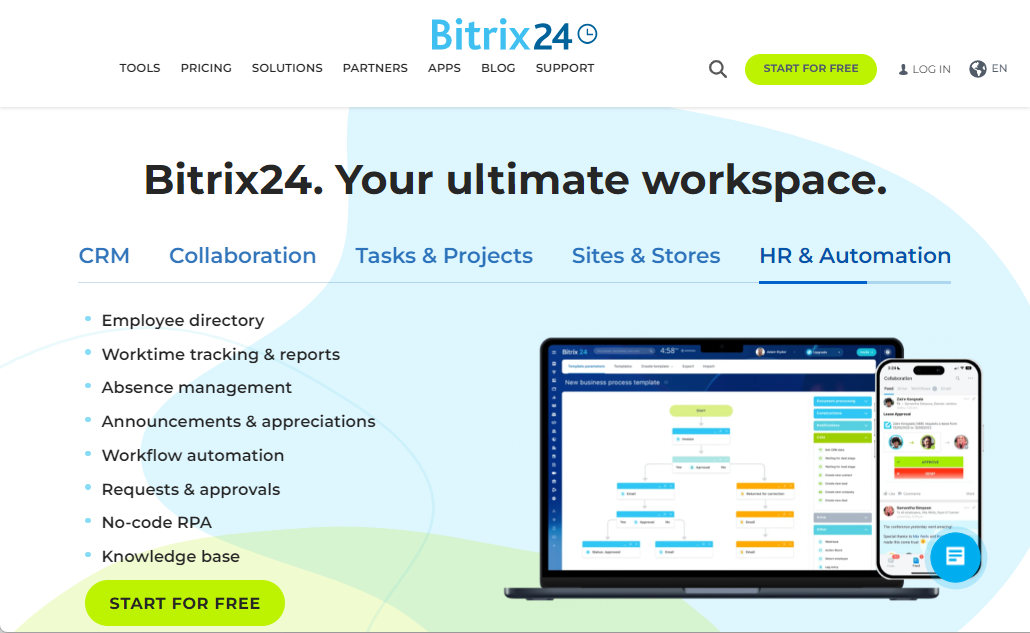
Bitrix24 is a completely free alternative to Smartsheet! Bitrix24 is social knowledge management and collaboration platform available in the cloud as well as open-source platforms.
Features
- Starting from clock-ins, task processing, task management to workflow creation, Bitrix24 is a one-stop solution to all your management problems.
- You can create an entirely virtual office on Birtric24. It allows you to create and hold conferences for up to 24 participants and record calls. You can also use private and group chats. It has a built-in clock, which will help you track your time.
- Bitrix24 will allow you to set tasks, receive work reports, and manage projects online.
- Bitrix24’s CRM feature can streamline and centralize all communications and collaborations. It is used for lead acquisition, lead management, and sales automation. Teams that need broader workflow capabilities can also read this work management software guide for additional context.
Pricing
Bitrix24 offers a free plan to all its users with most of the important features. It also offers a Start+ Plan for $19 per month, a CRM+ plan for $55 per month, the Project+ Plan for $55 per month, Standard Plan for $79 per month, and the Professional Plan for $159 per month. It also offers a 30-day trial period.
Top 10 Jotform Alternatives in 2026
7. Jira
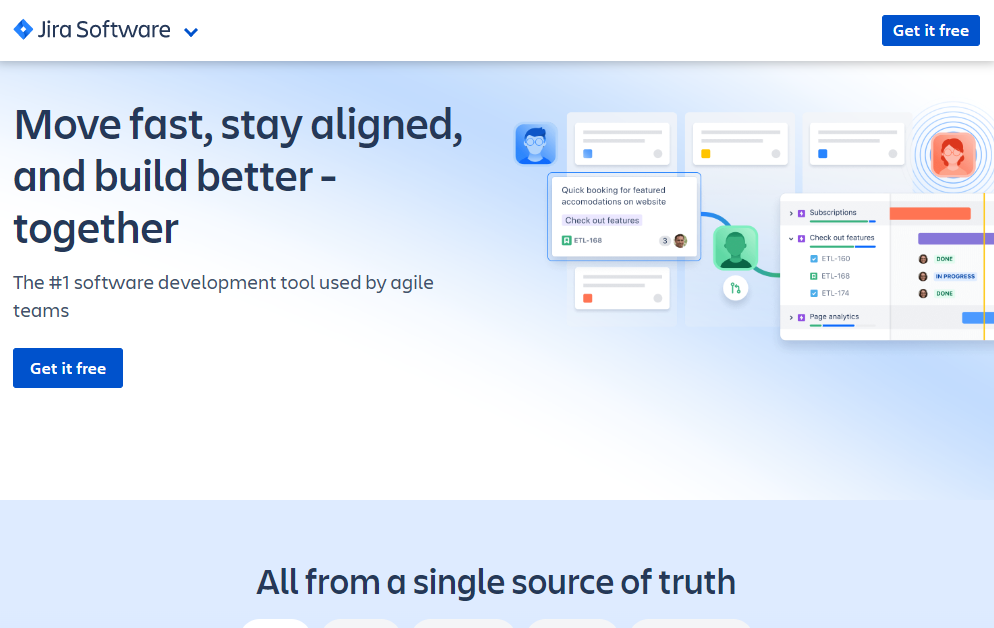
Are you looking for a tool for effective workflow management? The answer is Jira.
Jira is a bug-tracking and project management software that can be used by all types of businesses and is a great alternative to Smartsheet.
Features
- Software developers use it to manage their projects using Scrum or Kanban boards. It is also useful for managers and marketers to manage events and product launches. To add to its benefits, HR employees can also use Jira to manage their hiring and onboarding process by creating custom workflows.
- Scrum boards allow you to organize your workload and track your project in each of its multiple stages. The Kanban board system of Jira is based on a drag and drop system, and hence, it's very easy to use.
- Jira allows you to create custom workflows where each block represents a stage in the process and the arrows in between show the transition.
- Before starting anything, you need to have a clear idea of the task's goal and the rough roadmap. Using Jira to create project roadmaps, a user can significantly simplify his or her work.
Pricing
Jira offers multiple plans as cloud software. The first Plan is completely free. The Standard Plan is for $7 per user, the Premium Plan is for $14 per user, and an Enterprise Plan is also available.
8. Wrike
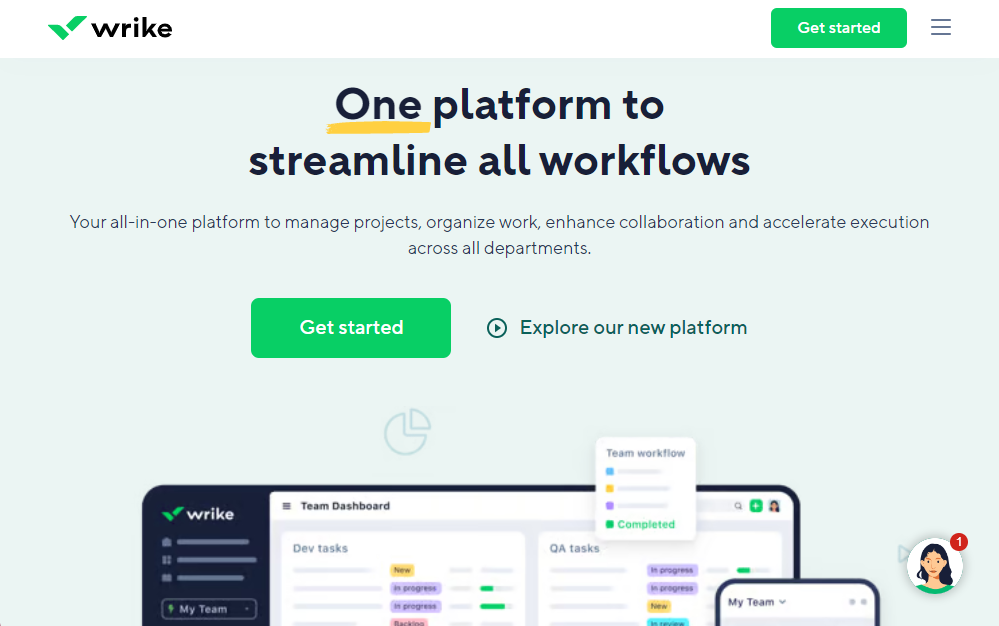
Another alternative to Smartsheet is Wrike. It is a creative project management software used by organizations worldwide!
Features
- Wrike allows its users to engage in seamless communication on the same platform where they work and store their important files. Team members can comment and provide feedback.
- It can be used for organizing and managing all your files and documents. You can also track and mark the most recent version of a file to ensure that your team does not end up working on an older one.
- It also allows multiple team members to work on the same project at the same time. You can use Wrike to track the billable hours of your employees. Using time tracking, Wrike tracks the time spent by each employee on a task.
- Wrike allows its users to generate reports using real-time data. You can refer to timesheets and weekly productivity charts that give you an overview of your team’s performance.
- You can use this software to manage your schedule and get a clear picture of the overall timeline, assigned tasks, project milestones, etc. You can link multiple tasks and add comments and notes whenever necessary.
Pricing
Wrike is completely free for up to 5 users. For 5, 10, 15 users, Wrike offers the Professional Plan for $9.80 per user per month. For 5-200 users, it offers the Business Plan for $24.80 per user per month. The Enterprise Plan is for unlimited users.
| Read more : Top 10 Free Coda Alternatives
9. Redbooth
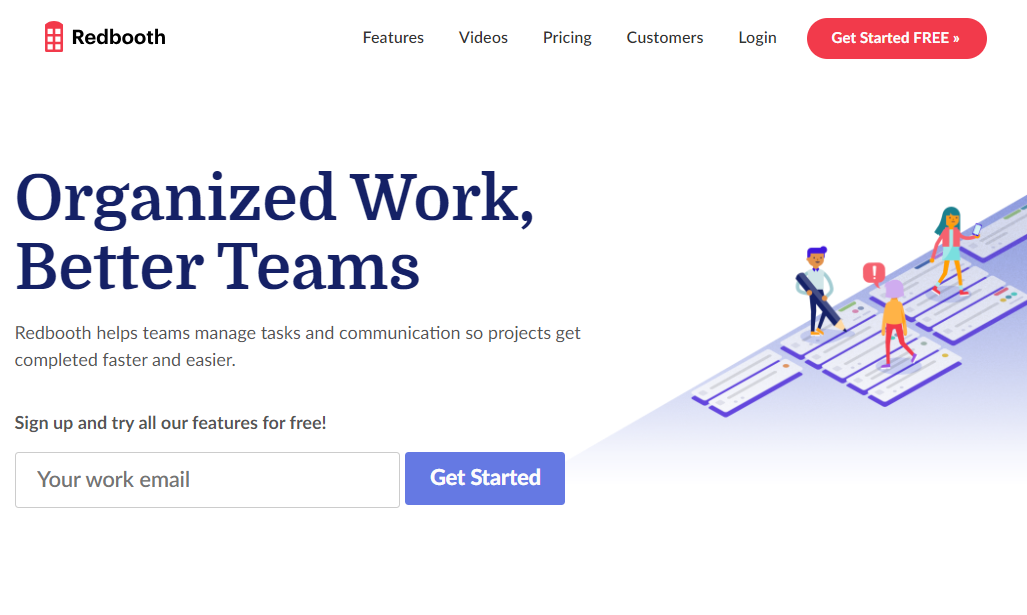
Redbooth is an easy-to-use project management tool and communication platform based on the cloud.
Designed to allow teams of all sizes to work together, Redbooth is a highly recommended software.
Features
- You can organize, manage, and track your project tasks using Redbooth. The customizable Kanban boards with their intuitive design allow users to plan, sort, tag and monitor your project's progress. Teams managing customer relationships can also use a personal CRM template to organize contacts, interactions, and follow-ups.
- Along with this, it also supports Gantt Charts to track the status of your project. To allow easy import and export of relevant information, Redbooth even supports integration with widely-used third-party applications, including Outlook, Box Enterprise, Zendesk, MS Project, Evernote, etc.
- Redbooth can be accessed through laptops, desktops, tablets, and smartphones. It is supported by both Android and iOS versions. To widen its user base, Redbooth is available in multiple languages, including French, Spanish, Chinese, etc.
- You can conduct your video conferences and meetings, share presentations, and hold calls right from inside Redbooth.
Pricing
You can get started with Redbooth without paying anything. It offers a 14-day trial period. It also offers a Pro Plan at the rate of $9 per user per month. Its Business Plan is for $15 per user per month, and its Enterprise Plan is for multi-organizational settings.
10. Trello
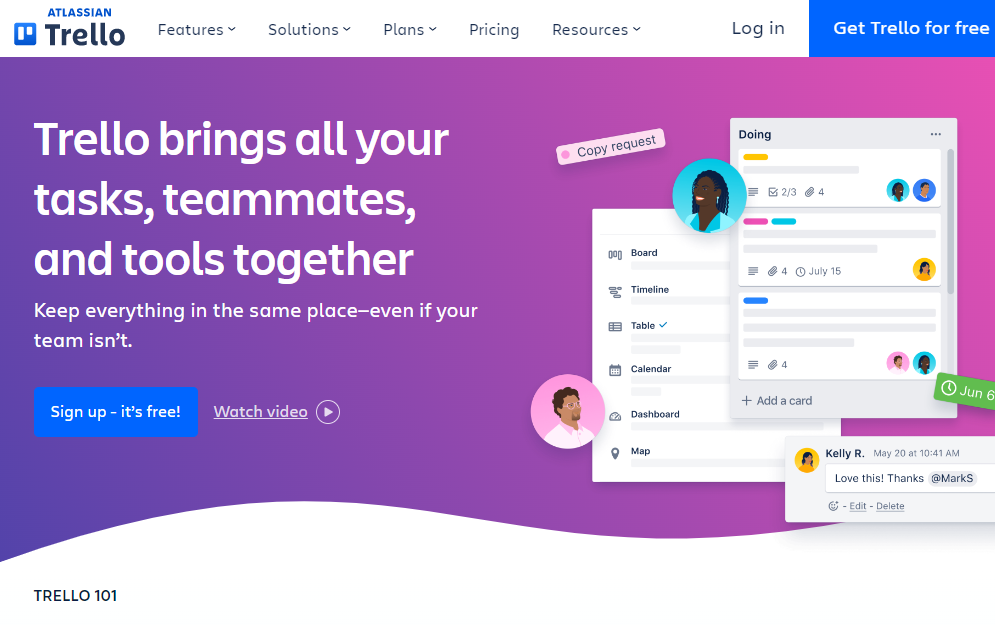
Looking for a flexible and easy way to manage and monitor project work for your company? Our next Smartsheet alternative is Trello!
Trello works as a collaboration platform and allows its users to streamline their workflow and enhance their productivity with minimum effort!
Features
- Its board and card system allows you to manage projects easily. Here, separate projects are marked with boards. Each project is divided into simpler and manageable tasks. Cards mark the tasks. You can assign tasks to team members and prioritize certain work according to your requirements.
- It also supports easy transfer to data from local devices, Dropbox, Google Drive, etc. You can set deadlines and alert notifications to ensure that the work is completed on time.
- Trello has a unique and dedicated voting system that employees can use to support or disapprove of a particular decision. Its board and card system has made it an attractive organizational tool for users.
- This simple and easy-to-use project management tool is available for desktop and mobile users.
Pricing
Trello offers a free plan with limited features. Besides, it offers a Business Class plan at $10 per user per month and an Enterprise plan at $17.50 per user per month.
If you're looking for trello alternative for flexible Kanban views with checklists & reminders, then Stackby is a also a solid option.
Managing your business workflows is the first step to success. Before you choose an alternative to Smartsheet, you must consider all the features and pricing options. Choose a tool that is flexible, easy to use, provides multiple functionalities, and is affordable.
Businesses evaluating workflow platforms can also read about no-code app builders and how they support customizable business processes.
Check out Stackby if you are looking for a no-code, easy-to-use, collaborative platform that works like spreadsheets but is much more powerful. Starting with Stackby is absolutely free!
Frequently Asked Questions About Smartsheet Alternatives
What is the best alternative to Smartsheet?
The best alternative depends on your team's workflow, budget, and required features. Platforms such as Stackby, Asana, Trello, Jira, and Wrike support different approaches to project management, collaboration, and workflow management.
Is there a free alternative to Smartsheet?
Yes. Several project and workflow management platforms offer free plans or free tiers. Stackby, Asana, Trello, Jira, and other platforms can be considered depending on the features and number of users required.
Is there a simple alternative to Smartsheet?
Yes. Teams looking for a simpler experience can consider platforms with spreadsheet-style interfaces, visual project views, templates, and no-code customization. Stackby is one option for teams that want spreadsheet familiarity combined with database capabilities.
What is the best no-code alternative to Smartsheet?
A no-code alternative should allow teams to build and customize workflows without programming. Stackby supports no-code database and workflow customization while retaining a spreadsheet-like experience.
What should I look for in a Smartsheet alternative?
Important factors include ease of use, pricing, project management capabilities, automation, integrations, reporting, collaboration, customization, templates, and scalability.
Is Stackby a Smartsheet alternative?
Yes. Stackby can serve as a Smartsheet alternative for teams that want a customizable, no-code platform for managing projects, databases, workflows, collaboration, and reporting. Its spreadsheet-database approach allows teams to structure and view information in different ways.
Conclusion
Choosing the right Smartsheet alternative depends on your team's workflow, collaboration needs, customization requirements, and budget. While Smartsheet works well for structured project management, teams looking for a more flexible and simple alternative can consider platforms that combine databases, project management, automation, and reporting in one workspace.
For teams that want a customizable, no-code approach to managing projects, workflows, and business data, Stackby provides a flexible alternative to traditional spreadsheet-based tools. You can create workflows around your existing processes and scale them as your team's needs grow.
Ready to build a simpler workflow? Sign up for free with Stackby and start building your workspace.
 Rachit Khator
![A Simple Guide on Workflow Management Software [Updated 2026]](/blog/content/images/size/w960/2021/12/work-management-blog.png)
![Step by Step Guide on How to Build Forms in a Database [2026]](/blog/content/images/2022/03/form-database-blog.png)