Top 16 Airtable Alternatives to get rid of your spreadsheets in 2026 (Free + Paid)
Your search for the best alternatives to Airtable ends here! In this blog post, we have compiled a list of top database management software like Airtable that can help you organize your business workflows in a breeze.

Airtable is a popular choice for teams that want to organize information in a spreadsheet-like interface while still getting the flexibility of a database. But it is not the right fit for every team.
Some businesses want stronger project management. Others need more automation, better integrations, built-in documentation, AI features, or an open-source and self-hosted option.
That is where Airtable alternatives come in.
In this guide, we’ll look at 15 alternatives to Airtable, including database-focused platforms, project management tools, collaborative workspaces, and open-source options. We’ll also look at their free plans, key features, limitations, pricing approach, and the type of workflow each tool is best suited for.
What is Airtable?
Airtable is a collaborative online project management solution that combines the database backend with a spreadsheet interface. It is a business application that helps you store and create records in tables, organize them in the database, link the data, and access the information in multiple ways.
Airtable includes 4 main features:
- Airtable Base: It is a workspace where you can store all your data
- Grids: You can organize your data into spreadsheet-like grids and work on it without any hassle
- Templates: It provides many predefined workflow templates to get you started with Airtable right away!
- Integration: It allows you to integrate third-party applications like Slack, Evernote, etc and combine your workflows
 Rachit Khator
Why Should You Look for Airtable Alternatives in 2025?
The popularity of Airtable as a user-friendly spreadsheet app has been increasing since 2012. Unlike many other databases online, Airtable offers a centralized database system that helps in unifying the work process, making it more seamless. However, like most databases, Airtable is not perfect.
Many Airtable users along multiple industry domains have complained about the database being too generic in functioning. Airtable has not been serving as an ideal tool when it comes to modern-day project management, data organization, or collaboration requirements! Here are some points that explain these problems in a better way:
- Limited features for project management and task management.
- Acting primarily as a visualization and data storage tool.
- No feature for time tracking for projects.
If you are also one of the people who have been relying on Airtable and are looking for better options now – don’t fret! We have included tools better than Airtable in this list. They have better pricing options, free features, and provide a wider range of functionality.
Top 15 Alternatives to Airtable (Paid + Free)!
1. Stackby
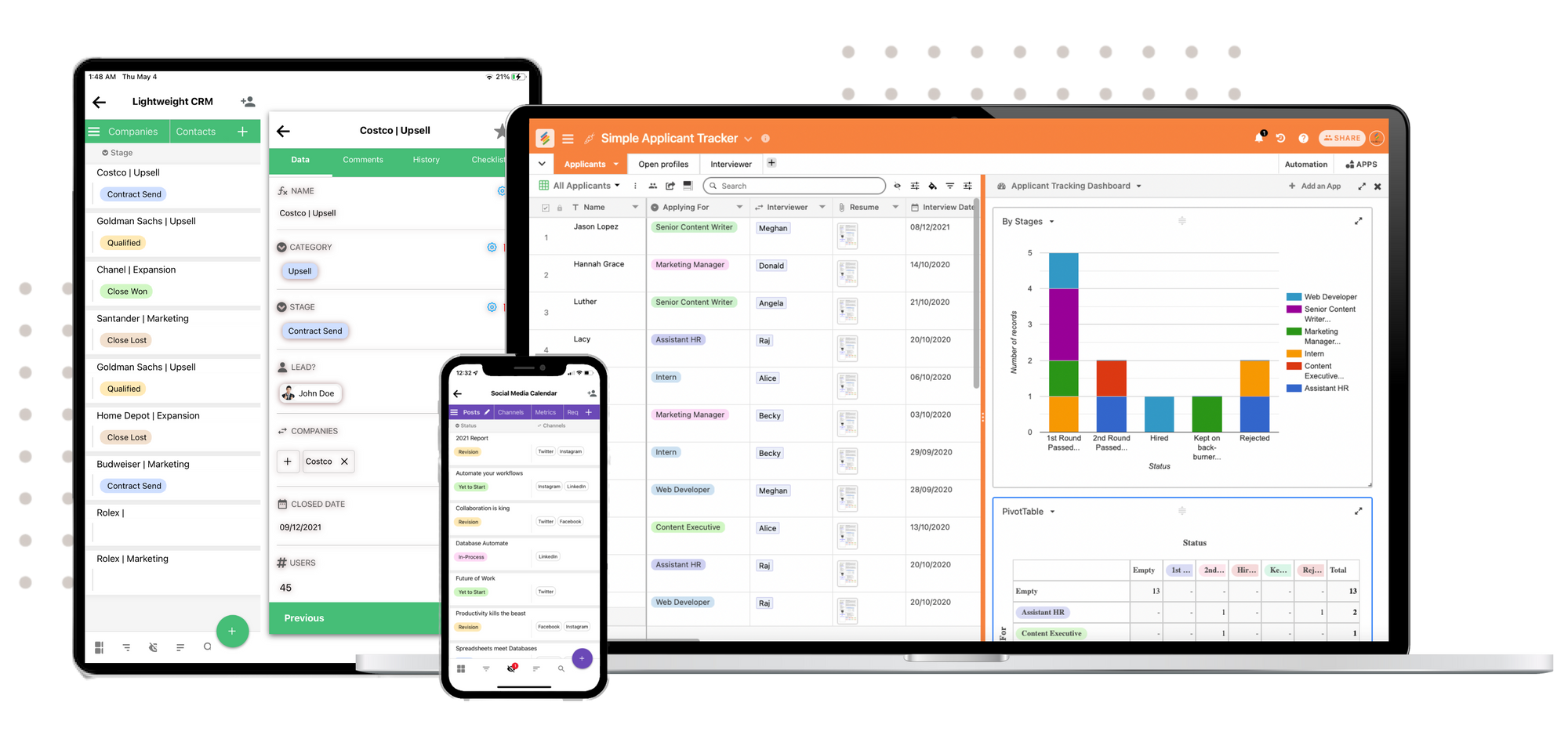
Stackby is a database and workflow platform that keeps the familiar spreadsheet-style interface while adding API integrations, automation and customizable views.
It can be useful for teams that want to bring information from different services into one workspace instead of maintaining several disconnected spreadsheets.
Why consider Stackby?
Stackby is particularly relevant when integrations are an important part of the workflow. Its column-level API connectors can be used to connect external data directly with database columns.
Top Stackby Features:
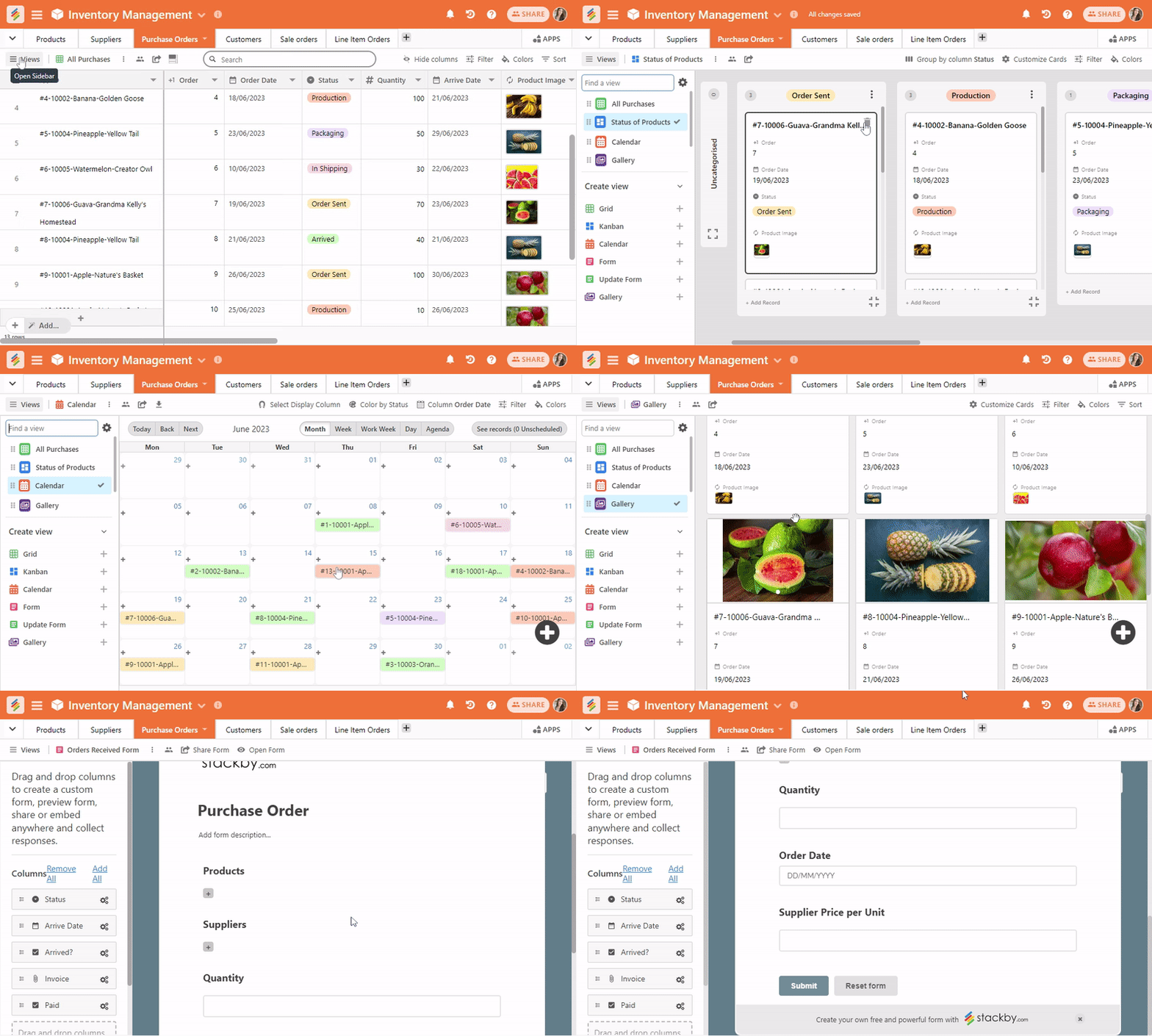
1. Data Visualization: Stackby offers six different layouts – Table, Kanban, Updatable Form, Calendar, Gallery, and Form, unlike any other service.
2. Column level API connectors: This allows the users to connect to third-party services like YouTube, Clearbit, Hunter.io, SendFox, Intercom, Google Analytics, Facebook Ads, etc., to the column and automatically pull and analyze data.
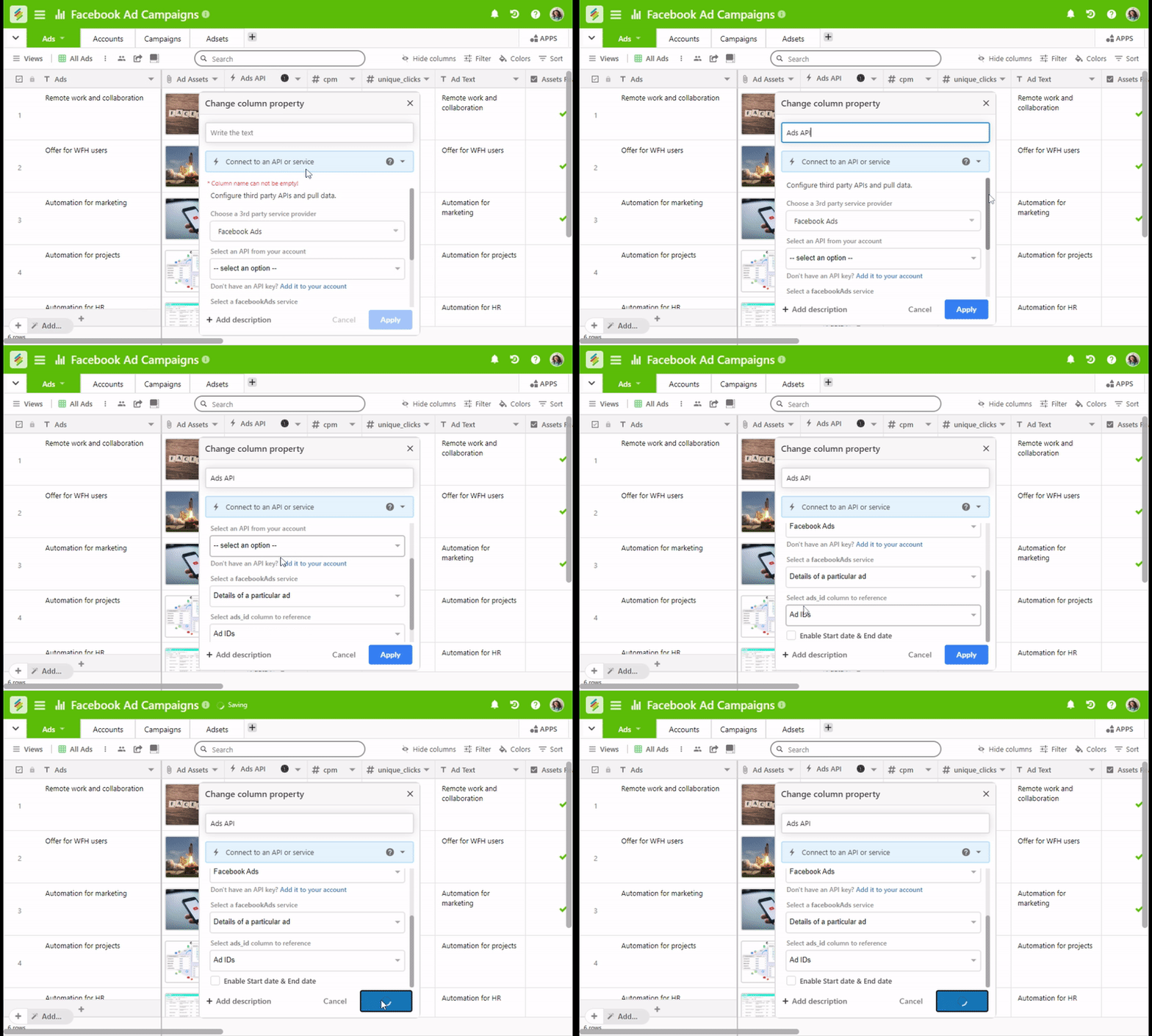
Discover: Check out all the available API integrations at Stackby
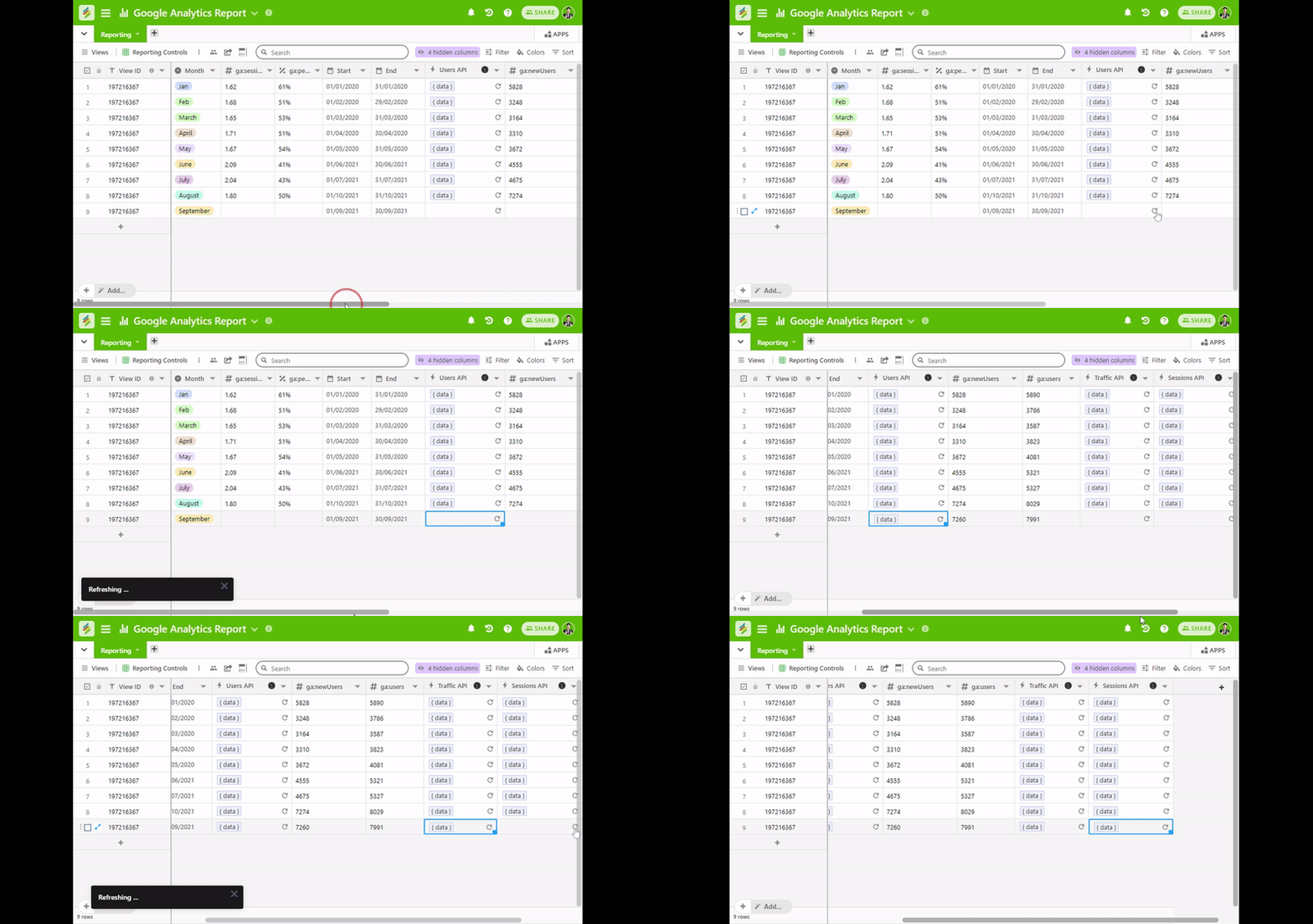
3. Real-time Data Analytics: You can automatically pull data from API, and refresh the latest information in real-time along with scheduling the API column at specific intervals. Some of the well-known templates for API integrations are Google Analytics Reporting Template, Facebook Ad Campaign Management Template, Youtube Channel Metrics template, etc.
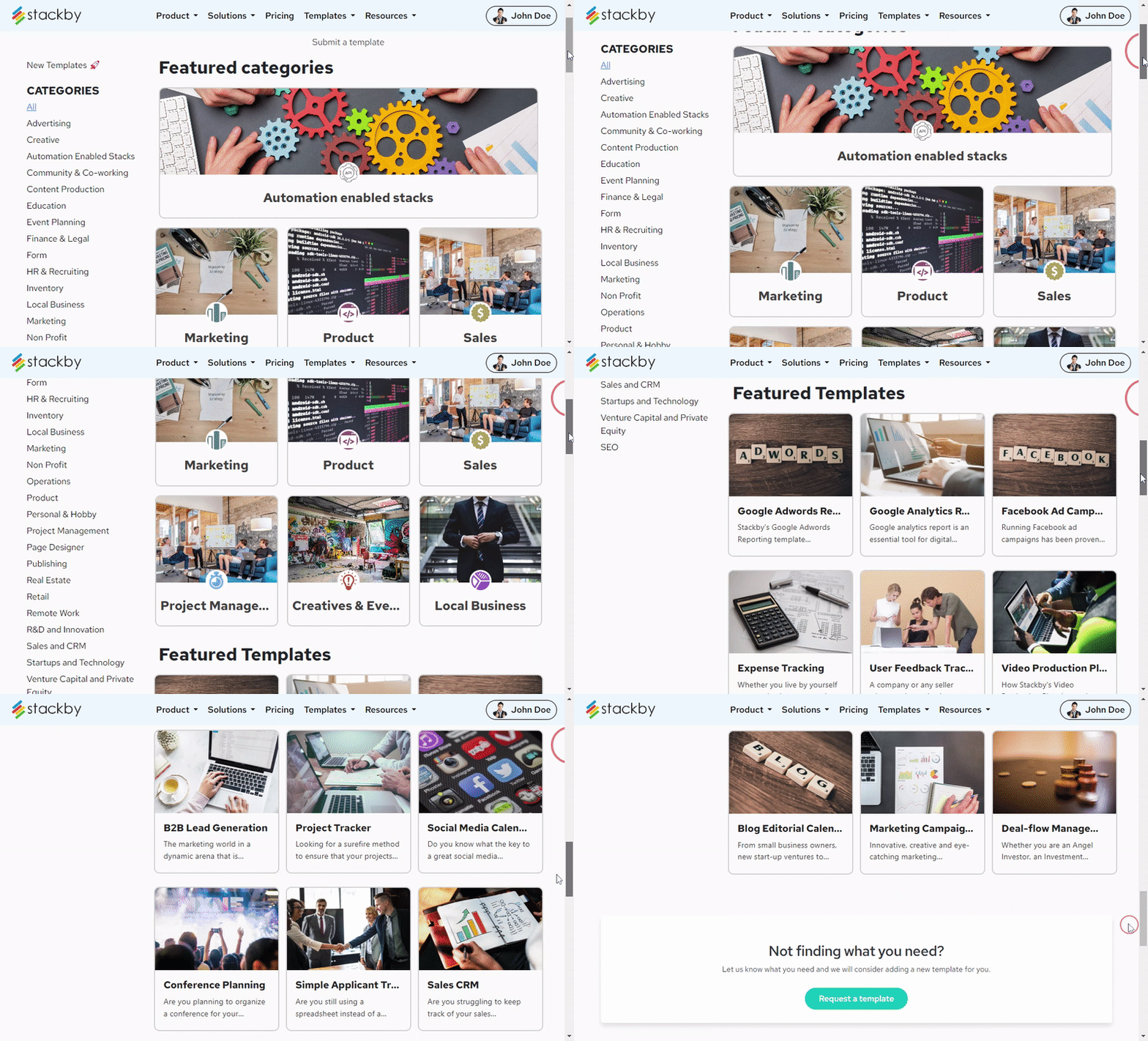
4. 300+ Templates: Stackby offers pre-built templates that can be used for managing different workflows in marketing, project management, sales, product management, human resource management, real estate, and more!
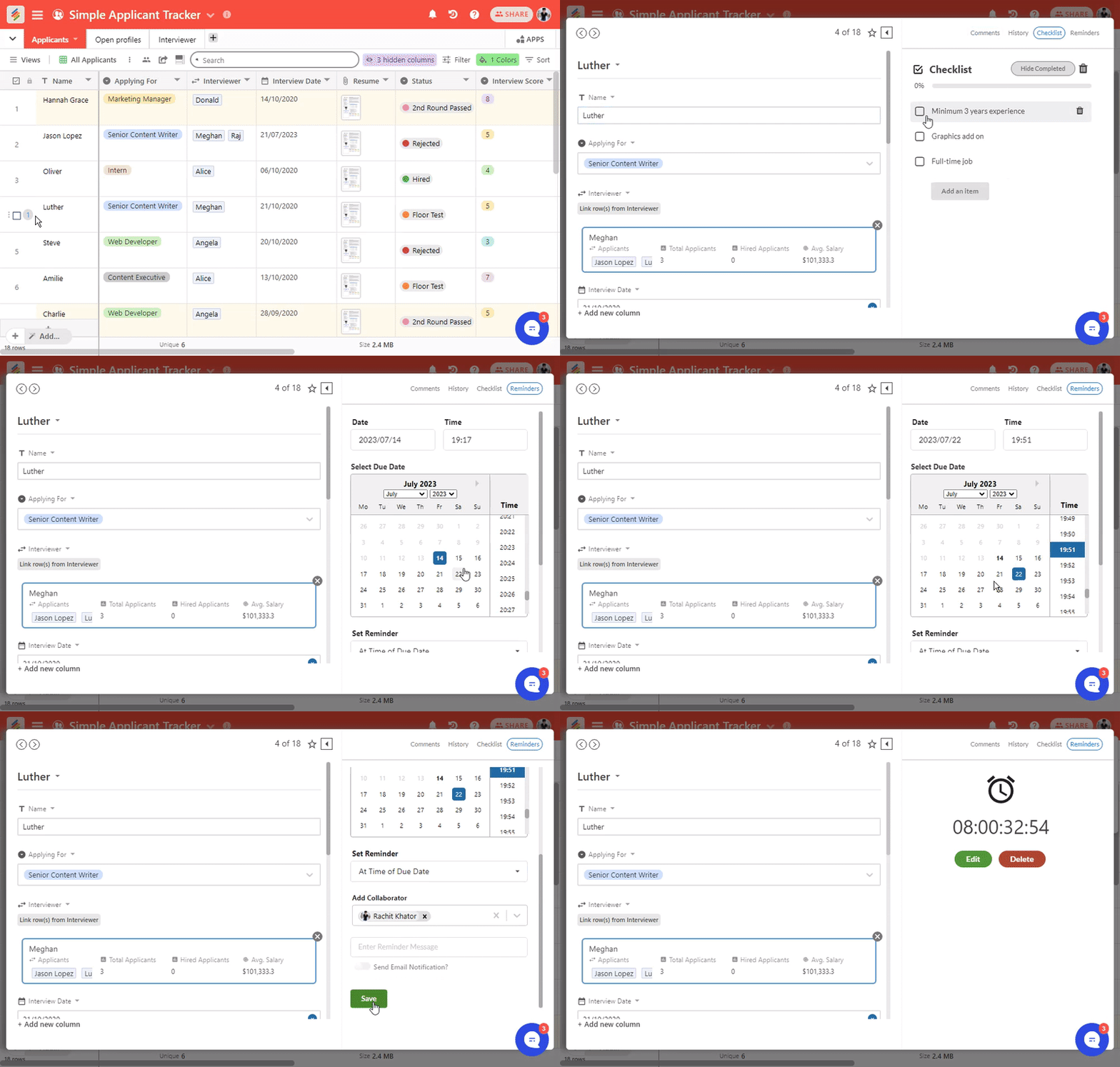
5. Real-time Collaboration: You can connect with your team using comments, checklists, and reminders, and communicate and facilitate the free flow of important information.
6. Cross-Platform Availability: Stackby customers can use its web app, mobile apps on iOS and Android, Desktop apps and Chrome extension to record, maintain, update, and visualize their data using a single interface.
7. Powerups: Stackby offers many extended functionalities such as deduplication of rows and columns, Google Drive sync, locked views, conditional logic on forms, Microsoft Excel importer, etc.
8. 25+ Column Types: Stackby includes innovative column types like ratings, checklist, progress bar, barcode, collaborators, email, formula, lookup, count, etc along with button, long text, short text, auto number, and other basic column types.
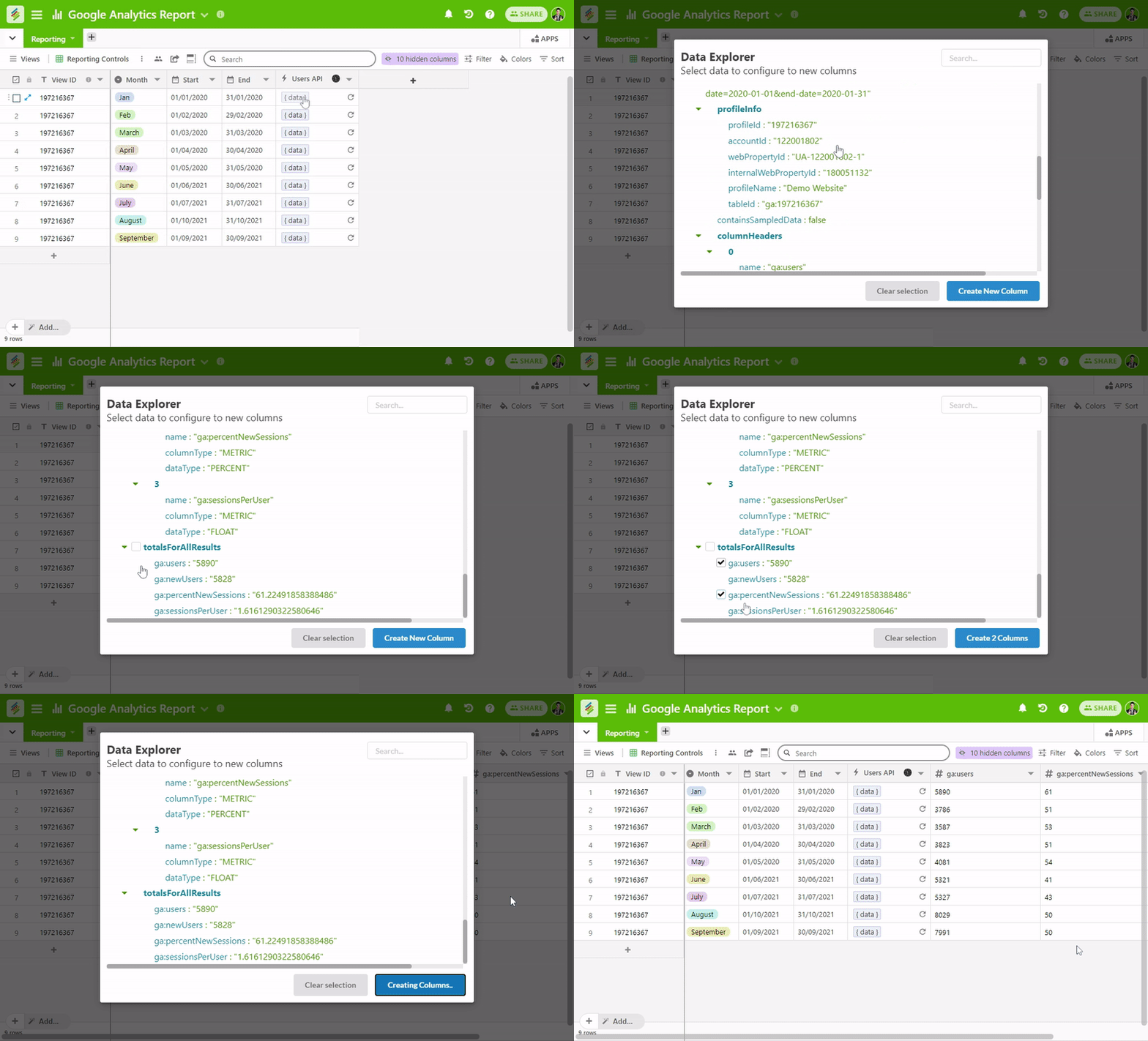
9. In-Build Data Explorer: Stackby includes a built-in JSON data explorer that helps you select the right metrics to add to your columns so that you can view real-time data from third-party apps.
10. Time-triggered Automations: With Stackby, you can automatically bring data from third-party applications to your table using time-triggered automation. Just schedule your automation by selecting a time and day when you want to sync data.
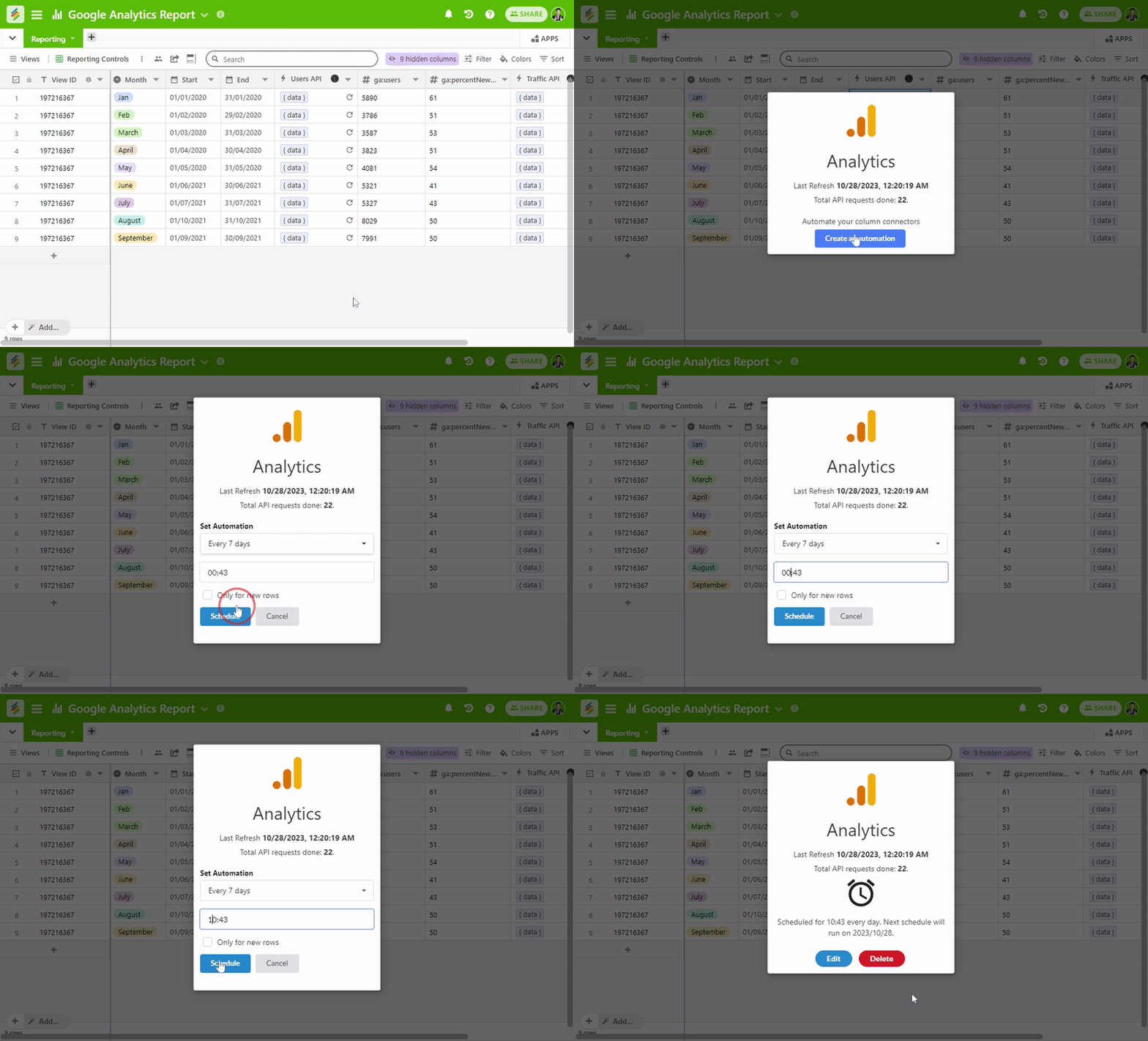
Pricing – Stackby is a free Airtable alternative! It also offers paid plans with more rows, storage and premium features.
Pricing varies by billing cycle and team size. Check the official pricing page before publishing a price
Currently, Stackby has announced a limited-time exclusive annual deal where instead of paying monthly $9/user/month, you can get an annual deal at a fixed renewal price forever.
2. Notion
Notion is an all-in-one workspace that combines documents, notes, databases, project management, knowledge bases, and collaboration. Instead of keeping documentation and structured information in separate applications, teams can organize both inside the same workspace.
Why consider Notion?
Notion can be a useful alternative to Airtable for teams that need both databases and documentation. It is particularly useful when projects require detailed notes, briefs, meeting information, internal documentation, and structured records in one place.
Top Features
1. Notes and Docs: This feature allows you to take notes, make a to-do list, and embed links in documents.
2. Knowledge Base: It is the storehouse of all your important information.
3. Tasks and Projects: It includes a Kanban board and calendar that help you stay on top of your agenda.
4. Spreadsheets and Databases: This way you can record and keep track of all your information.
Pricing – Notion is a free Airtable competitor. You can use many of its features for free and invite up to 5 guests to collaborate on your projects. Its Paid Plan starts from $5 per month.
3. Zoho Projects
Zoho is another cloud-based project management solution slightly better than Airtable with features similar to the ones described above. It helps businesses worldwide keep track of multiple tasks, set deadlines, collaborate with team members, and stay in tune with the latest project updates.
Why consider Zoho Projects?
Zoho Projects is worth considering if your main use of Airtable is project planning, task tracking, and team coordination. It provides a more project-management-focused environment where teams can manage tasks, milestones, deadlines, timesheets, and project progress in one place.
Top Features
1. Project Status: It gives a comprehensive overview of your project's current status and provides real-time updates on the same with its built-in project reports.
2. Collaboration Facilities: Its online feed, forum, and chat rooms facilitate smooth communications among your team members, and the time tracking feature monitors the time spent on a particular task.
3. Tasks: Under Project Planning, you can break down the project into simpler tasks and keep track of the deadlines to ensure that the work is completed on time.
4. Visualization: The Kanban view allows you to see your project workflow status in the form of cards. Zoho also provides Gantt Charts to visualize the progress of project tasks. You can also integrate Zoho Projects with Zoho Reports to track your Team's work.
5. Integrations: Zoho can also be integrated with Gmail, Google Drive, and Google Calendar to streamline your work and sync it with your Google account. In addition to Google, Zoho also provides Dropbox integration to its users.
Pricing – Zoho offers a variety of plans and pricing options. It is a free Airtable alternative. It includes 4 paid plans - Standard, Express, Premium, and Enterprise. The Standard price starts from $3 per month for up to 3 users.
4. Plutio
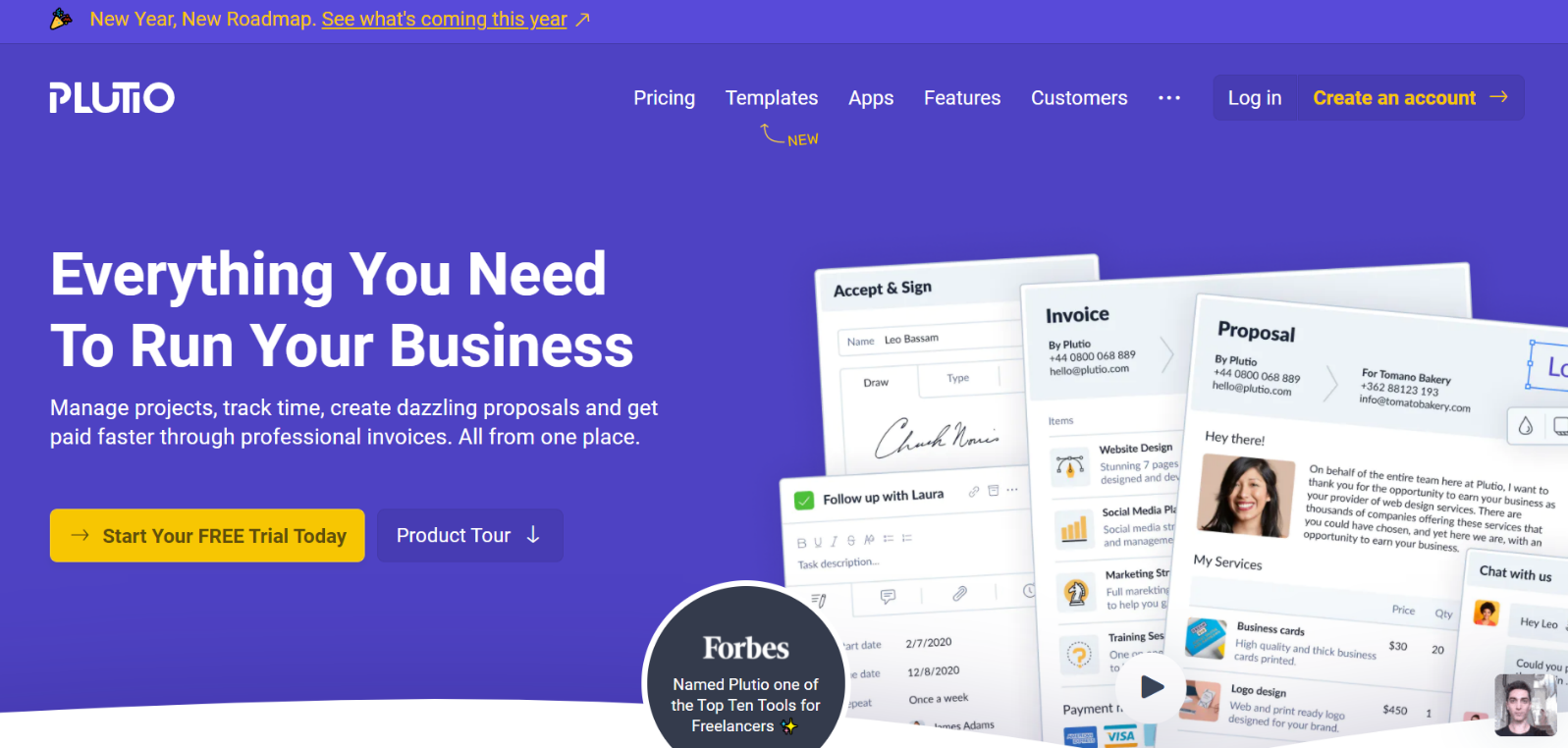
Plutio is a one-stop project management solution with multiple innovative features! It will allow you to manage your entire business using a single interface. This all-in-one solution will organize your entire work in one place. Plutio is a preferred tool for small businesses and entrepreneurs.
Why consider Plutio?
Plutio can be a useful Airtable alternative for freelancers, agencies, and service-based businesses that need more than simple data management. It brings projects, tasks, client communication, proposals, invoices, contracts, and other business processes into one workspace.
Top Features
1. Multiple Workspaces: It offers multiple workspaces to its users. This is especially useful when you must track multiple projects at the same time. Plutio allows you to work and share reports with your team members. You can also use this tool to connect with your clients, who can monitor your project's progress in real-time.
2. Tasks and Checklists: As a bonus, it allows you to add checklists inside your checklists. You can divide your entire project into the smallest and simplest tasks. The time tracking feature ensures sound time management.
3. Tracking and Management: Plutio is easy-to-use and visually appealing to the user. It combines project management and task tracking to deliver software that can be used to manage your company's most important work.
4. CRM: Plutio is much more than a project management tool. It also carries out invoice creation, contract creation, and proposal creation, and works as an effective CRM tool. You can also integrate your Plutio account with Google Calendar to streamline and track your company’s work!
Pricing – You can try using this alternative to Airtable for free but eventually you have to buy a paid plan. Plutio offers three plans - Solo, Studio, and Team. The Solo plan starts at $15 per month.
5. Agiled
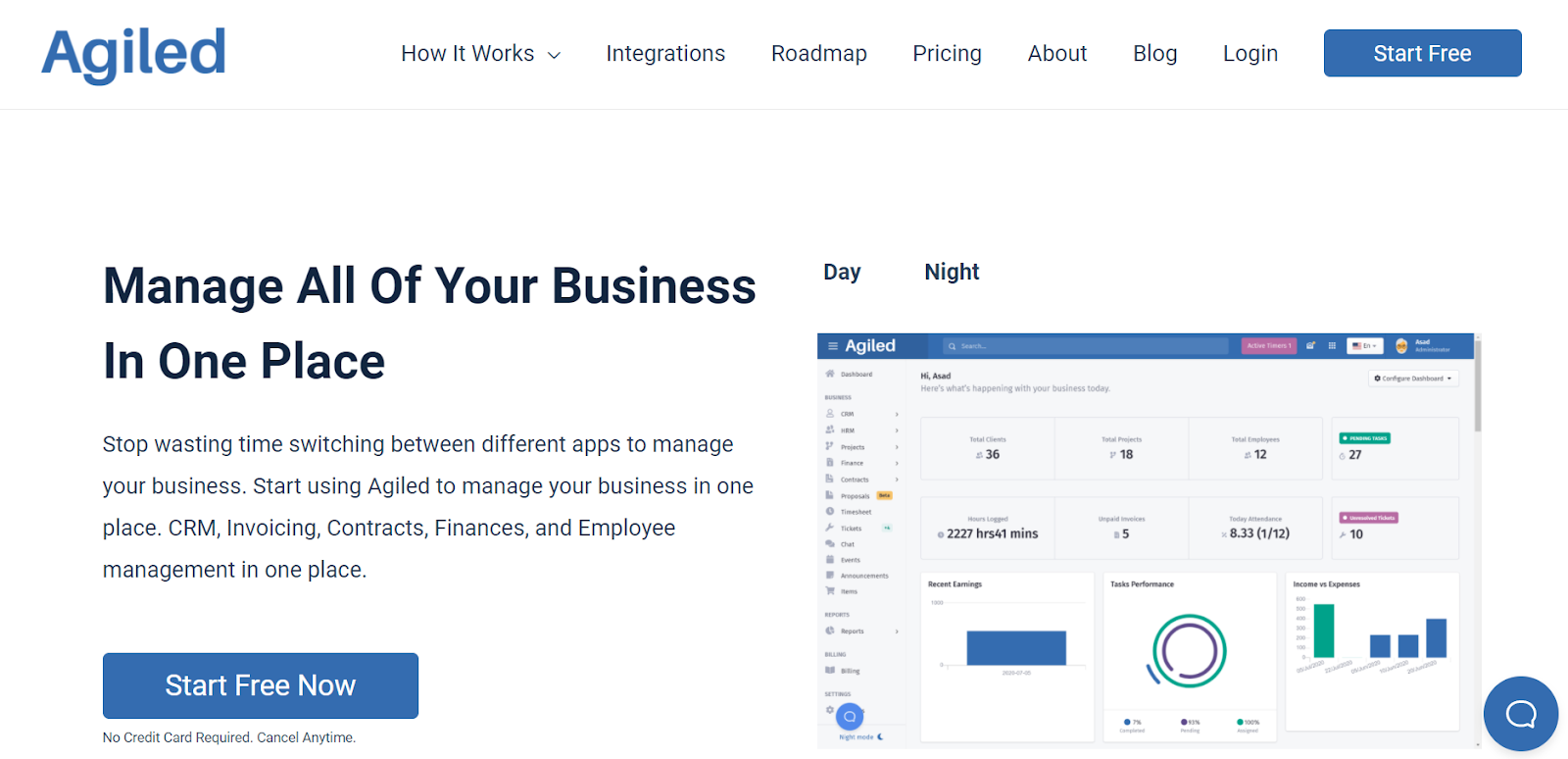
From invoicing, contracts, CRM, and finances to project and employee management, Agiled combines the functions of multiple apps in one!
Designed for business management, Agiled offers an interactive and easy-to-understand interface that can track projects, tasks, and business expenses.
Why consider Agiled?
Agiled is worth considering for freelancers, agencies, and small businesses that want to manage both their internal work and client-related processes. Along with project and task management, it provides tools for proposals, invoices, CRM, contracts, time tracking, and business automation.
Top Features
1. Project Management: Under Project Management, Agiled offers multiple templates to save time by tracking the entire process. With Gantt Charts, you can view and manage the project schedule and share it with your clients. It also allows you to set milestones for your projects.
2. CRM Tool: Agiled also works as a CRM tool allowing you to track your clients, leads, and tickets. To simplify your work, you can also use Agiled to track and manage your Finances. You can send professionally made invoices to your client via this tool and accept online payments!
3. HR solution: With Agiled, you can manage your employees, monitor team attendance, track the holiday list, and record employees on leaves.
Pricing – You can use Agiled as a free Airtable alternative. However, depending upon your team size, you can choose a paid plan starting from $7 per month!
6. Zenkit
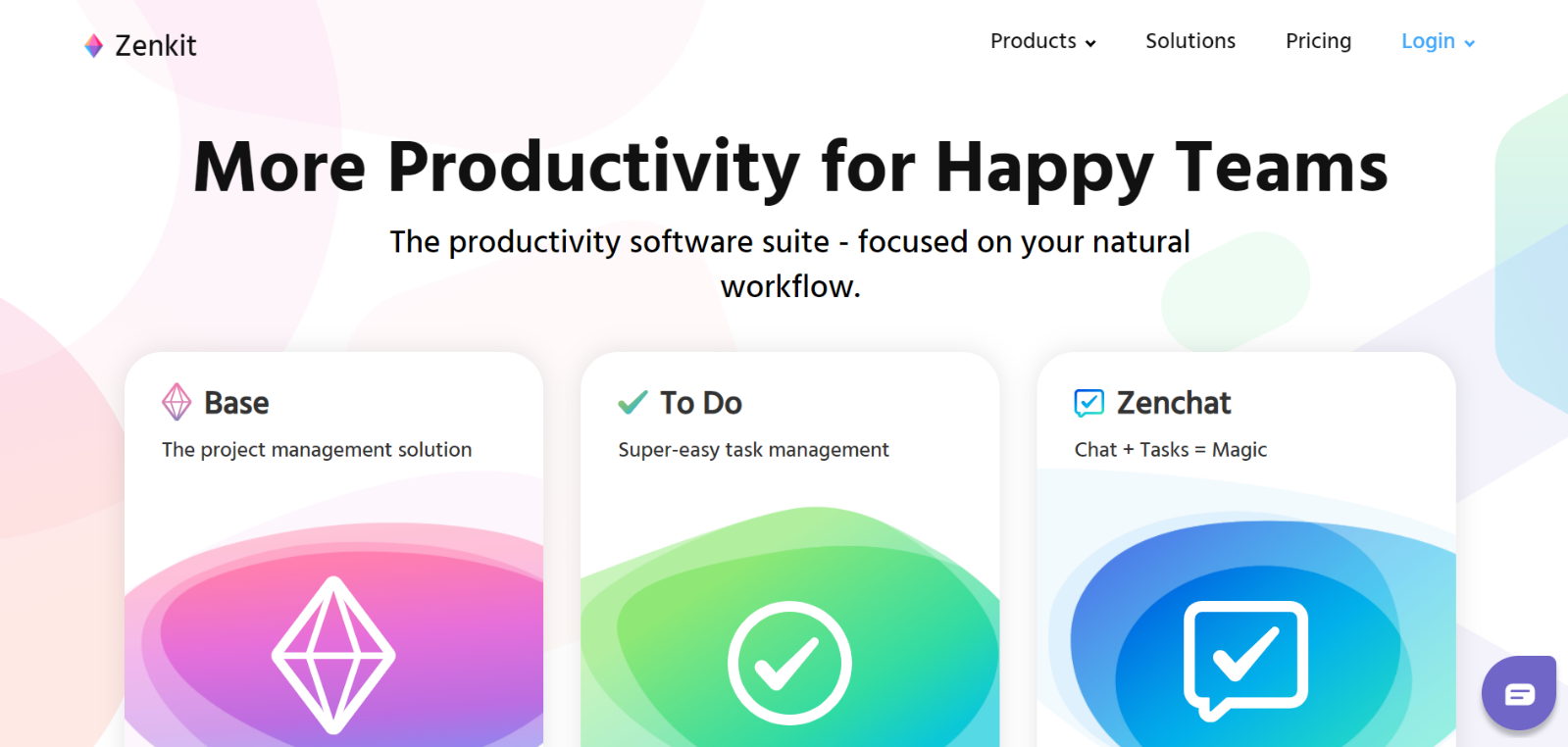
This project management tool has been making waves in the business community ever since its launch. It is extremely flexible and adaptable to the needs and requirements of users.
Zenkit is a cloud-based service that is available as an application on Android and iOS too. It gives a comprehensive overview of all your ongoing projects and allows you to track the same with the click of a single button!
Why consider Zenkit?
Zenkit can be a good option for teams that want flexibility in how they organize information and projects. It combines task management and structured data with different views, allowing users to switch between formats depending on the type of work they are managing.
Top Features
1. Team Collaboration: You can collaborate with your team and organize your tasks and ideas. It can be used for teams of any size.
2. Integration with other Apps: Zenkit’s platform can be integrated with Google Calendar. Apart from this, Zenkit also allows integration with other systems such as Google Sheets, Gmail, Trello, Dropbox, Asana, Slack, Clockify, DeskMoz, and Evernote. Its highly sought-after Kanban view allows you to categorize and view your project status in the form of cards.
3. To-Do Lists: You can use it to create and track to-do lists. Zenchat, a feature of Zenkit, is a messaging service with an in-built task management tool.
Pricing — In line with similar tools, Zenkit offers a free trial too. It provides four different plans, namely Basic, Plus, Business, and Enterprise. While the Basic plan is free, the Plus plan is $9 per month, and the Business plan is $25 per month.
7. Trello
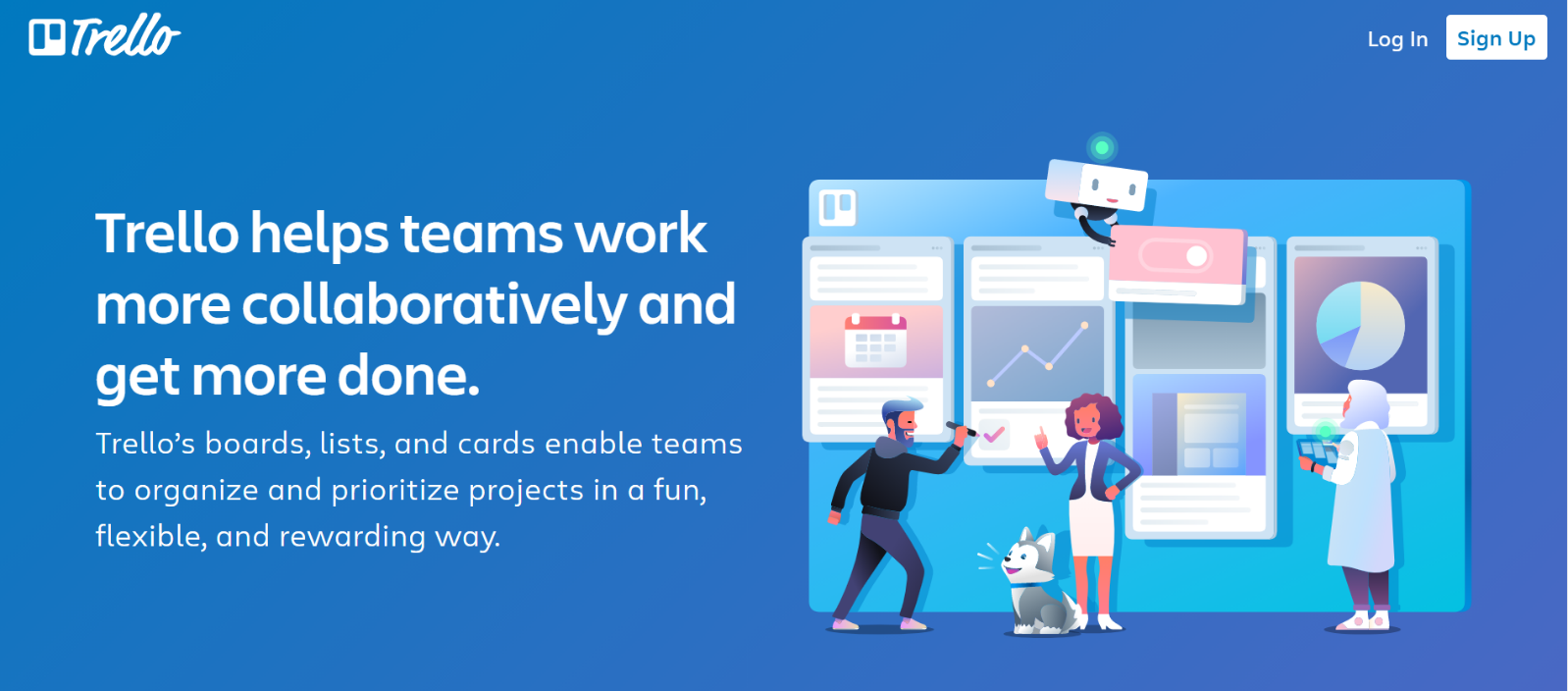
Trello works as a collaboration platform and allows its users to streamline their workflow and enhance their productivity with minimum effort!
This simple and easy-to-use project management tool is available for desktop and mobile users. With little to no training required for its use, Trello is preferred by companies across the globe.
Why consider Trello?
Trello is worth considering if you mainly use Airtable for simple task tracking and project organization. Its boards, lists, and cards make it easy to organize work visually without having to build a more complex database structure.
Top Features
1. Project Organization: You can organize and monitor your project and collaborate with your team members. Using this tool, you can categorize your project tasks according to their current status and organize them into cards to make it easy-to-understand. This is accomplished via the Kanban view.
2. Scheduling: You can set deadlines, alerts, and notifications to ensure that the client’s work is completed within the set deadline.
3. Workflow Simplification: From production workflow, product development, and recruitment to marketing campaigns, Trello can be used by all your departments to simplify their respective work.
4. Boards and Cards: Trello has a unique and dedicated voting system that employees can use to support or disapprove of a particular decision. Its board and card system has made it an attractive organizational tool for users.
Pricing – Trello offers a free plan with limited features. Also, it offers a Premium plan at $10 per user per month and an Enterprise plan at $17.50 per user per month.
8. Quip
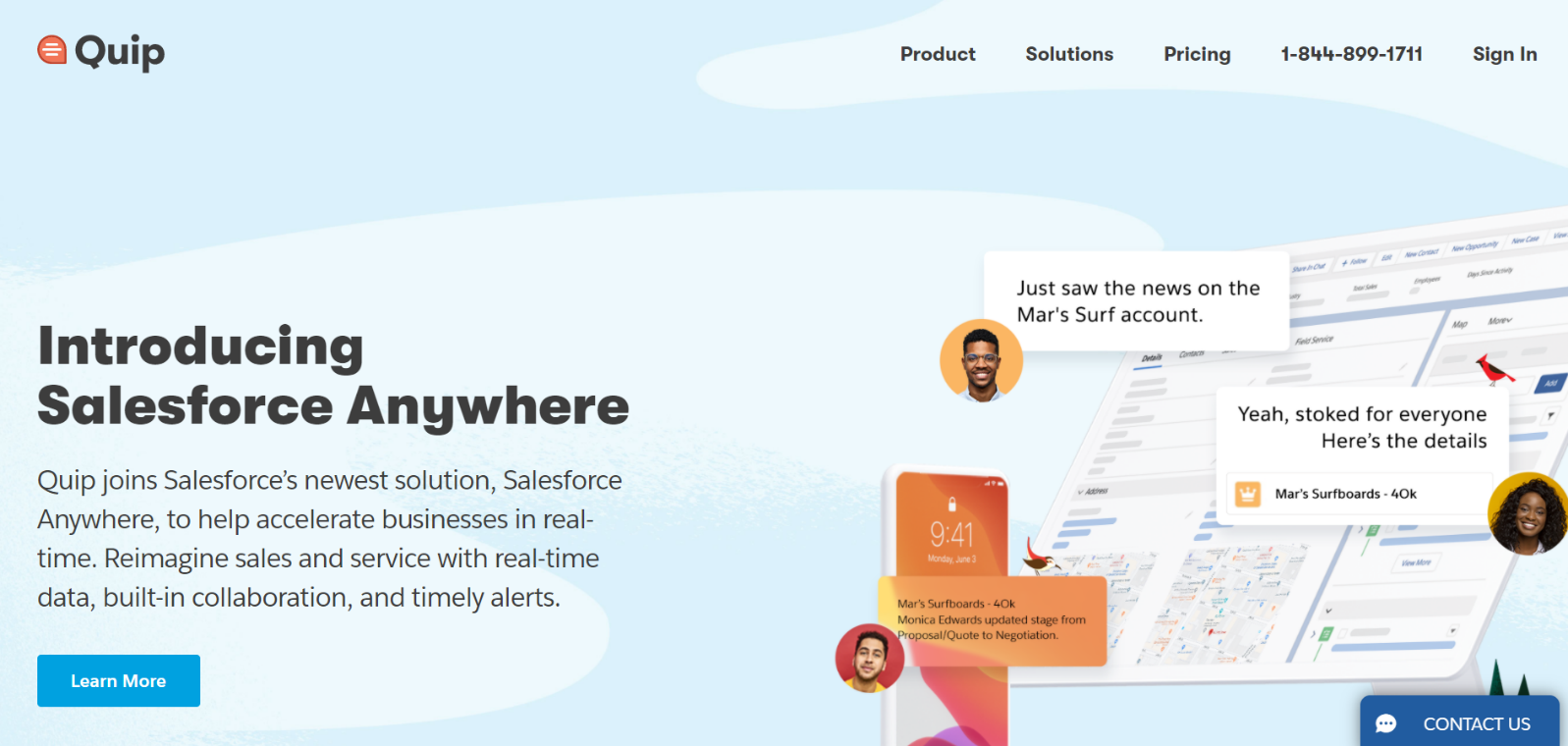
Quip is another team collaboration tool that works well as an alternative to Airtable!
Why consider Quip?
Quip can be useful for teams that want documents, spreadsheets, and communication in the same workspace. Instead of using a database as the central point of a workflow, teams can combine written documents and structured information while collaborating around the same projects.
Top Features
1. Documents and Spreadsheets: You can create and edit Quip documents to integrate and track your Team's work. Apart from this, you can develop spreadsheets and maintain checklists to promote real-time collaboration.
2. Communication: It is equipped with an in-built messaging service that allows team members to stay in constant touch and avoid any communication gap.
3. Cross-Platform Availability: Quip is available in desktop and mobile versions. It can be used by both Android and iOS supporting phones.
Pricing – Quip offers multiple plans with a different collection of features depending on the price. It offers Quip Starter for $10 per user per month, Quip Plus for $25 per user per month, and Sales Advanced for $75 per user per month. Its services are billed annually, and it also offers a free trial.
9. Podio
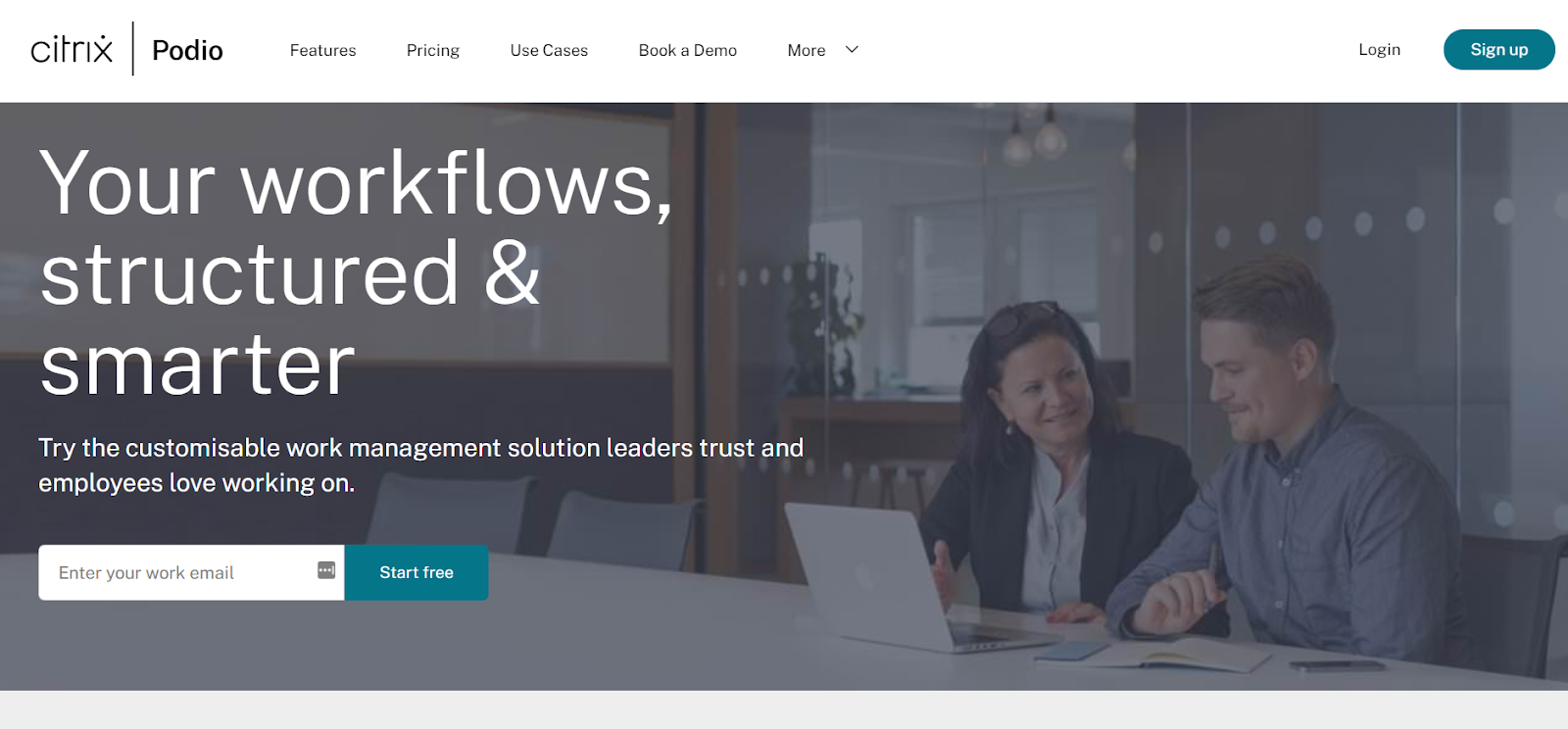
Developed by Citrix, Podio is the perfect project management tool for tracking multiple projects, setting deadlines, organizing files, and creating to-do lists. You can customize the tool to add the features that your team needs to work on their projects.
Why consider Podio?
Podio is worth considering for teams that need customizable project workflows and collaboration tools. It allows businesses to structure workspaces around their own processes, making it useful for managing projects, tasks, communication, and business information in one place.
Top Features
1. Workspace Concept: The idea behind Podio is centered around the concept of a workspace. You can assign tasks to team members, add notes and comments to facilitate a better understanding, and attach files. You can also set reminders to avoid any delays in the work assigned. It also allows you to share files with anyone.
2. Communication: Podio has a built-in instant messaging and video calling service that facilitates smooth communication among team members. It allows you to create and update reports and integrate with Gmail and Google Tasks.
Pricing – Podio offers different plans depending on the size and scope of the business. Its most basic plan is free for a maximum of five employees. It offers a Basic plan for $7.20, a Plus plan for $11.20, and a Premium plan for $19.20.
10. Smartsheet
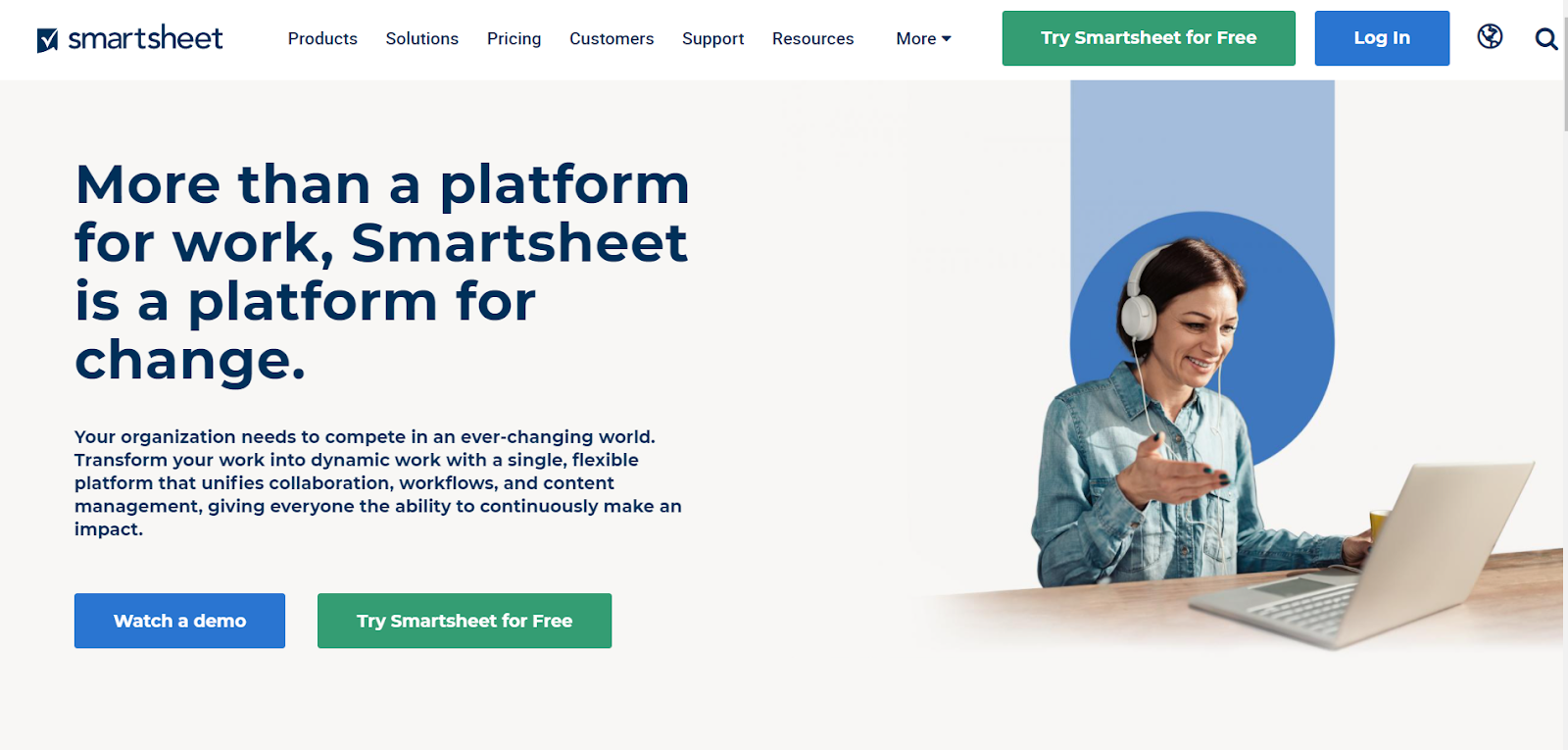
The next alternative to Airtable in this list is Smartsheet! This is another project management software that works just like Airtable but provides a wide range of functionality.
Smartsheet functions as a project manager and tracker, giving you real-time updates of your project tasks' progress. It is an easy-to-use, cloud-based, collaborative tool used by companies worldwide.
Why consider Smartsheet?
Smartsheet can be a strong option for teams that are comfortable with spreadsheets but need more advanced project and work management features. It adds tools for project planning, automation, reporting, dashboards, and collaboration while keeping a spreadsheet-style working environment.
Top Features
1. Project Visualization: You can view your project progress in the form of Gantt charts, Kanban boards, and Smartsheet calendars. It can also be used to store all your project-related files.
2. Automation: You can automate repetitive project tasks using this tool. The Activity Log here allows you to track the various aspects of your work.
3. Work from anywhere: Smartsheet is available in both the desktop and mobile versions. The latter allows you to access your work from anywhere.
Pricing – Smartsheet offers two different sets of plans, namely Standard and Enterprise. Under the former, it provides an Individual Plan for $14 per month and Business Plan for $25 per user per month. On the other hand, it also offers an Enterprise Plan and Premier Plan.
11. Asana
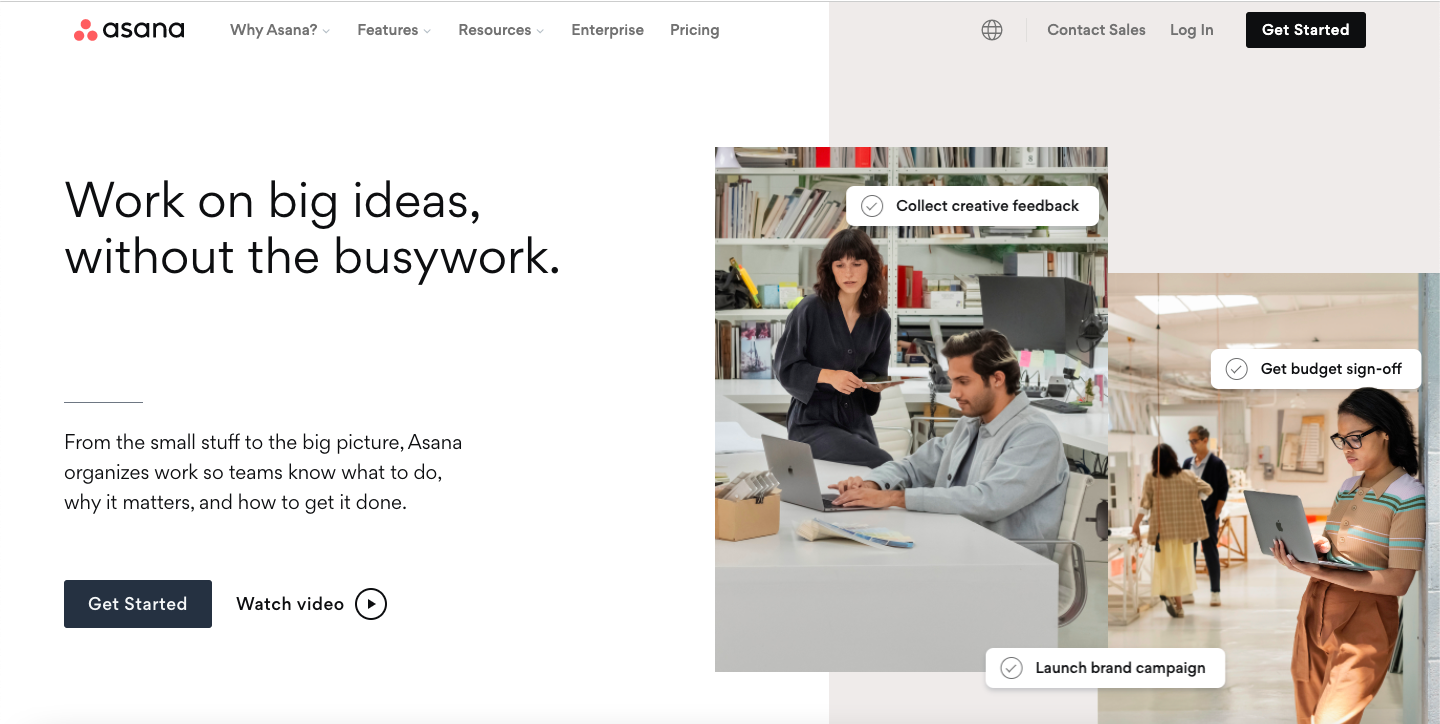
If you want to stay on top of your project deadlines, assign tasks to your team and ensure complete coordination and communication within your team, Asana proves to be better than Airtable. Its features like task management where you can view, prioritize, and monitor progress outgrow Airtable.
Why consider Asana?
Asana is worth considering when your main reason for using Airtable is managing projects, tasks, deadlines, and team responsibilities. It provides dedicated project management features that help teams plan work, assign tasks, monitor progress, and keep project communication organized.
Top Features
1. Real-time Reporting: It provides real-time insights into your project, making it easier for you to speed up or slow down.
2. Workflow Builder: You can create your workflows and organize your business processes.
3. Goals: You can set strategic goals for every project and track your progress towards them.
4. To-do Lists: You can create daily to-do lists, assign tasks and mark them complete to coordinate every aspect of your project with your team.
Pricing – Asana is a free alternative to Airtable. Its basic plan costs $0. However, it also has a Premium plan that starts from US$10.99 per user per month and a Business plan that starts from US$24.99 per user per month.
12. Freedcamp
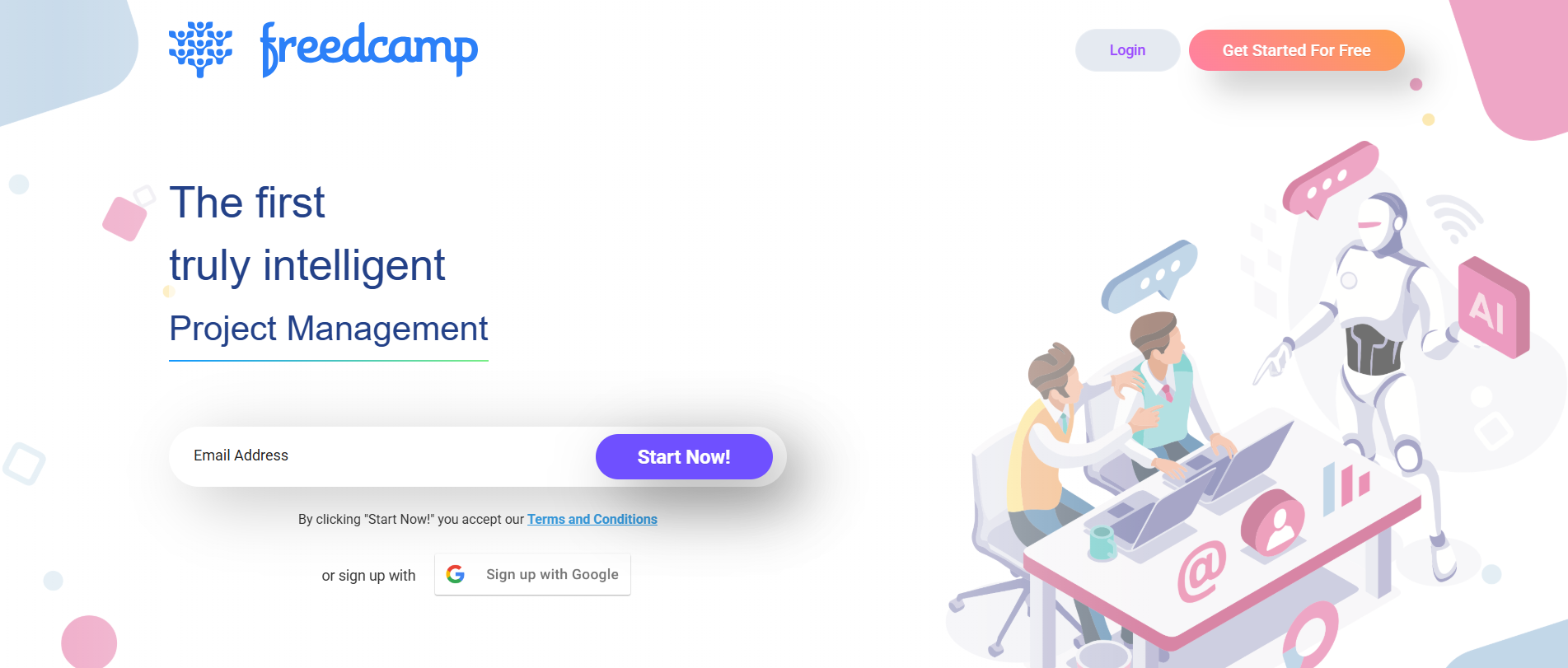
One of the flourishing Airtable competitors is Freedcamp, an intelligent project management software. It helps you streamline your projects, processes, and workflows, and provides every feature that helps in successfully completing projects.
Why consider Freedcamp?
Freedcamp can be considered by small teams and businesses looking for a straightforward project management platform. It provides tools for tasks, discussions, calendars, milestones, and file sharing, making it useful for teams that need basic project organization without building a custom database.
Top Features
1. Tasks and Subtasks: You can create tasks or split them into subtasks to keep track of your daily to-do list.
2. Visualization: You can view your projects in Kanban and Gantt Chart formats, making it easier for you to make difficult decisions and enhance project scheduling.
3. Wiki: You can keep multiple versions of every documentation of your organization here at Wiki.
Pricing – You can start with Freedcamp for FREE! This will provide you with unlimited projects, tasks, and storage. However, it also has three paid plans that include additional features for project management. Its paid plans start from $ 1.49 per user per month which is definitely a cheaper option than Airtable.
13. Wrike
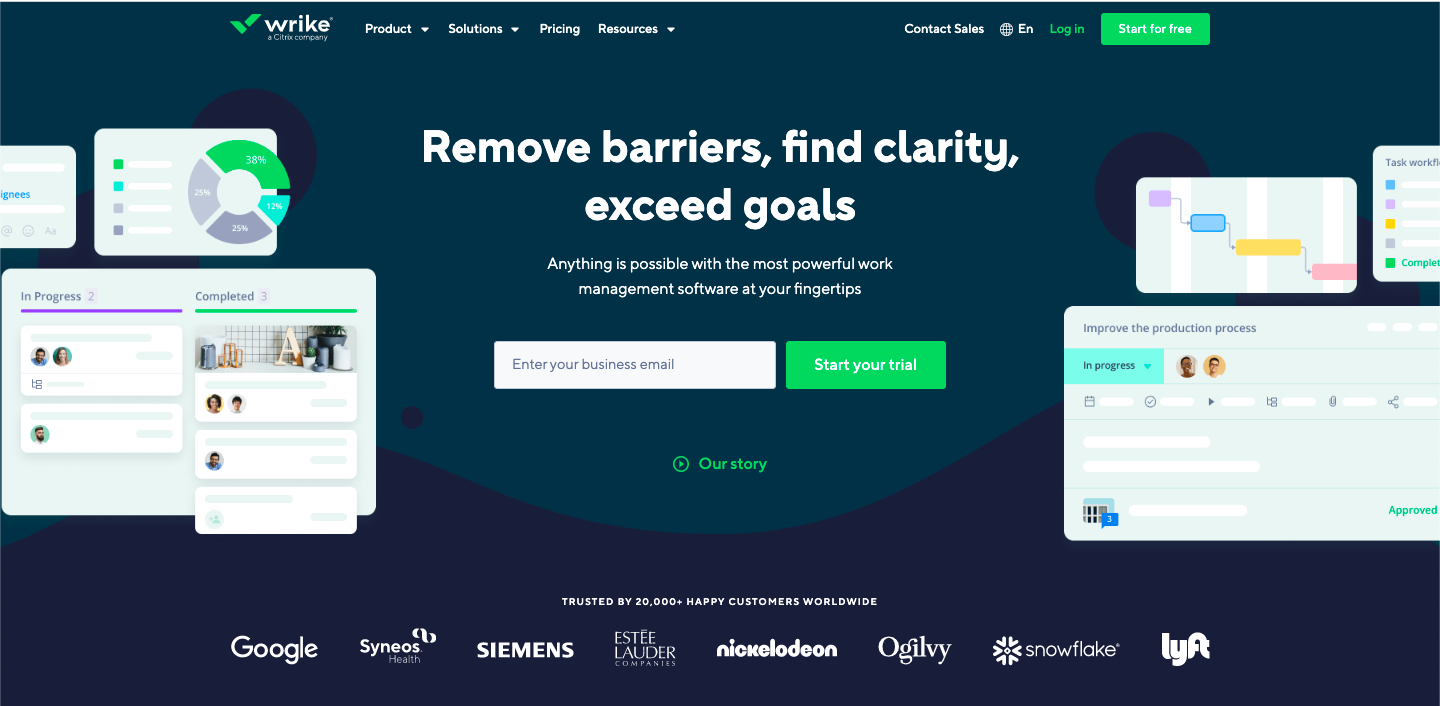
Our next tool in the list of alternatives to Airtable is Wrike, a powerful work management tool. This tool is something different as it focuses on maximizing your performance and improving customer experience. Let us see what’s exciting in this tool.
Why consider Wrike?
Wrike is worth considering for teams managing complex projects, multiple workflows, and larger volumes of work. It provides deeper project planning, reporting, resource management, dashboards, and collaboration features for organizations that need a more structured work management system.
Top Features
1. 360-degree Visibility: You can track your project from every aspect, ensuring that you make better decisions. Its 360° dashboards allow you to get a detailed overview of your project.
2. AI Recommendations: Wrike is powered by artificial intelligence that takes the guesswork out of your decision-making process and provides risk mitigation too.
3. Custom Forms: You can gather details and auto-create and auto-assign tasks to the right teams using custom request forms at Wrike.
Pricing – If you are a solopreneur or a small team of up to 5 members, you can use Wrike for free and create a centralized task management system. However, for more functionality, you have to buy a paid plan starting from $9.80 per user per month.
14. ClickUp
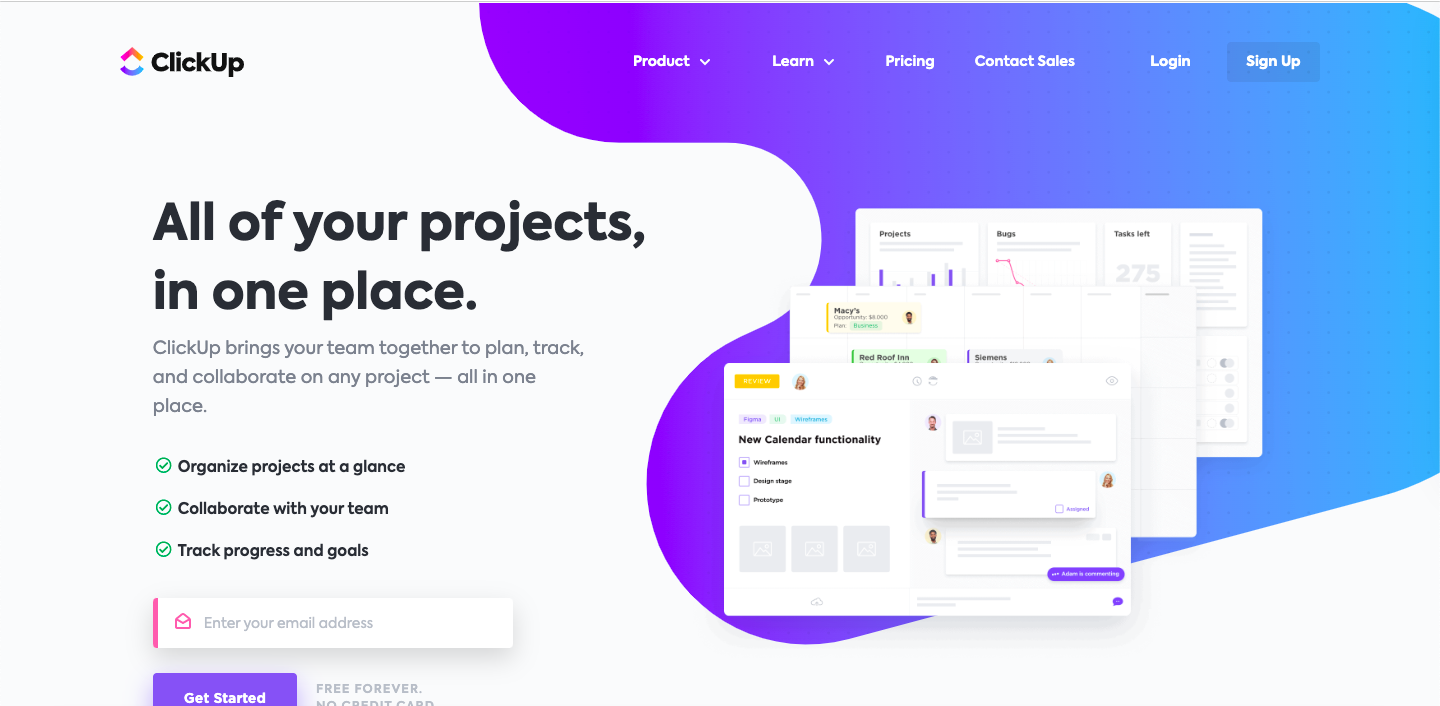
ClickUp claims that it is the best free alternative to Airtable. It is project management software with task management features just like Airtable.
Why consider ClickUp?
ClickUp can be a useful Airtable alternative for teams that want project management and task tracking to be at the center of their workflow. It combines tasks, documents, goals, dashboards, automation, and collaboration, giving teams a broader workspace for managing day-to-day work.
Top Features
1. Data Visualization: ClickUp provides a variety of views such as list, board, table, box, calendar, activity, Gantt charts, etc.
2. Action Comments: You can convert your comments into tasks and ensure that your team is actually paying attention to your comments.
3. Chat View: You do not have to filter comments and find conversations, everything is stored in the form of a chat view. It is a time-saving feature loved by many ClickUp users.
4. ClickUp Docs: You can create stylish documents just like Google Docs with ClickUp and formulate a comprehensive knowledge base for your team/ project.
Pricing – You start with ClickUp for free but if you want to access all its features, you have to choose a paid plan. ClickUp currently offers three paid plans starting from $5 per user per month.
15. Jira
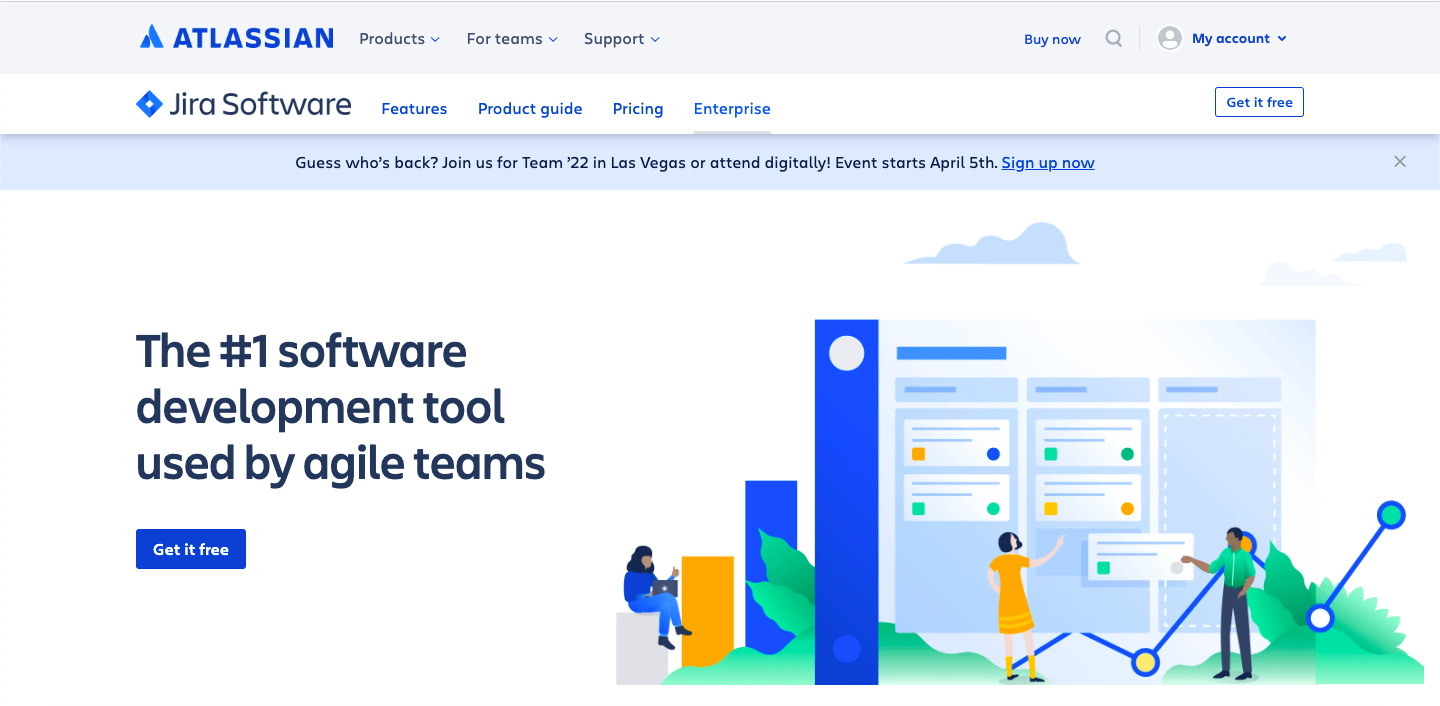
Jira is a project management tool for agile teams that offers to be a good alternative to Airtable in 2022. With this tool, you can plan, track, and release great software. If you think that Jira is for only software development teams, you must also check its Business, HR, and Marketing workflow resources.
Why consider Jira?
Jira is worth considering for software development and technical teams that need detailed issue and project tracking. Its workflows, boards, sprint planning, backlog management, and reporting features are designed around software development processes rather than general-purpose database management.
Top Features
1. Scrum Boards: It provides you with scrum boards so that you can progressively deliver software updates as fast as possible.
2. Roadmaps: You can sketch the big-picture of your projects by creating roadmaps. You can connect all your team’s work to the roadmap and give stakeholders a clear idea about your project.
3. Agile Reporting: From velocity charts, and version reports, to sprint reports and burnup charts, you can create real-time out-of-the-box reports with actionable insights.
Pricing – Just like all other Airtable competitors, Jira also offers a lifetime free plan for small teams. However, extended features are provided in its three paid plans starting from $7.50 per month per user.
Versha Rai
16. Productive.io

Productive.io is a work management platform built mainly for agencies and professional service businesses. It brings project management, time tracking, budgeting, resource planning, and reporting into one workspace, helping teams manage both day-to-day work and the business side of client projects.
Why consider Productive.io?
Productive.io can be useful for agencies and professional service businesses that need to manage projects alongside budgets, time, resources, and client work. It brings project management, resource planning, time tracking, budgeting, reporting, and financial workflows into one platform.
1. Resource Planning: See who's booked, who's available, and where your team is overloaded in real-time, so you can plan sprints and staff new projects without exporting to a spreadsheet.
2. Time Tracking & Budgeting: Time logged on tasks flows automatically into budgets and profitability reports. Get early alerts when a project is about to go over budget.
3. Invoicing & CRM: Turn tracked time into client-ready invoices with a few clicks, sync with QuickBooks or Xero, and track deals and pipeline in a built-in CRM.
4. AI Features: Productive's AI Notetaker joins meetings and turns them into structured summaries and action items, while AI Agents automate repetitive operational tasks across the platform.
5. Reporting: Custom dashboards for utilization, profitability, and revenue forecasting, all pulling from live data.
Pricing – Productive offers a 14-day free trial. Its Essential plan starts at $10 per user per month, the Professional plan is $25 per user per month, and the Ultimate plan includes advanced forecasting and integrations (custom pricing).
Final Thoughts
Even though Airtable has a lot to offer, sometimes some tools are not the right fit for you or your business, and sometimes you are simply looking for something more. Hope that this list helped you out in finding a suitable alternative to Airtable!
Frequently Asked Questions About Airtable Alternatives in 2026
1. What is the best Airtable alternative in 2026?
There is no single Airtable alternative that works best for every team. The right choice depends on what you need. Baserow and NocoDB are useful for database-focused workflows, Notion combines documents and databases, while ClickUp and monday.com focus more on project and task management.
2. Are there any free alternatives to Airtable?
Yes, there are many Airtable free alternatives like Stackby, Asana, Freedcamp, Wrike, Notion, and Zoho. You can use these tools for free forever. They also offer paid plans. If your project management requirements scale up, you can switch to a paid version at any time.
3. Can I self-host an Airtable alternative?
Yes. Several platforms support self-hosting, particularly database-focused tools such as Baserow, NocoDB, Grist, and Teable. Self-hosting gives your organization more control over the infrastructure and data, but you also need to manage hosting, security, backups, maintenance, and updates.
3. Can I self-host an Airtable alternative?
Yes. Several platforms support self-hosting, particularly database-focused tools such as Baserow, NocoDB, Grist, and Teable. Self-hosting gives your organization more control over the infrastructure and data, but you also need to manage hosting, security, backups, maintenance, and updates.
4. Can I migrate my Airtable data to another platform?
Yes. Many Airtable alternatives support CSV imports, and some provide additional migration or API options. Basic table data is generally easier to move than linked records, formulas, attachments, automations, and complex workflows. It is a good idea to test the migration with a smaller base before moving everything.
5. Will my Airtable automations work after migration?
Usually, you should not expect Airtable automations to transfer exactly as they are. Your tables and basic data may be imported, but automations, integrations, formulas, permissions, and custom workflows may need to be recreated in the new platform.
6. Why are people looking for Airtable alternatives?
Different teams look for alternatives for different reasons. Common considerations include pricing as a team grows, project management requirements, automation and integrations, AI capabilities, self-hosting, data control, and the need for a different type of workflow.
7. How is Stackby better than Airtable?
Stackby provides many upgraded features like you can use 40+ API connectors at the Column level. It provides refresh cells feature where you can bring real-time data to your tables with just a click. It includes built-in automation, updatable forms, checklists, and reminders for each row of the table which are missing in Airtable. You can find why Stackby makes a better Airtable alternative.
| Read more: Top Free Coda Alternatives
| Read more: Top 10 Free Google Sheets Alternatives
![A Simple Guide on Workflow Management Software [Updated 2026]](/blog/content/images/size/w960/2021/12/work-management-blog.png)
![Step by Step Guide on How to Build Forms in a Database [2026]](/blog/content/images/2022/03/form-database-blog.png)